Best Dental Imaging Software in 2026: 8 Tools Compared
We compared the best dental imaging software for 2026 on 2D and 3D capture, image quality, implant planning, integration and pricing for dental practices.
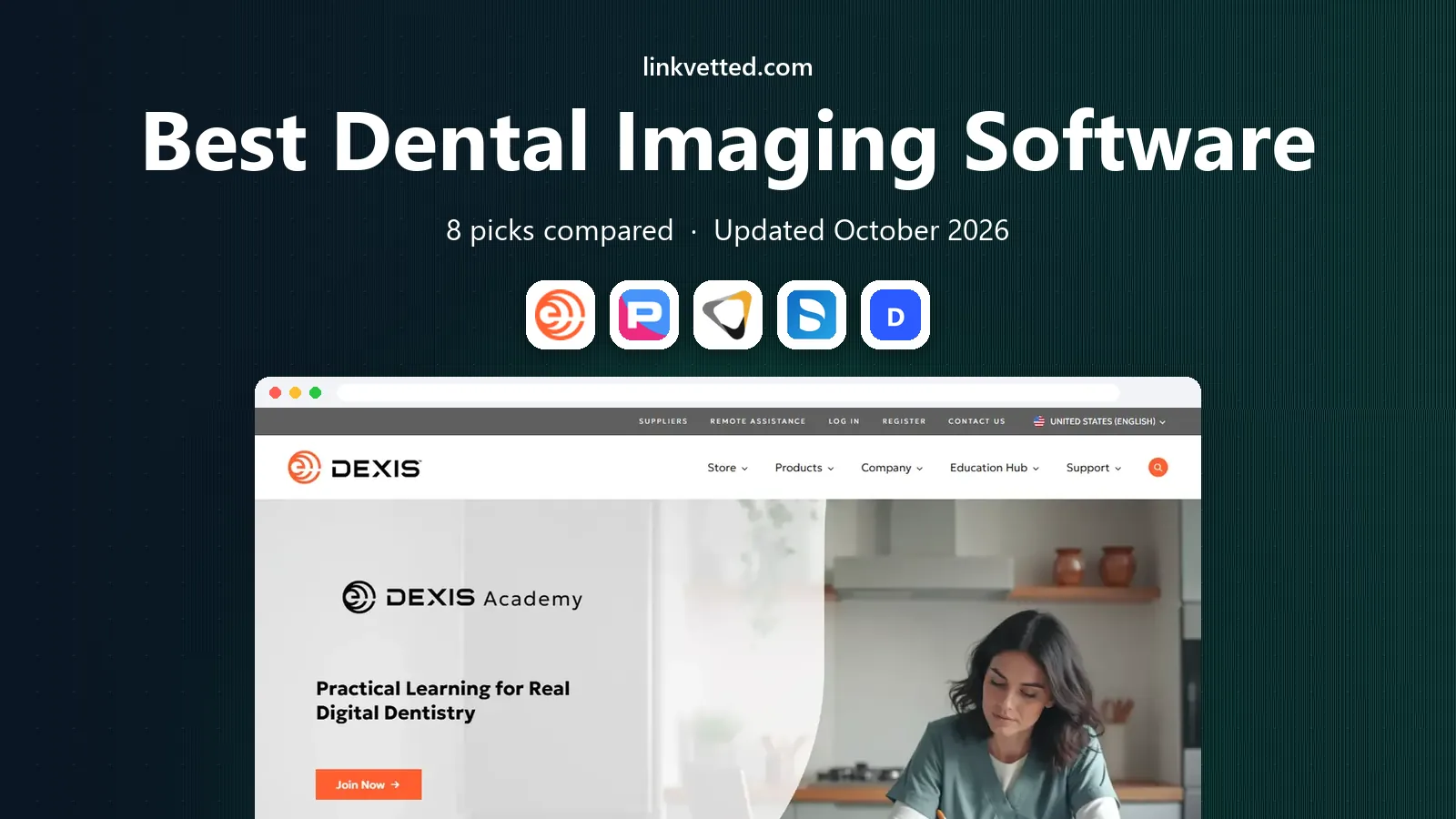
- Editor's choice
 DEXIS Imaging Suite
General practices that need broad 2D and 3D imaging
Starts atSee websiteVisit dexis.comFull review - Great alternative
 Planmeca Romexis
Practices that standardize on Planmeca imaging
Starts atSee websiteVisit planmeca.comFull review - Also consider
 Carestream Dental Imaging
Practices that want imaging plus practice tools
Starts atSee websiteVisit carestreamdental.comFull review
TL;DR:
- DEXIS Imaging Suite and Planmeca Romexis lead for broad 2D and 3D imaging in general practices.
- Dolphin Imaging leads for orthodontic analysis, cephalometrics and treatment simulation.
- Carestream Dental Imaging and Sidexis suit practices already using those hardware brands.
- Most dental imaging software is quote-based, so check hardware fit before price.
Quick comparison
| Tool | Best for | Starts at | Free plan? | |
|---|---|---|---|---|
| DEXIS Imaging Suite | General practices that need broad 2D and 3D imaging | See website | No | Visit |
| Planmeca Romexis | Practices that standardize on Planmeca imaging | See website | No | Visit |
| Carestream Dental Imaging | Practices that want imaging plus practice tools | See website | No | Visit |
 Dentsply Sirona Sidexis | Practices using Dentsply Sirona equipment | See website | No | Visit |
 Dolphin Imaging | Orthodontic practices that need analysis and simulation | See website | No | Visit |
 SOTA Imaging | Practices that want simple, reliable X-ray capture | See website | No | Visit |
 Apteryx Imaging | Practices and groups that want cloud imaging | See website | No | Visit |
 DentiMax Imaging | Small practices that want imaging plus management | See website | No | Visit |
The best Dental Imaging Software
Dental imaging software captures, views, measures and stores X-rays, intraoral scans and 3D cone beam images. The right tool should tie images to the correct patient record, work with your sensors and scanners, and make diagnosis and treatment planning clear. We compared tools on capture, 2D and 3D review, planning features and practice integration.

DEXIS Imaging Suite suits general practices that want one imaging home. DEXIS Imaging Suite covers 2D X-rays and 3D CBCT review in one workspace, with measurement and multiplanar views for diagnosis and planning. Its broad sensor support suits general practices with varied imaging needs.
Pricing is quoted and the fit is strongest for practices using DEXIS sensors and scanners. If you use mixed hardware, test capture and review with each device before you commit. Pricing is listed as See website, with a free plan or trial status of No. Check the vendor pricing page before you buy, since tiers and limits change, and test the tool on a real case during any trial.
- 2D and 3D imaging in one suite
- Measurement and multiplanar review
- Broad sensor support
- Pricing is quoted
- Best fit is DEXIS hardware users
For practices that standardize on Planmeca, Planmeca Romexis is a strong starting point. Planmeca Romexis is a modular imaging platform for 2D, 3D, implant planning and orthodontic work, with links to CAD and CAM workflows. Its single patient workspace keeps capture, review and planning together.
The catch is lock-in. Romexis works best with Planmeca hardware, and pricing is not public. Practices already on Planmeca will get the most value, while mixed-hardware practices should test integration carefully. Pricing is listed as See website, with a free plan or trial status of No. Check the vendor pricing page before you buy, since tiers and limits change, and test the tool on a real case during any trial.
- Modular 2D and 3D imaging
- Implant planning
- Orthodontic analysis
- CAD and CAM links
- Pricing is not public
- Vendor lock-in is a risk with Planmeca hardware
Carestream Dental Imaging
Best for: Practices that want imaging plus practice tools
Carestream Dental Imaging is built for practices that want a full dental suite. Carestream Dental Imaging covers 2D and 3D imaging with practice management links and security features for dental practices. Its broad suite suits practices that want imaging and management from one vendor.
Upfront license cost can be high, and pricing is quoted. Check which imaging, 3D and support modules are included, since bundle details vary by quote. Pricing is listed as See website, with a free plan or trial status of No. Check the vendor pricing page before you buy, since tiers and limits change, and test the tool on a real case during any trial.
- 2D and 3D imaging
- Practice management links
- Data security features
- Upfront license cost can be high
- Pricing is quoted
Dentsply Sirona Sidexis
Best for: Practices using Dentsply Sirona equipment
If you are looking for a tool for Dentsply Sirona practices, Dentsply Sirona Sidexis deserves a close look. Sidexis is the imaging software for Dentsply Sirona sensors, scanners and CBCT units, with chart integration and 3D review. Practices already on that hardware get a tight capture-to-chart workflow.
The fit is narrow by design. Mixed-hardware practices may need another viewer, and hardware upgrades may be needed for newer features. For a Dentsply Sirona practice, though, it is the natural pick. Pricing is listed as See website, with a free plan or trial status of No. Check the vendor pricing page before you buy, since tiers and limits change, and test the tool on a real case during any trial.
- Imaging for Dentsply Sirona sensors and CBCT
- Chart integration
- 3D review
- Best with Dentsply Sirona hardware
- Upgrades may be needed
Dolphin Imaging
Best for: Orthodontic practices that need analysis and simulation
Dolphin Imaging suits orthodontic practices. Dolphin Imaging is built for orthodontics, with cephalometric analysis, 2D and 3D imaging and treatment simulation that help clinicians plan and show cases. Its orthodontic tools are deeper than general imaging suites.
General practice integration is thinner, so general dentists may prefer a broader suite. For an orthodontic practice, the analysis and simulation tools are the main reason to choose it. Pricing is listed as See website, with a free plan or trial status of No. Check the vendor pricing page before you buy, since tiers and limits change, and test the tool on a real case during any trial.
- Cephalometric analysis
- 2D and 3D imaging
- Treatment simulation
- Orthodontic focus
- General practice integration is thinner
For practices that want simple capture, SOTA Imaging is a strong starting point. SOTA Imaging focuses on reliable capture, mounting and review for intraoral and extraoral X-rays. Its simple workflow suits practices that want fast chairside imaging without a complex suite.
3D and implant planning depth is thinner than in larger suites, so CBCT-heavy practices should check scope. For straightforward 2D imaging, the simplicity is a strength. Pricing is listed as See website, with a free plan or trial status of No. Check the vendor pricing page before you buy, since tiers and limits change, and test the tool on a real case during any trial.
- Intraoral and extraoral capture
- Image mounting
- Practice links
- 3D and planning depth is thinner than larger suites
- Cloud options vary
Apteryx Imaging is built for multi-site practices that want cloud access. Apteryx Imaging, including XVWeb, offers cloud storage and review for dental images across sites, with DICOM support for case sharing. Multi-site groups benefit from one image record across locations.
Pricing is quoted and local speed depends on internet and setup. Practices with weak internet should test loading and backup during a trial before moving images to the cloud. Pricing is listed as See website, with a free plan or trial status of No. Check the vendor pricing page before you buy, since tiers and limits change, and test the tool on a real case during any trial.
- Cloud image storage and review
- Multi-site access
- DICOM support
- Pricing is quoted
- Local speed depends on internet and setup
If you are looking for a tool for small practices that want one vendor, DentiMax Imaging deserves a close look. DentiMax combines imaging with practice management for small practices, with sensor support and a simpler vendor path than large suites. That unity can reduce integration work for a small team.
Its footprint is smaller than DEXIS or Planmeca, and advanced 3D depth is limited. For a small general practice with mainly 2D needs, the combined approach is practical. Pricing is listed as See website, with a free plan or trial status of No. Check the vendor pricing page before you buy, since tiers and limits change, and test the tool on a real case during any trial.
- Imaging with practice management
- Sensor support
- Simple pricing path
- Smaller vendor footprint
- Advanced 3D depth is limited
How we picked these
We compared official feature pages, product documentation and vendor pricing information for imaging tools used by general, orthodontic, implant and oral surgery practices. We favored tools with clear 2D and 3D review, measurement tools and practice management integration, since images lose value when they sit apart from the chart. We also checked hardware fit, because many imaging tools work best with the same brand of sensor or scanner. Where a price could not be verified, we wrote See website.
How to choose dental imaging software for your practice
Start with your hardware and your main case types. A tool that fits your sensors and your daily cases will save more time than a tool with extra modules you rarely open.
Check sensor, scanner and CBCT fit first
Confirm that the software supports your intraoral sensors, intraoral scanners and CBCT unit, including 3D review and DICOM export. A mismatch can mean extra conversion steps or a second viewer. If you plan new hardware, check the software roadmap for that brand.
Test 2D and 3D review on real cases
Open real cases in a trial and test mounting, measurement, annotation and 3D reconstruction. Look for clear image quality, fast loading and tools your clinicians actually use. A viewer that slows chairside work will frustrate staff and patients.
Confirm chart and practice management links
Images should attach to the correct patient, tooth and visit without manual filing. Check integration with your practice management system, including Dentrix, Eaglesoft or another platform. Good integration reduces filing errors and saves front-desk time.
Plan for storage, backup and security
Dental images need secure storage, backup and access controls. Confirm where images live, how backups work and how you export data if you change vendors. Ask about user permissions, since not every staff member needs full image access.
FAQ
What is the best dental imaging software?
DEXIS Imaging Suite and Planmeca Romexis are strong general choices for 2D and 3D imaging. Dolphin Imaging leads for orthodontics, while Carestream Dental Imaging and Sidexis suit practices using those hardware brands. The best choice depends on your hardware and case mix.
Does dental imaging software include 3D CBCT?
Many leading tools include CBCT capture and 3D review, including Planmeca Romexis, DEXIS Imaging Suite and Carestream Dental Imaging. Check whether 3D review, implant planning and DICOM export are included at your license level, since modules can differ.
How much does dental imaging software cost?
Most dental imaging software is quote-based or bundled with hardware, so published prices are rare. Cost depends on license type, modules, users and support. Get a written quote that lists imaging, 3D, planning and support separately.
Can imaging software work with my practice management system?
Most major imaging tools integrate with leading practice management systems, but depth varies. Confirm chart linking, image mounting and single sign-on in a trial with your actual system. A shallow link can create extra filing work.
Is cloud dental imaging worth it?
Cloud imaging suits multi-site practices and remote review, with access from more locations and managed backups. On-premise imaging suits practices that want local control and fast local access. Check internet needs, backup and data export terms before you choose.