Best Database Software for Small Business in 2026: 9 Tools Compared
Compare the best database software for small business in 2026, with Airtable, Notion, Knack and more, plus prices and customer database tips. and small teams.

- Editor's choice
 Airtable
Shared team databases
Starts at$20 per monthVisit airtable.comFull review - Great alternative
 Notion
Docs plus databases
Starts at$10 per monthVisit notion.soFull review - Also consider
 Knack
Customer-facing databases
Starts at$59 per monthVisit knack.comFull review
TL;DR:
- Airtable is our pick for most small teams, with relational bases, views, and interfaces from $20 per user per month.
- Notion is best when docs and databases live together, with Plus from $10 per user per month.
- Knack is best for customer-facing databases, with flat pricing from $59 per month and no per-user fees.
- Zoho Creator suits process-heavy teams that need workflow and approval logic from $12 per user per month.
- Count records, editors, and automation needs before you buy, since those limits drive the real price.
Quick comparison
| Tool | Best for | Starts at | Free plan? | |
|---|---|---|---|---|
| Airtable | Shared team databases | $20 per month | Yes | Visit |
| Notion | Docs plus databases | $10 per month | Yes | Visit |
| Knack | Customer-facing databases | $59 per month | Free trial | Visit |
 Zoho Creator | Workflow and approvals | $12 per month | Free trial | Visit |
 Ninox | Offline and mobile databases | See website | Free trial | Visit |
 Baserow | Open source control | $12 per month | Yes | Visit |
 Caspio | Large database apps | See website | Free trial | Visit |
 Tadabase | Client portals | $50 per month | Free trial | Visit |
 Softr | Polished portals on your data | $59 per month | Yes | Visit |
The best database software for small business
The best customer database software for small business is the one your team will keep clean, not the one with the longest feature list. We compared official pricing pages and feature lists for tools that small teams actually run, and favored relational models, views, permissions, and exports.
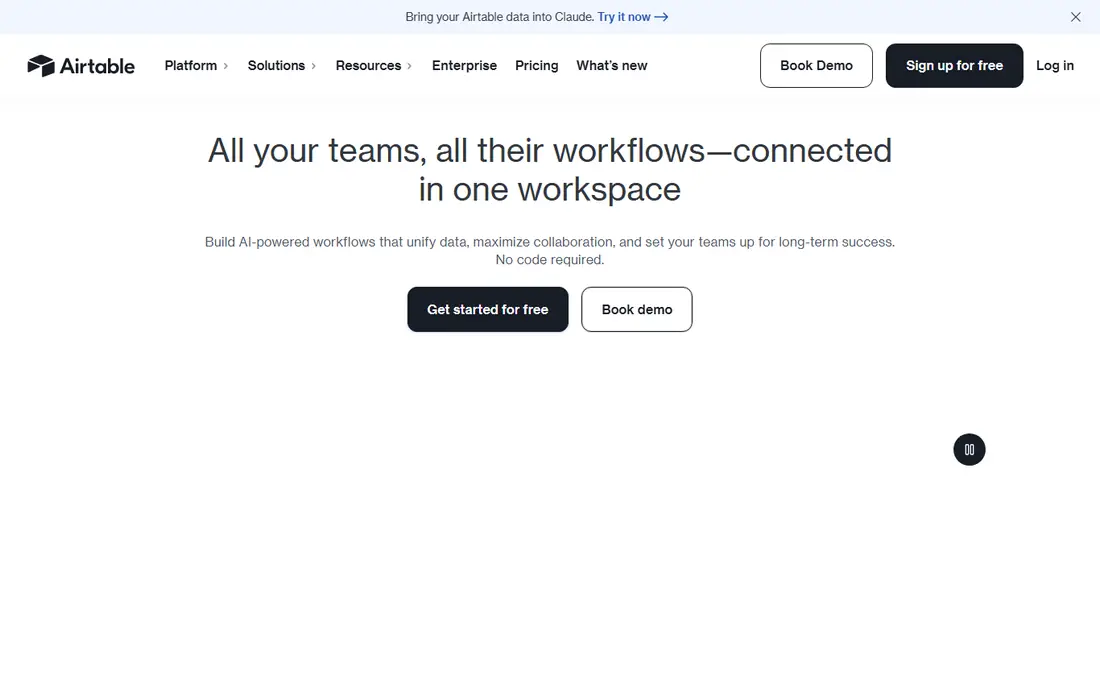
Airtable is the reference point for small business databases. Bases link records across tables, views cover grid, kanban, calendar, gallery, and timeline, and Interface Designer builds custom screens for staff who should not touch raw tables. Automations handle routine updates without code.
The free plan caps at 1,000 records per base, so most active teams move to Team at $20 per user per month billed annually, or $24 monthly. Business, at $45 annually, adds 125,000 records and advanced permissions. Watch editor counts, since everyone with edit access bills. For a shared team database, Airtable is still the safest first pick.
- Relational bases
- Many views
- Interface Designer for custom screens
- Free plan caps at 1,000 records per base
- Per-editor pricing adds up
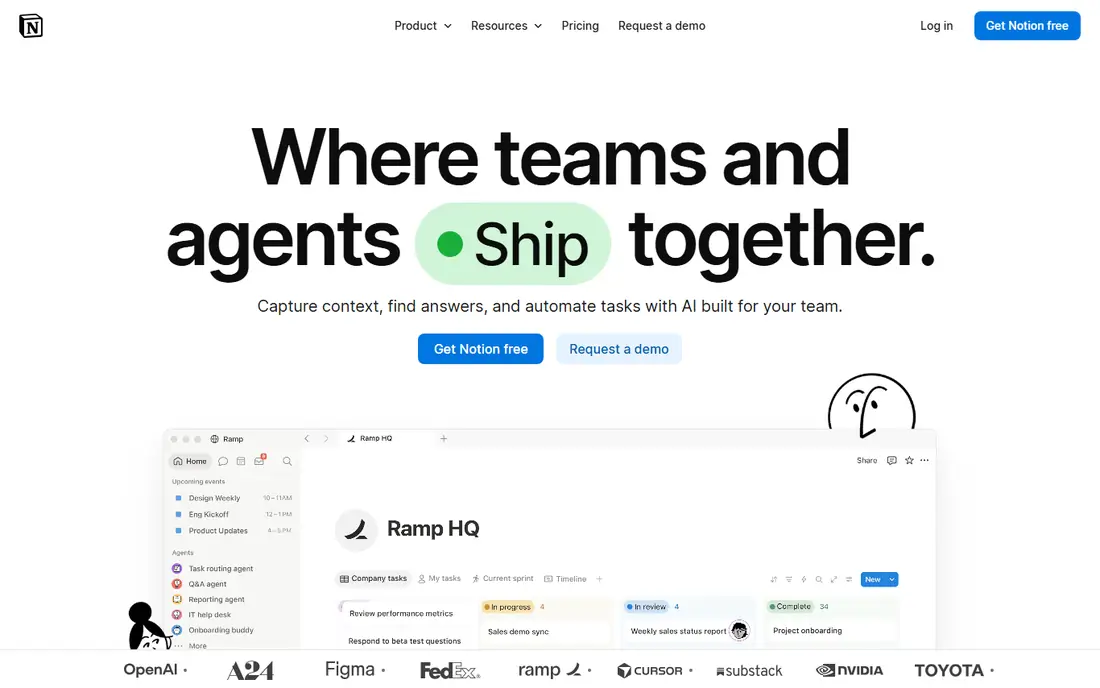
Notion is a document workspace with databases built in, which suits teams whose work is mostly writing, with tables for tracking. Pages, wikis, meeting notes, and databases live together, and Plus starts at $10 per user per month billed annually. Business, at $20 annually, adds advanced permissions and analytics.
As a strict database, Notion is weaker than Airtable: field types are looser, and large datasets can slow down. If your team spends its day in structured records, pick Airtable. If it spends its day in docs with some tables, Notion is cheaper and easier to adopt.
- Docs and databases together
- Easy to learn
- Low entry price
- Weaker as a strict database
- Performance can dip on very large datasets

Knack is the pick when your database audience is your customers, not just your staff. Flat pricing from $59 per month, with no per-user fees, makes it affordable for a large customer base, and it auto-generates portals and forms from your tables. That model suits client tracking, order status, and member directories.
Record limits on lower plans need watching, since customer data grows fast. Design options are plainer than Softr, so if polished public pages matter most, compare the two. For a functional customer database at a predictable price, Knack is hard to beat.
- Flat pricing, no per-user fees
- Auto-generated portals
- Easy forms
- Record limits need watching
- Design is plainer than Softr
Zoho Creator is a low-code platform for building database apps with workflow, approvals, and automation. It suits process-heavy teams: intake forms that route for approval, status tracking with rules, and reports for managers. Pricing starts at $12 per user per month, with a free trial to test app building.
Complex apps take time to learn, and the interface is less polished than Airtable. If you already use Zoho Books, CRM, or other Zoho apps, the links add real value. For a team that needs process logic, not just tables, Zoho Creator is a strong and affordable pick.
- Workflow and approval logic
- Zoho ecosystem links
- Low entry price
- Learning curve for complex apps
- Interface feels dated in places
Ninox suits teams that work offline, on whatever device the crew carries. Field teams, inspectors, and small businesses with mobile staff can record data without signal and sync later. Its database tools cover tables, forms, and reports, with per-seat capacity that is easy to plan against.
Integration range is smaller than Airtable or Zoho, and it is less suited to large public portals. Check current pricing on its site, since plans vary by platform. For an offline-first small business database, Ninox is a practical and focused choice.
- Works offline on mobile
- Good for field teams
- Clear per-seat plans
- Smaller integration range
- Less suited to large public portals
Baserow is an open source, spreadsheet-style database that teams can self-host or use in the cloud from $12 per user per month. That control appeals to businesses with data ownership needs, or to teams that want to avoid vendor lock-in. The interface is familiar to spreadsheet users, which eases adoption.
Its feature set is smaller than Airtable, with fewer native integrations and automation options. Self-hosting also needs technical skill for setup and updates. For a team that values control and low cost over breadth, Baserow is a smart pick.
- Open source and self-hostable
- Spreadsheet-style ease
- Low cloud price
- Smaller feature set than Airtable
- Self-hosting needs technical skill
Caspio builds database apps for larger small businesses and growing teams, with unlimited users on many plans and strong security options. It suits customer portals, internal apps, and data-heavy workflows that need to scale past a simple spreadsheet database. Its visual app builder covers forms, reports, and dashboards.
Pricing is higher than Knack or Airtable, with reports from about $300 per month for larger plans, so confirm the current tier for your record and user needs. The learning curve is also steeper. For a database app that must scale and stay secure, Caspio is worth the investment.
- Unlimited users on many plans
- Strong security
- Scalable apps
- Higher starting price
- Learning curve for custom apps
Tadabase builds relational database apps with client portals and granular permissions, which suits businesses that share data with clients in a controlled way. Forms, tables, and dashboards can be tailored per client, and record-level access keeps each client in their own lane. Pricing starts at $50 per month.
Its community is smaller than Airtable, so tutorials and templates are fewer. Record limits on lower plans also need checking as client data grows. For a client-facing database with careful permissions, Tadabase is a strong mid-price pick.
- Relational apps with portals
- Strong permissions
- Good for client data
- Smaller community than Airtable
- Pricing rises with records
Softr turns Airtable or Google Sheets data into polished portals, client dashboards, and internal tools, without code. If your data already lives in Airtable, Softr is the fastest way to give clients a clean front end. Pricing starts at $59 per month, with a free plan for testing.
The catch is that Softr is a front end, not a database itself. You still need Airtable or Sheets underneath, and advanced logic needs higher plans. For a business that wants a professional client portal quickly, Softr plus Airtable is a powerful combination.
- Polished portals
- Works on Airtable and Google Sheets
- Easy publishing
- Data lives in Airtable or Sheets
- Advanced logic needs higher plans
How we picked these
We compared official pricing pages, feature lists, and public reviews for database tools that small teams run today, and favored relational models, clear record limits, permissions, and export options. We kept a mix of team databases, customer portals, low-code builders, and open source options. Tools without current pricing, or without a small business track record, did not make the list.
How to choose database software for a small business
Start with who uses the data. Internal teams need views, permissions, and automations. Customers need portals, forms, and record-level access. A tool that does both poorly is worse than two tools that each do one job well, though Airtable plus Softr covers both for many teams.
Next, count records and editors honestly. A base that starts at 500 records can pass 50,000 in a year if it tracks orders or clients. Check record caps, editor billing, and automation limits on the plan you will actually need, not the free plan. Finally, test exports and backups: you should be able to export all your data in CSV or a similar format at any time, without a sales call.
Keep the database clean
Assign one owner for field names, categories, and permissions, and write a short guide for new staff. Use linked records instead of typing the same customer name in ten places, and archive old records rather than deleting them. A clean database saves more time than any new feature.
FAQ
What is the best database software for small business?
Airtable is the best all-round pick for shared team databases, Notion is best when docs matter most, and Knack is best for customer-facing databases. The best database software for small business depends on who uses the data and how many records you will hold.
What is the best customer database software for small business?
Knack is the best customer database pick for flat pricing and portals, Tadabase is strong for client permissions, and Softr plus Airtable is best for polished client pages. For a simple internal customer list, Airtable alone is often enough.
Is Airtable or Notion better for a small business?
Airtable is better for structured records, linked tables, and reporting. Notion is better for docs, wikis, and light tracking in one workspace. Many teams use both: Notion for docs, Airtable for the database that drives operations.
How much does database software cost?
Prices range from free with Airtable, Notion, Baserow, and Softr free plans, to $10 to $20 per user per month for Notion and Airtable paid plans, to $50 to $59 per month flat for Knack, Tadabase, and Softr. Record and editor limits drive the real cost, so check those before you buy.
Can I move from spreadsheets to database software?
Yes, and Airtable, Notion, Baserow, and Knack all support CSV and spreadsheet imports. Start with one table, such as customers or orders, clean the data before import, and link records instead of duplicating names. Test with a small sample before you import the full file.
Do I need a developer to use database software?
No, for Airtable, Notion, Knack, and Softr, a non-technical team can build and run a database. Zoho Creator and Caspio need more setup for complex apps, and Baserow self-hosting needs technical skill. Start with a no-code tool, and add developer help only when workflows get complex.