Best Database Software for Intuitive Development in 2026: 8 Tools Compared
We compare 8 tools for best database software for intuitive development, with easy setup, visual tools, branching, and free tiers for app builders. today
- Editor's choice
 Supabase
Postgres plus auth, storage, and APIs
Starts at$25 per monthVisit supabase.comFull review - Great alternative
 Firebase
Mobile and web apps on Google Cloud
Starts atFreeVisit firebase.google.comFull review - Also consider
 Neon
Serverless Postgres with branching
Starts atSee websiteVisit neon.techFull review
TL;DR:
- Supabase and Firebase give the fastest start for app builders, because auth, storage, and APIs come with the database.
- Neon and PlanetScale make branching feel like Git branching, which helps teams test schema changes safely.
- MongoDB Atlas suits flexible data models, while Airtable suits non technical teams that need a spreadsheet style view.
- Start on a free tier, test a real feature end to end, and check pricing for the next tier before you build a whole product on one platform.
Quick comparison
| Tool | Best for | Starts at | Free plan? | |
|---|---|---|---|---|
| Supabase | Postgres plus auth, storage, and APIs | $25 per month | Yes | Visit |
| Firebase | Mobile and web apps on Google Cloud | Free | Yes | Visit |
| Neon | Serverless Postgres with branching | See website | Yes | Visit |
 MongoDB Atlas | Flexible document data at scale | Free | Yes | Visit |
 PlanetScale | MySQL and Postgres with database branching | $5 per month | No | Visit |
 Airtable | Non technical teams that need a visual database | $20 per seat per month | Yes | Visit |
 Convex | TypeScript apps with realtime sync | $25 per developer per month | Yes | Visit |
 Turso | Edge SQLite with simple replication | See website | Yes | Visit |
The best database software for intuitive development
Intuitive development means less time on setup, migrations, and boilerplate, and more time on the feature itself. The tools below all lower that setup cost, but they do it in different ways, from visual editors to auto generated APIs and instant branching.
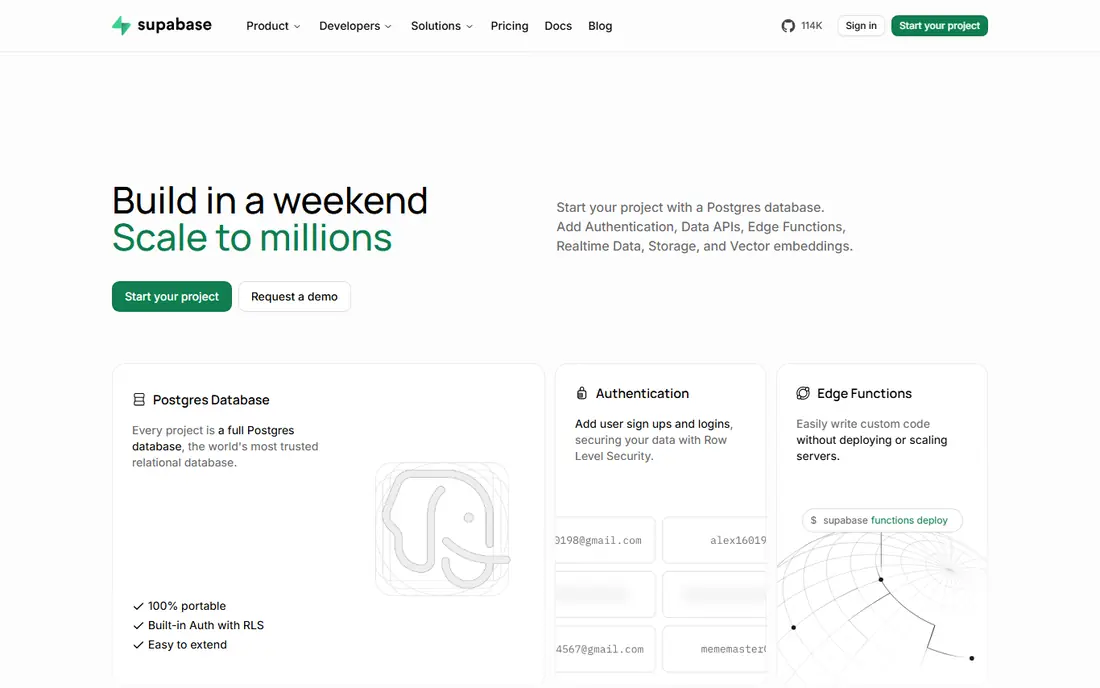
Supabase is our pick for most app builders because it bundles the pieces a new app usually needs. Create a project, define tables in the dashboard or with SQL, and you get an API, auth, storage, and realtime updates without building a separate backend first. That bundle shortens the path from idea to a working prototype.
The free tier covers small projects well, with 500 MB of database space and 50,000 monthly active users. The jump to Pro at $25 per month adds more storage, backups, and capacity, so budget for that step if your app grows. For teams that know Postgres or want to learn it with good tooling, Supabase feels direct and well documented.
- Postgres with auth, storage, and realtime included
- Auto generated APIs and a clear dashboard
- Free tier with 500 MB database and generous user allowance
- Pro plan cost jumps from free to $25 per month
- Some advanced Postgres tuning still needs SQL knowledge
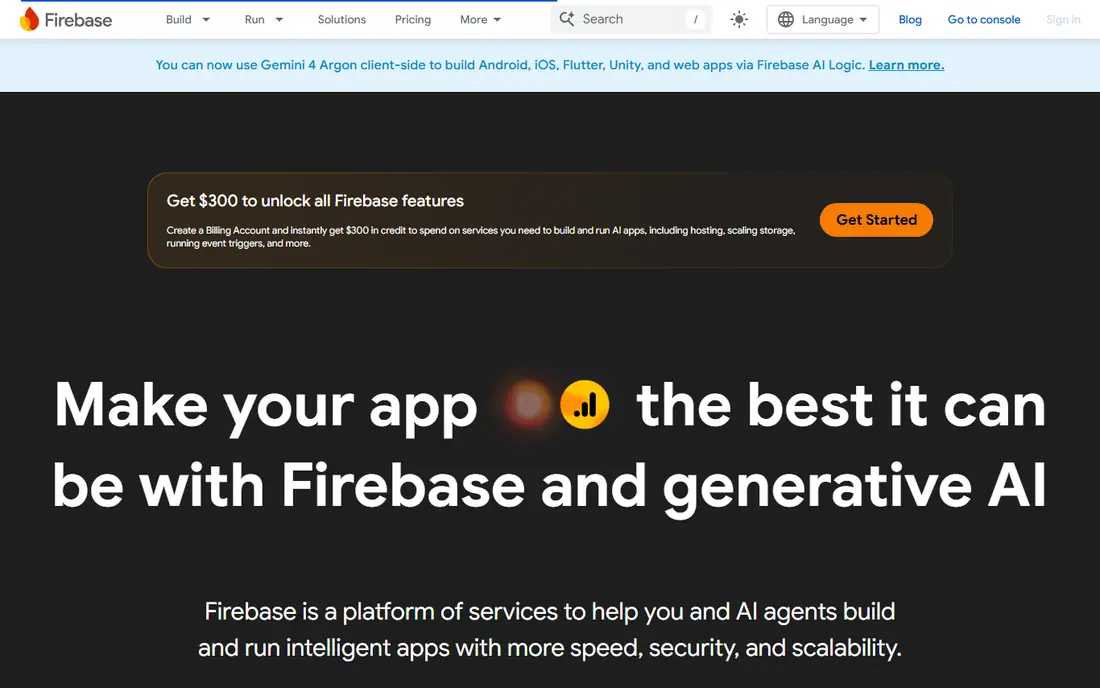
Firebase suits mobile and web teams that want a complete Google backed platform. Firestore stores flexible documents, auth handles sign in, hosting serves the app, and Cloud Functions run backend logic, all under one project and one set of rules. Realtime listeners keep screens in sync without polling, which is useful for chat, collaboration, and live dashboards.
The trade off is the NoSQL model. Queries, joins, and reporting work differently than in Postgres or MySQL, so teams with a SQL background should test a real data model before committing. The Spark plan offers no cost quotas across products, while Blaze is pay as you go, so monitor usage as traffic grows.
- Firestore, auth, hosting, and functions in one Google platform
- Realtime sync for mobile apps
- Generous Spark plan quotas for small apps
- Data model and queries differ from SQL, so SQL teams need time to adjust
- Costs can grow in ways that are hard to predict at scale
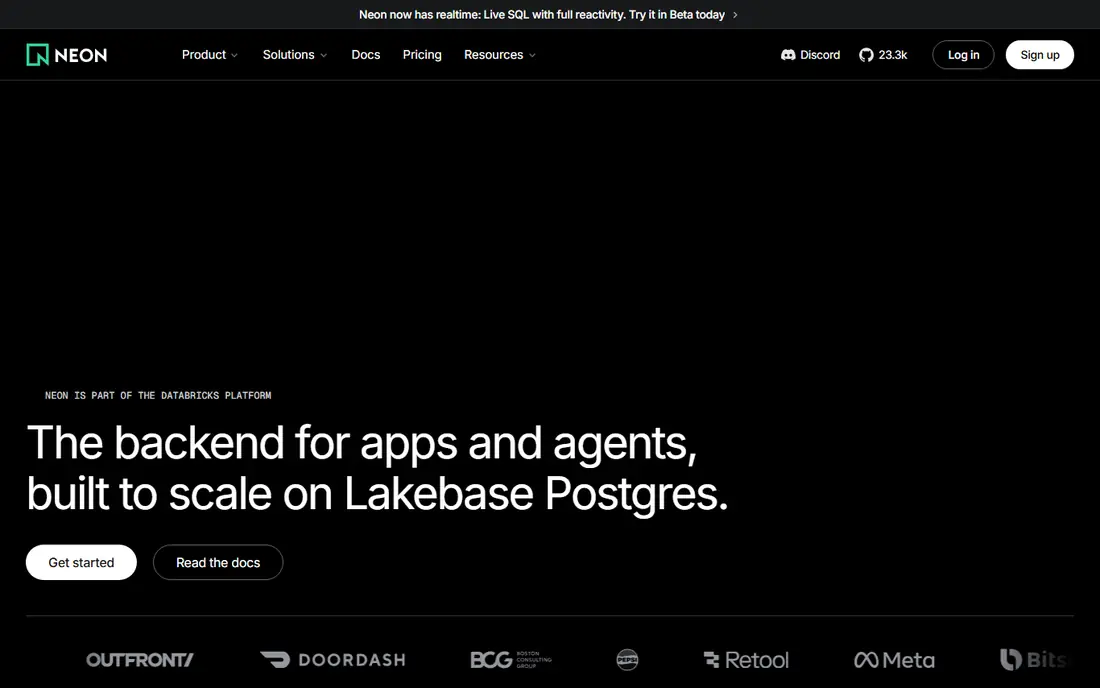
Neon makes Postgres feel light. Serverless compute scales to zero when idle, so a side project or preview environment does not run up a constant bill. Database branching is the standout feature: create a copy of a database for a pull request, test a migration, then merge or discard it, much like branching code.
The free tier supports many projects with compute and storage allowances, which suits developers who juggle several ideas. Paid Launch pricing is usage based, with a typical spend around $15 per month for small workloads, though your actual bill depends on compute hours and storage. For Postgres teams that want fast previews, Neon is hard to beat.
- Serverless Postgres that scales to zero
- Instant database branches for testing and previews
- Clear dashboard and generous free tier
- Usage based pricing needs monitoring
- Some Postgres extensions and workflows need checking for your use case
MongoDB Atlas is the pick when your data shape changes often. Documents store nested fields without a rigid schema change for every new attribute, which helps early products that are still finding their model. Atlas adds a managed dashboard, backups, search, and vector search, so teams can grow from a prototype to production on the same platform.
The free M0 tier offers 512 MB of storage and is enough for learning and small apps. Paid Flex clusters start around $8 per month, while dedicated clusters start higher, so check the tier that fits your data size and traffic. For content, catalogs, and apps with varied records, MongoDB feels more forgiving than a strict relational schema at the start.
- Flexible document model for changing data
- Free M0 tier for learning and prototypes
- Strong search, vector, and aggregation features
- Data modeling still needs care to avoid messy documents
- Dedicated clusters cost more than the free tier suggests
PlanetScale brings Git style workflow to databases. Developers create a branch, change the schema, test it, and open a deploy request to merge it into production, with checks along the way. That flow reduces the fear of migrations, because a bad schema change can be caught before it reaches users.
The catch is that there is no free tier, with single node Postgres starting from $5 per month and Vitess high availability from $39 per month. For teams that already use MySQL or Postgres and want safer schema changes, the branching model is worth the entry price. For a hobby prototype, a free tier elsewhere may be cheaper.
- Database branching and deploy requests for safe schema changes
- Good insights for queries and performance
- Simple dashboard for MySQL and Postgres
- No free tier, so testing requires a paid plan
- Vitess based high availability tiers cost more
Airtable is the most approachable database in this list for non technical teams. Bases look like spreadsheets, but fields can link records, attach files, and trigger automations, so a team can track projects, content, inventory, or leads without writing SQL. Views for grid, calendar, kanban, and gallery help different roles see the same data in a useful way.
The limit is scale and app use. Airtable is not meant to power a high traffic production app in the way Postgres or MongoDB can, and per seat pricing at $20 per month on the Team plan adds up for large groups. For internal tools, content planning, and small business workflows, it is intuitive and fast to set up.
- Spreadsheet style interface that non developers grasp quickly
- Views, forms, and automations without code
- Free plan for small bases
- Not a full production database for high traffic apps
- Per seat pricing grows quickly for large teams
Convex suits TypeScript teams that want realtime data without building sync logic by hand. Define a schema in code, write queries as functions, and the client stays in sync as data changes. That model cuts a lot of boilerplate for collaborative apps, dashboards, and tools where several users edit the same records.
The free plan covers personal projects and prototypes, while Professional starts at $25 per developer per month. Teams outside TypeScript will find less value here, and the ecosystem is smaller than Firebase or Supabase. For a TypeScript team building a realtime product, Convex feels focused and productive.
- Realtime sync without manual backend work
- TypeScript first schema and queries
- Free plan for personal projects and prototypes
- Best fit is TypeScript teams, so other stacks get less value
- Smaller ecosystem than Firebase or Supabase
Turso brings SQLite to the edge, with databases replicated close to users and a simple developer experience. It suits apps that need many small databases, such as one per tenant, or low latency reads from many regions, without running a large cluster. Setup is quick, and the free tier lets developers test the model before paying.
The trade off is the SQLite foundation. Teams that need full Postgres features, complex joins across large data sets, or a familiar MySQL workflow should compare Turso carefully. For edge apps, prototypes, and multi tenant designs where SQLite fits, Turso offers a clean and modern path.
- SQLite at the edge with replication
- Simple setup for many small databases
- Free tier for learning and small apps
- SQLite model differs from Postgres and MySQL
- Advanced features and support sit on paid tiers
How we picked these
We compared official pricing pages, free tier limits, setup flows, dashboard and API design, and public documentation for database tools in wide use in October 2026. We favored tools that let a developer create a database, define a schema, and call it from an app with minimal boilerplate, and we mixed SQL, document, and visual options so different teams can find a fit. We checked that each tool is maintained and available for new projects today.
How to choose a database that stays easy as you grow
Start with the data model, not the brand. List the main records, how they relate, and which queries you will run most often. A relational model suits orders, users, and payments with clear links. A document model suits varied content and fast changing fields. A visual tool suits internal workflows where staff edit data directly.
Test setup, branching, and migration before you commit
Create a project, add a table, build one real feature, and try a schema change on a branch or preview copy. Note how long each step takes and whether the docs answer your questions without a forum search. Check backup, restore, and export options early, because an intuitive start loses value if leaving the platform later is painful.
Watch free tier limits and the first paid step
Free tiers differ on storage, users, compute hours, and bandwidth. Write down the limit that will hit first for your app, and price the next tier before you launch. A tool with a generous free tier but a steep first paid step can surprise a growing team, while a tool with a small paid entry price may be cheaper overall.
FAQ
What is the most intuitive database for beginners?
Supabase and Airtable are the easiest starts for most people. Supabase gives a Postgres database with auth and APIs in one dashboard, while Airtable gives a spreadsheet style interface that needs no code. Pick Supabase for an app you will ship, and Airtable for internal tracking and small business workflows.
Is Firebase or Supabase better for a new app?
Firebase suits mobile apps that need realtime sync and a full Google platform, while Supabase suits teams that prefer Postgres and standard SQL. Both offer free tiers and auth, storage, and APIs. Test your data model on both, because the choice is harder to reverse once an app grows.
Do I need to know SQL to use these tools?
Airtable, Firebase, and Convex reduce the need for SQL, while Supabase, Neon, and PlanetScale reward basic SQL knowledge. You can start with a dashboard and visual tools, but learning simple queries will help you debug, report, and tune any database as it grows.
What is database branching and why does it matter?
Database branching creates a copy of a database for testing, much like branching code. Developers can test a schema change or a migration on the branch, then merge it or discard it without risking production data. Neon and PlanetScale make this workflow central, which helps teams ship schema changes with more confidence.
Can I switch databases later if I pick the wrong one?
Yes, but the cost depends on how tied your code is to one platform. Standard SQL databases such as Postgres and MySQL are easier to move between providers, while proprietary APIs and realtime features need more rework. Keep exports automated and avoid platform specific features for core data where you can.