Best Data Security Software in 2026: 9 Tools Compared
Compare the best data security software for discovery, access control, and loss prevention, with pricing notes and honest tradeoffs for teams in 2026.
- Editor's choice
 Varonis
Access control and insider risk
Starts atSee websiteVisit varonis.comFull review - Great alternative
 Cyera
AI-driven data discovery
Starts atSee websiteVisit cyera.comFull review - Also consider
 Microsoft Purview
Microsoft-first governance
Starts at$12 per user per monthVisit microsoft.comFull review
TL;DR:
- Data security now spans discovery, access control, loss prevention, and recovery, so no single tool covers every risk on its own.
- Varonis is the strongest pick for access control and insider risk, while Cyera leads for AI-driven discovery across cloud and SaaS data.
- Microsoft Purview is the best value starting point for teams already deep in Microsoft 365 and Azure, at from $12 per user per month in published ranges.
- Most enterprise tools price by quote, so run a trial on your real data stores before you judge coverage or cost.
Quick comparison
| Tool | Best for | Starts at | Free plan? | |
|---|---|---|---|---|
| Varonis | Access control and insider risk | See website | No | Visit |
| Cyera | AI-driven data discovery | See website | No | Visit |
| Microsoft Purview | Microsoft-first governance | $12 per user per month | Free trial | Visit |
 Netskope | Cloud, SaaS, and web protection | See website | No | Visit |
 Zscaler | Zero trust data protection | See website | No | Visit |
 BigID | Privacy and data intelligence | See website | Free trial | Visit |
 Securiti | Privacy and AI data controls | See website | No | Visit |
 Forcepoint | Unified loss prevention | See website | No | Visit |
 Rubrik | Recovery and cyber resilience | See website | No | Visit |
The best data security software
These tools protect data where it lives, from cloud stores and SaaS apps to endpoints and backups, with different strengths for discovery, control, and recovery.
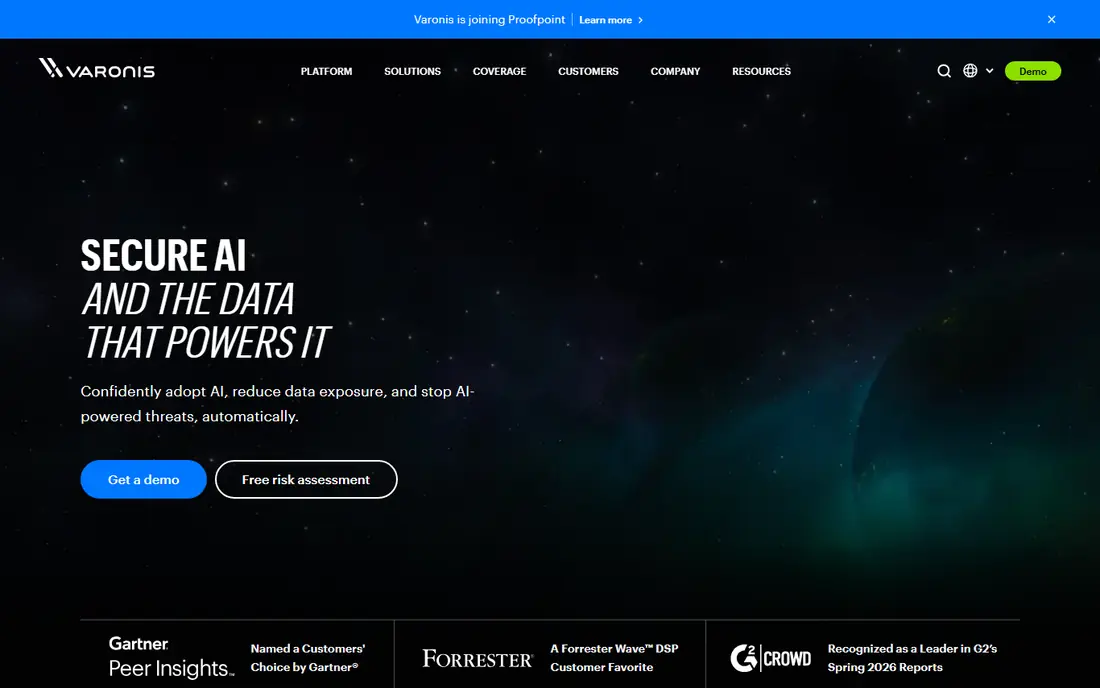
Varonis is our pick for teams whose main risk is who can access what. It maps data permissions across file stores, cloud apps, and SaaS tools, flags overexposed folders and stale access, and uses behavioral analytics to spot unusual activity by users. That combination helps security teams fix risky access before it becomes a breach, not just alert on it after the fact.
The tradeoff is scope and setup. Pricing is by quote, and a large, messy data estate needs planning to map and remediate well. Smaller teams may find the platform more than they need at first. If insider risk and access sprawl are your top concerns, Varonis is the strongest starting point in this list.
- Deep access governance
- Behavioral analytics
- Strong remediation workflows
- Pricing is by quote
- Deployment takes planning for large estates
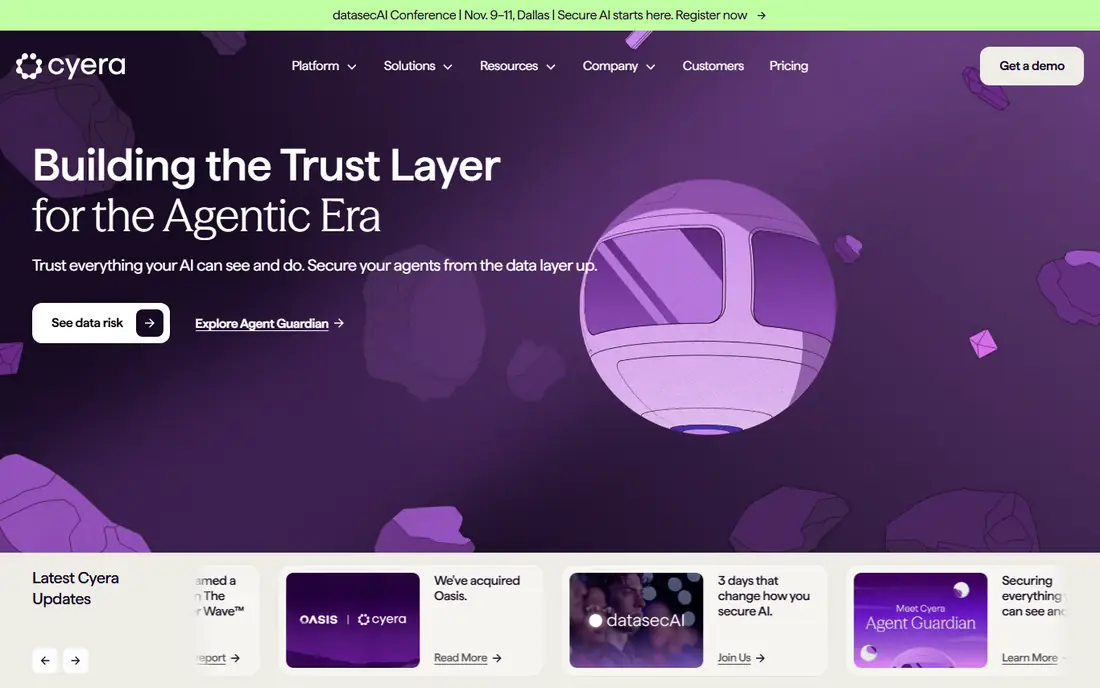
Cyera focuses on finding sensitive data first, then protecting it. Its platform discovers data across cloud stores, databases, and SaaS apps, classifies it, and applies loss prevention and AI security controls in one place. That matters now that AI tools can pull data from many sources, and teams often do not know where their sensitive records actually live.
As a newer vendor, Cyera has a shorter track record than Microsoft or Forcepoint, and pricing requires a quote. For a cloud-first team that needs a clear map of its data before it can protect it, Cyera is a leading choice. Run a discovery trial on your real stores to see coverage before you commit.
- Unified discovery, loss prevention, and AI security
- Fast cloud and SaaS coverage
- Pricing is by quote
- Newer vendor than some enterprise rivals
Microsoft Purview is the sensible pick for teams already running on Microsoft 365 and Azure. It covers data governance, compliance, classification, and protection across Microsoft data estates, with a published starting range from $12 per user per month. For a Microsoft shop, that integration saves the effort of stitching together separate tools.
Outside Microsoft, coverage is thinner, and the full value depends on your Microsoft licensing tier, so check what is included in your current plan. If most of your data lives in Microsoft tools, Purview is the best value starting point. If your estate is mixed across Google, AWS, and SaaS apps, a vendor-neutral tool may fit better.
- Deep Microsoft 365 and Azure integration
- Governance and compliance in one place
- Published starting price
- Weaker outside Microsoft estates
- Full value needs Microsoft licensing
Netskope protects data as users access cloud apps, SaaS tools, and the web, using a data-centric secure access approach. Its CASB, loss prevention, and cloud controls help teams see what data leaves through sanctioned and unsanctioned apps, and enforce policy inline. For a remote or hybrid workforce, that inline control is a major advantage.
Breadth is the challenge. Netskope covers many security areas, so scoping the right modules and pricing them takes care. Pricing is by quote, and a small team may not need the full platform. If cloud and SaaS data loss is your main risk, Netskope deserves a pilot on your real app traffic.
- Data-centric secure access
- CASB and loss prevention
- Strong cloud controls
- Pricing is by quote
- Platform breadth needs careful scoping
Zscaler applies zero trust principles to data protection, inspecting traffic inline as users reach apps and cloud services. That approach helps teams enforce loss prevention without relying on a traditional network perimeter, which fits remote work and SaaS-heavy estates. Coverage across users, apps, and cloud access is broad.
Moving to a zero trust architecture is not a simple add-on, and it needs planning, especially for legacy apps. Pricing is by quote, so compare modules carefully. If your team is already moving to zero trust, Zscaler is a natural data protection choice. If you only need a point loss prevention tool, a narrower vendor may be simpler.
- Inline data protection
- Zero trust access model
- Broad user and app coverage
- Pricing is by quote
- Architecture change needs planning
BigID spans privacy, security, governance, and AI risk, giving teams a detailed intelligence layer over their data. It discovers personal and sensitive data, maps it to privacy rules, and helps teams answer subject requests, manage retention, and spot AI-related data risk. For regulated industries, that breadth is valuable.
Depth is also the limit. A small team may not need the full intelligence suite, and pricing requires a quote with a trial to scope correctly. If privacy compliance and data governance are your main drivers, BigID is a strong pick. If you only need loss prevention, a focused DLP vendor may be cheaper.
- Broad data intelligence
- Privacy and governance strength
- AI risk visibility
- Pricing is by quote
- Depth can overwhelm small teams
Securiti offers a unified platform for discovery, privacy, and AI data controls, helping teams find sensitive data, apply policy, and manage AI access in one place. Its privacy automation, including consent and request handling, suits companies facing GDPR, CCPA, and similar rules, while AI controls address the newer risk of data flowing into AI tools.
Like other enterprise platforms here, pricing is by quote, and the breadth can be more than a team needs for a single problem. If your drivers are privacy plus AI risk, Securiti is a coherent choice. If you only need endpoint loss prevention, look at a narrower tool first.
- Unified discovery and governance
- AI data controls
- Privacy automation
- Pricing is by quote
- Platform is broad for a narrow use case
Forcepoint Data Security Cloud brings loss prevention, data security posture management, and cloud app security into one platform, with adaptive controls that adjust to user risk. That unity helps teams that want one policy engine for endpoints, cloud, and web, rather than three separate tools with three policies.
Tuning matters. Loss prevention tools can generate noisy alerts if policies are too broad, so plan time to tune rules on real traffic. Pricing is by quote. If you want a single, established DLP platform with modern cloud controls, Forcepoint is a solid choice. If you want discovery first, Cyera or BigID may fit better.
- Unified DLP and adaptive controls
- Cloud app security
- DSPM in one platform
- Pricing is by quote
- Setup needs tuning to avoid alert noise
Rubrik covers the other side of data security: recovery when prevention fails. Its platform combines backup, cyber recovery, and threat monitoring, helping teams restore clean data after ransomware or a breach, and spot threats in backup data. That resilience is now a core part of any data security plan, not an afterthought.
Rubrik does not replace loss prevention or access control, so budget for it alongside a DLP or discovery tool, not instead of one. Pricing is by quote. If your board asks how fast you can recover clean data after an attack, Rubrik is the answer to have ready.
- Backup and cyber recovery in one
- Threat monitoring
- Ransomware resilience
- Pricing is by quote
- Not a replacement for loss prevention
How we picked these
We compared official product pages, coverage across cloud, SaaS, and endpoints, and published pricing for data security platforms used by US teams in 2026. We favored tools with real discovery, access control, loss prevention, or recovery strength, and we kept both vendor-neutral and Microsoft-first options. We did not claim hands-on testing, and we left out consumer antivirus tools that do not cover enterprise data governance.
How to choose without buying twice
Start with your biggest data risk, then pick the tool that closes that gap first. Discovery, access control, loss prevention, and recovery are different jobs, and buying a second tool for the same job wastes budget.
Map your data before you buy protection
Run a discovery trial on your real stores, including cloud, SaaS, and file shares, and count where sensitive data actually lives. A tool that covers only one store will leave gaps, no matter how strong its marketing looks.
Test policy on real traffic
Loss prevention and access tools behave differently on real user traffic than in a demo. Pilot with a small group, tune alerts, and check false positives before you roll out widely. A noisy tool gets ignored, which is worse than no tool.
Plan recovery alongside prevention
Even the best prevention fails sometimes. Confirm backup, recovery time, and clean restore options as part of your data security plan, and test a restore before you need it for real.
FAQ
What is data security software?
It is software that protects sensitive data from unauthorized access, theft, or corruption, using tools such as encryption, access control, data discovery, loss prevention, and backup and recovery. It covers data at rest, in transit, and during processing, and it helps teams meet rules such as GDPR and HIPAA.
What is the difference between DLP and DSPM?
DLP, or data loss prevention, stops sensitive data from leaving through endpoints, web, or cloud apps. DSPM, or data security posture management, discovers where sensitive data lives and checks whether its security posture is sound. Many modern platforms combine both, but they solve different problems, so check which one you need first.
How much does data security software cost?
Most enterprise tools in this list price by quote, based on users, data volume, and modules. Microsoft Purview publishes a starting range from $12 per user per month. Always ask for a total at your user count and data volume, and include implementation and tuning time in the budget.
Do small businesses need enterprise data security tools?
Small teams often start with Microsoft Purview if they use Microsoft 365, plus basic endpoint protection and backup. Enterprise discovery and DLP tools pay off once data spreads across many cloud apps, or once privacy rules and customer contracts require proof of control. Start narrow, then expand as data sprawl grows.
Can data security software stop AI data leaks?
It can help, but not on its own. Tools such as Cyera, Securiti, and BigID now track sensitive data sent to AI tools and apply policy there. You also need clear AI use rules, staff training, and controls in the AI tools themselves. Treat AI data control as part of a wider data policy, not a single product purchase.