Best Customer Service Quotes Software in 2026: 8 Tools Compared
We compared the best customer service quotes software for service teams that need clear, trackable quotations, with quote templates, approvals and e-signing.
- Editor's choice
 PandaDoc
Quotes, contracts and e-signatures in one
Starts at$19 per seat per monthVisit pandadoc.comFull review - Great alternative
 Proposify
Content libraries and quote approvals
Starts at$35 per user per monthVisit proposify.comFull review - Also consider
 Qwilr
Interactive web-page quotes
Starts at$35 per user per monthVisit qwilr.comFull review
TL;DR:
- PandaDoc leads for service teams that want quotes, contracts and e-signatures in one tool.
- Proposify and Qwilr suit teams where quote design and approval control matter most.
- QuoteWerks suits resellers and service firms that price from distributor catalogs.
- Every tool here should be judged on template reuse and tracking, since those save the most time week to week.
Quick comparison
| Tool | Best for | Starts at | Free plan? | |
|---|---|---|---|---|
| PandaDoc | Quotes, contracts and e-signatures in one | $19 per seat per month | Yes | Visit |
| Proposify | Content libraries and quote approvals | $35 per user per month | Free trial | Visit |
| Qwilr | Interactive web-page quotes | $35 per user per month | Free trial | Visit |
 QuoteWerks | Distributor-integrated quoting for resellers | See website | No | Visit |
 Better Proposals | Low-cost proposals with payments | $13 per user per month | Free trial | Visit |
 GetAccept | Signing-first quotes and deal rooms | $25 per user per month | Free trial | Visit |
 Nusii | Simple proposals for agencies and consultants | $29 per month | Free trial | Visit |
 HoneyBook | Quotes plus client management for solo services | $29 per month | Free trial | Visit |
The best customer service quotes software
Service teams live or die by their quotes. A clear quotation with scope, price, terms and an expiry date wins work and prevents disputes, while a vague email quote creates arguments later. The tools below help service teams build, send, track and sign quotations without rebuilding the same document each time.
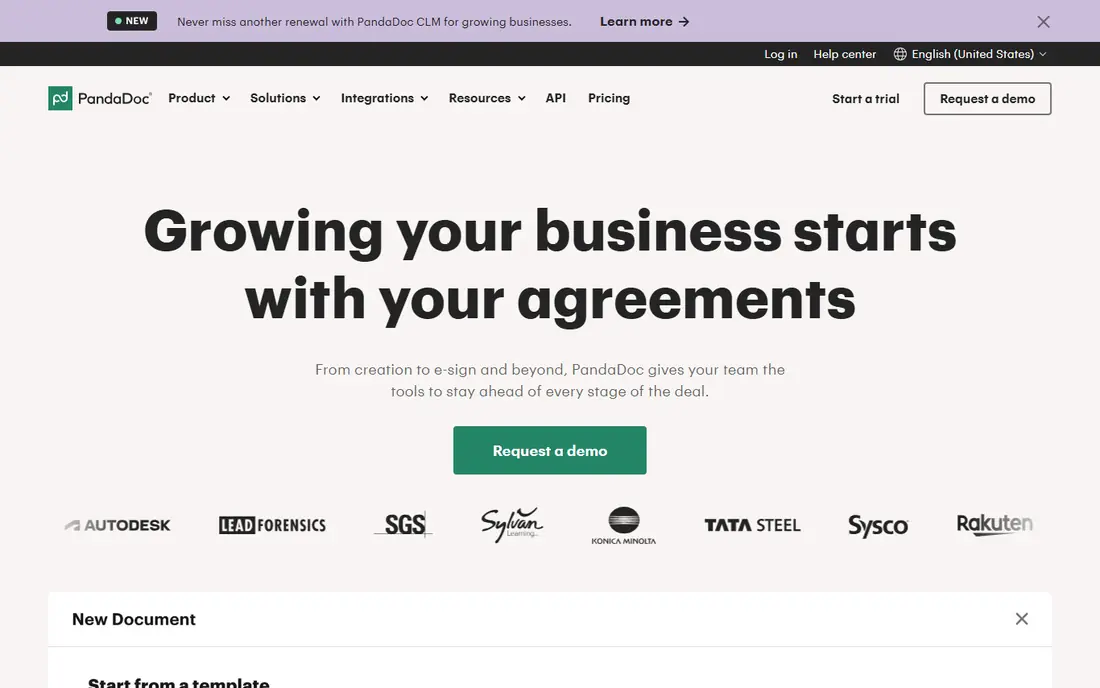
PandaDoc is our top pick for most service teams because it covers the full quote-to-signature flow. Templates, pricing tables, contracts and e-signatures live in one document, and customers can accept and sign online. The free e-signature plan lets small teams test the core workflow before paying, and paid plans start at $19 per seat per month.
The catch is tiering. Pricing tables and payments sit above the starter plan in some comparisons, so check the current plan details for the features you need. Per-seat pricing also adds up for larger teams. For a service team that wants one tool from quote to signature, PandaDoc is the safest choice.
- Free e-signature plan
- Templates and pricing tables
- CRM integrations
- Pricing tables and payments need higher tiers
- Per-seat cost adds up
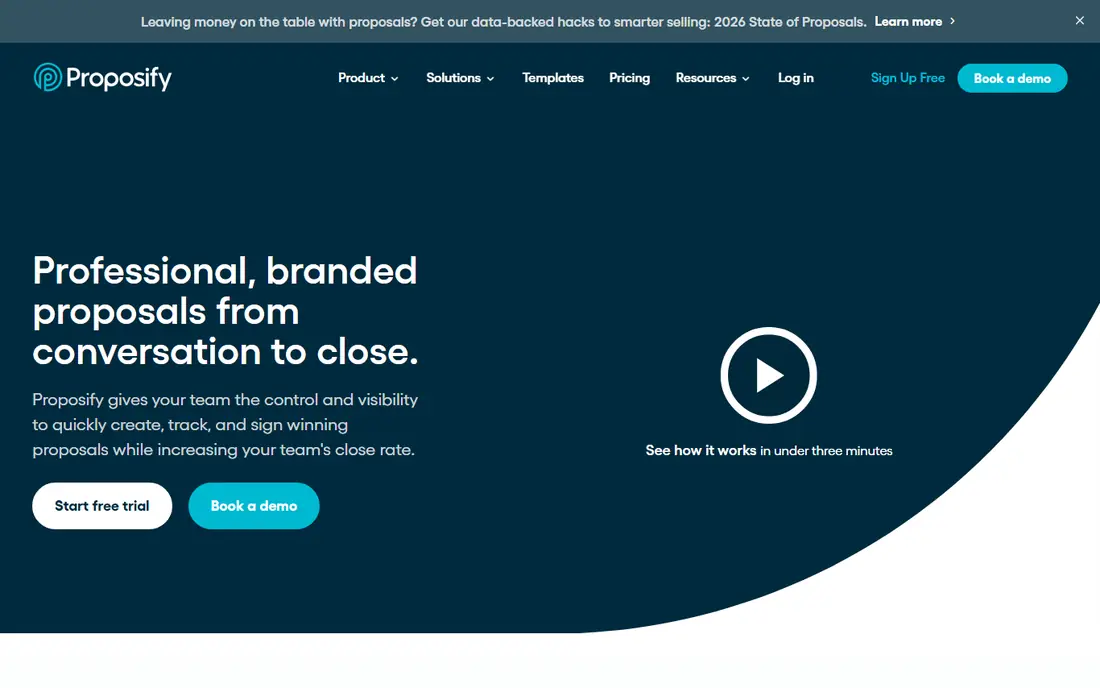
Proposify suits teams where quote quality control matters. A content library keeps approved sections, pricing and terms consistent, and managers can lock sections and require approval before a quote goes out. That control helps larger service teams avoid off-brand or mispriced quotes.
The trade-off is price and tiering. Plans start around $35 per user per month, and deeper approval features sit in higher tiers. Smaller teams may find PandaDoc or Better Proposals better value. For teams that need approval discipline, Proposify is a strong pick.
- Content library
- Approval workflows
- Template control
- Approvals sit in higher tiers
- Pricing varies by plan
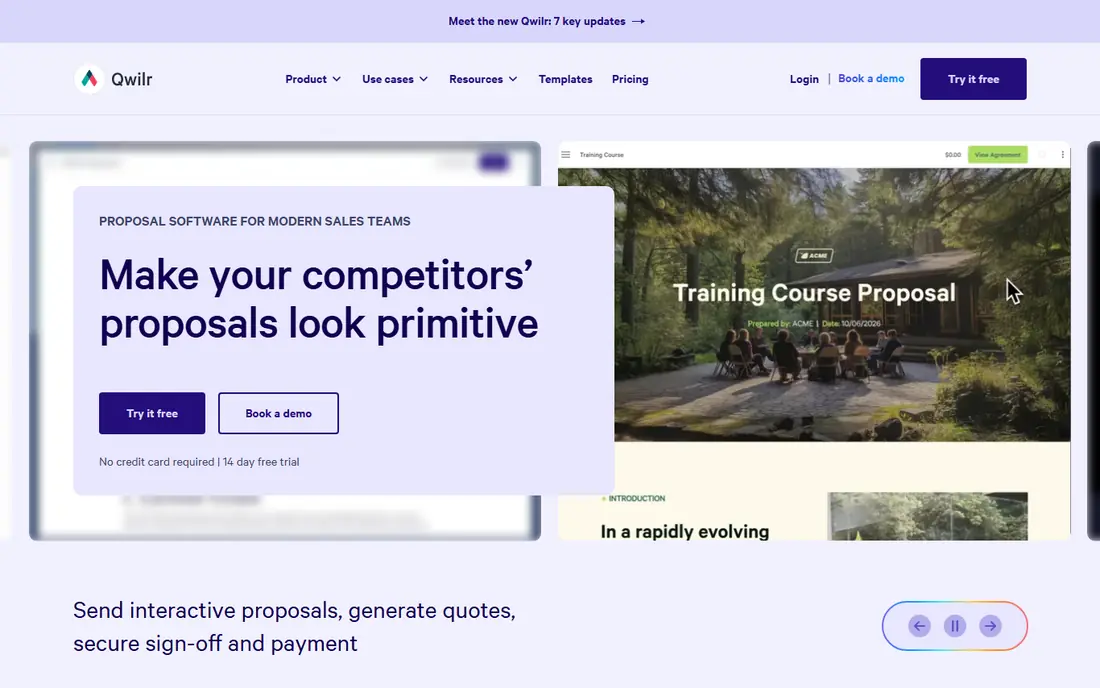
Qwilr turns quotes into interactive web pages instead of static documents. Customers can browse options, accept sections and sign online, and teams can see when a quote is viewed. That format suits design-led service firms and agencies whose quotes are part of the sales pitch itself.
The limits are seat minimums on Growth and Scale plans, and the fact that some clients still prefer a PDF. Qwilr does offer PDF downloads, but the web format is the point. For service teams that win work on presentation, Qwilr is a distinctive and effective choice.
- Web-page quotes
- Analytics
- Payment links on every plan
- Seat minimums on higher tiers
- Some clients still prefer PDFs
QuoteWerks is built for resellers, integrators and service firms that price from distributor catalogs. Live pricing and availability from distributors flow into quotes, which saves manual price checks and reduces errors on hardware-heavy jobs. CRM links keep quotes tied to opportunities.
The interface feels less modern than web-first rivals, and pricing varies by edition. Teams that quote pure services without distributor products may find PandaDoc simpler. For distributor-based quoting, QuoteWerks remains a specialized and practical tool.
- Distributor catalog links
- Quoting for hardware and services
- CRM links
- Desktop heritage
- Pricing by edition
- Less modern than web rivals
Better Proposals is the budget pick in this list, with plans from $13 per user per month and payment links included. Small service teams can send tracked proposals, get signatures and take deposits without an enterprise contract. The interface is simple, which helps teams that want to start this week.
The starter plan limits sends, and enterprise controls such as deep approvals are thinner than in Proposify. Growing teams may need a higher tier sooner than expected. For freelancers and small service teams on a budget, Better Proposals offers strong value.
- Low entry price
- Payment links
- Proposal tracking
- Starter limits sends
- Fewer enterprise controls
GetAccept leads with signing and deal rooms, giving customers one place to review the quote, chat and sign. Tracking and reminders help reps follow up at the right moment, and the interface is clean for buyers. Service teams that lose deals to slow signing may benefit most.
The catch is commitment. Plans run on annual agreements, so teams should trial carefully before signing. Per-user pricing also adds up for larger teams. For signing-led service sales, GetAccept is a focused and effective option.
- E-signature focus
- Deal rooms
- Tracking and reminders
- Annual agreements on all plans
- Pricing per user
Nusii suits agencies and consultants who want simple, flat-priced proposal software. Freelancer plans start at $29 per month with a cap on active proposals, and agency plans add seats and Stripe deposits. The builder is straightforward, and clients get a clean proposal page to accept.
The limits are proposal caps and a narrower CRM range than PandaDoc or Qwilr. Teams with high quote volume may hit the caps. For small agencies that quote a manageable number of projects each month, Nusii is a calm and affordable choice.
- Flat pricing
- Simple proposal builder
- Stripe deposits
- Caps on active proposals
- Fewer CRM options than leaders
HoneyBook suits solo service businesses and small firms that want quotes beside contracts, payments and client management. A photographer, consultant or designer can send a quote, get it signed and take payment without stitching several tools together. The client pipeline keeps leads and projects visible.
The trade-off is sales depth. HoneyBook is not a full CRM or a dedicated enterprise quote tool, and its monthly price suits regular users more than occasional ones. For solo and small service businesses, it is one of the most complete all-in-one options here.
- Quotes, contracts and payments
- Client pipeline
- Solo business focus
- Less CRM depth than sales tools
- Monthly price suits regular users
How we picked these
We compared official product pages, pricing pages where published, help documentation and public reviews. We looked at quote templates, pricing tables, approval workflows, e-signatures, payment links and CRM links. We framed this topic as quote and quotation software for customer service teams, since that is the product category that truly fits: tools that create and manage service quotations. We did not list generic quote collections, since those are not software products.
How to choose quote software for a service team
Start with reuse. Service teams quote similar jobs again and again, so templates, saved line items and price lists matter more than fancy design options. Check how fast a rep can turn a past quote into a new one, and whether pricing updates flow through without manual edits. A tool that saves ten minutes per quote pays for itself quickly.
Keep approvals and expiry dates visible
Quotes need clear scope, terms and expiry dates, or customers will hold you to an old price months later. Look for approval workflows for discounts, automatic expiry handling and version history. Also confirm that customers can accept and sign online, since a quote that needs printing and scanning slows the close.
Track what happens after you send
Open tracking, view alerts and follow-up reminders turn quoting from a guessing game into a pipeline. Check whether the tool links to your CRM, so a signed quote updates the deal without retyping. If your team works in HubSpot, Salesforce or Pipedrive, confirm the exact integration before you buy.
FAQ
What is the best customer service quotes software for a small team?
PandaDoc is a strong small-team pick, with a free e-signature plan and paid plans from $19 per seat per month. Better Proposals and Nusii offer lower-cost options for freelancers and small agencies.
What are the best service quotes tools for design-led agencies?
Qwilr leads for design-led quotes, since quotes are interactive web pages rather than static documents. Proposify also suits agencies that need content libraries and approval control for consistent quotes.
Can quote software handle approvals?
Yes. Proposify, PandaDoc and Qwilr all offer approval workflows, though the depth varies by plan. Check whether approvals, locked sections and discount rules are included in the tier you plan to buy, since some features sit in higher plans.
Do these tools include e-signatures?
Most do. PandaDoc, Qwilr, Proposify, GetAccept and Better Proposals include e-signatures in paid plans, and PandaDoc offers a free e-signature plan with limits. Confirm signature limits and legal validity for your region before relying on them.
How is quote software different from invoicing software?
Quote software creates the priced proposal a customer accepts, while invoicing software bills after work is agreed or done. Some tools, such as HoneyBook and PandaDoc, cover both, but many teams pair a quote tool with their accounting system for invoicing.