Best Customer Service AI Assistants in 2026: 8 Products Compared
Compare the best customer service ai assistant tools in 2026, with pricing per resolution, human handoff, and the best fit for each team compared reviewed.
- Editor's choice
 Intercom Fin
Conversational chat automation
Starts at$29 per seat per month plus $0.99 per resolutionVisit intercom.comFull review - Great alternative
 Zendesk AI
Omnichannel ticket automation
Starts at$55 per agent per month plus $1.50 per resolutionVisit zendesk.comFull review - Also consider
 Freshdesk Freddy AI
Freshworks teams on a budget
Starts at$19 per agent per monthVisit freshdesk.comFull review
TL;DR:
- Per resolution pricing matters more than seat price once AI volume grows, so price both parts together.
- Intercom Fin and Zendesk AI suit teams that already use those helpdesks, while Freddy AI fits Freshworks users.
- A good assistant answers from approved help content and hands off cleanly, with full context, to a person.
- Start with routine questions only, then widen the scope once answers stay accurate.
Quick comparison
| Tool | Best for | Starts at | Free plan? | |
|---|---|---|---|---|
| Intercom Fin | Conversational chat automation | $29 per seat per month plus $0.99 per resolution | Free trial | Visit |
| Zendesk AI | Omnichannel ticket automation | $55 per agent per month plus $1.50 per resolution | Free trial | Visit |
| Freshdesk Freddy AI | Freshworks teams on a budget | $19 per agent per month | Free trial | Visit |
 HubSpot Customer Agent | HubSpot CRM users | $20 per seat per month | Free trial | Visit |
 Salesforce Agentforce | Salesforce enterprises | $2 per conversation | No | Visit |
 Ada | High volume enterprise automation | See website | No | Visit |
 Gorgias AI Agent | Shopify ecommerce support | $10 per month | Free trial | Visit |
 Tidio Lyro | Small stores starting with AI | $29 per month | Yes | Visit |
The best customer service ai assistants
We picked AI assistants that answer real customer questions, hand off to people without losing context, and publish enough pricing detail to compare fairly.
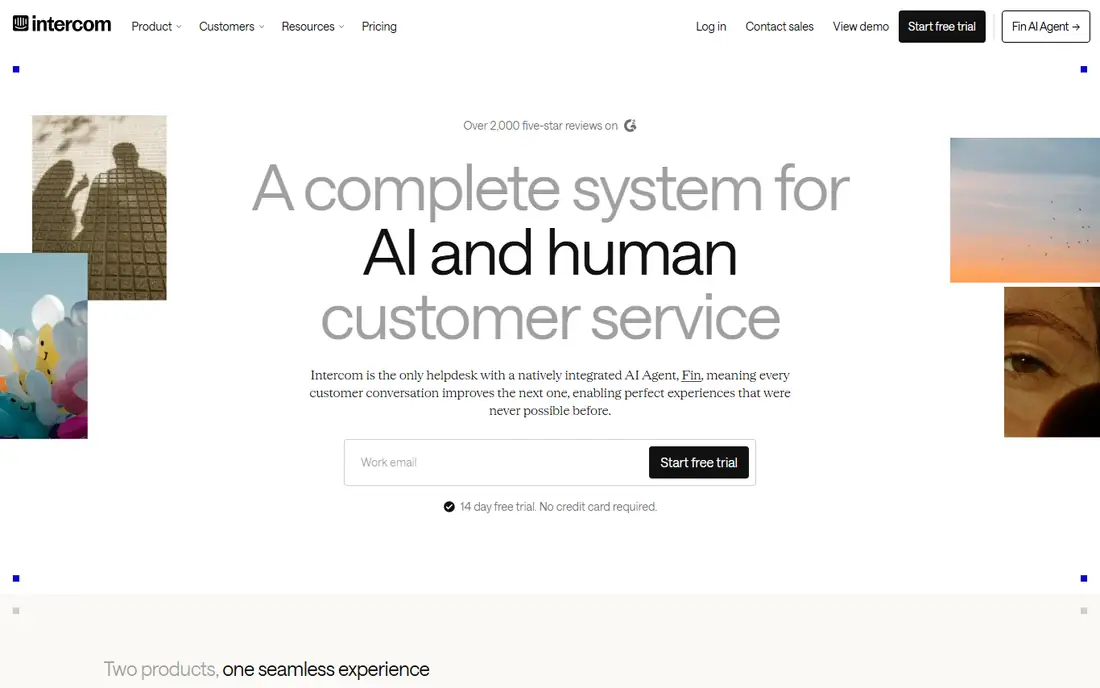
For digital teams that live in chat, Intercom Fin is a practical starting point. Fin answers common questions from your help center and product content, which cuts repeat tickets fast. Intercom also keeps the full conversation in one inbox, so agents can pick up where Fin left off. The trade-off is the per resolution fee can grow quickly, so high volume teams need a monthly cap or budget check Check the plan limits before you commit, and run a short trial with real work so you can see whether the daily workflow fits your team.
- Strong chat automation
- Answers from approved content
- Clean human handoff
- Per resolution cost adds up at high volume
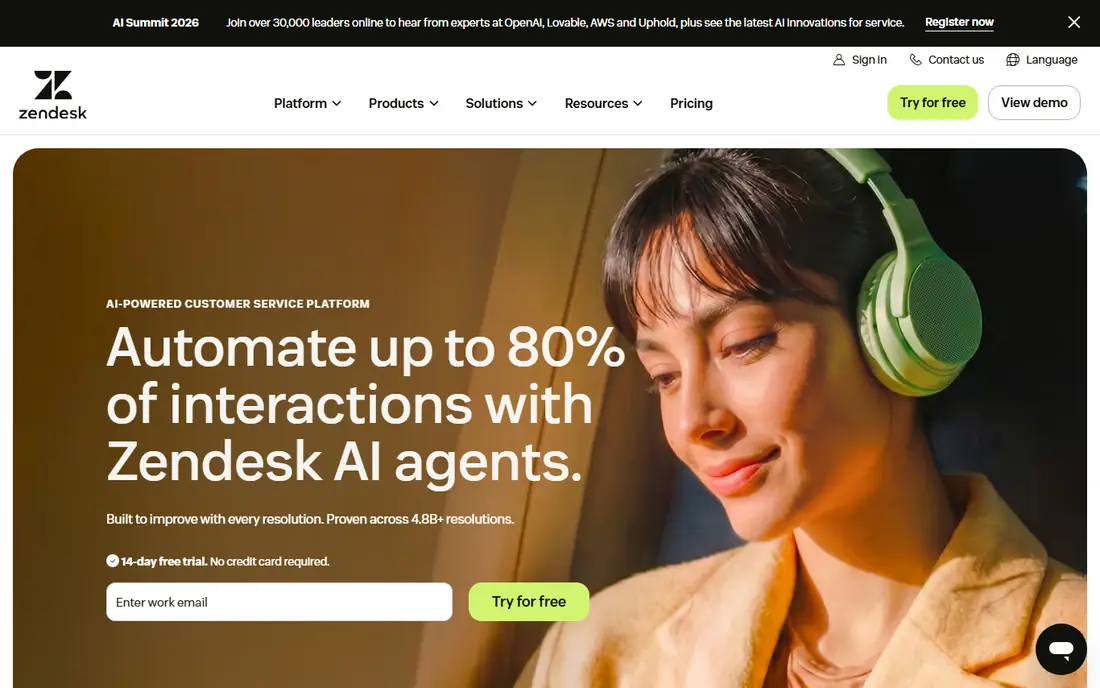
If you want ticket automation at scale, Zendesk AI deserves a close look. Its AI agents work across messaging, email, voice, and web, and they can run multi-step tasks such as refunds and account updates. Zendesk also offers agent copilot tools, routing, and classification to speed up the work agents still handle. The trade-off is the combined seat and resolution pricing needs careful forecasting before rollout Check the plan limits before you commit, and run a short trial with real work so you can see whether the daily workflow fits your team.
- Wide channel cover
- Workflow automation
- Strong admin controls
- Resolution fees plus seat fees can be costly
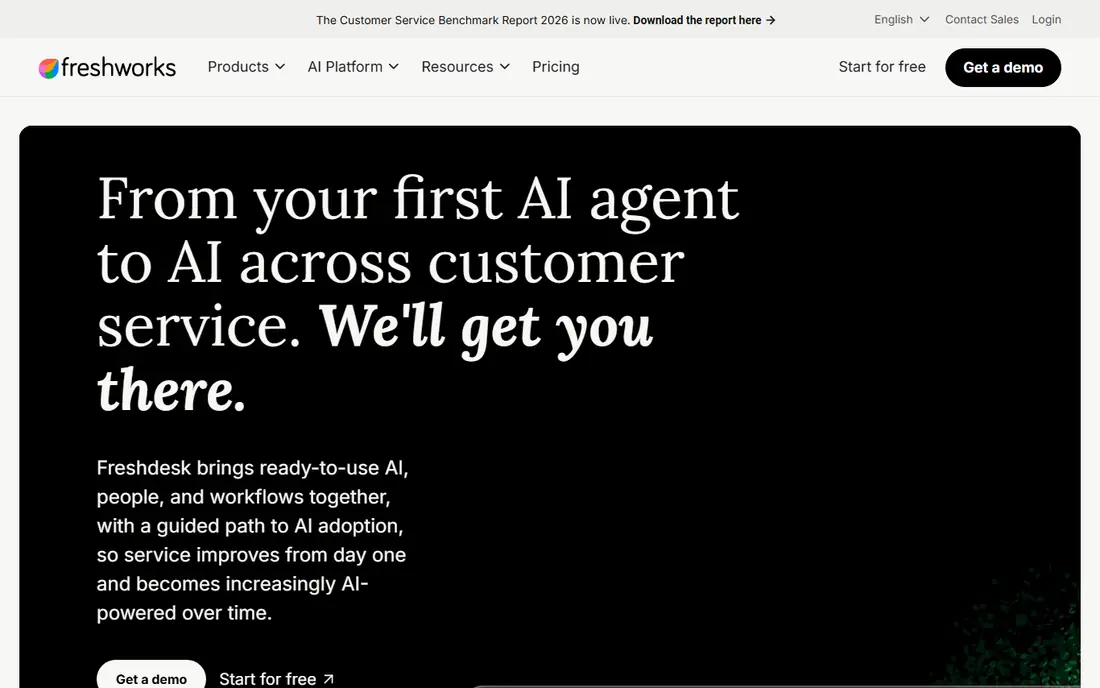
Owners who need budget AI support will find Freshdesk Freddy AI a solid fit. Freddy routes tickets, suggests answers, and resolves routine queries, which helps small teams cover more ground. Freshdesk also includes a shared inbox, automation rules, and a knowledge base for self service. The trade-off is some AI capacity is metered, so check included sessions before you rely on it for all tickets Check the plan limits before you commit, and run a short trial with real work so you can see whether the daily workflow fits your team.
- Low entry price
- Ticket routing
- Self service help
- Advanced AI sessions cost extra on some plans
HubSpot Customer Agent stands out for CRM connected AI support, and it suits teams already on HubSpot. Its customer agent draws on HubSpot records and approved content, so answers can reflect order and account context. HubSpot also ties support tickets to marketing and sales records, which gives agents a fuller customer view. The trade-off is the strongest service features sit on higher priced tiers, which raises the total for small teams Check the plan limits before you commit, and run a short trial with real work so you can see whether the daily workflow fits your team.
- Uses HubSpot customer records
- Native escalation
- Marketing to service continuity
- Full helpdesk power needs higher tiers
When CRM action AI agents is the priority, Salesforce Agentforce is worth shortlisting. Agentforce can act inside Salesforce workflows, handling returns, qualification, and account updates rather than just answering questions. Salesforce also offers Service Cloud routing, case tools, and reporting for large service operations. The trade-off is setup and usage pricing are harder to predict than a flat seat plan, so pilot with a capped scope Check the plan limits before you commit, and run a short trial with real work so you can see whether the daily workflow fits your team.
- Deep CRM actions
- Returns and lead work
- Enterprise controls
- Complex setup
- Pricing varies by usage model
A good match for large brands with high ticket volume, Ada keeps the setup simple. Ada is built for high volume automation across messaging, social, and voice, with knowledge ingestion for complex catalogs. Ada also supports automated workflows and self service, with handoff to agents when a case needs a person. The trade-off is smaller teams may find the sales led pricing and enterprise setup heavier than they need Check the plan limits before you commit, and run a short trial with real work so you can see whether the daily workflow fits your team.
- High volume automation
- Voice, email, and messaging
- Strong knowledge tools
- Quote only pricing
- Enterprise focus
Teams focused on ecommerce AI support often land on Gorgias AI Agent first. Its AI agent uses store, product, and order context to answer pre-purchase and post-purchase questions. Gorgias also offers macros, order management views, and a helpdesk built for ecommerce teams. The trade-off is ticket volume and AI usage both affect the bill, so forecast both before launch Check the plan limits before you commit, and run a short trial with real work so you can see whether the daily workflow fits your team.
- Store and order context
- Commerce actions
- No seat fees on base plans
- AI resolutions are usage priced on top of the plan
For a no-fuss route to low cost AI chat, Tidio Lyro is a strong option. Lyro answers routine store questions and works beside live chat, which gives small stores a low cost way to try AI support. Tidio also includes live chat, chatbots, and email in one inbox for small teams. The trade-off is the ticket and reporting tools are lighter than a full helpdesk, so larger teams may outgrow it Check the plan limits before you commit, and run a short trial with real work so you can see whether the daily workflow fits your team.
- Free plan to start
- Lyro AI add-on
- Shopify friendly
- AI add-on costs extra
- Ticket tools are lighter than full helpdesks
How we picked these
We compared official feature pages, pricing pages, app store listings, privacy policies, and public user reviews for each product, and we kept only products that are available and working in October 2026 and that truly fit the topic. Where a vendor did not publish a clear starting price, we wrote See website rather than guessing a number. We also weighed ease of setup, the cost of the plan most small buyers would actually start on, and whether the core features work without a long list of paid add-ons. Products that looked strong on paper but failed on basic fit, current availability, or clear pricing were left out. We also checked whether free plans and trials let a buyer test the core workflow before paying, and whether support is reachable by phone, chat, or email during business hours. A product that scored well on features but hid pricing, renewal terms, or support limits was marked down in our comparison.
Buying an AI assistant without bill shock
Price seats plus resolutions
Most AI assistants charge a seat or platform fee plus a per resolution fee, and the second part drives the bill at scale. Estimate monthly resolutions, multiply by the published rate, then add seats. Ask what counts as a resolution, since a partial answer that still needs a person may still be billed.
Control the knowledge source
An assistant is only as good as the content it can use, so check that it answers from your approved help articles, policies, and product pages. Set guardrails for refunds, account changes, and sensitive topics, and keep those actions behind approval or human review at first.
Plan the handoff
Test what an agent sees when the AI hands over a chat, including the full transcript and the reason for escalation. A clean handoff saves the customer from repeating the problem and saves the agent time. Review failed answers weekly and update the help content behind them.
Before you buy, run a short trial with your real workload, invite the people who will use the tool daily, and note any friction in setup, billing, or support. A tool that feels easy in a demo can still slow a team down if daily tasks take extra clicks, so the trial is the best test of fit.
FAQ
What is a customer service AI assistant?
It is software that answers customer questions, routes tickets, and completes routine tasks using your help content and customer records. It should hand off to a person when a case is complex, sensitive, or outside its approved scope.
How is AI support priced?
Most vendors charge per seat plus per resolution, per conversation, or per session. The per resolution rate is the key number at scale, so estimate volume before you compare headline seat prices.
Will an AI assistant replace agents?
No, it handles routine, repeatable questions and tasks, which frees agents for complex cases. Teams still need people for complaints, edge cases, and decisions that need judgment.
How do I keep AI answers accurate?
Limit answers to approved help content, review failed conversations regularly, and update articles when answers go wrong. Start with a narrow set of topics and widen coverage only after accuracy holds up.
Do I need a helpdesk first?
It helps, since the assistant needs tickets, customer records, and a place for handoffs. Some assistants work standalone, but most give the best results inside a helpdesk or CRM your team already uses.