Best Currency Exchange App in 2026: 8 Apps Compared
Compare the best currency exchange apps in 2026 for travel, transfers, and multi-currency accounts, with fees, rates, and limits explained here. and key picks
- Editor's choice
 Wise
Transparent international transfers
Starts atFreeVisit wise.comFull review - Great alternative
 Revolut
Travel and multi-currency spending
Starts atFreeVisit revolut.comFull review - Also consider
 XE
Rate checks and money transfers
Starts atFreeVisit xe.comFull review
TL;DR:
- Wise is our pick for transparent international transfers with a clear fee shown before you send.
- Revolut suits frequent travelers who want a multi-currency account and card in one app.
- XE is best for checking live rates and sending larger one-off transfers.
- OFX can be competitive for large transfers, where a spread-based rate may beat a percentage fee.
- Exchange rates vary, and fees apply, so always compare the amount the recipient will receive, not just the headline fee.
Quick comparison
| Tool | Best for | Starts at | Free plan? | |
|---|---|---|---|---|
| Wise | Transparent international transfers | Free | Yes | Visit |
| Revolut | Travel and multi-currency spending | Free | Yes | Visit |
| XE | Rate checks and money transfers | Free | Yes | Visit |
 OFX | Large international transfers | Free | Yes | Visit |
 Remitly | Personal remittances | See website | Yes | Visit |
 Payoneer | Freelancers and marketplace payouts | Free | Yes | Visit |
 CurrencyFair | Peer-to-peer style exchange | See website | Yes | Visit |
 Travelex | Travel cash and prepaid cards | See website | Yes | Visit |
The best currency exchange apps
A currency exchange app can do several jobs: convert money for travel, send money abroad, hold balances in several currencies, or simply check the rate. The cheapest option depends on amount, speed, and destination. Always compare the final amount received, since a zero-fee claim can hide a poor rate.
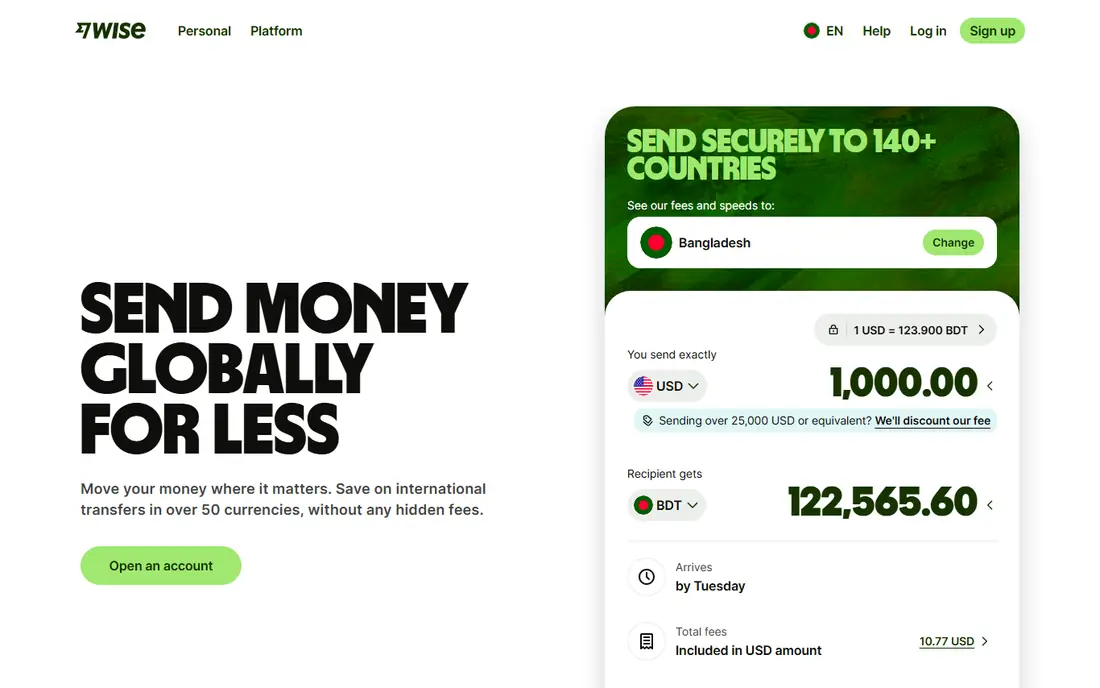
Wise is our pick for most international transfers. You enter the amount, see the fee and the rate, and see what the recipient will get before you confirm. That clarity makes it easy to compare with a bank or another app. Wise also offers local account details in several currencies, which helps freelancers get paid like a local.
The account is free to open in many regions, though card issuance and some transfers carry fees. Speed varies by route, so check the delivery estimate for your exact corridor before you rely on a same-day arrival.
- Shows the fee and rate before you send
- Mid-market rate as the base
- Local account details in several currencies
- Card and account features vary by country
- Transfer speed depends on corridor and payment method
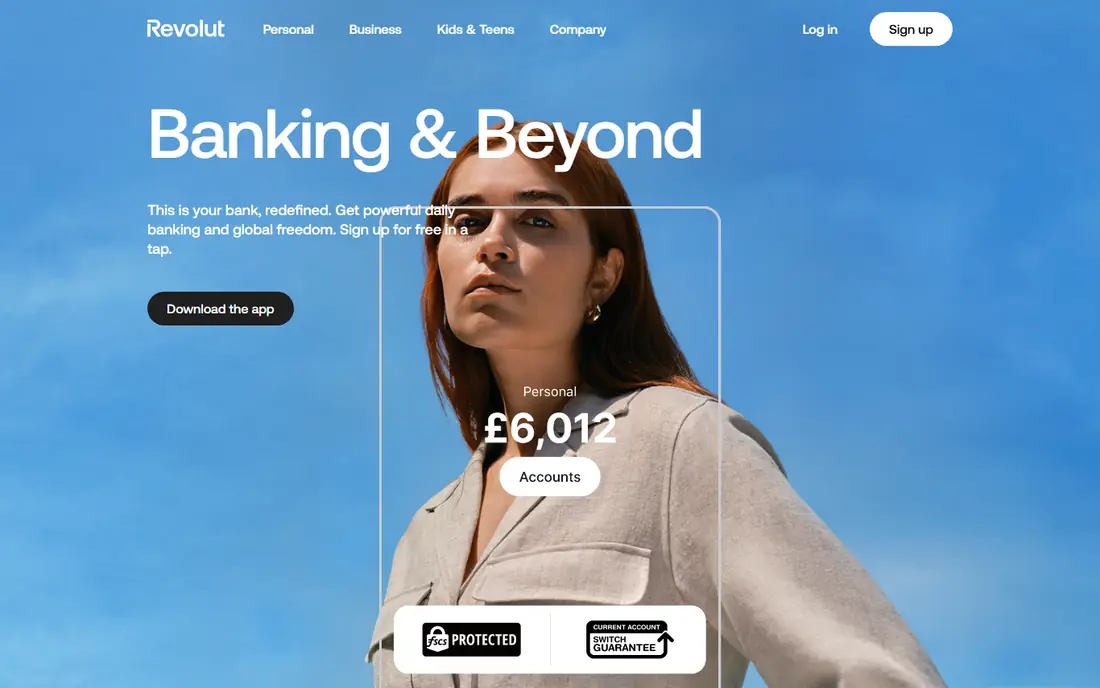
Revolut suits travelers who want to hold, exchange, and spend in several currencies without carrying many cards. The free Standard plan covers everyday use, while paid tiers raise allowances and add travel perks. In-app exchange is quick, and you can freeze the card if it is lost.
Watch the limits. Free exchange allowances and weekend markups mean a large weekend transfer can cost more than expected. For regular large transfers, compare Wise and OFX as well, since Revolut is built more for spending than for bulk transfers.
- Multi-currency account and card in one app
- Budgeting and vault features
- Instant transfers between Revolut users
- Free plan has a monthly fee-free exchange allowance
- Weekend markups can apply on some currencies

XE is the app many people open first just to check a rate. Its converter, charts, and alerts help travelers and senders time a transfer, though timing a market is never certain. XE Money Transfer then lets you send money in many currencies, with the rate and fee shown before you confirm.
For small, frequent transfers, Wise or Revolut may be cheaper. For a larger one-off transfer, XE is worth a quote, since spread-based pricing can be competitive at higher amounts. Compare the recipient amount, not the rate alone.
- Widely used rate checker with alerts
- Money transfer service for many corridors
- Clear tracking for transfers
- Transfer rate includes a margin, so compare the final amount
- Some corridors have higher minimums or slower delivery
OFX is built for larger transfers, such as property payments, business supplier payments, and relocation costs. Its rate includes a margin rather than a separate percentage fee, which can work out well on large amounts. A dealer can also help with timing tools such as forward contracts, where available.
For a $100 transfer, the signup effort is hard to justify. For a $10,000 transfer, getting quotes from OFX, Wise, and XE side by side is worth the time, since small rate differences add up.
- No maximum transfer limit in many cases
- Dealer support for large or complex transfers
- Forward contracts and limit orders for businesses
- Less suited to tiny transfers
- Online signup and verification take time
Remitly focuses on people sending money home to family. Delivery options matter here: a bank deposit, cash pickup, or mobile wallet can suit different recipients. The app shows fees and delivery time before you send, which helps you choose between economy and express options.
Costs vary a lot by corridor, so a good rate on one route does not guarantee a good rate on another. Always check your exact route, and check whether the recipient pays any pickup or withdrawal fee.
- Many delivery options including bank, cash pickup, and mobile money
- Clear delivery estimates
- Promotions for new users in some corridors
- Fees and rates vary widely by corridor and speed
- Express delivery costs more
Payoneer suits freelancers, sellers, and agencies that get paid through marketplaces such as Amazon, Upwork, or Fiverr. You can receive funds in several currencies and withdraw to a local bank, or spend with a Payoneer card. That receiving workflow is its main strength.
It is not the cheapest tool for a simple person-to-person transfer. Conversion and withdrawal fees apply, so compare the total cost if your main job is sending money rather than receiving marketplace payouts.
- Direct payouts from marketplaces and clients
- Multi-currency receiving accounts
- Card for spending balances
- Conversion fees apply when withdrawing in another currency
- Account activity rules can lead to fees if unused
CurrencyFair uses a marketplace approach where users exchange with each other, with a fixed fee in many cases. On popular corridors, that can produce a strong rate, especially for larger amounts. Rate alerts help you act when your target rate appears.
Coverage is narrower than the biggest rivals, and waiting for a match can delay a transfer. If you need speed, choose an instant rate option instead of waiting. If you have time and a popular corridor, CurrencyFair is worth a quote.
- Marketplace model can give competitive rates on popular corridors
- Fixed transfer fee in many cases
- Rate alerts
- Smaller corridor coverage than Wise or XE
- Exchange may take longer if you wait for a matching rate
Travelex remains useful for travelers who want cash on arrival or a prepaid card separate from their main bank card. Ordering online before a trip can be better than buying at the airport, where rates are often worse. A prepaid card also helps with budgeting, since you load a set amount.
For transfers and large conversions, app-based services usually beat cash. Use Travelex for travel cash and backup spending money, not as your main way to move large sums abroad.
- Airport and high-street locations for cash
- Prepaid travel money cards
- Online ordering for pickup or delivery in some regions
- Cash rates are often worse than app-based transfers
- Card and delivery fees apply
How we picked these
We compared official fee pages, rate disclosures, app store listings, and public reviews for apps that exchange currency, send money abroad, or hold multi-currency balances. We favored services that are active in the US and other major markets in 2026, that show fees before sending, and that cover different needs: travel, remittances, freelancing, and large transfers. Where a fee depends on corridor, we wrote See website.
How to compare exchange costs fairly
Do not compare fees alone. A service with no fee may use a rate far from the mid-market rate, which is the midpoint between buy and sell prices. The true cost is the difference between the mid-market rate and the rate you get, plus any stated fee.
Check three numbers every time
First, check the rate offered. Second, check the stated fee. Third, check the amount the recipient will receive. That final number is the only fair comparison. Also check delivery time, since a cheap transfer that arrives late may not suit your need.
Watch weekend and card fees
Some apps add a markup on weekends or for card-funded transfers. Bank-funded transfers are often cheaper than card-funded ones. If you can wait until a weekday and pay from a bank account, you may save money, but never delay a urgent payment just to chase a small rate gain.
FAQ
What is the best currency exchange app?
Wise is the best general pick for transparent transfers, Revolut is best for travel spending, and XE is best for rate checks. For large transfers, compare OFX as well. The best app depends on amount, corridor, and speed.
What is the best money exchange app for travel?
Revolut and Wise both work well for travel, since they offer multi-currency accounts and cards. Revolut adds budgeting tools, while Wise offers local account details. For cash, Travelex can help, but app rates are usually better.
Is Wise cheaper than a bank for currency exchange?
Often yes, because Wise uses the mid-market rate as a base and shows a separate fee, while banks often add a margin to the rate. The gap varies by corridor and amount, so compare the recipient amount for your exact transfer before you decide.
Do currency exchange apps charge fees?
Yes, in some form. Fees may be a stated transfer fee, a margin in the rate, a card fee, or a weekend markup. Exchange rates vary, and fees apply even when an app advertises no commission, since the cost may sit inside the rate.
How fast do currency exchange transfers arrive?
Speed varies by corridor, payment method, and verification. Some transfers arrive in minutes, while others take one to three business days. Bank-funded transfers are often slower than card-funded ones, and first-time transfers may need extra checks.