Best CSPM Tools in 2026: 8 Platforms Compared
We compare the best CSPM tools in 2026, from Wiz and Orca Security to Prisma Cloud, with pricing, coverage and honest trade-offs for busy cloud teams.
- Editor's choice
 Wiz
Attack path analysis
Starts atSee websiteVisit wiz.ioFull review - Great alternative
 Orca Security
Agentless cloud scanning
Starts atSee websiteVisit orca.securityFull review - Also consider
 Prisma Cloud
Large enterprise estates
Starts atSee websiteVisit paloaltonetworks.comFull review
TL;DR:
- Most leading CSPM platforms now price by quote, so a short trial on your real cloud accounts matters more than a headline feature list.
- Wiz and Orca Security stand out for agentless scanning and attack path views, while Prisma Cloud suits large teams that want a broad platform.
- Smaller teams should look closely at native tools and open source options before signing an enterprise contract.
- Compliance mapping, identity risk, and remediation workflows separate useful platforms from noisy dashboards.
Quick comparison
| Tool | Best for | Starts at | Free plan? | |
|---|---|---|---|---|
| Wiz | Attack path analysis | See website | Free trial | Visit |
| Orca Security | Agentless cloud scanning | See website | Free trial | Visit |
| Prisma Cloud | Large enterprise estates | See website | Free trial | Visit |
 Tenable Cloud Security | Exposure management | See website | Free trial | Visit |
 Microsoft Defender for Cloud | Azure and Microsoft shops | See website | Free trial | Visit |
 Sysdig Secure | Container and runtime depth | See website | Free trial | Visit |
 Lacework by Fortinet | Anomaly detection | See website | Free trial | Visit |
 Prowler | Free open source checks | Free | Yes | Visit |
The best CSPM tools
Cloud security posture management, often shortened to CSPM, checks your cloud accounts for misconfigurations, exposed storage, risky identities, and unpatched workloads. The best CSPM platforms turn those findings into a short list of fixes that actually reduce risk. We compared official feature pages, pricing pages, documentation, and public reviews for the tools below.
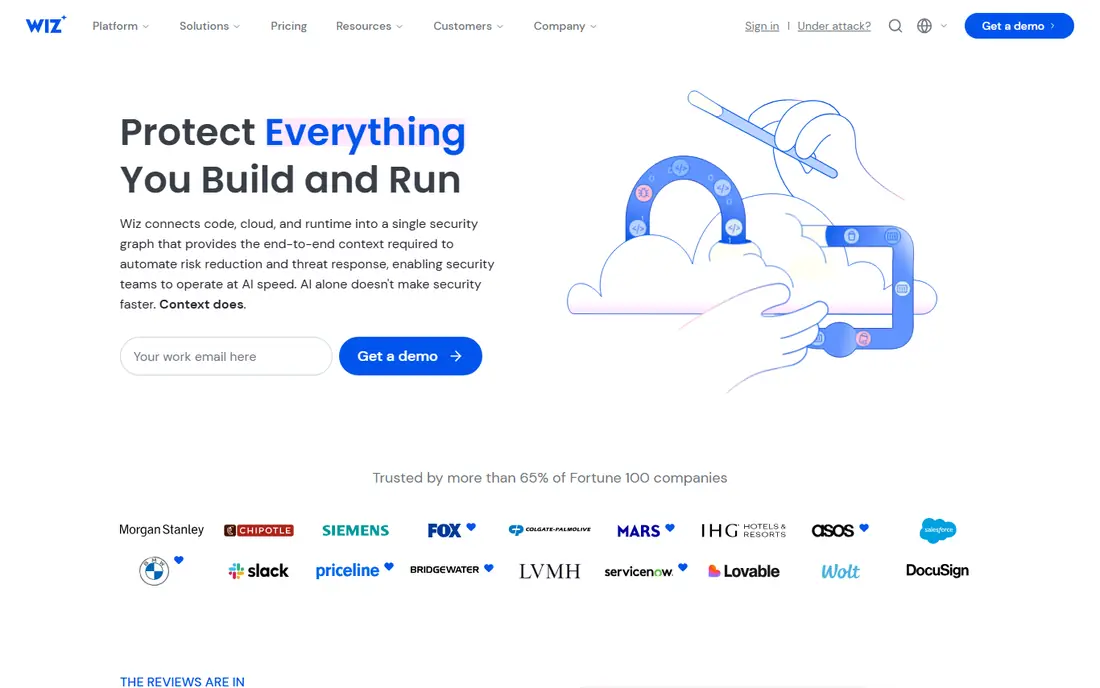
Wiz connects to AWS, Azure, Google Cloud, and other providers without agents on every machine, then builds a graph of how resources, identities, and vulnerabilities connect. That graph is the reason many teams pick it. Instead of a long list of isolated alerts, you see which combination of issues would let an attacker reach sensitive data. For a busy security team, that ordering saves time and helps engineers focus on the handful of fixes that matter most.
The trade-off is cost and scope. Wiz does not publish a simple public price, and large estates can face a sizable annual contract. Smaller teams may find the platform more than they need, especially if they run only one cloud. Still, for multi-cloud teams that want one view of posture, code risk, and runtime context, Wiz is our pick for most people in this category.
- Agentless scanning across clouds
- Clear attack path views
- Strong compliance coverage
- Enterprise pricing by quote
- Costs can grow with workload count
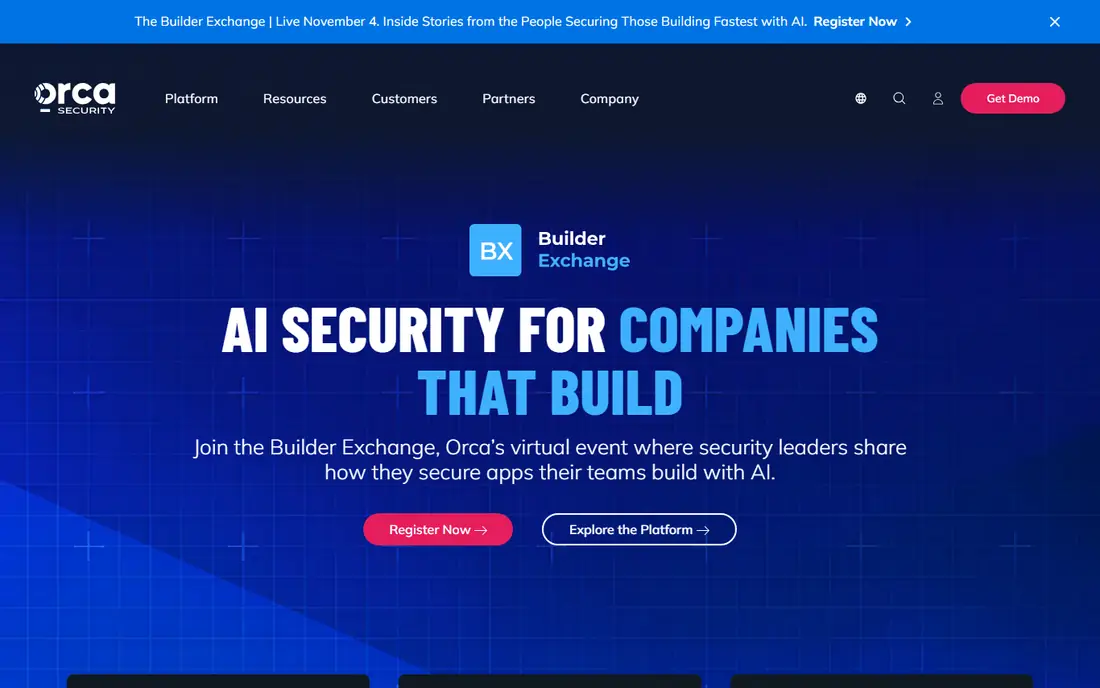
Orca Security uses SideScanning to read workload disks and configurations from outside the workload, which keeps deployment light and avoids performance hits on production systems. It covers virtual machines, containers, serverless functions, and cloud storage, and it links vulnerabilities to whether they are actually reachable. That context helps teams avoid patching every theoretical flaw and focus on exposed issues first.
Orca suits teams that want fast coverage across many accounts without a long agent rollout. Pricing is by quote and depends on workload count, so budget planning needs a sales conversation and a clear inventory of your cloud assets. Teams that already use a separate runtime tool should check for overlap before buying the full platform.
- SideScanning without agents
- Broad workload coverage
- Clear risk prioritization
- Pricing by quote
- Advanced runtime features may need extra modules
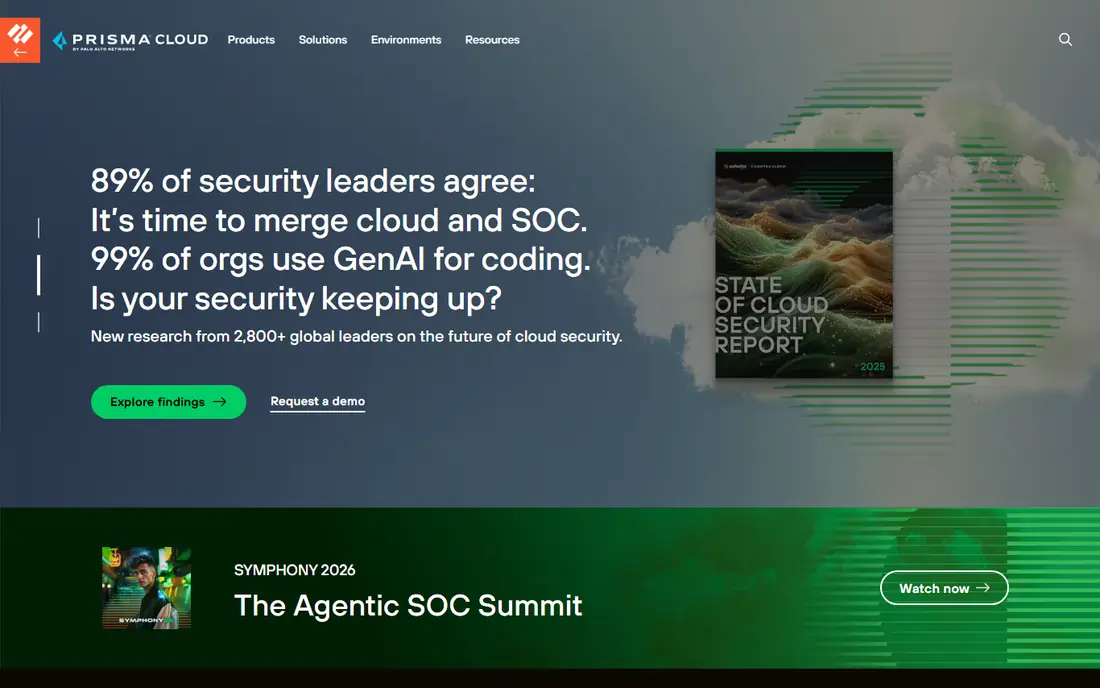
Prisma Cloud, now part of Palo Alto Networks Cortex Cloud, covers posture management, workload protection, network security, and code security in one platform. Large enterprises like that breadth because it can replace several point tools and give auditors one set of reports. Policy packs for common frameworks help compliance teams map findings to controls without building every rule from scratch.
The downside is complexity. Credit based pricing is hard to estimate before a scoping call, and the platform has more settings than a small team will ever use. If you run a Palo Alto network stack already, the integration value is high. If you want a quick posture check for a handful of accounts, a lighter tool will get you there faster.
- Very broad module coverage
- Strong policy controls
- Deep Palo Alto integration
- Complex pricing in credits
- Setup can take longer than lighter tools
Tenable Cloud Security brings cloud posture into the same exposure view many teams already use for vulnerabilities and assets. That matters because cloud risk is rarely just a misconfiguration. It is often a misconfiguration plus an unpatched package plus an overprivileged identity. Tenable tries to show that full picture and rank issues by how an attacker could chain them together.
Teams that already use Tenable for vulnerability management will find onboarding easier and reporting more consistent. New buyers should ask exactly which modules are included in a quote, since Tenable sells several bundles under the Tenable One name. For pure CSPM needs, compare it side by side with Wiz and Orca on your own accounts during a trial.
- Unified exposure view
- Strong vulnerability data
- Good reporting
- Pricing by quote
- Some features overlap with Tenable One bundles
Microsoft Defender for Cloud is the natural starting point if most of your workloads run on Azure or you already pay for Microsoft 365 and Entra ID. It scores your subscriptions against security benchmarks, flags exposed resources, and connects to Defender for servers, containers, and databases. The Azure portal integration means engineers see findings where they already work.
It also covers AWS and Google Cloud, but teams with a large multi-cloud estate often find third party platforms give a more even view across providers. Pricing is usage based in many plans, so costs follow resource count rather than a flat license. For Microsoft centred teams, it is hard to beat on convenience and price.
- Native Azure integration
- Built-in compliance dashboards
- Per resource pricing
- Multi-cloud depth varies
- Best value inside a Microsoft estate
Sysdig Secure grew out of container visibility and runtime security, and that focus still shows. It is strong on Kubernetes clusters, container images, and runtime behaviour, including detection based on the open source Falco project. Teams running many containers will appreciate how it links a posture finding to what is actually running, rather than what was declared in a template.
As a pure CSPM tool, Sysdig is less broad than Wiz or Prisma Cloud. It fits best as a posture plus runtime choice for container heavy teams, or as a complement to a broader platform. Ask for a trial on a real cluster, not just a demo account, to judge alert quality and the effort needed to tune runtime rules.
- Strong container and Kubernetes insight
- Runtime threat detection
- Falco roots
- Posture features are narrower than full CNAPP rivals
- Pricing by quote
Lacework by Fortinet, now part of Fortinet, uses behaviour models to spot unusual activity in cloud accounts and workloads. That approach can catch issues that static rules miss, such as a normally quiet service account suddenly exporting large amounts of data. It covers posture, workload, identity, and Kubernetes risk in one console.
Buyers should note that Lacework has changed hands and product naming has shifted over time, so confirm the current plan names and support terms in writing before signing. For teams that value anomaly detection alongside standard posture checks, it remains a credible option, especially inside a Fortinet network estate.
- Behaviour based anomaly detection
- Agent and agentless options
- Fortinet backing
- Pricing by quote
- Smaller community than larger rivals
Prowler is an open source cloud security tool that checks AWS, Azure, Google Cloud, and Kubernetes against CIS benchmarks and other frameworks. It is free to run, easy to add to a pipeline, and useful for teams that want evidence for audits without an enterprise contract. Reports are clear enough to hand to an auditor or to feed into a ticketing system.
The catch is that Prowler is a scanner, not a managed platform. You handle scheduling, alert triage, dashboards, and remediation tracking yourself. Small teams with engineering time often pair Prowler with native cloud tools and get solid coverage at low cost. Larger teams that need prioritization, attack paths, and vendor support will usually outgrow it.
- Free and open source
- Hundreds of CIS and framework checks
- Runs in CI
- No managed remediation workflows
- Needs engineering time to operate
How we picked these
We compared official feature pages, pricing pages, documentation, and public reviews for CSPM platforms that cover at least AWS, Azure, or Google Cloud and that were actively sold in October 2026. We favoured tools with agentless or low friction deployment, compliance mapping, identity risk insight, and a clear remediation path. We excluded tools that only scan code or only monitor endpoints, since they do not meet the core CSPM job. Prices are listed as See website where vendors price by quote, rather than repeating unverified third party estimates.
What to check before you buy a CSPM platform
Start with coverage, not dashboards. List every cloud account, Kubernetes cluster, and workload type you run, then confirm the tool scans all of them without a separate add-on. A platform that misses serverless functions or a whole cloud provider leaves a blind spot that attackers can use. Ask for a trial on a copy of your real estate if possible, and count how many findings are actionable in the first week.
Next, test prioritization and remediation. Good platforms explain why an issue matters, show the path an attacker could take, and suggest a concrete fix with an owner. Look for ticketing integration, infrastructure as code fixes, and exception handling for accepted risks. If every alert looks equally urgent, your team will learn to ignore the console, which defeats the purpose of buying the tool.
Finally, model total cost. Quote based pricing means you should get pricing in writing for your current workload count and for growth of 50 percent. Ask what happens when you add accounts, enable runtime modules, or keep data longer. Native tools and open source options can cover a lot for small estates, so only pay for enterprise breadth when you will use it.
FAQ
What is a CSPM tool?
A CSPM tool scans cloud accounts for misconfigurations, exposed resources, risky permissions, and unpatched workloads, then ranks the findings by risk. It helps teams fix the issues that could lead to a breach before an attacker finds them.
What is the difference between CSPM and CNAPP?
CSPM focuses on cloud posture and configuration risk. CNAPP is a broader term that adds workload protection, code security, and runtime detection to CSPM. Many products on this list sell CSPM as part of a larger CNAPP platform.
Which is the best CSPM platform for a small team?
Small teams often do well with Microsoft Defender for Cloud, native cloud tools, or Prowler, depending on their cloud provider and engineering time. Enterprise platforms like Wiz and Orca make more sense once you have many accounts and need attack path prioritization.
Do CSPM tools need agents on every machine?
Not always. Wiz, Orca, and several rivals offer agentless scanning that reads cloud APIs and workload snapshots. Agents can add runtime depth, but they are not required for basic posture checks on many platforms.
How much do the best CSPM platforms cost?
Most enterprise CSPM platforms price by quote based on workload or resource count, so published prices are rare. Expect a sales conversation and a scoping exercise. Open source Prowler is free, while native cloud tools often charge per resource.
Can a CSPM tool help with SOC 2 or ISO 27001?
Yes, most platforms map findings to common frameworks and produce compliance reports. That mapping helps auditors, but you still need policies, access reviews, and other controls outside the CSPM tool itself.