Best CRM Software for Startups in 2026: 8 Tools Compared
Compare the best crm software for startups for sales, contacts, pipelines, and growth, with free plans, pricing, and startup-friendly features here for 2026.
- Editor's choice
 HubSpot CRM
Most startups
Starts atFreeVisit hubspot.comFull review - Great alternative
 Zoho CRM
Affordable all-round CRM
Starts atSee websiteVisit zoho.comFull review - Also consider
 Pipedrive
Visual sales pipelines
Starts atSee websiteVisit pipedrive.comFull review
TL;DR:
- HubSpot CRM is our pick for most startups because its free tier covers contacts, deals, and basic automation without an upfront cost.
- Zoho CRM and Pipedrive suit startups that want affordable paid plans with clear sales pipelines, while Freshsales suits teams that want built-in phone and email tools.
- Salesforce Starter suits startups that expect to grow into a larger Salesforce setup, but it needs more setup time than simpler tools.
- Pick the CRM your sales team will actually update daily, since a powerful CRM with empty records helps no one.
Quick comparison
| Tool | Best for | Starts at | Free plan? | |
|---|---|---|---|---|
| HubSpot CRM | Most startups | Free | Yes | Visit |
| Zoho CRM | Affordable all-round CRM | See website | Free trial | Visit |
| Pipedrive | Visual sales pipelines | See website | Free trial | Visit |
 Freshsales | Built-in sales tools | See website | Free trial | Visit |
 Salesforce Starter | Growing into Salesforce | See website | Free trial | Visit |
 Close | Outbound sales teams | See website | Free trial | Visit |
 Monday CRM | Flexible team workflows | See website | Free trial | Visit |
 Capsule CRM | Simple contact management | See website | Free trial | Visit |
The best crm software for startups
We compared official pricing, feature, and help pages to judge contact management, pipeline clarity, automation, integrations, and cost for small teams. A startup CRM must be easy to start, easy to keep clean, and affordable before revenue scales.
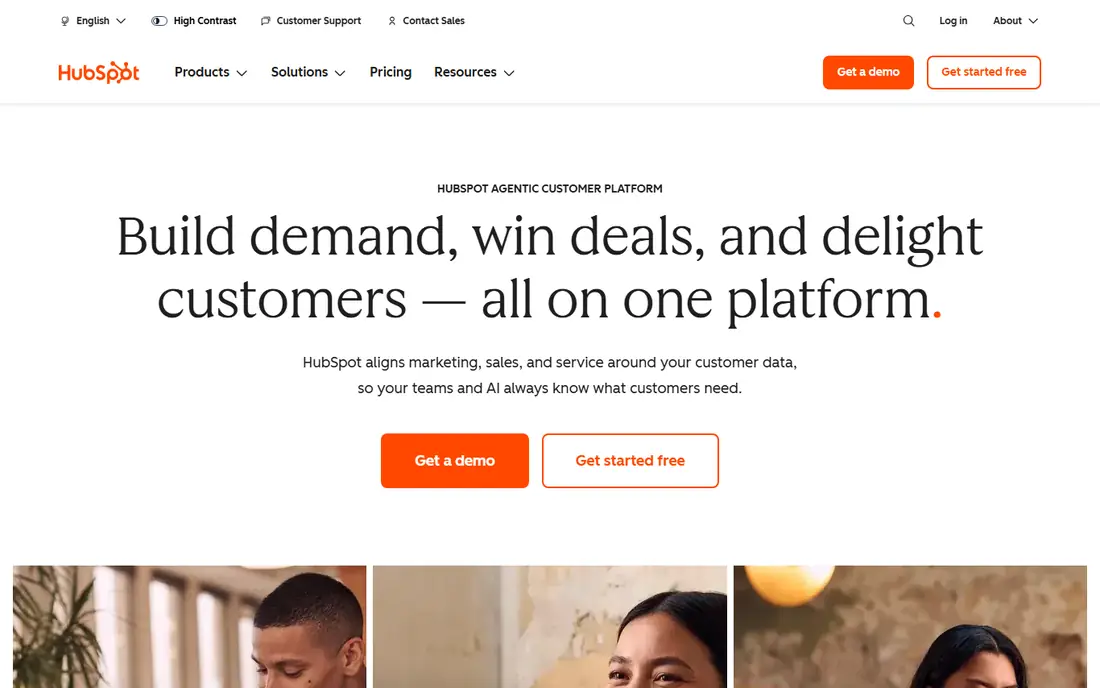
HubSpot CRM is the safest starting point for most startups. The free tier covers contacts, companies, deals, tasks, and basic email tracking, which is enough for a small team to organize leads and follow-ups without paying. As the team grows, HubSpot adds marketing, sales, and service hubs that share the same contact record, so data does not need to move between systems.
The watch point is cost at scale. Paid plans add automation, reporting, and higher limits, and the total can rise faster than a simpler CRM as you add seats and hubs. For an early-stage team, though, the free start is a real advantage. Set up a clear pipeline, agree on deal stages, and review records weekly so the free CRM stays useful.
- Generous free tier
- Easy contact and deal tracking
- Strong marketing and sales integrations
- Paid hubs can become costly as you scale
- Advanced automation needs paid plans
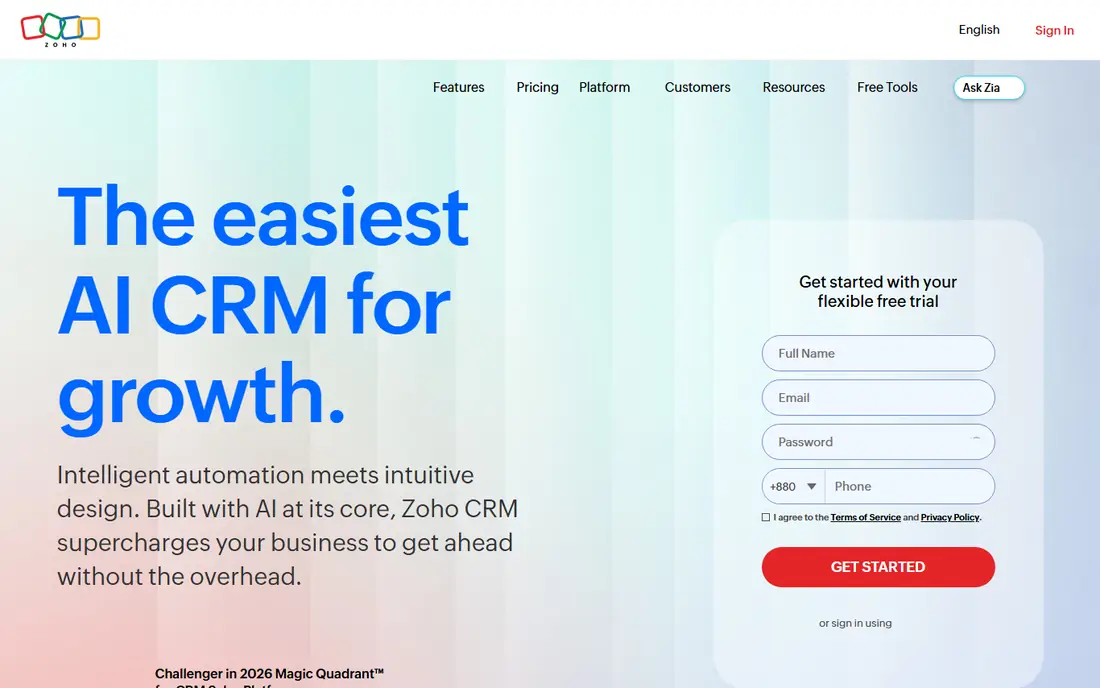
Zoho CRM offers a broad set of sales, marketing, and support features at a price that suits startups. It covers leads, contacts, deals, workflows, and reporting, and it connects to other Zoho apps for email, accounting, and helpdesk work. That breadth helps a startup that wants one vendor for several jobs without enterprise pricing.
The interface can feel busy at first, with many menus and settings, so plan a short setup period to hide features you do not need. Zoho also offers a free edition for very small teams in some regions, with limits to check on the pricing page. For a startup that wants depth without a high monthly bill, Zoho is a strong, affordable alternative to HubSpot.
- Wide feature set for the price
- Good automation and workflows
- Part of a larger Zoho suite
- Interface can feel busy
- Setup takes time to tailor
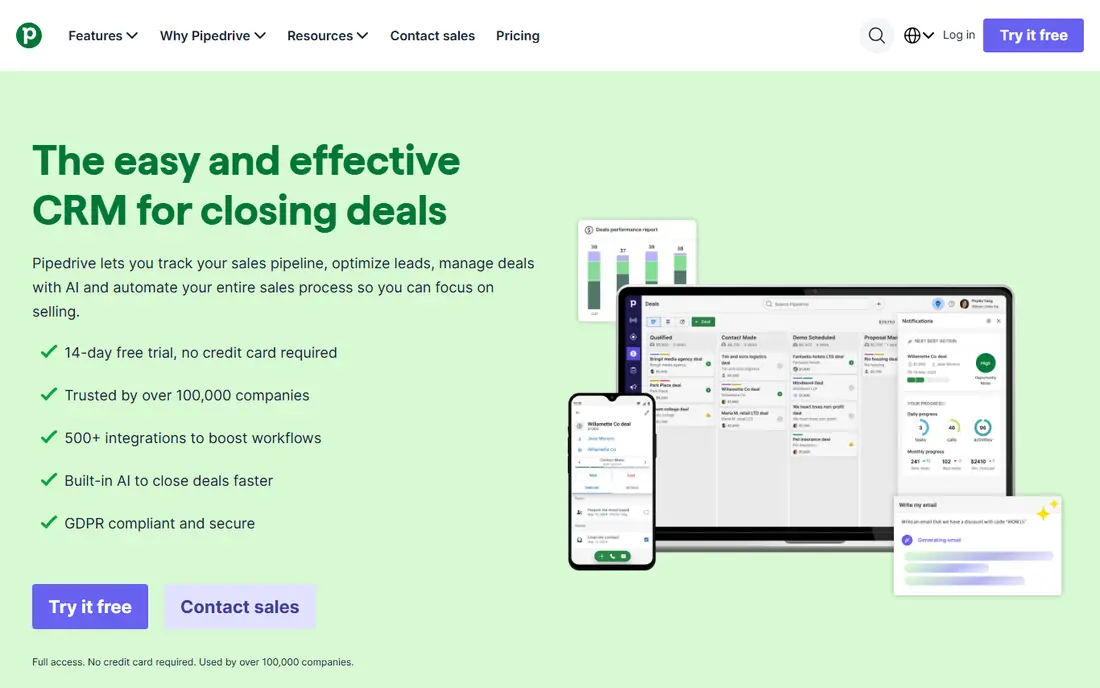
Pipedrive is built around a visual sales pipeline, which makes it easy for a small team to see where every deal stands. Drag a deal from one stage to the next, log calls and emails, and set follow-up activities so nothing slips. That focus helps founders and early sales hires who need to close deals, not manage a complex marketing system.
Marketing automation and customer service features are more limited than HubSpot, so teams that need email campaigns and helpdesk tools may need another app. Reporting also deepens on higher plans. For a sales-led startup with a clear pipeline, Pipedrive simplicity is a strength, and a trial with real deals will show whether the pipeline view fits your process.
- Clear visual pipeline
- Easy deal and activity tracking
- Good for small sales teams
- Marketing features are more limited than HubSpot
- Reporting depth needs higher plans
Freshsales, from Freshworks, combines CRM records with built-in phone, email, and chat tools, so a sales team can call and message leads without switching apps. Lead scoring, workflows, and sales sequences help a growing team prioritize the leads most likely to close. That all-in-one sales focus suits startups that do a lot of outbound work.
Pricing tiers can be confusing, since phone minutes, AI features, and advanced automation sit on different plans. Check the current pricing page for the features you need, and trial the phone and email tools with real leads. For a team that lives in calls and emails, Freshsales can save time compared with a CRM that needs several add-ons.
- Built-in phone, email, and chat tools
- AI lead scoring on higher plans
- Good for growing sales teams
- Pricing tiers can confuse first-time buyers
- Some features need higher plans
Salesforce Starter is the entry point to the Salesforce platform, aimed at small teams that want basic CRM plus a path to larger Salesforce tools later. It covers contacts, leads, deals, and simple automation, with access to a large integration and app ecosystem. For a startup that expects rapid growth or that already plans to use Salesforce products, starting here avoids a future migration.
Setup takes longer than HubSpot or Pipedrive, and the interface carries more options than a tiny team may need. Pricing also rises as you add seats and features. If you are unsure about long-term platform needs, a simpler CRM may be faster to adopt. If Salesforce is already in your plan, Starter is a sensible, scalable entry point.
- Path to full Salesforce platform
- Strong integrations and app ecosystem
- Good reporting
- Setup takes longer than simpler CRMs
- Pricing rises with seats and add-ons
Close is built for outbound sales teams that make many calls and send many emails each day. It combines CRM records with a power dialer, email sequences, and SMS, so reps can work through a lead list without leaving the app. That speed matters for startups selling by phone and email at volume.
Marketing features are thinner than HubSpot, and Close is less suited to teams that mainly need content, landing pages, or support tickets. Per-user pricing can also add up as the team grows. For an outbound-led startup, though, Close focus on speed and follow-up can lift activity and response rates in a way a general CRM may not.
- Built for calling and email outreach
- Fast lead import and sequences
- Good for high-volume sales
- Less suited to marketing-heavy teams
- Pricing is per user and can add up
Monday CRM, built on the Monday work platform, suits startups that want a CRM that also handles projects, hiring, and operations in one visual system. Boards, automations, and dashboards can be tailored to sales, onboarding, and delivery workflows, which helps small teams that wear many hats. The visual style makes it easy for non-sales staff to understand deal status.
Dedicated sales depth, such as advanced forecasting and complex sales automation, is thinner than Pipedrive or Salesforce. Costs also rise with seats and feature tiers. For a startup that values flexibility and wants one tool for sales plus wider team work, Monday CRM is a practical choice. For a pure sales team, a dedicated CRM may fit better.
- Flexible boards and workflows
- Easy to customize for different teams
- Good visual project view
- CRM depth is less than dedicated sales CRMs
- Costs rise with seats and features
Capsule CRM is the simplest tool on this list, and that is its appeal. It focuses on contacts, tasks, pipelines, and history, without the wide marketing and service layers of larger platforms. For a founder-led startup with a small team, Capsule is easy to learn, easy to keep clean, and affordable.
Advanced automation, forecasting, and marketing tools are limited, so larger sales teams may outgrow it. Capsule also offers integrations with popular email, accounting, and productivity apps to fill gaps. If your main need is to stop losing track of leads in spreadsheets and inboxes, Capsule gives you a clean, low-friction upgrade.
- Simple and clean interface
- Good contact and task tracking
- Affordable for small teams
- Fewer advanced automation features
- Less suited to large sales operations
How we picked these
We compared official pricing, feature, and help pages, focusing on free tier value, pipeline clarity, ease of daily use, automation, and integration with email and other startup tools. We favored CRMs active in October 2026 that serve small teams without enterprise setup, and we covered free, affordable, sales-led, and scalable options. We did not claim hands-on testing, and pricing changes, so check the vendor page before you buy.
How to set up a startup CRM that sticks
Start with a simple pipeline, not a perfect system. Define four to six deal stages that match how you actually sell, from first contact to closed, and agree on what moves a deal from one stage to the next. Import only active leads and current customers at first, and clean duplicates before you add historical data. A tidy CRM with 200 real records beats a messy CRM with 5,000 old ones.
Next, assign ownership and habits. Every deal needs an owner and a next step with a date, and the team should update records after calls, not at the end of the week. Use email integration so messages attach to contacts automatically, and review the pipeline together once a week. That weekly review catches stalled deals early and keeps the CRM honest.
Avoiding common startup CRM mistakes
Do not buy advanced automation before you have a stable pipeline, since automation on messy data only creates messy follow-ups faster. Do not add too many custom fields at the start, since each extra field is a reason for staff to skip updates. Finally, check data export options before you commit, so you can move your contacts and deals if you outgrow the tool.
FAQ
What is the best CRM for a startup with no budget?
HubSpot CRM is the best free starting point for most startups because its free tier covers contacts, deals, tasks, and basic email tracking. Zoho CRM also offers a limited free edition in some regions. Start free, prove the pipeline works, and only pay when you need automation or higher limits.
How much does CRM software cost for startups?
Free tiers cover basic needs, while paid plans for small teams often start in the low tens of dollars per user per month, depending on the vendor and features. Larger platforms and advanced automation cost more. Price by seat count and check whether automation, reporting, and phone tools are included or add-ons.
Do startups need a CRM or just a spreadsheet?
A spreadsheet works for a handful of leads, but it breaks down when follow-ups, emails, calls, and deal stages grow. A CRM centralizes history, reminds you of next steps, and shows pipeline health in one view. If you miss follow-ups or lose track of leads, a simple CRM like Capsule or HubSpot is worth the switch.
Which CRM is easiest to set up?
HubSpot, Pipedrive, and Capsule are among the easiest to set up, with clear pipelines and guided onboarding. Salesforce Starter and Zoho CRM offer more depth but need more setup time. Trial your top two choices with real deals before you commit.
Can a startup CRM grow with the company?
Yes, if you choose a platform with paid tiers and integrations, such as HubSpot, Zoho, or Salesforce Starter. Start simple, keep data clean, and upgrade only when limits block real work. Check export options early, so growth does not lock you into a tool that no longer fits.