Best CRM Software for Commercial Real Estate in 2026: 8 Tools Compared
Compare the best CRM software for commercial real estate in 2026, with deal pipelines, property records, prospecting tools, and pricing for brokers and teams.
- Editor's choice
 AscendixRE
Salesforce-based CRE brokerage CRM
Starts at$79 per monthVisit ascendix.comFull review - Great alternative
 Propertybase
Salesforce platform with marketing and transactions
Starts at$79 per monthVisit propertybase.comFull review - Also consider
 Buildout CRM
Marketing-led CRE deal management
Starts at$120 per monthVisit buildout.comFull review
TL;DR:
- AscendixRE and Propertybase lead for brokers who want a Salesforce-based system built around properties, deals, and listings.
- Buildout CRM and REthink suit teams that need marketing, prospecting, and deal intelligence alongside contact records.
- ClientLook and RealNex offer lighter, CRE-focused options for smaller brokerages that do not want a full Salesforce build.
- Expect entry prices from about $50 to $89 per user per month for CRE-focused tools, with Salesforce itself priced separately in some cases.
Quick comparison
| Tool | Best for | Starts at | Free plan? | |
|---|---|---|---|---|
| AscendixRE | Salesforce-based CRE brokerage CRM | $79 per month | Free trial | Visit |
| Propertybase | Salesforce platform with marketing and transactions | $79 per month | Free trial | Visit |
| Buildout CRM | Marketing-led CRE deal management | $120 per month | Free trial | Visit |
 REthink | Buildout-connected prospecting and deals | $159 per month | Free trial | Visit |
 ClientLook | Simple CRE contact and deal tracking | See website | Free trial | Visit |
 RealNex | CRE deal, listing, and commission tools | See website | Free trial | Visit |
 Salesforce Sales Cloud | Custom enterprise CRE workflows | $25 per month | Free trial | Visit |
 HubSpot CRM | Flexible CRM for smaller CRE teams | See website | Yes | Visit |
The best CRM software for commercial real estate
Commercial real estate deals involve properties, tenants, landlords, investors, and long timelines. A generic CRM can track contacts, but it rarely models stacking plans, listings, commissions, and deal stages in the way brokers work. These eight tools range from CRE-built systems to flexible platforms you can shape for CRE work.
AscendixRE is our pick for commercial brokers who want Salesforce power without building a CRE system from scratch. It models properties, listings, deals, accounts, and contacts in one place, and adds stacking plans, commission tracking, and property marketing tools that generic Salesforce lacks. Email automation and dashboards help a team keep prospecting and deal work visible.
The catch is that Salesforce depth brings complexity. A small team with simple needs may find the setup and admin work heavier than a lighter CRE CRM. Pricing at $79 per user per month also sits above entry-level tools, though it reflects the Salesforce platform underneath. For brokerages that plan to grow on Salesforce, that foundation is a real advantage.
- Full CRE data model on Salesforce
- Listings, deals, and stacking plans
- Email automation and reporting built in
- Salesforce foundation adds learning time
- Setup benefits from CRE experience
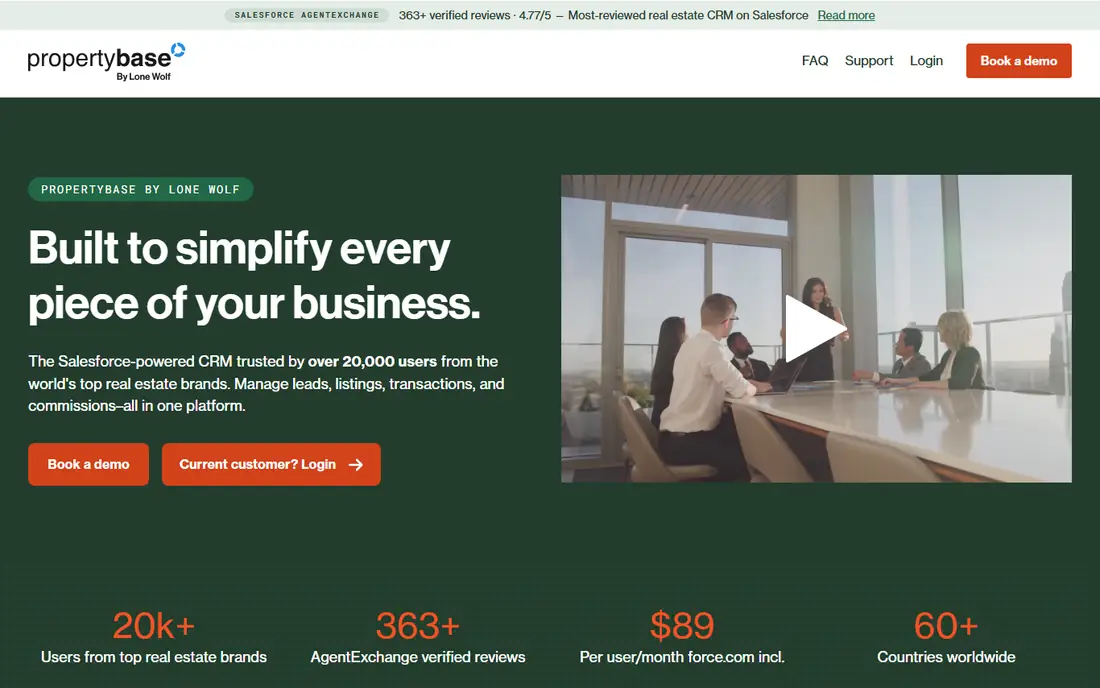
Propertybase suits brokerages that want CRM, property websites, and marketing in one Salesforce-based system. Listings can feed property sites, leads can route to brokers, and transactions can move through back-office steps without a patchwork of tools. That breadth helps teams that handle both leasing and sales and need consistent listing data.
The trade-off is cost structure and setup. Published comparisons note minimum license counts for some Propertybase plans, so solo brokers should confirm the minimum before signing. Marketing and website features also need configuration to look good. For teams of ten or more who want an end-to-end platform, Propertybase is a strong contender.
- Combines CRM, websites, and marketing
- Transaction and back-office tools
- Built on Salesforce
- Minimum seat counts can raise costs for small teams
- Marketing setup takes time
Buildout started in property marketing, and that strength shows in its CRM. Brokers can create listing materials, share properties, and track deal activity in the same system, rather than keeping marketing files apart from the pipeline. Automation and multi-language support help teams that market across regions and property types.
The price is the main hurdle. At about $120 per user per month in published comparisons, Buildout costs more than lighter CRE tools. Teams that only need contact and deal tracking may not use the marketing depth enough to justify it. For brokerages where polished listings win mandates, the marketing return can offset the higher seat price.
- Strong property marketing and brochure tools
- Deal tracking linked to listings
- Automation across languages
- Higher starting price
- Marketing depth may exceed simple CRM needs
REthink is a Salesforce-based CRE CRM with a focus on prospecting and deal intelligence. It offers pipelines for investment sales, leasing, tenant representation, and capital markets, plus advanced search for properties and comparable deals. Links to the Buildout ecosystem let teams pull property data and research into the CRM record.
The drawback is price and depth. At about $159 per user per month in published comparisons, REthink is an enterprise-leaning choice, and teams should budget for Salesforce admin time. Smaller brokerages may find ClientLook or HubSpot enough for their pipeline. For larger CRE teams that live in prospecting and deal data, REthink offers a depth that lighter tools cannot match.
- Deal pipelines for sales, leasing, and capital markets
- Property and comp search
- Buildout ecosystem links
- Highest starting price on this list
- Salesforce knowledge helps
ClientLook appeals to brokers who want a CRE CRM without a Salesforce project. It tracks contacts, companies, properties, and deals in views that match how brokers prospect and follow up. Email tools and list building help a team run call campaigns and stay in touch with owners and tenants.
The limits are breadth and price transparency. ClientLook does not offer the same marketing suite as Buildout or the same customization ceiling as Salesforce-based tools, and pricing is quote-based, so buyers must ask for a current figure. For a brokerage that wants to start fast and keep admin light, that simplicity is a feature, not a flaw.
- Built for commercial brokers and teams
- Simple deal and contact views
- Email and prospecting tools
- Less marketing automation than Buildout
- Pricing requires a quote
RealNex offers a suite for commercial real estate, covering CRM, listings, deal management, and commissions. Brokers can manage a property from listing through deal stages and commission tracking, with market data and mapping to support prospecting. The modular approach lets a team start with CRM and add tools as needs grow.
The catch is that modules add cost and the experience can feel less unified than a single-platform CRM. Buyers should price the full set they need, not just the entry module, and test how listings flow into deals. For brokerages that want CRE-specific deal and commission handling without building on Salesforce, RealNex is worth a demo.
- Covers listings, deals, and commissions in one suite
- Market data and mapping tools
- Modular products
- Modular pricing can grow as you add tools
- Interface varies across modules
Salesforce Sales Cloud is the flexible enterprise option. A brokerage can model any deal type, build custom objects for properties and leases, automate follow-up, and report across teams and offices. The Starter Suite starts at $25 per user per month, but most CRE teams will use higher editions and add a CRE app such as AscendixRE or REthink on top.
The honest warning is implementation. Salesforce alone does not know what a stacking plan or a CRE commission split is, so a team must build or buy that logic. That work takes time and skilled admin support. For large brokerages with unique workflows and the budget to build them, Salesforce offers a ceiling that CRE-only tools cannot match.
- Deep customization and automation
- Huge integration ecosystem
- Strong reporting and AI options
- Generic out of the box for CRE
- Implementation time and admin costs are real
HubSpot CRM suits smaller CRE teams, solo brokers, and firms that value ease of use over CRE-specific depth. The free tier covers contacts, deals, and basic email tracking, and paid Sales Hub plans add sequences, reporting, and automation. A team can start in days, not months, and add marketing tools as prospecting grows.
The limit is CRE modeling. HubSpot does not ship with property, listing, and stacking plan objects, so a team must create custom objects and pipelines to mirror CRE work. That setup is doable, but it will not match a CRE-built system out of the box. For teams with simple deal tracking and strong marketing needs, HubSpot is a practical, low-risk start.
- Free CRM tier to start
- Easy contact, deal, and email tracking
- Strong marketing tools on paid plans
- CRE property modeling needs custom setup
- Advanced features require paid hubs
How we picked these
We compared official feature pages, pricing pages, and published CRE CRM comparisons, plus user reviews, for tools that serve commercial brokers, landlords, and investors in 2026. We favored tools with property and deal records, prospecting support, and pipeline reporting, and we included both CRE-built systems and flexible platforms that CRE teams commonly adapt. Prices are starting figures where published, and quote-based tools are marked as such.
What to check before you buy a commercial real estate CRM
Start with your deal types. A leasing team needs stacking plans and tenant records, an investment sales team needs comps and buyer tracking, and a landlord team needs owner and tenant communication in one place. Ask each vendor to show your exact deal flow in a demo, not a generic sales pipeline.
Check data and migration early. Confirm how listings, contacts, and deal history import, how duplicates are handled, and who owns the data if you leave. A CRM that cannot import your current pipeline cleanly will slow adoption, no matter how good its feature list looks.
Trial tips that save time
Use the trial with five real deals at different stages. Add a property, a landlord, a tenant, and a buyer, then move each deal forward and test reporting. If the team cannot find a deal, a property, or a next step in under a minute, the system will not survive busy prospecting weeks.
FAQ
What is the best CRM software for commercial real estate?
The best commercial real estate CRM depends on team size and workflow. AscendixRE and Propertybase suit Salesforce-based brokerages, Buildout and REthink suit marketing and prospecting teams, and ClientLook or HubSpot suit smaller teams that want a faster start.
How much does a commercial real estate CRM cost?
Published starting prices on this list run from $25 per user per month for Salesforce Starter Suite to about $159 per user per month for REthink, with several CRE tools at $79 to $120. Quote-based tools and Salesforce add-ons can raise the total, so price the full seat count and modules.
Do I need a CRE-specific CRM or a generic CRM?
A CRE-specific CRM saves setup time because it already models properties, listings, and deal stages. A generic CRM can work for simple pipelines, but it needs custom objects and workflows to match CRE work, which adds setup and admin time.
Can a CRE CRM track listings and commissions?
Many CRE tools track listings, deal stages, and commissions in one record, while generic CRMs usually need custom fields or add-ons for commissions. Confirm commission splits, listing status, and reporting in a demo with your own deal examples.
Does a CRE CRM help with prospecting?
Yes, when it includes owner and tenant records, call lists, email tools, and property search. Tools such as REthink and Buildout add comp and property data, while simpler tools rely on lists and follow-up tasks to keep prospecting moving.