Best CRM for Service Based Business in 2026: 8 CRMs Compared
We compared the best crm for service based business on scheduling, invoicing, payments, dispatch and price, so field and office service teams can pick wisely.

- Editor's choice
 Jobber
Home and field service all-rounder
Starts at$49 per monthVisit getjobber.comFull review - Great alternative
 Housecall Pro
Trade businesses and booking
Starts at$59 per monthVisit housecallpro.comFull review - Also consider
 HubSpot CRM
Sales-led service businesses
Starts atFreeVisit hubspot.comFull review
TL;DR:
- Jobber is the best all-round pick for home and field service teams that need quotes, scheduling, dispatch and invoicing in one app.
- Housecall Pro suits trade businesses that want strong booking, dispatch and review tools with a friendly mobile app.
- HubSpot CRM suits service businesses that sell and market as much as they deliver, thanks to its free tier and deep integrations.
- Zoho CRM and Pipedrive offer strong value for budget teams, while ServiceTitan suits large teams ready for a bigger implementation.
- Price the whole stack, including seats, add-ons and payment processing, since entry prices rarely tell the full story.
Quick comparison
| Tool | Best for | Starts at | Free plan? | |
|---|---|---|---|---|
| Jobber | Home and field service all-rounder | $49 per month | Free trial | Visit |
| Housecall Pro | Trade businesses and booking | $59 per month | Free trial | Visit |
| HubSpot CRM | Sales-led service businesses | Free | Yes | Visit |
 Zoho CRM | Budget-conscious full CRM | $14 per user per month | Free trial | Visit |
 Pipedrive | Simple sales pipelines | $14 per user per month | Free trial | Visit |
 ServiceTitan | Large growing service teams | See website | No | Visit |
 FieldEdge | Advanced field service features | See website | No | Visit |
 Service Fusion | Streamlined job management | $245 per month | No | Visit |
The best crm for service based business
A service CRM does more than store contacts. It should handle leads, quotes, scheduling, dispatch, job notes, invoicing and payments, with a mobile app technicians actually use. We compared official pricing pages, feature lists and public reviews for CRMs that serve field, home and professional service businesses.
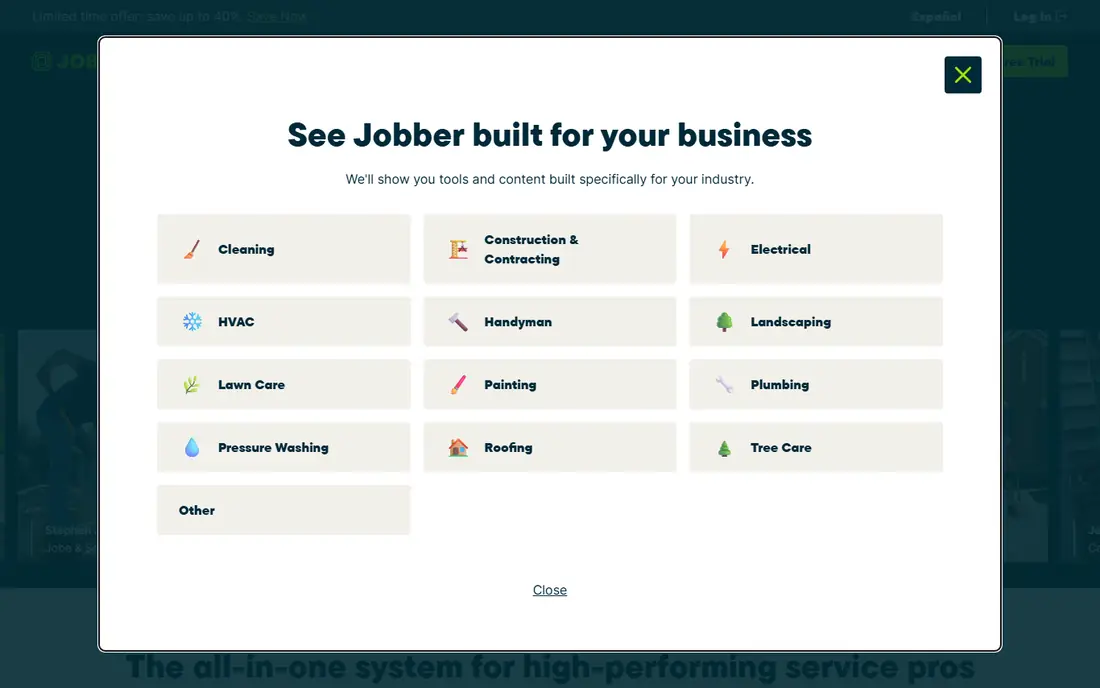
Jobber Core starts at $49 per month for one user in recent listings, with Connect and Grow tiers adding more automation and users. It covers online booking, quotes, scheduling, dispatch, invoicing, payments and customer history, which is why it suits cleaning, lawn care, HVAC, plumbing and similar trades. The mobile app is polished, and clients can view jobs, approve quotes and pay online through a client hub.
The catch is add-ons. Marketing Suite, advanced pipeline tools and extra users cost more, so a growing team should price the full setup, not just Core. Jobber also fits field service better than a pure sales CRM. For most small to mid-sized service businesses, Jobber remains the most complete single app.
- Full quote to invoice workflow
- Strong mobile app
- QuickBooks sync
- Online booking and client hub
- Marketing and pipeline tools are add-ons on lower plans
- Per-user costs rise with team size
- Some advanced features need higher tiers
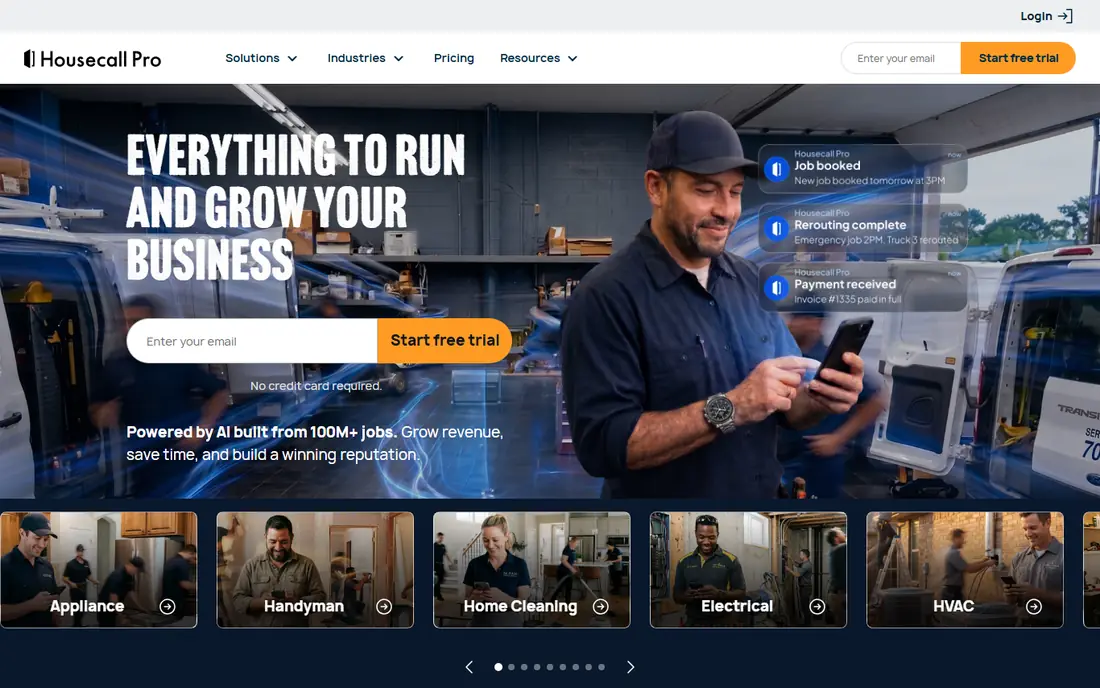
Housecall Pro starts at $59 per month billed annually, or $79 month to month, for its Basic plan, with higher tiers adding marketing, dispatch and team tools. It is built for HVAC, plumbing, electrical and other home trades, with online booking, estimates, scheduling, invoicing and payments in one system. Review collection and customer communication tools help small firms win repeat work.
Additional users on higher tiers can be costly, and some users report more mobile app issues than with Jobber. Marketing automation also sits above the entry plan. For residential trade businesses that want booking and payments to feel easy for customers, Housecall Pro is a strong, focused choice.
- Consumer-friendly booking
- Dispatch and payments
- Review management
- Strong trade focus
- Higher per-user costs on top tiers
- Some features need higher plans
- Mobile app reviews are mixed
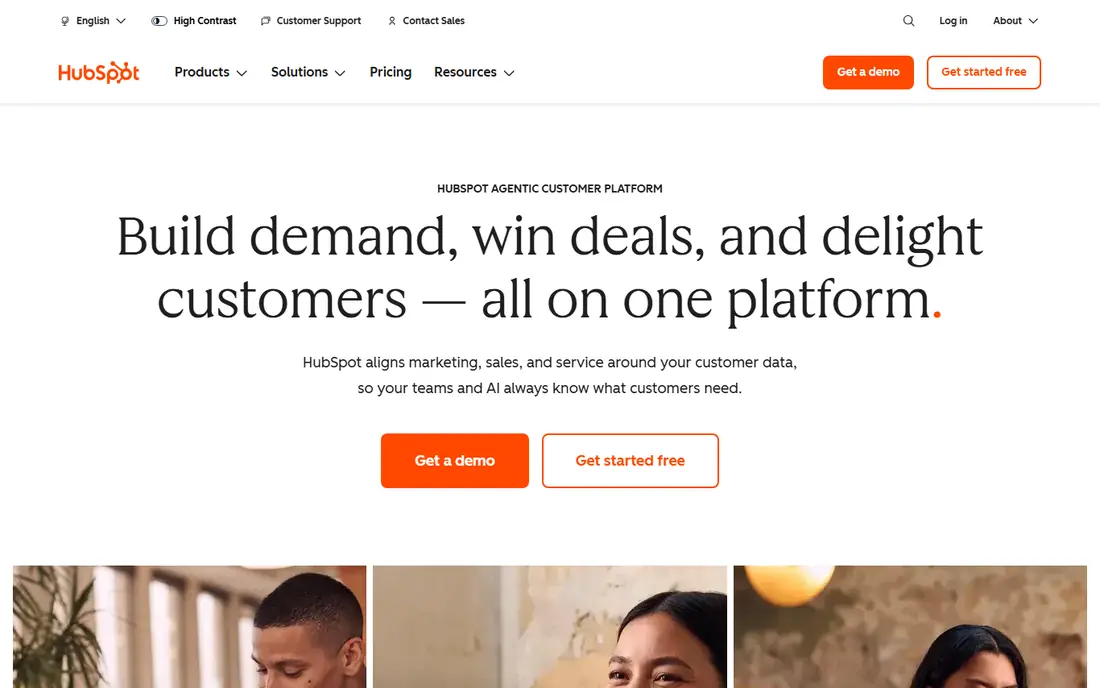
HubSpot CRM offers a free tier with contact management, deal pipelines, email tracking and basic service tools, with paid Sales Hub plans from around $20 per seat per month. That makes it ideal for service businesses that win work through sales, referrals and marketing rather than pure dispatch. As the business grows, marketing, sales and service hubs can be added without changing CRM.
HubSpot is not a field dispatch tool by itself. Scheduling, job costing and technician tracking usually need integrations or add-ons. For agencies, consultants, cleaning companies with a sales focus and other office-led service firms, HubSpot gives the best free starting point and the most room to grow.
- Genuinely useful free tier
- Deep integrations
- Strong sales, marketing and service tools as you grow
- Paid hubs add cost fast
- Not built for dispatch
- Field job tools need integrations
Zoho CRM Standard starts at $14 per user per month billed annually and offers lead, deal, contact and workflow tools that rival far pricier CRMs. Service businesses can track clients, jobs as deals, follow-ups and invoices, then connect Zoho Books, Desk, Campaigns and other apps as needed. That ecosystem keeps costs down for teams willing to configure it.
Zoho is not an out-of-the-box field service app. Dispatch, routing and technician apps require extra setup or other tools. Teams that want a simple quote-to-invoice flow may prefer Jobber. For budget teams that want a real CRM with automation and reporting, Zoho CRM delivers strong value.
- Deep CRM features per dollar
- Large Zoho app ecosystem
- Good automation and reporting
- Learning curve
- Field dispatch needs other Zoho apps
- Interface can feel busy
Pipedrive Essential starts at $14 per user per month billed annually and focuses on visual sales pipelines. Service businesses can track leads, quotes and follow-ups, set activities and see what needs attention each day. The interface is easy for non-technical teams, and onboarding is fast compared with larger CRMs.
Pipedrive does not offer dispatch, job costing or technician scheduling on its own, so field teams will need other apps. It suits service businesses where the main problem is winning work and following up, such as agencies, consultants and B2B service firms. For pure pipeline clarity at a low price, Pipedrive is hard to beat.
- Easiest pipeline to learn
- Clean deal tracking
- Fair per-user pricing
- Limited field service features
- Invoicing and scheduling need integrations
- Reporting depth varies by plan
ServiceTitan is built for larger home service companies that need dispatch, marketing, call tracking, pricebook management and detailed reporting in one platform. It suits firms with many technicians, multiple locations and complex pricing, where a simpler app starts to limit growth. Its reporting and marketing tools are among the strongest in the field service market.
Pricing is by quote, often reported per technician per month, with implementation fees and a longer contract. Setup can take months, not days. ServiceTitan is the wrong pick for a solo operator, but for a company heading past 20 technicians, it is often the long-term destination.
- Deep field service platform
- Marketing, dispatch and reporting at scale
- Strong for multi-location firms
- Quote-only pricing
- Implementation is a project
- Minimum commitment and higher total cost
FieldEdge serves HVAC, plumbing, electrical and other trade firms that want advanced dispatch, pricebook and service agreement management. It offers automated customer texts, voicemail drops, agreement renewal reminders and QuickBooks integration, which helps larger trade teams run a tighter operation. The platform is designed for companies that have outgrown simple scheduling apps.
Pricing is by quote and setup needs more planning than Jobber or Housecall Pro. Very small teams may find it more complex than needed. For mid-sized trade firms that want deeper pricebook and agreement tools, FieldEdge deserves a demo alongside ServiceTitan.
- Visual pricebook
- Service agreement tools
- Automated texts and dispatch features
- Quote-only pricing
- Implementation needs planning
- Less suited to very small teams
Service Fusion starts at $245 per month for unlimited users in recent listings, which can be good value for a larger crew that would pay per seat elsewhere. It covers customer management, scheduling, dispatch, estimates, invoicing and payments, with referral tracking and call tracking options. The focus is on getting jobs done cleanly rather than adding a large marketing suite.
The starting price is higher than Jobber Core, so a solo operator will pay more for features it may not need. For a team of five or more technicians, unlimited users can offset that gap quickly. Service Fusion suits service firms that want a straightforward, team-wide job system without per-seat surprises.
- Unlimited users on the starting plan
- Streamlined job and customer management
- Call tracking options
- Higher starting price than Jobber
- Fewer marketing tools
- Setup still needs care
How we picked these
We compared official pricing pages, feature lists and public reviews for CRMs and field service platforms that serve service-based businesses in the United States. We favored tools with current availability, mobile apps for field staff, and clear quote, schedule, invoice or pipeline workflows. We noted where pricing is by quote rather than inventing a figure, and we weighted real service workflows over generic contact storage.
How to choose a CRM for a service business
Start with how work flows today. A field team needs quotes, dispatch, job notes and payments in the field. An office-led service firm needs leads, proposals, follow-ups and project tracking. A sales-led firm needs pipelines and marketing. Buying a CRM that solves the wrong workflow creates extra work, even if the feature list looks long.
Test the mobile app and the money flow
Have a technician test the mobile app on a real job, from booking to invoice to payment, before you commit. Check QuickBooks or accounting sync, payment fees, reminder automation and how customer history appears on the next visit. A CRM that staff avoid in the field will fail, whatever the office dashboard promises.
FAQ
What is the best CRM for a small service business?
Jobber is the best all-round pick for most small field service businesses, while HubSpot CRM is best for sales-led firms that want a free start. Housecall Pro suits trade businesses that prioritize booking and customer experience. Test the mobile app and total price before choosing.
Do I need a field service CRM or a regular CRM?
Field service businesses usually need a field service CRM such as Jobber, Housecall Pro or ServiceTitan, since it handles dispatch, quotes and invoicing. Office-led service firms often do better with a regular CRM such as HubSpot, Zoho or Pipedrive, which focuses on leads, deals and follow-ups.
How much does a service CRM cost?
Entry plans often start near $49 per month for one user or $14 per user per month for a general CRM, while larger field platforms start near $245 per month or price by quote. Add seats, marketing tools and payment processing to get the true monthly cost.
Can a service CRM replace QuickBooks?
No, in most cases it works alongside accounting software. Jobber, Housecall Pro, FieldEdge and others sync with QuickBooks for invoices and payments, but QuickBooks remains the accounting record. Confirm sync direction and limits before you buy.
Is ServiceTitan worth it for a small team?
Usually not at first. ServiceTitan suits larger teams with many technicians and complex operations, and its quote-only pricing and implementation reflect that. Small teams get better value from Jobber or Housecall Pro and can move later if growth demands it.
What features matter most in a service CRM?
Quotes, online booking, scheduling and dispatch, mobile job notes, invoicing, payments, customer history and reminders matter most for field teams. For office-led firms, lead tracking, pipeline visibility, email follow-up and reporting matter more. Choose the set that matches your daily work.