Best CRM for Manufacturing Companies in 2026: 9 Systems Compared
best crm for manufacturing companies: we compare 9 CRM systems on quoting, distributor management, ERP links and shop-floor fit for makers today in 2026.
- Editor's choice
 Salesforce Manufacturing Cloud
Large manufacturers
Starts atSee websiteVisit salesforce.comFull review - Great alternative
 HubSpot
Midsize makers
Starts atSee websiteVisit hubspot.comFull review - Also consider
 Microsoft Dynamics 365
Microsoft-based makers
Starts atSee websiteVisit microsoft.comFull review
TL;DR:
- Manufacturing CRM needs differ from generic sales CRM, because quotes, distributors, long sales cycles and after-sales service matter as much as leads.
- ERP integration is the make-or-break feature, so confirm how orders, inventory and pricing flow between systems before choosing.
- Salesforce, Dynamics 365 and HubSpot lead on breadth, while specialist and midmarket options can fit smaller makers with less setup.
- Pilot the CRM with real quotes, distributor accounts and service cases, not only with demo leads, before rolling it out to sales teams.
Quick comparison
| Tool | Best for | Starts at | Free plan? | |
|---|---|---|---|---|
| Salesforce Manufacturing Cloud | Large manufacturers | See website | No | Visit |
| HubSpot | Midsize makers | See website | Yes | Visit |
| Microsoft Dynamics 365 | Microsoft-based makers | See website | No | Visit |
 Zoho CRM | Budget-conscious makers | See website | Yes | Visit |
 Pipedrive | Small sales teams | See website | Yes | Visit |
 SugarCRM | Custom manufacturing workflows | See website | No | Visit |
 Infor CRM | Infor ERP users | See website | No | Visit |
 Oracle NetSuite CRM | NetSuite ERP users | See website | No | Visit |
 Monday CRM | Visual pipeline teams | See website | No | Visit |
The best CRM for manufacturing companies
A manufacturing CRM must handle more than contact lists and deal stages. It should track distributors and dealers, manage complex quotes and pricing, follow long projects from inquiry to delivery, and connect service cases to the products a customer actually bought. The nine systems below range from large enterprise platforms to midmarket tools, and each is judged on manufacturing fit, not only on generic sales features.
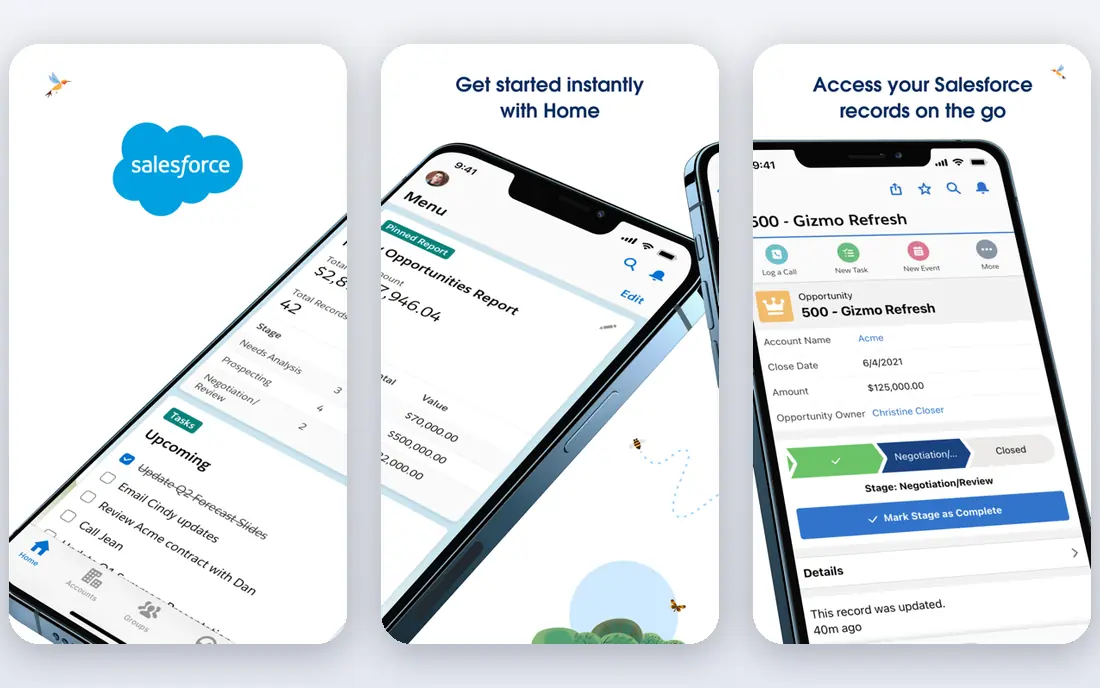
Salesforce Manufacturing Cloud adds account-based forecasting, sales agreements and run-rate tracking to the core Salesforce platform. That matters for makers, because much revenue comes from repeat orders under agreements, not one-off deals. Sales teams can forecast by product, account and time period, and compare actual orders against agreed volumes.
The honest catch is cost and complexity. Salesforce is powerful, but implementation often needs consultants, careful data design and ongoing admin work. Smaller makers may find the platform more than they need. For large manufacturers with distributors, complex pricing and ERP integration needs, Salesforce remains the broadest and most capable choice.
- Deep manufacturing features
- Strong partner ecosystem
- Wide integration options
- High cost and setup effort
- Needs skilled admins or partners to run well
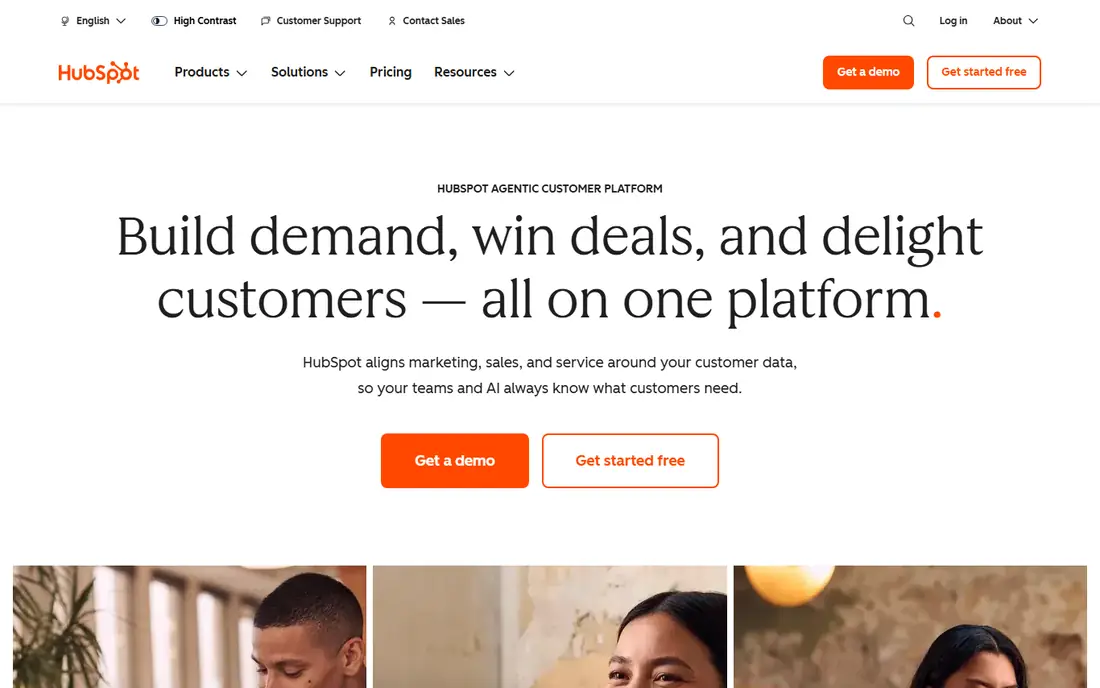
HubSpot is popular with midsize manufacturers because teams can start quickly and add marketing, sales and service tools in one system. The free CRM tier covers contacts, deals and pipelines, which helps smaller makers move off spreadsheets without a large upfront cost. HubSpot also integrates with many ERP and quoting tools through its marketplace.
The catch is manufacturing depth. HubSpot does not ship the same agreement forecasting or distributor management as Salesforce Manufacturing Cloud, so complex quoting and ERP sync may need custom work or third-party apps. It fits makers that want a clean, usable CRM and are willing to add integrations for manufacturing-specific needs.
- Easy to adopt
- Free CRM starter tier
- Strong marketing and service tools
- Manufacturing-specific features need customization
- Advanced pricing is quote-based
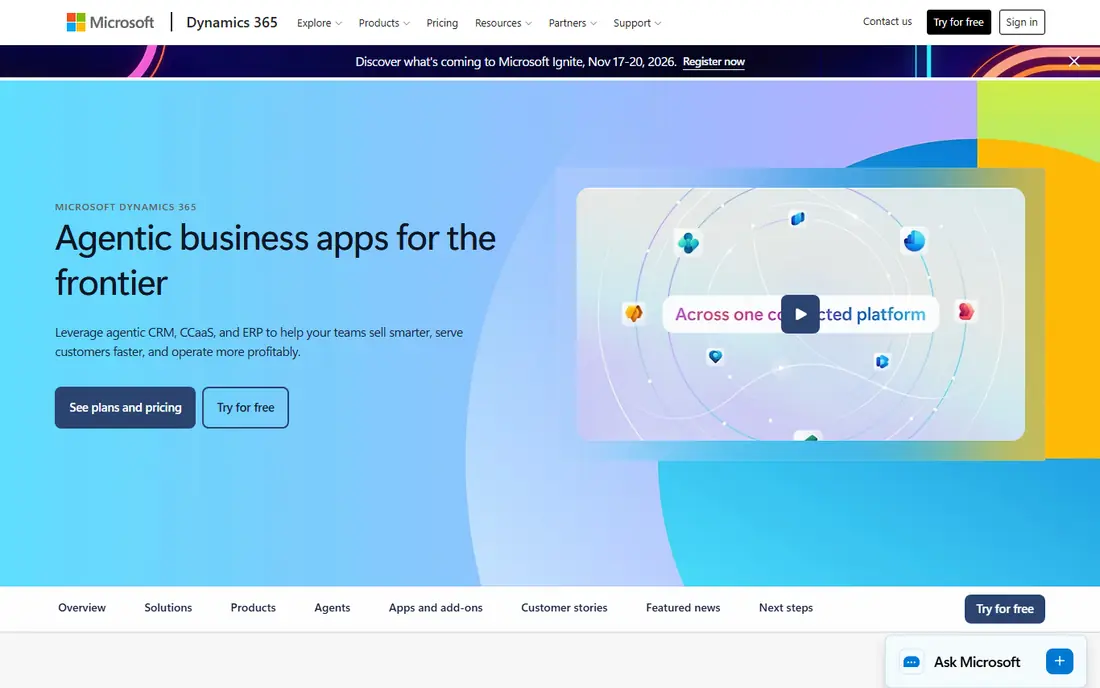
Dynamics 365 suits manufacturers that already run Microsoft tools, especially those using Dynamics 365 Business Central or Finance and Supply Chain Management. Sales, customer service and field service modules share data with ERP functions, which helps keep quotes, orders and service history in sync. Teams that already use Outlook, Teams and Excel often adopt it faster.
The honest catch is licensing and setup. Dynamics 365 has many modules and license types, and choosing the right mix takes planning. Implementation partners are often needed for ERP integration. For Microsoft-centered manufacturers, though, the shared data model is a real advantage over a standalone CRM.
- Strong ERP links for Microsoft users
- Sales, service and field service modules
- Familiar Microsoft tools
- Implementation can be complex
- Licensing is layered and needs careful planning
Zoho CRM offers contacts, deals, quotes, workflow automation and reporting at a price that smaller manufacturers can afford. Its free tier helps tiny teams start, while paid tiers add automation, forecasting and customization. Zoho also offers a large app suite, so makers can add inventory, books and service tools from the same vendor.
The catch is manufacturing fit. Zoho is a general CRM, so distributor hierarchies, complex pricing and ERP sync often need configuration or third-party connectors. It fits budget-conscious makers with straightforward sales processes who value low cost and flexibility over deep manufacturing features.
- Low starting cost
- Wide feature set
- Good customization for the price
- Manufacturing integrations may need work
- Support quality varies by plan
Pipedrive is built around a visual sales pipeline that small teams can learn in days, not weeks. Deals, activities and follow-ups are easy to see, and automation handles routine reminders and stage changes. For a small manufacturer moving from spreadsheets, that simplicity can raise adoption faster than a heavy enterprise system.
The honest catch is scope. Pipedrive lacks deep distributor management, agreement forecasting and service case tools, so growing makers may outgrow it. It fits small sales teams that need a clean pipeline and quote tracking, with ERP links handled separately or added later.
- Clear visual pipelines
- Fast setup
- Easy for sales staff to adopt
- Limited manufacturing depth
- Reporting and service features are thinner than enterprise tools
SugarCRM appeals to manufacturers that need custom workflows without the cost and weight of the largest platforms. Its tools let teams model distributor accounts, custom quote stages and service processes, and its AI features help surface next steps and likely outcomes. Sugar also combines sales, marketing and service, so customer history is not split across systems.
The catch is ecosystem size. Sugar has fewer third-party apps and partners than Salesforce or Microsoft, so niche ERP connectors may need custom work. It fits midsize makers that want flexibility, a single customer platform and control over their own processes.
- Flexible customization
- Sales, service and marketing in one platform
- No-code tools for many changes
- Smaller ecosystem than Salesforce
- Implementation still needs planning
Infor CRM is designed to work closely with Infor ERP systems, which matters for manufacturers that already run Infor for production, inventory and orders. Shared customer, product and order data reduce duplicate entry and help sales teams quote with real availability and pricing. Infor also understands manufacturing and distribution workflows, including complex account structures.
The honest catch is ecosystem lock-in. Infor CRM makes most sense for companies already committed to Infor ERP, and it is less compelling for makers on other ERP platforms. It fits Infor users who want CRM and ERP data to stay aligned without building custom integrations.
- Strong fit for Infor ERP customers
- Manufacturing and distribution features
- Account and territory tools
- Best value is tied to Infor ecosystem
- Less attractive as a standalone choice
NetSuite CRM is part of the NetSuite ERP suite, so sales, orders, inventory and finance share one customer record. That single record is valuable for manufacturers, because a quote can flow to an order, then to fulfillment and invoicing, without re-keying data. Service cases can also link to the exact products and orders a customer bought.
The catch is commitment. NetSuite CRM works best when the whole business runs on NetSuite, and pricing and implementation reflect an ERP purchase, not a light CRM add-on. It fits manufacturers already on NetSuite, or those planning an ERP move, who want CRM and operations in one system.
- CRM inside the ERP
- Single customer and order record
- Strong financial and inventory links
- NetSuite-wide commitment
- Pricing and implementation are enterprise-grade
Monday CRM, built on the Monday work platform, lets teams design pipelines, quote stages and service boards with drag-and-drop views. Manufacturers that like visual planning often adopt it quickly, and teams can track projects, samples and follow-ups alongside sales deals. Automations handle reminders, status changes and notifications.
The honest catch is depth. Monday CRM is a flexible work tool, not a manufacturing-specific CRM, so agreement forecasting, distributor hierarchies and ERP sync need connectors or manual steps. It fits smaller makers and visual teams that want a flexible, easy system and do not yet need deep ERP integration.
- Highly visual boards
- Flexible customization
- Fast setup for small teams
- General work platform, not a manufacturing CRM
- ERP links need connectors
How we picked these
We compared official product pages, manufacturing features and ERP integration claims for CRM systems used by makers. We favored systems with clear quoting, distributor or agreement features, or strong ERP links, rather than generic CRMs with no manufacturing story. We also covered a range of sizes and budgets, since a small job shop and a large multinational maker need very different systems.
How to choose a manufacturing CRM without regret
Start with your sales process, not the feature list. Map how a lead becomes a quote, how a quote becomes an order and how service cases link to installed products. Then test each shortlisted CRM with real data, including distributor accounts, multi-line quotes and repeat orders. Confirm ERP integration in writing, including which fields sync, how often and who supports the connector when it breaks.
Questions to ask vendors
Ask how pricing and discounts are handled, how sales agreements are forecast and how field service visits are scheduled. Ask about mobile access for reps visiting plants and distributors, and about reporting for managers who need pipeline, margin and forecast views. A CRM that sales staff avoid using will fail, no matter how strong its feature list looks in a demo.
FAQ
What is the best CRM for manufacturing companies?
Salesforce Manufacturing Cloud is the broadest choice for large makers, while Dynamics 365 suits Microsoft-based firms and HubSpot suits midsize makers. NetSuite CRM and Infor CRM fit companies already on those ERP systems. The best pick follows your ERP, sales process and team size.
Why do manufacturers need a different CRM?
Manufacturers deal with distributors, long sales cycles, complex quotes, repeat agreements and after-sales service. A generic CRM often lacks agreement forecasting, distributor hierarchies and ERP links. A manufacturing-ready CRM connects sales, orders and service around the same customer and product records.
Does a CRM replace an ERP system?
No. A CRM manages customers, pipelines, quotes and service, while an ERP manages production, inventory, orders and finance. The two should share data, especially for quotes, orders and customer history. Choosing a CRM without an ERP plan often leads to duplicate entry and errors.
How much does a manufacturing CRM cost?
Prices vary widely, from free starter tiers at HubSpot and Zoho to enterprise pricing at Salesforce, Dynamics 365 and NetSuite that is quoted by user and module. Always request a quote for your user count, modules and integrations, and budget for implementation and admin time as well.
How long does CRM implementation take for a manufacturer?
Small teams can go live in weeks on simpler tools, while enterprise rollouts with ERP integration can take several months. Data cleanup, quote process design and sales training usually take longer than software setup. A phased rollout, starting with one sales team, reduces risk.
Can a small manufacturer use HubSpot or Zoho?
Yes. HubSpot and Zoho offer free or low-cost tiers that suit small makers moving from spreadsheets. They cover contacts, deals, quotes and pipelines well, though complex manufacturing needs may require add-ons or connectors later. Start simple, then add ERP links as volume grows.