8 Best CRM Apps for MLM in 2026
Find the best crm app for mlm for your team, from simple prospect tracking to full downline and commission tools, with current prices and honest trade-offs.
- Editor's choice
 Simple Prospect
Solo distributors tracking prospects on a phone
Starts atFreeVisit simpleprospect.comFull review - Great alternative
 HubSpot CRM
Growing teams that also run marketing
Starts atFreeVisit hubspot.comFull review - Also consider
 Zoho CRM
Budget teams that want depth and customization
Starts at$14 per monthVisit zoho.comFull review
TL;DR:
- MLM teams need prospect follow-up first, and downline and commission tracking second, so pick the tool that matches your current stage.
- A simple mobile prospect app suits a solo distributor, while a full MLM platform suits a company with a formal compensation plan.
- General CRMs work well for contacts and pipelines, but they need setup to model sponsors, recruits, and ranks.
- Check mobile access, reminders, and export options before you commit, since your contact list is a business asset.
- Start free or on a low tier where possible, and move up only when your team size or reporting needs demand it.
Quick comparison
| Tool | Best for | Starts at | Free plan? | |
|---|---|---|---|---|
| Simple Prospect | Solo distributors tracking prospects on a phone | Free | Yes | Visit |
| HubSpot CRM | Growing teams that also run marketing | Free | Yes | Visit |
| Zoho CRM | Budget teams that want depth and customization | $14 per month | Yes | Visit |
 Pipedrive | Sellers who think in pipelines | $14 per month | No | Visit |
 Capsule CRM | Small teams that want a simple shared pipeline | Free | Yes | Visit |
 Nimble | Distributors who find prospects on social media | See website | No | Visit |
 Freshsales | Budget teams that want phone, email, and CRM together | Free | Yes | Visit |
 Cloud MLM Software | Direct selling companies with formal compensation plans | See website | No | Visit |
The best CRM apps for MLM
MLM selling blends personal follow-up with team building, and the right app keeps both sides visible. The tools below range from pocket prospect trackers to platforms built for direct selling companies.
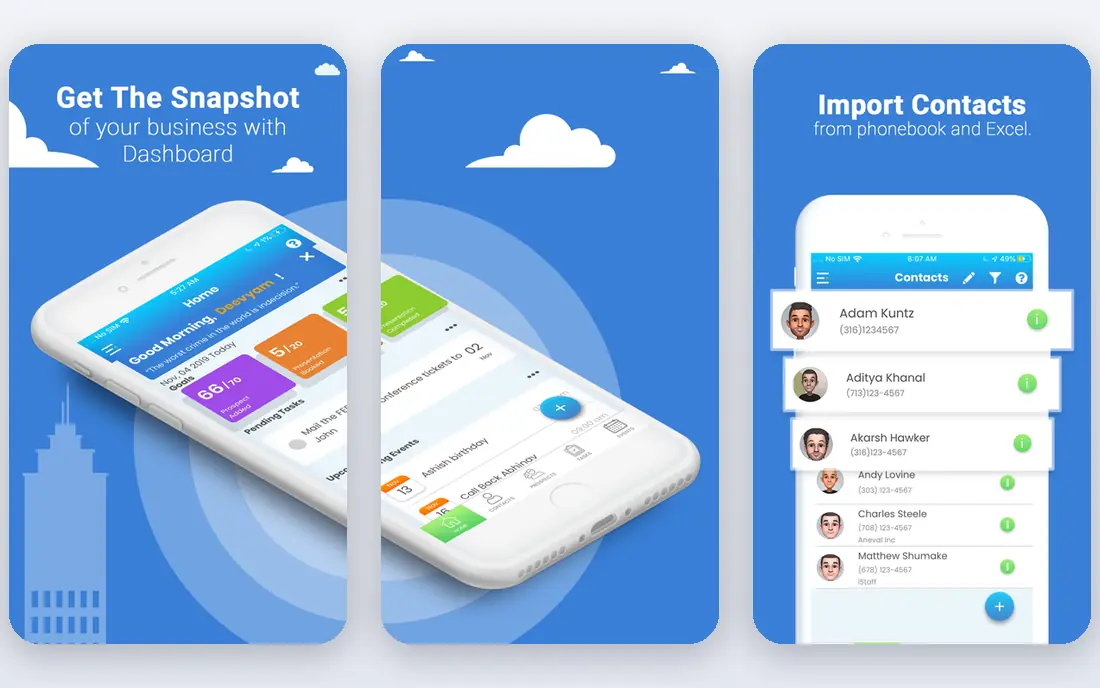
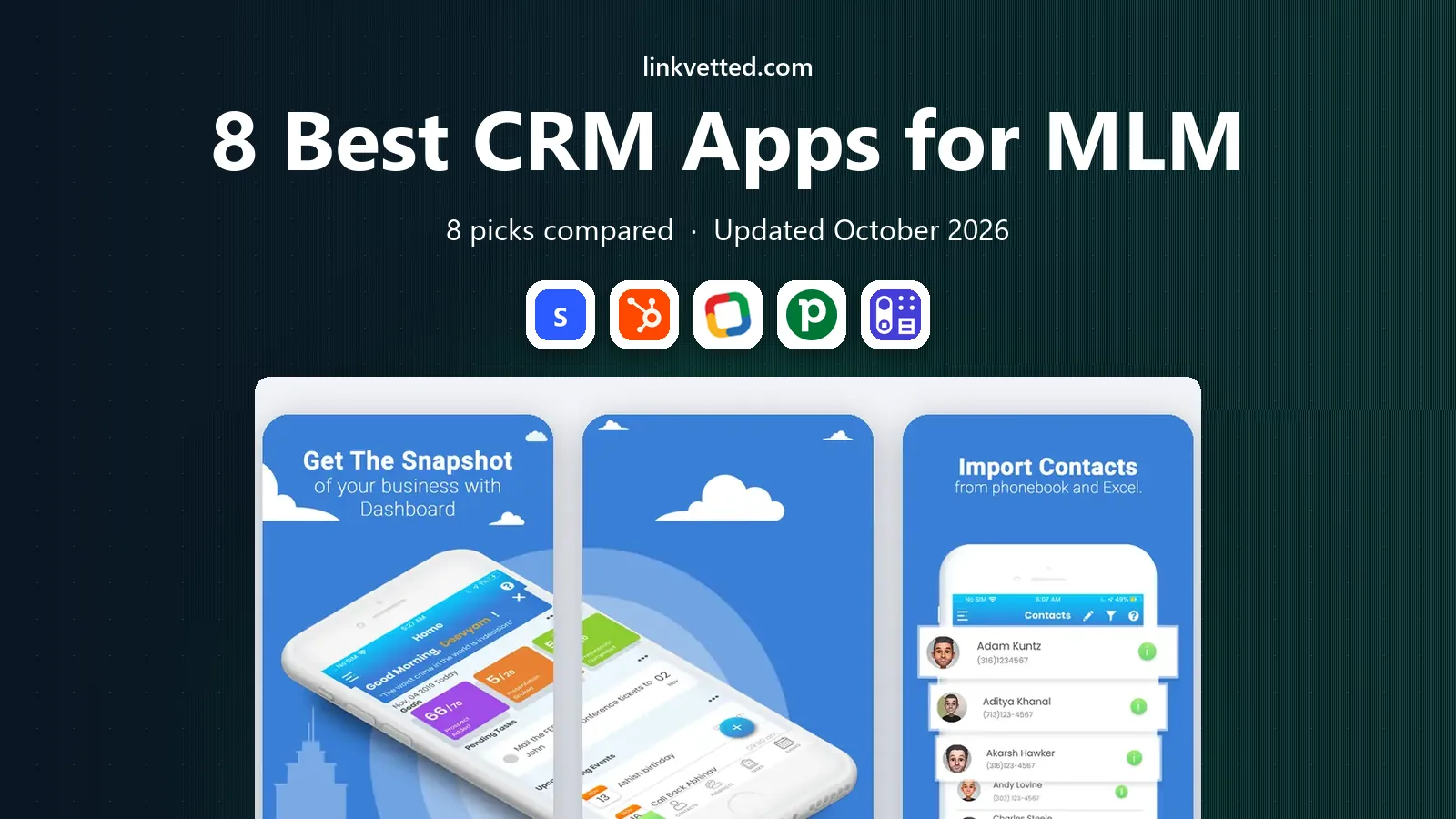
Simple Prospect is made for the daily work of network marketing, which is meeting people, noting where each conversation stands, and following up at the right time. It avoids the clutter of a general sales platform and keeps the focus on prospects, notes, and next steps. For a new distributor, that simplicity is a real benefit, because the app gets used instead of ignored. The trade-off is scale. A company that needs genealogy trees, rank tracking, and automated commission runs will outgrow a prospect tracker. Simple Prospect fits best as a personal tool, or as a companion to a company system, rather than as the single system for a whole organization.
- Built for MLM prospecting
- Simple contact and follow-up flow
- Mobile-first design
- Limited depth for large companies
- Fewer reporting options than a full CRM

HubSpot gives a solo distributor or a small team a solid starting point at no cost, with contacts, deals, email tracking, and meeting scheduling in one record. Its strength is breadth. You can move from a first conversation to a follow-up sequence and a closed sale without switching tools, and the interface is clear enough for people who are not technical. HubSpot was not built for MLM genealogy or compensation plans, so a team that needs those features must model them with custom properties, pipelines, and reports. That work is doable for a small team, and it becomes harder as ranks and bonuses get more complex. If marketing and customer follow-up matter more than commission math, HubSpot is a strong pick.
- Strong free CRM
- Contact, deal, and email tools in one place
- Large integration library
- Paid tiers get costly as needs grow
- MLM structures need custom setup

Zoho CRM packs a lot into a low price, with custom fields, automation, email, and reporting that a growing MLM team can shape around sponsors, customers, and recruits. The free edition for up to three users lets a small core team test the setup before paying. Zoho also connects to other Zoho tools for email, forms, and documents, which helps a small business stay in one family of apps. The downside is the learning curve. Zoho rewards patience and setup time, and a distributor who wants a phone app for quick notes may find it more than needed. It suits a team leader or a small company willing to invest an afternoon in building pipelines and views that match how the team actually sells.
- Low entry price for paid plans
- Flexible fields and workflows
- Wide Zoho app family
- Interface takes time to learn
- Setup can feel heavy for a solo user
Pipedrive keeps selling visible. Deals move across stages, overdue follow-ups stand out, and a distributor can see at a glance who needs a call today. That clarity helps in MLM, where a long list of warm contacts can drift if no one owns the next step. The mobile app is practical for working from a phone between meetings. Pipedrive is a sales pipeline tool first, so it does not include downline trees or commission engines. A team can track recruits as deals or contacts, but rank and bonus logic will live elsewhere. Choose Pipedrive when personal selling and follow-up discipline are the main problem, not company-wide compensation.
- Clear visual pipeline
- Fast setup
- Strong mobile app
- No free plan
- MLM genealogy needs workarounds
Capsule suits a team that wants shared visibility without a long setup project. Contacts, tasks, and pipelines are easy to read, and team members can see activity without digging through menus. The free tier covers a modest contact list, which makes it a low-risk way to bring a few distributors onto one system. Capsule will not replace a dedicated MLM platform. It lacks genealogy and commission features, and its automation is lighter than larger CRMs. For a small team focused on customer care and prospect follow-up, that simplicity is the point. For a company with a formal plan, it is a stepping stone rather than a final system.
- Easy to learn
- Clean contact and task views
- Useful free tier
- Limited advanced automation
- Not built for compensation plans
Nimble stands out for social selling, which is where much network marketing now happens. It gathers contact details from social profiles, email, and calendar activity into one record, so a follow-up can feel personal rather than generic. Email sequences and a prospecting tool help a distributor capture leads without manual data entry. The limits matter too. Nimble is a relationship CRM for individuals and small teams, not a direct selling platform with genealogy or payouts. It also sits at a higher price point than a basic prospect app. It fits a distributor whose pipeline starts on social platforms and who values context over complex reporting.
- Pulls social and contact context together
- Email and calendar sync
- Prospecting tools
- Pricing is not a simple free tier
- Less suited to large MLM operations
Freshsales, from Freshworks, combines contact management with calling and email, which suits a distributor who works the phone and inbox all day. The free tier lets a small team start without cost, and paid plans add lead scoring and deeper automation. For a team that wants one place for conversations and follow-ups, that combination is practical. As with other general CRMs, Freshsales needs custom setup for downline and rank tracking. It is not a compensation engine. It earns its place here for teams that prioritize communication tools and a low starting price over MLM-specific structure.
- Free tier for small teams
- Built-in phone and email
- AI-assisted lead scoring on paid plans
- MLM features need custom fields
- Ecosystem is smaller than the largest CRMs
Cloud MLM Software
Best for: Direct selling companies with formal compensation plans
Cloud MLM Software is the pick on this list for a company, rather than an individual seller. It is designed around network structures, distributor management, and commission processing, with portals for distributors and centralized administration. That focus solves the exact problems that force general CRMs into awkward workarounds. The trade-off is scope and pricing. A company should expect a demo and a quote, plus setup time to match its compensation plan. A solo distributor will find it heavy and costly for simple prospecting. If you run the company side of an MLM, or you manage a large team with formal ranks and payouts, this category of tool is the right comparison, and Cloud MLM Software is a known option in it.
- Built for MLM structures and commissions
- Distributor portals
- Configurable plan logic
- Priced by quote, so costs are unclear upfront
- More system than a solo distributor needs
How we picked these
We compared official feature pages, pricing pages, and app store listings, plus public reviews, to check which tools still serve MLM work in October 2026. We favored tools with a mobile app or mobile-friendly access, clear follow-up and pipeline features, and a pricing path a small team can actually start on. MLM-specific platforms were included only where they clearly cover genealogy or commission work, and general CRMs were included only where they can be adapted without misleading claims about built-in MLM features.
Choosing the right fit for your team
Start with your role. A solo distributor needs fast prospect notes, reminders, and a phone app that gets used daily. A team leader needs shared pipelines, task visibility, and simple reports on who is active. A company needs genealogy, rank rules, and commission accuracy, plus controls over who sees what.
Questions to ask before you buy
Ask how you will import contacts, and whether you can export them later without a fight. Ask who can see downline data, and whether a distributor sees only their own team. Ask how reminders work on mobile, since most MLM follow-up happens away from a desk. A short trial with real contacts, not sample data, will reveal more than a feature list.
Avoiding common pitfalls
Do not buy a company platform for a solo business, and do not force a simple prospect app to run a compensation plan. Watch seat costs as a team grows, since a low per-user price can climb fast. Also check compliance basics for your market, such as consent for marketing messages and clear records of customer versus distributor contacts, before you scale outreach.
FAQ
Can a general CRM work for MLM?
Yes, for prospecting, customer follow-up, and pipeline tracking, with custom fields for sponsor, rank, and team. It works less well for genealogy trees and commission runs, which need a dedicated MLM platform or a separate payout tool.
Do I need a mobile app for MLM?
Most distributors do, because prospect conversations happen in person, on social platforms, and by phone. A CRM with a usable mobile app and reminders makes follow-up far more likely than a desktop-only system.
What is the cheapest way to start?
Start with a free CRM tier or a low-cost prospect app, and use it with a small set of real contacts for two weeks. Pay for more only when you hit a clear limit, such as team size, automation, or reporting.
How do I track a downline in a general CRM?
Use a sponsor field on each contact, a custom pipeline for recruits, and reports grouped by sponsor. That approach works for a small team, but it can get messy at scale, which is when a dedicated MLM system becomes worth its cost.
Should a company buy MLM software or build on a CRM?
A company with a formal compensation plan should compare dedicated MLM platforms first, since commission accuracy and genealogy are core to the business. A CRM can still sit alongside it for marketing and customer care.
Is my contact data portable?
It should be, but check before you commit. Look for CSV export, an API, or a documented export path, and test it during a trial so a future move does not strand your list.