Best CPQ Software for Streamlining Quote-to-Cash in 2026: 8 Tools Compared
Compare the best cpq software for streamlining quote-to-cash in 2026, from enterprise configuration to fast mid-market quoting, approvals, and signatures.
- Editor's choice
 Salesforce CPQ
Salesforce shops needing quote accuracy
Starts atSee websiteVisit salesforce.comFull review - Great alternative
 Oracle CPQ
Enterprises with complex configuration rules
Starts atSee websiteVisit oracle.comFull review - Also consider
 SAP CPQ
SAP shops with complex product quoting
Starts atSee websiteVisit sap.comFull review
TL;DR:
- Salesforce, Oracle, and SAP CPQ lead for complex, rules-driven catalogs inside their own ecosystems.
- DealHub and HubSpot CPQ suit mid-market and small teams that want fast, clean quotes without a long project.
- PROS and Zilliant add price guidance that helps B2B firms protect margin on large catalogs.
- Quote-to-cash works best when quotes, approvals, contracts, and billing share the same product and price data.
Quick comparison
| Tool | Best for | Starts at | Free plan? | |
|---|---|---|---|---|
| Salesforce CPQ | Salesforce shops needing quote accuracy | See website | Free trial | Visit |
| Oracle CPQ | Enterprises with complex configuration rules | See website | No | Visit |
| SAP CPQ | SAP shops with complex product quoting | See website | No | Visit |
 DealHub | Mid-market teams wanting fast CPQ setup | See website | Free trial | Visit |
 Conga CPQ | Salesforce teams needing document control | See website | No | Visit |
 PROS CPQ | Companies needing price optimization | See website | No | Visit |
 Zilliant | B2B firms needing pricing and quoting discipline | See website | No | Visit |
 HubSpot CPQ | HubSpot teams wanting simple quotes | See website | Free trial | Visit |
The best best cpq software for streamlining quote to cash picks
Quote-to-cash breaks when quotes, contracts, and invoices disagree. CPQ software fixes the first step by making quotes accurate, approved, and ready to turn into orders without retyping.
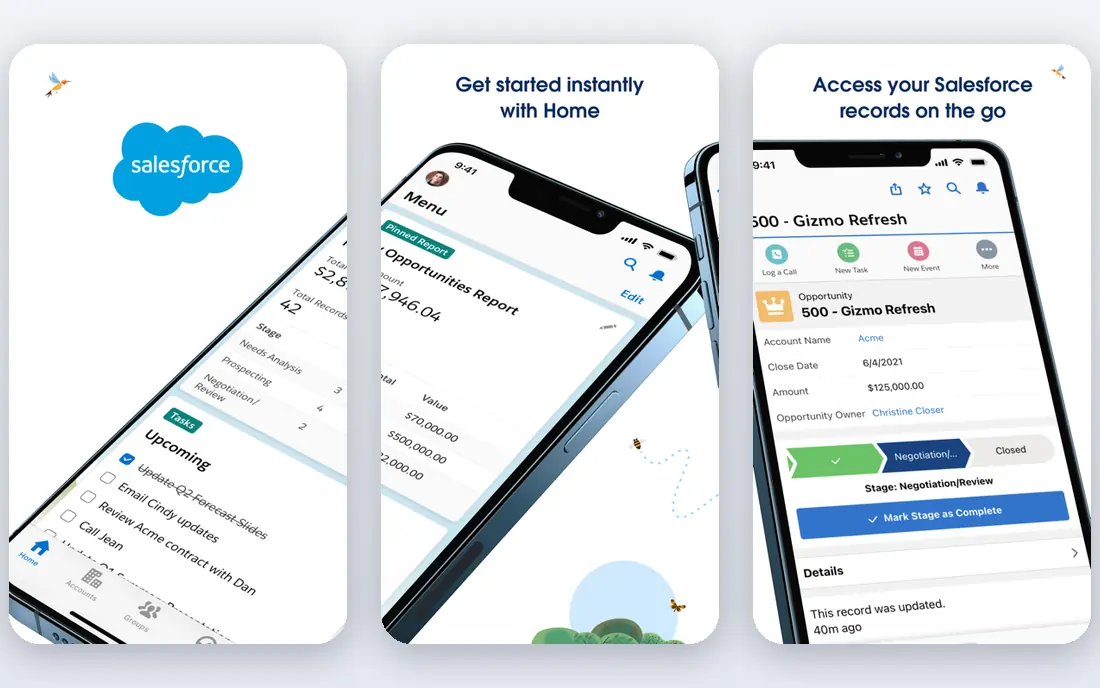
Salesforce CPQ, now part of Revenue Cloud, helps sales teams quote complex products without spreadsheet errors. Guided selling, pricing rules, approvals, and discount guardrails keep quotes consistent, even when bundles, options, and terms vary by deal.
The catch is scope. It works best inside Salesforce, and implementation rewards a skilled admin or partner. For a Salesforce company with complex pricing, that investment protects margin and speeds approvals. For simple quotes, a lighter tool will be faster.
- Guided quoting, approvals, and discount rules inside Salesforce
- Strong for complex product catalogs
- Quote-based and needs Salesforce expertise
- Implementation takes planning
Oracle CPQ suits companies whose products have many options, dependencies, and pricing rules. Configuration logic can prevent invalid combinations, apply pricing, and route approvals, which matters for engineered or highly customized products.
That depth comes with enterprise implementation effort. Smaller teams with simple catalogs will find it more than needed. For complex, rules-driven quoting, Oracle CPQ accuracy can reduce rework and pricing disputes.
- Deep configuration, pricing, and approval logic
- Strong for manufacturing and complex products
- Enterprise quote and implementation
- Heavier than small-team tools
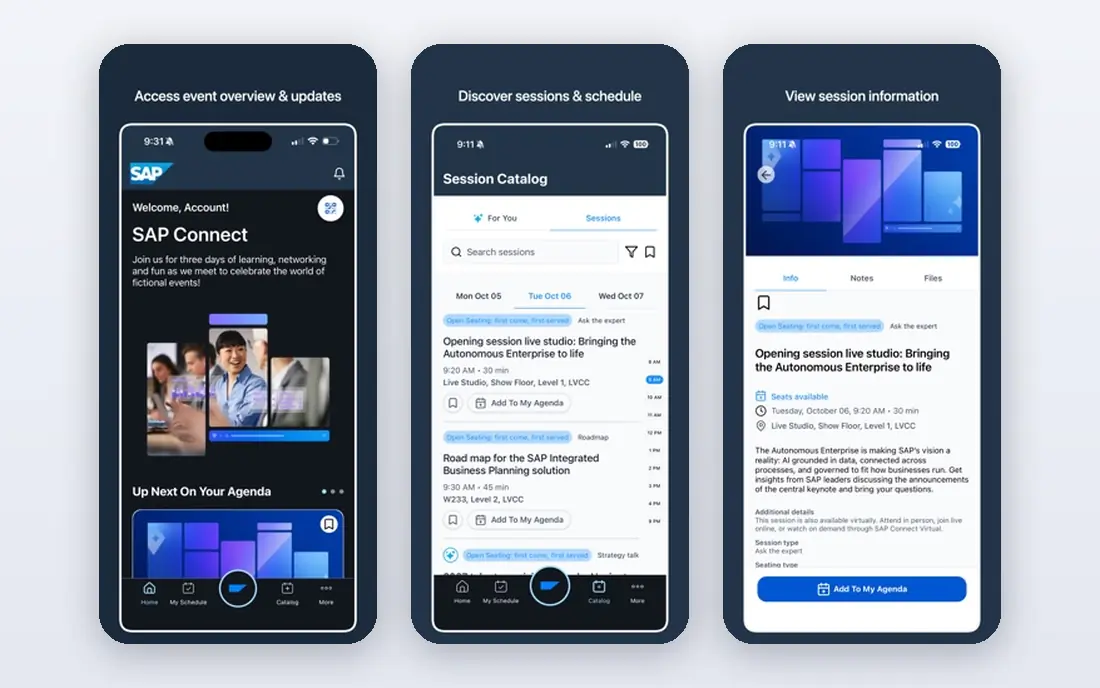
SAP CPQ connects quoting to SAP product, pricing, and order data, so sales teams quote from the same source as operations. That link helps manufacturers and distributors avoid quotes that operations cannot fulfill at the quoted price or terms.
Outside SAP, the integration advantage narrows. Inside an SAP shop, however, the shared data model keeps quotes, orders, and fulfillment aligned, which cuts manual handoffs between sales and operations.
- Configuration and quoting linked to SAP product and pricing data
- Strong for manufacturing
- Quote-based
- Best value inside an SAP environment
DealHub appeals to mid-market teams that want CPQ live without a long enterprise project. Quotes, approvals, discount controls, and signatures sit in one flow, and subscription and usage pricing models are handled cleanly.
Highly complex engineering configuration may need a heavier platform. For SaaS, services, and standard product bundles, DealHub speed and clarity help reps send accurate quotes sooner and managers approve them faster.
- Fast quote building with approvals and e-signatures
- Good for subscription and usage pricing
- Quote-based pricing
- Depth varies for very complex engineering rules
Conga CPQ combines quoting with document generation, so an approved quote can flow into a contract without retyping terms. That handoff helps teams that lose time or introduce errors when quotes and contracts are built separately.
The platform rewards careful catalog setup. Map products, options, and approval rules before launch, and the quote-to-contract path stays clean. For Salesforce teams with contract-heavy deals, Conga is a practical fit.
- Quoting plus document generation and approvals in Salesforce
- Strong contract handoff
- Quote-based
- Implementation needs planning for complex catalogs
PROS CPQ focuses on getting the price right, not just building the quote. Price guidance, discount controls, and approval logic help B2B companies protect margin in deals where list price, customer history, and market conditions all matter.
That pricing depth suits larger B2B programs best. Smaller teams with simple list pricing will not need the optimization layer. For companies where pricing discipline drives profit, PROS adds a layer simpler CPQ tools lack.
- AI-guided pricing and quoting for complex B2B catalogs
- Strong for price-sensitive industries
- Enterprise quote
- Best for larger B2B pricing programs
Zilliant pairs price management with quoting, so sales teams see guidance based on customer, product, and deal context. That view helps reps defend price, managers approve exceptions with data, and finance track margin by deal.
The enterprise focus means setup and sales cycles are longer than for small-team tools. For B2B manufacturers and distributors with large catalogs, the pricing discipline can pay for the effort through fewer discount errors.
- Price management plus CPQ for B2B catalogs
- Strong analytics for margin and deal health
- Quote-based
- Enterprise focus means longer sales and setup cycles
HubSpot CPQ suits teams that already run sales in HubSpot and need clean quotes without a separate system. Products, quotes, approvals, and payment links stay inside the CRM, so reps send quotes from the deal record they already use.
Configuration depth is lighter than enterprise CPQ, so complex bundles and engineering rules may need another tool. For standard products and services with straightforward pricing, HubSpot CPQ keeps quote-to-cash simple and fast.
- Quotes and payment links inside HubSpot CRM
- Simple approvals
- Easy for small teams
- Lighter configuration rules than enterprise CPQ
- Needs HubSpot Sales Hub
How we picked these
We compared official feature pages, pricing pages, app store listings, and public user reviews for each product, and kept only tools that are live today and truly fit the topic. We favored tools with clear pricing or a clear quote process, a documented integration set, and support options a small team can actually use.
We also weighed the honest trade-offs. A low starting price can hide per-seat add-ons, and a feature-rich enterprise tool can slow down a small team. Our pick in each guide balances fit, cost, and ease of day-to-day use rather than the longest feature list.
We also checked support and learning resources, since a tool is only useful if your team can get help when a deadline is near. Look for live chat or phone support on your plan, clear help guides, and an onboarding path that fits a small team without a dedicated trainer.
How to streamline quote-to-cash with CPQ
Start with your catalog. List products, options, bundles, and pricing rules, and note which combinations are invalid or need approval. A CPQ tool can only enforce rules you define, so clean catalog data and clear discount guardrails come before any software demo.
Next, map approvals and handoffs. Decide who approves discounts, terms, and nonstandard items, and how an approved quote becomes a contract and then an order or invoice. Test that full path in a trial with a real past deal, including a discount exception, to see where the flow stalls.
Finally, measure quote cycle time and error rates. Track days from request to signed quote, approval time, and invoice corrections before and after launch. If cycle time falls but invoice errors stay flat, check the contract-to-billing handoff, since CPQ alone cannot fix a disconnected billing step.
Before you sign, run a short pilot with real work and a real deadline. A pilot shows whether staff actually use the tool under pressure, where approvals stall, and what training is still missing. It also gives you evidence for renewal talks, since you can point to time saved or errors avoided rather than to a demo promise.
FAQ
What is CPQ software?
CPQ stands for configure, price, quote. It helps sales teams build valid product combinations, apply pricing and discount rules, route approvals, and produce a quote that can become an order or contract without manual rework.
How does CPQ streamline quote-to-cash?
It connects quoting to approvals, contracts, and billing data, so the price and terms agreed in the quote match the contract and invoice. That link cuts retyping, pricing errors, and approval delays across the full cycle.
How much does CPQ software cost?
Many enterprise CPQ platforms are quote-only, while mid-market tools may be priced by quote or by user. Budget for implementation and catalog setup too, since a complex catalog takes real planning time.
Do small businesses need CPQ?
A small team with simple products can often quote inside a CRM. CPQ pays off when products have options, bundles, discount rules, or approval needs that make spreadsheet quoting slow or error-prone.
What is the difference between CPQ and a proposal tool?
A proposal tool formats and sends a polished document, while CPQ controls which products can be combined, at what price, and with whose approval. Many teams use both, with CPQ feeding accurate pricing into the proposal.
How should I run a trial before buying?
Start with a real past project, not a blank demo account, and invite the people who will use the tool daily. Set a clear success test, such as finishing the task faster or with fewer errors, and review the result with the team before you sign a contract.