Best Copilot Rank Tracking Software in 2026: 8 Tools Compared
Compare the best Copilot rank tracking software for ongoing AI answer tracking, reporting and local results, with pricing and practical setup tips here.

- Editor's choice
 SE Ranking
All-in-one tracking and reporting
Starts at$129 per monthVisit seranking.comFull review - Great alternative
 AccuRanker
Fast on-demand Copilot checks
Starts at$224 per monthVisit accuranker.comFull review - Also consider
 Nightwatch
Local and ZIP-level tracking
Starts at$79 per monthVisit nightwatch.ioFull review
TL;DR:
- Ongoing Copilot rank tracking is a reporting habit, not a one-off check, because AI answers change as sources, prompts and models change.
- The best setup pairs Copilot answer tracking with classic Bing and Google tracking, so you can see both the answer and the underlying search result.
- Agencies need white-label reports, client seats and alerts, while in-house teams need prompt history and citation detail more than branding.
- Local and mobile settings matter, because Copilot answers for a local service question can differ sharply by location.
- Budget tools start near $29 per month, while dedicated agency trackers start near $99 to $139 per month for larger keyword sets.
Quick comparison
| Tool | Best for | Starts at | Free plan? | |
|---|---|---|---|---|
| SE Ranking | All-in-one tracking and reporting | $129 per month | No | Visit |
| AccuRanker | Fast on-demand Copilot checks | $224 per month | No | Visit |
| Nightwatch | Local and ZIP-level tracking | $79 per month | Free trial | Visit |
 ProRankTracker | Agency reporting | $99 per month | Free trial | Visit |
 Advanced Web Ranking | Granular local Copilot tracking | $139 per month | Free trial | Visit |
 Otterly.AI | Simple ongoing Copilot trends | $29 per month | No | Visit |
 Peec AI | Ongoing prompt history and sentiment | $95 per month | No | Visit |
 Semrush AI Visibility Toolkit | Copilot tracking inside Semrush | $99 per month | Free trial | Visit |
The best Copilot rank tracking software
This guide focuses on the tracking workflow itself: setting a prompt set, running it on a schedule, spotting changes, and reporting them in a form a client or a manager can act on. That is a different job from a single Copilot visibility score, and the tools below are judged on scheduling, history, alerts and reporting as much as on Copilot coverage.
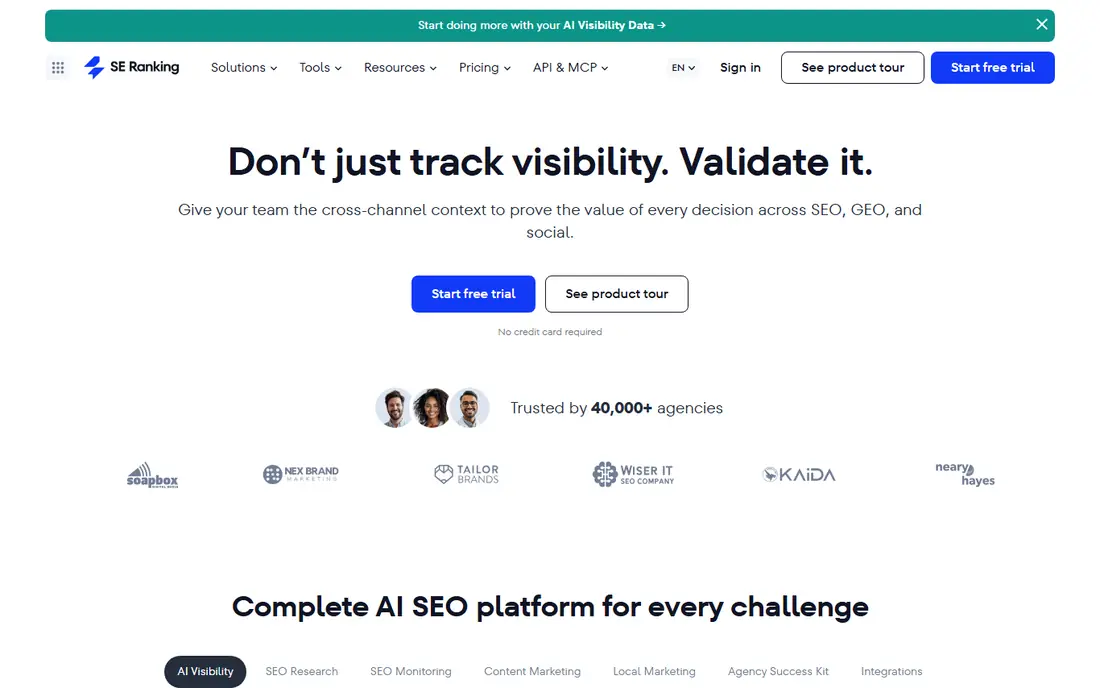
SE Ranking works well as a tracking hub because it does not force you to keep Copilot data separate from everything else. A project can hold classic keyword positions, site audit results and AI visibility, so a Copilot change can be checked against a ranking change or a technical issue in the same place. That context saves time when a client asks why visibility moved.
The main caution is plan clarity. Confirm the AI tracking allowance and whether it is included in your chosen suite tier, because the headline suite price alone does not tell the full story. For teams already tracking hundreds of keywords, the combined workflow is usually worth the extra step of checking the plan details.
- Daily classic and AI tracking in one project
- Strong reporting
- Large prompt allowance on AI plans
- AI tracking can be an add-on depending on plan
- Learning curve for the full suite
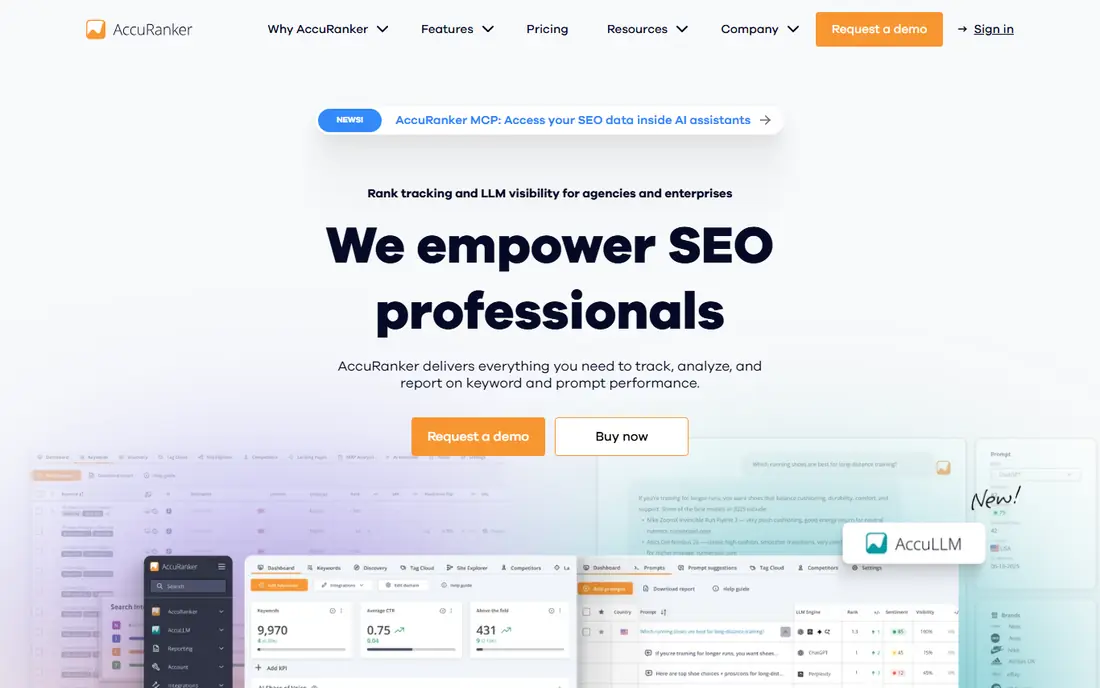
AccuRanker earns its place here for speed and scale. When a page changes or a Copilot answer shifts, you can trigger a fresh check rather than waiting for the next scheduled run. That matters for agencies that need to confirm a fix before a client call, and for large sites where a daily snapshot alone is too slow.
The entry price is the obvious barrier. At $224 per month for the Professional plan, AccuRanker is not a casual purchase. It fits agencies and enterprises with thousands of keywords, clear tagging needs and a reporting pipeline that depends on fresh data. Smaller teams should compare it with a mid-price tracker before committing.
- On-demand rank refresh
- Daily tracking
- Strong tagging and segmentation for large keyword sets
- Higher entry price
- Built for larger sets, so small sites may pay for capacity they do not use
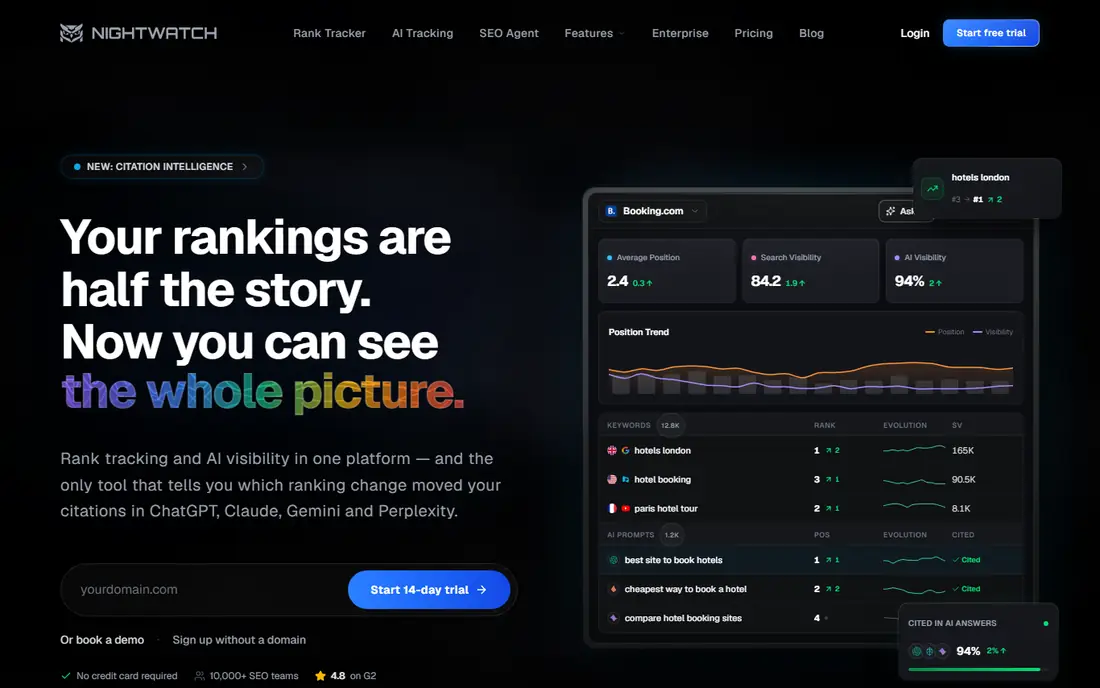
Nightwatch is a good fit when location changes the answer. Copilot and classic results for local services, clinics, restaurants and trades can vary by city or ZIP code, and Nightwatch is built to track those differences. Unlimited users on plans also help small agencies share dashboards without paying per seat.
Check the current pricing page carefully, because Nightwatch prices have been listed in euros on annual billing, which can confuse a USD budget. A 14-day trial gives time to test a local prompt set before paying. If your Copilot questions are national rather than local, another tool may offer better value.
- Daily tracking plus on-demand checks
- Strong local tracking
- Unlimited users on plans
- Prices in euros on some pages, so USD totals vary
- AI features sit on higher tiers in some cases
ProRankTracker is built around agency reporting, and that shows in its report types, client portal and white-label options. Every plan includes AI Overviews, AI Mode, ChatGPT, Gemini, Copilot and Perplexity tracking, so Copilot is not an optional extra that appears only on a top tier. Daily updates and local tracking cover most agency workflows.
The terms model needs a short learning period. One term covers one classic keyword combination, while AI prompts cost two terms, so a large AI prompt set uses the allowance faster than the headline number suggests. Once you model that, the Starter plan at $99 per month for 1,000 terms is a solid agency value.
- AI surfaces including Copilot in every plan
- Strong white-label reports
- Client portal and Looker Studio links
- Terms-based pricing takes time to learn
- AI prompts use more terms than classic keywords
Advanced Web Ranking suits agencies that manage global SEO and AI programmes for many clients at once. Its local tracking is unusually granular, which helps when Copilot answers differ by market, and its reporting tools are designed for client delivery rather than internal use alone. Historical rank data also sits alongside AI visibility, which helps with trend reporting.
The interface is more professional-grade than beginner-friendly, so a solo marketer may prefer a simpler dashboard. The Pro plan starts at $139 per month, which is a mid-market price for a tool with this depth. For agencies with complex local needs, that depth is the point.
- Very granular local tracking down to city or coordinates
- White-label reporting
- Looker Studio integration
- Interface has a learning curve
- Less focus on sentiment than newer AI-native tools
Otterly.AI is the low-cost way to keep a Copilot trend running month after month. The dashboard is simple enough that a small team can check it weekly without a training session, and the trend line for inclusion and citations is often more useful than a single-day score. That simplicity is a real advantage for a first tracking programme.
Fifteen prompts will not cover a large site, so treat Otterly.AI as a core-set tracker rather than a full programme tool. If you need hundreds of prompts, move to a higher tier or a different tool. For a brand, a product line and a handful of key questions, it does the ongoing job well.
- Low price
- Copilot included in the base engine set
- Clear trend view for brand inclusion and links
- Only 15 prompts on Lite
- Add-ons needed for Gemini, AI Mode and Claude
Peec AI is strong on history. You can see how sentiment and citations for a given prompt change over weeks, which is exactly what ongoing tracking should show. That history helps a team separate a one-day blip from a real decline, and it gives content work a clear before-and-after record.
The model limit still applies, so pick Copilot plus the two other engines that matter most to your buyers. Unlimited users help when a content team, an SEO team and a client all need access. For a mid-size programme with a clear prompt set, Peec AI balances detail and price well.
- Daily tracking
- Citation and sentiment history
- Unlimited users
- Three-model limit at entry
- Extra models are paid add-ons
Semrush AI Visibility Toolkit fits teams that already live in Semrush. Instead of adding a separate tracker, you can add AI visibility to existing projects, use Semrush prompt research to build the set, and report Copilot trends next to classic position tracking. The toolkit starts at $99 per month per domain on annual billing, with a seven-day trial.
The catch is total cost. If you do not already pay for Semrush, the combined bill is higher than a standalone Copilot tracker. If you do, the added convenience and the audit tools that come with it make the toolkit a sensible extension. Confirm the prompt count and engine list on the current plan page before you sign up.
- Sits alongside the full Semrush suite
- Prompt research and site audit tools
- Regular reporting
- Copilot coverage depends on plan and toolkit setup
- Total cost rises with the base Semrush subscription
How we picked these
We compared official pricing and feature pages for trackers that state Copilot or AI answer tracking, and we weighted scheduling, history, local tracking and reporting, since this guide is about ongoing tracking rather than a single visibility score. We included budget, mid-market and agency tools, and we noted where AI tracking is an add-on rather than a base feature. Prices in this category change quickly, so recheck the vendor page before you commit.
Building a Copilot tracking routine
Set a fixed prompt set and run it on the same schedule each week, because changing prompts constantly destroys the trend. Record the date of any major content change, site change or product launch next to the trend, so a movement has an explanation. Review citations first, then sentiment, then inclusion, because a citation change usually points to the content work that will fix the problem.
Alerts help, but only if they go to someone who can act. Set alerts for drops in brand inclusion on your highest-value prompts, not for every small movement, or the team will start ignoring them. A short weekly note, with three changes and one action per change, is more useful than a long automated report that no one reads.
Reporting Copilot tracking to clients or managers
Show the trend, not just the latest score, and pair each Copilot change with a classic ranking or content change where one exists. Name the cited sources that changed, and state the next step in plain language. That format keeps the report short, credible and easy to act on.
FAQ
What is the difference between Copilot rank tracking and Copilot rank tracker software?
The terms overlap, but tracking here means the ongoing routine: running the same prompts on a schedule, storing history and reporting changes. A tracker tool is the software that runs that routine. This guide focuses on tools that support the routine well, including scheduling, history, alerts and reports.
How often should Copilot prompts be checked?
Daily checks suit agencies and large brands with active content programmes, while weekly checks suit most small businesses. The key is consistency. A weekly check on the same prompts gives a cleaner trend than daily checks on a changing prompt list.
Can Copilot rank tracking replace normal rank tracking?
No. Copilot answers and classic search results answer different questions, and a brand can rank well in classic results while being absent from Copilot answers, or the reverse. Track both, and use the gap between them to guide content work.
Does Copilot rank tracking work for local businesses?
Yes, but only if the tool supports location settings for the prompts. Local Copilot answers can differ by city or ZIP code, so a national prompt set may miss the answer a local customer actually sees. Nightwatch and Advanced Web Ranking are strong here.
What should I do when Copilot tracking shows a drop?
Check the citations first. A drop often follows a change in the sources Copilot cites, a content update on your site, or a competitor gaining coverage on a review or publisher page. Fix the source gap, keep the prompt set stable, and watch the next few runs before judging the result.