Best Contract Management Software Reviews in 2026: 8 Tools Compared
We compared 8 leading contract management tools on price, workflows, e-signatures, and renewals, so you can pick the right system for your team in 2026.
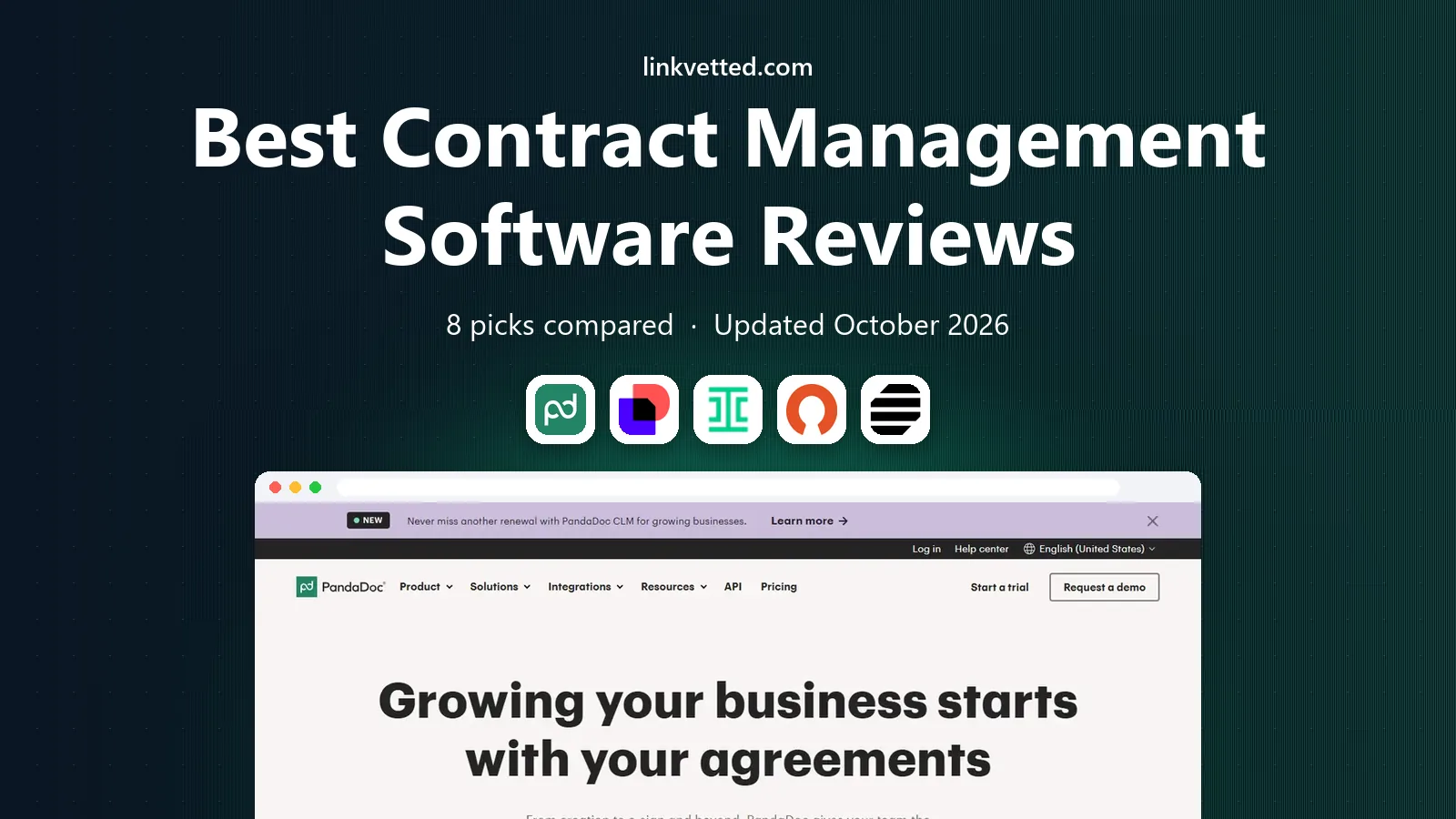
- Editor's choice
 PandaDoc
Small teams needing documents, templates, and e-signatures
Starts at$19 per user per monthVisit pandadoc.comFull review - Great alternative
 DocuSign CLM
Teams already using DocuSign for signing
Starts atSee websiteVisit docusign.comFull review - Also consider
 Ironclad
Large legal teams with complex approvals
Starts atSee websiteVisit ironcladapp.comFull review
TL;DR:
- PandaDoc is our pick for small teams that need documents, templates, and e-signatures in one place, starting at $19 per user per month.
- Concord is the clearest mid-market choice, with a flat monthly price for five users and unlimited documents and e-signatures.
- Ironclad, DocuSign CLM, and LinkSquares suit larger legal teams, but all three are quote-based, so budget for implementation time as well as licenses.
- If you only need a place to store and track signed contracts, ContractWorks and Agiloft may give you more than a full drafting suite for less effort.
Quick comparison
| Tool | Best for | Starts at | Free plan? | |
|---|---|---|---|---|
| PandaDoc | Small teams needing documents, templates, and e-signatures | $19 per user per month | Yes | Visit |
| DocuSign CLM | Teams already using DocuSign for signing | See website | No | Visit |
| Ironclad | Large legal teams with complex approvals | See website | No | Visit |
 ContractWorks | Simple storage, tracking, and signing | See website | Free trial | Visit |
 Agiloft | Highly configurable contract workflows | See website | No | Visit |
 Concord | Mid-market teams wanting clear flat pricing | $499 per month | Free trial | Visit |
 Juro | Sales-led teams that self-serve contracts | See website | Free trial | Visit |
 LinkSquares | Legal teams wanting AI analysis of signed contracts | See website | No | Visit |
The best contract management software
Contract software ranges from a simple signing tool to a full system that drafts, approves, signs, stores, and tracks every agreement. We compared pricing pages, feature lists, and public user reviews, and kept only tools that are actively sold and working in October 2026. Prices change often, so check the vendor page before you buy, and note that this article is general information, not legal advice.

PandaDoc is the easiest starting point on this list if your contracts are mostly proposals, quotes, and standard agreements. The editor feels like a word processor with blocks for text, tables, and signature fields, so a sales or operations lead can build a clean document without asking legal for help on every deal. Document tracking shows when a recipient opens and completes a file, which cuts down on follow-up emails.
The trade-off is depth. PandaDoc handles creation and signing well, but it is not a full legal workflow system for complex approvals, clause libraries, and obligation tracking at enterprise scale. Teams that outgrow the Essentials plan should price the Business plan at $49 per user per month before committing, since CRM integrations and approval workflows sit there.
- Drag-and-drop document editor
- Templates and pricing tables
- Unlimited documents and e-signatures on paid plans
- Essentials is limited to two seats
- Deeper workflow features need the Business plan
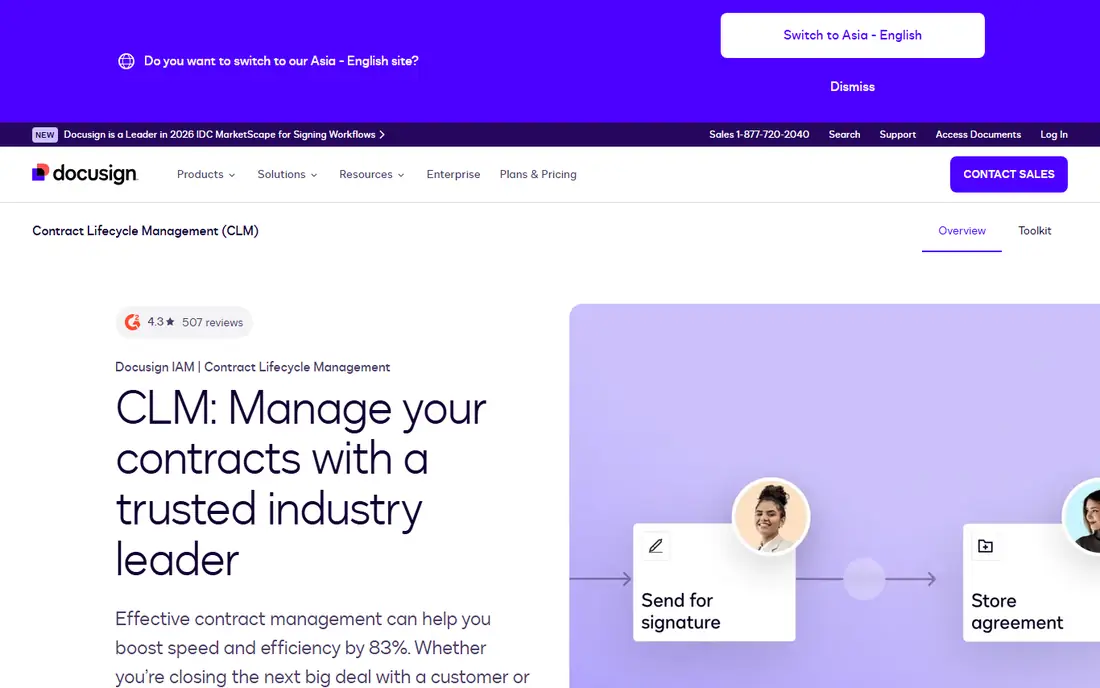
For companies that already sign everything with DocuSign, CLM is the natural next step rather than a new vendor to learn. Sales staff can generate a contract from Salesforce data, route it for approval, and send it for signature without leaving the tools they already use. That continuity matters, because the hardest part of contract software is getting busy teams to use it at all.
The catch is cost and clarity. DocuSign does not publish CLM list prices, so you will need a sales conversation and a written quote that covers users, modules, and implementation. Smaller teams should compare that total against Concord or PandaDoc first, since CLM is built for volume and complexity that a ten-person company may never need.
- Tight fit with DocuSign eSignature
- Document generation from CRM data
- Searchable contract repository
- CLM pricing is quote-only
- Implementation can take real time and planning

Ironclad is built for legal teams that handle a high volume of contracts and cannot rely on shared folders and email threads. Workflows route each agreement type through the right fields and approvers, and the clause library keeps fallback language consistent instead of letting every negotiation start from scratch. Its repository tools pull key dates and terms from signed contracts so renewals do not slip past unnoticed.
That power comes with a serious budget and setup commitment. Pricing is custom, and buyer reports put typical deals well into five figures a year before implementation work. If your team signs a handful of contracts a month, Ironclad will feel heavy. If legal is a bottleneck on every deal, the structure may pay for itself in faster cycles.
- Branching approval workflows
- Clause library with approved language
- AI extraction from signed contracts
- Quote-only enterprise pricing
- Needs an internal owner to configure and maintain
ContractWorks takes a different approach from Ironclad: it focuses on what happens after a contract is signed. You upload agreements, the system tags agreement type, parties, and key dates, and alerts warn you before renewals and expirations. Unlimited users means legal, finance, and operations can all search the same repository without buying a seat for every occasional reader.
The limit is on the front end of the process. ContractWorks is less suited to teams that draft and redline complex agreements inside the tool every day, and its document limits differ by tier, so check the plan that matches your portfolio size. For companies whose main problem is lost contracts and missed renewals, that focus is a strength, not a flaw.
- Unlimited users on every plan
- Automatic tagging of key dates and parties
- Built-in e-signatures
- Weaker drafting and negotiation tools than full CLM suites
- Document caps vary by plan
Agiloft suits organizations that want contract workflows shaped around their own process, not a vendor template. Its no-code builder lets admins design approvals, notifications, and obligation tracking for different agreement types, and it can connect to a wide range of business tools. Teams with unusual approval chains or multi-department sign-off often find that flexibility worth the effort.
Flexibility is also the warning. A tool this configurable needs someone to own it, test changes, and train users, and enterprise deployments can take weeks or months to settle. Get a scoped quote that includes implementation help, and run a pilot on one agreement type before you rebuild every workflow at once.
- No-code workflow builder
- Clause and obligation tracking
- Broad integration options
- Quote-based pricing
- Configuration takes time and planning
Concord is the most transparent pick for a single department or a growing company that wants a full lifecycle tool without an enterprise sales cycle. Contracts are drafted from templates, negotiated in the browser instead of through Word attachments, signed inside the tool, and tracked with deadline reminders. The Essentials price covers five users, and viewers and guests can review agreements without a paid seat.
The pricing model rewards small paid teams and penalizes large ones, since extra users add to the monthly bill. Concord also lacks some of the deeper compliance and risk features found in enterprise CLM suites. For most small and mid-sized businesses, though, the balance of price, speed, and coverage is hard to beat.
- Flat price for five users with unlimited documents and e-signatures
- In-browser negotiation
- Free viewers and guests
- Per-user cost rises as paid seats grow
- Less deep on enterprise compliance features
Juro is designed so sales and operations staff can generate contracts themselves while legal keeps control of templates and approval rules. The editor lives in the browser, questions guide the person creating the contract, and data from the agreement feeds back into reports and renewals. That self-serve model can shorten deal cycles when legal is stretched thin.
Pricing is the main question mark, since Juro prices by contract volume and integrations rather than a simple per-seat list. Ask for a quote tied to your actual annual contract count, and confirm which integrations are included. Teams with straightforward sales agreements will get the most from Juro, while highly regulated industries may still need a deeper legal system.
- Browser-based editor built for business users
- Unlimited users, templates, and workflows on plans
- Strong Slack and CRM integrations
- Pricing is quote-based and volume-driven
- Less suited to heavily regulated legal work
LinkSquares centers on turning signed contracts into searchable business data. Its AI tools extract terms, obligations, and dates from a legacy portfolio, so legal and finance can answer questions about renewals, liabilities, and key clauses without opening hundreds of files one by one. Drafting, approval, and e-signature modules cover the rest of the lifecycle for teams that want one system.
As with Ironclad, the absence of public pricing means budgeting starts with a demo and a quote. LinkSquares prices by modules, users, and contract volume, so ask for each module priced separately. It fits legal teams with a large existing portfolio best, and it is more than a small company needs for basic signing and storage.
- AI extraction and search across signed contracts
- Drafting and approval workflows
- Obligation and deadline tracking
- No published list price
- Modular pricing can grow with each added module
How we picked these
We compared vendor pricing pages, product documentation, and public user reviews for tools that cover the full contract lifecycle or a clear part of it, from drafting to renewal tracking. We kept only products that are actively sold in October 2026, and we mixed low-cost signing tools with enterprise CLM suites so small businesses and large legal teams both have real options. Where a vendor does not publish a price, we say so rather than guessing, and we flag implementation effort as part of the true cost.
What to check before you buy
Start with the problem that hurts most. If missed renewals and lost files are the issue, a repository-first tool like ContractWorks or LinkSquares analysis may solve it faster than a drafting suite. If slow approvals block deals, prioritize workflow tools like Ironclad, Agiloft, or Juro, and test the approval builder with a real agreement type before signing.
Count the total cost, not just the license
Quote-based tools often add implementation, migration, training, and premium support to the first-year bill. Ask for every line item in writing, including what happens at renewal and what counts as a billable user versus a free viewer. For per-seat tools, model the cost at your headcount in twelve months, not today, since growth can turn a cheap plan into an expensive one.
Test with your own contracts
A demo with sample agreements hides the messy parts: scanned PDFs, old Word templates, and non-standard clauses. Upload a sample of your real portfolio, run one negotiation, and check how renewal alerts, search, and reporting behave. Also confirm e-signature legality and audit trails for your jurisdiction, since contract software is general business software, not a substitute for legal advice on a specific agreement.
FAQ
What is the cheapest contract management software here?
PandaDoc, at $19 per user per month on Essentials, is the cheapest paid starting price with a published rate on this list, and it includes a free eSign plan for very light use. Concord starts higher at $499 per month, but that covers five users and unlimited documents, so the per-person cost can be lower for a small team. Always compare the total for your user count, not just the headline rate.
Do I need full CLM software, or just e-signatures?
If you only send standard agreements for signature and store them in a shared drive, an e-signature tool may be enough. Full CLM earns its price when approvals, clause control, obligation tracking, or renewal alerts take real staff time, or when contracts regularly get lost. Start with the pain point, and buy the simplest tool that fixes it.
Is contract management software legally binding for signatures?
Electronic signatures are legally valid in the United States under federal and state law for most business agreements, provided the signing process captures consent and an audit trail. Some agreement types, such as certain wills and real estate documents, have special rules, so check the requirements for your document type and state. The tools here provide the audit trail, but they do not give legal advice.
How long does it take to set up contract software?
Simple tools like PandaDoc and Concord can be running in days, especially if you start with a few templates. Configurable enterprise tools like Agiloft and Ironclad often take weeks or months, since workflows, clause libraries, and legacy contract migration need planning and testing. Ask the vendor for a realistic timeline tied to your contract volume before you sign.
Can these tools track renewals automatically?
Yes, most tools on this list offer renewal and expiration alerts, but the quality varies. Repository-first tools tag dates from signed contracts, while drafting tools rely on dates entered during creation. Test alerts with a real contract that has an auto-renewal clause, and confirm who receives the notice and how far in advance it arrives.