Best Content Writing Tools in 2026: 8 Tools Compared
Compare the best content writing tools for 2026, from AI draft generators and SEO optimisers to editing apps that polish every post before publishing.

- Editor's choice
 Jasper
Marketing teams and brand voice
Starts at$59 per monthVisit jasper.aiFull review - Great alternative
 Copy.ai
Sales and marketing workflows
Starts at$24 per monthVisit copy.aiFull review - Also consider
 Grammarly
Editing and polishing drafts
Starts atFreeVisit grammarly.comFull review
TL;DR:
- Jasper and Copy.ai suit marketing teams that need brand voice and repeatable workflows, while Grammarly suits anyone polishing a draft.
- Surfer and Frase add search guidance that a general AI writer does not, but they work best after you have a clear topic and audience.
- Rytr and QuillBot offer the lowest entry cost, with free plans that cover short-form work and rewriting.
- The best content writing platform depends on whether your main job is drafting, editing, optimising for search, or all three.
Quick comparison
| Tool | Best for | Starts at | Free plan? | |
|---|---|---|---|---|
| Jasper | Marketing teams and brand voice | $59 per month | Free trial | Visit |
| Copy.ai | Sales and marketing workflows | $24 per month | Free trial | Visit |
| Grammarly | Editing and polishing drafts | Free | Yes | Visit |
 Writesonic | SEO articles and AI visibility | $79 per month | Free trial | Visit |
 Surfer | Search optimisation | $49 per month | Free trial | Visit |
 Rytr | Budget short-form writing | Free | Yes | Visit |
 QuillBot | Paraphrasing and rewriting | Free | Yes | Visit |
 Frase | Content briefs and research | See website | Free trial | Visit |
The best content writing tools
Content writing now covers drafting, editing, research and search optimisation, and no single tool does all four equally well. We compared official pricing pages, feature pages and public documentation for tools that are still actively sold in October 2026, and grouped them by the job they do best.
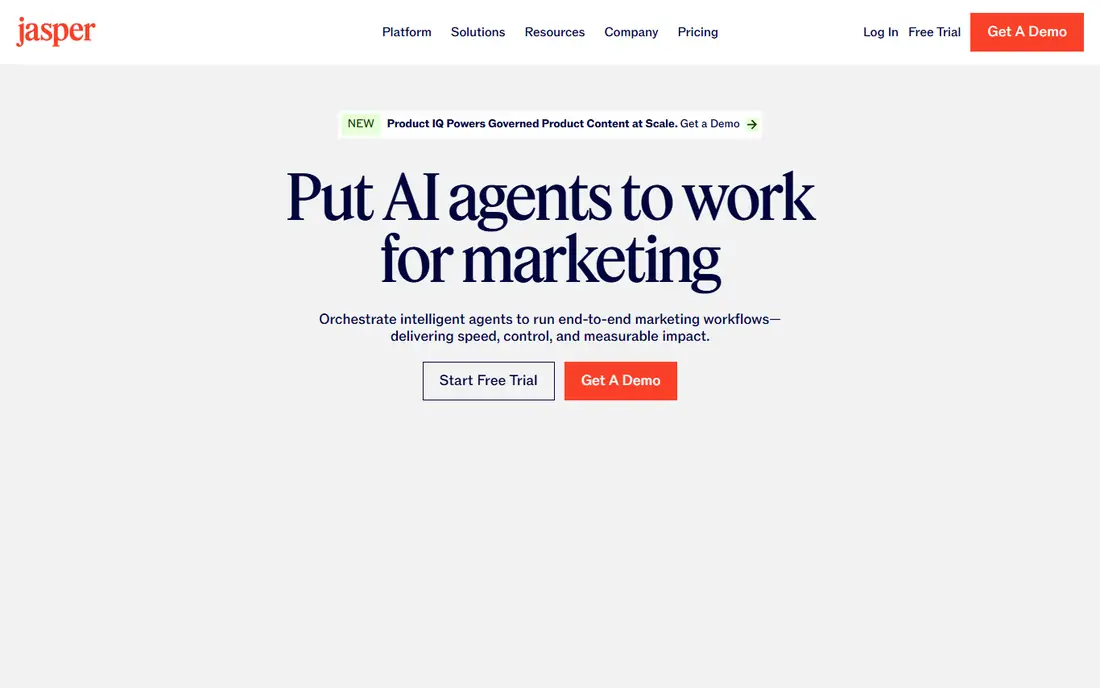
Jasper is built for marketing teams that produce a lot of on-brand content. Brand voice settings, knowledge sources and templates help keep blog posts, ads and emails consistent across writers. That structure matters when several people write for one brand and tone drift becomes a real problem.
The price reflects that team focus. At $59 per month for the Pro plan on annual billing, Jasper costs more than a general chatbot, and the free option is a trial rather than a lasting free plan. Solo writers may find a cheaper tool enough, but marketing teams often value the consistency controls.
- Brand voice controls
- Templates for marketing content
- Team workflows and knowledge bases
- Pricier than general chatbots
- No permanent free plan

Copy.ai has moved toward sales and marketing workflows, with chat across several models and automations for repetitive tasks such as prospecting copy and social posts. Its chat plan, priced at $24 per month on annual billing for a small team, gives a low entry point for teams that write a lot of short copy.
Long-form SEO writing is not its strongest area, and the full workflow plans cost far more than the chat plan. Copy.ai fits teams that want to automate short, repeatable marketing tasks, rather than writers looking for a single long-form article tool.
- Multi-model chat
- Workflow automation for repetitive copy
- Flat chat plan for small teams
- Workflow plans jump sharply in price
- Less suited to long-form SEO articles
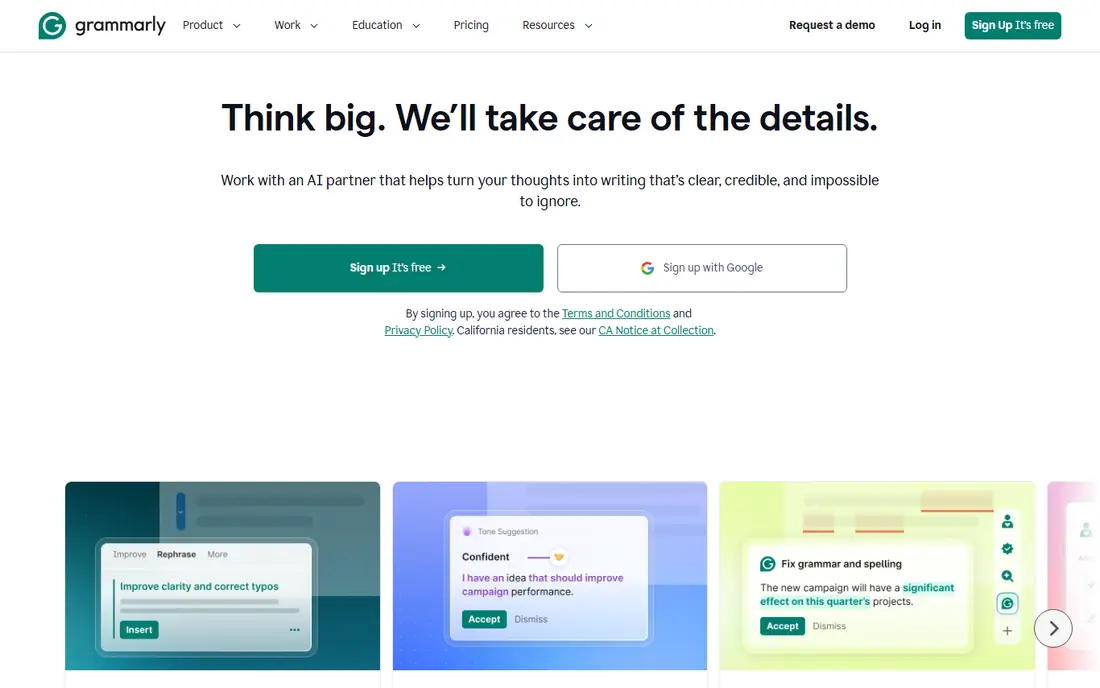
Grammarly is the editing layer most writers use alongside another drafting tool. It catches grammar, clarity and tone problems in browsers, documents and email, and its AI prompts help rewrite sentences that read awkwardly. The free plan covers basic writing help, while Pro adds fuller rewrites and tone control.
Grammarly will not write a full article from a brief, and it should not be judged as a generator. Its value is in the final pass, where small errors and unclear sentences can hurt credibility. For almost any writer, it is the easiest tool on this list to add to a daily workflow.
- Works across browsers, docs and email
- Clear tone and clarity suggestions
- Free plan covers basics
- Not a long-form content generator
- Pro plan is $12 per month on annual billing
Writesonic combines article generation with tracking for AI search results, which suits teams that care about how their content appears in chat answers as well as classic search. Its starter plan, at $79 per month on annual billing, includes a set number of articles, so teams should check that limit against their publishing pace.
That price puts Writesonic above budget writers, and it is no longer the cheap option it once was. For content teams that publish SEO articles regularly and want visibility reporting in the same tool, the bundle can still make sense.
- SEO article generation
- AI search visibility tracking
- Multiple content formats
- No longer a cheap standalone writer
- Starter plan limits article count
Surfer scores a draft against live search results and shows which terms, headings and structure competitors use. Writers can see what to add, what to cut and where a draft is thin, rather than guessing from a keyword list. That guidance helps teams that already have a topic and want to compete for search traffic.
Surfer is an optimiser, not a first-draft writer, so it works best after you have a draft or a detailed brief. Its Discovery plan starts at $49 per month, with a trial rather than a free plan. Pair it with a drafting tool for a complete workflow.
- Live SERP-based content scores
- Clear optimisation guidance
- Content editor with keyword guidance
- Needs a draft to optimise
- No permanent free plan
Rytr is the budget pick for short-form writing. Its free plan covers a limited number of characters per month, and the unlimited paid plan costs $7.50 per month on annual billing. Templates cover emails, social posts, product descriptions and short blog sections, which suits freelancers and small businesses.
Long articles need more editing and structure than Rytr provides on its own, and it lacks the SEO depth of Surfer or Frase. For short copy at a low price, Rytr is hard to beat, and the free tier lets you test it without a card.
- Permanent free tier
- Very low paid price
- Fast short-form templates
- Output needs editing for long articles
- Fewer SEO and team features
QuillBot helps writers rework existing text, with paraphrasing modes that range from formal to creative, plus a summariser and grammar checker. It suits students, editors and content writers who need to tighten a draft, vary sentence structure or shorten a long passage. Premium costs $8.33 per month on annual billing.
QuillBot is not a full article generator, and its free plan limits paraphrase length. Used as a rewriting and editing aid, it complements a drafting tool well, especially when a paragraph needs a fresh angle without changing its meaning.
- Multiple rewrite modes
- Summariser and grammar tools
- Low premium price
- Limited long-form generation
- Free paraphrases have word limits
Frase helps content teams research a topic, build a brief and draft against search results in one place. It pulls questions, headings and competitor outlines that writers can use to plan an article before drafting. That planning step helps teams avoid thin articles that miss what readers actually ask.
Pricing should be checked on the vendor site, since plans and limits change, and Frase fits SEO-focused teams more than casual writers. For agencies and in-house teams that brief many writers, Frase can raise the baseline quality of every first draft.
- Research and brief building
- SERP analysis for topics
- AI drafting inside briefs
- Pricing is not as simple to compare
- Best for SEO-focused teams
How we picked these
We compared official pricing and feature pages for tools that are still sold in October 2026, and we excluded tools that had pivoted away from content writing or stopped offering a clear writing product. We looked for a distinct job, a usable free plan or trial, and evidence of active development, rather than listing every AI writer with a similar feature set.
How to build a writing workflow that works
Start with the job, not the tool
If drafting is the bottleneck, start with Jasper, Copy.ai or Writesonic. If editing is the bottleneck, start with Grammarly or QuillBot. If search traffic is the goal, add Surfer or Frase after the draft exists. Buying an optimiser before you have a drafting habit rarely helps.
Keep a human edit in every workflow
AI drafts can be fluent and still miss facts, tone or audience needs. Check claims, links and product details against primary sources, and rewrite introductions and conclusions in your own voice. A short human edit protects quality far more than a second AI pass.
Watch usage limits before you scale
Article limits, character limits and prompt limits decide the real monthly cost. A plan that looks cheap can become expensive when a team publishes daily. Track how many articles, prompts or characters your team actually uses for a month before committing to an annual plan.
A final point for content teams is quality control, because speed means little if published work contains errors or sounds the same as every other site. Build a short checklist for each article, covering facts, sources, internal links, headings and a final read for tone. Keep a style guide for spelling, product names and claims, and update it when a tool changes its output style. It also helps to track which articles actually perform, in search traffic, time on page and conversions, rather than judging a tool by how fast it drafts. A tool that fits your editing process and helps writers produce work they are proud to publish will outperform a faster tool that creates extra revision work.
FAQ
Which platform is best for content writing?
There is no single best platform, because drafting, editing and SEO optimisation are different jobs. Jasper suits marketing teams, Grammarly suits editing, and Surfer or Frase suit search optimisation. Most content teams use two tools together, one for drafting and one for editing or optimisation.
What is the best app for content writing on a budget?
Rytr offers a free plan and a low-cost unlimited plan, while QuillBot and Grammarly both offer useful free tiers. For short-form work, those three cover drafting, rewriting and editing at little or no cost. Longer SEO articles will still benefit from a paid optimiser.
Are content writing services different from content writing tools?
Yes. A service provides human writers or an agency team, while a tool helps your own team write faster. Tools suit teams that want to keep writing in-house, while services suit teams that lack time or in-house writers. Some agencies use the tools on this list as part of their service workflow.
Can AI writing tools replace human writers?
They can speed up drafting and research, but they do not replace judgment about audience, facts and brand voice. Human writers still need to check claims, shape arguments and edit for tone. The strongest workflows use AI for first drafts and humans for decisions and final polish.
How much do the best content writing tools cost?
Entry prices in this guide range from free plans to $79 per month for Writesonic, with Jasper at $59 and Surfer at $49 per month on annual billing. Team plans, article limits and annual discounts change the total, so check the vendor pricing page for the plan that matches your publishing volume.