Best Construction Apps in 2026: 9 Apps Compared
Compare the best construction apps for project management, field crews, estimating and client communication, with pricing and mobile features in full.
- Editor's choice
 Procore
Large commercial contractors
Starts atSee websiteVisit procore.comFull review - Great alternative
 Buildertrend
Residential builders
Starts atSee websiteVisit buildertrend.comFull review - Also consider
 Fieldwire
Field plans and punch lists
Starts at$29 per user per monthVisit fieldwire.comFull review
TL;DR:
- Procore is the default for large commercial contractors, with deep project, financial and safety tools in one platform.
- Buildertrend and Houzz Pro suit residential builders best, with client portals that cut down on calls and change order confusion.
- Fieldwire is the best value for field crews that mainly need plans, tasks and punch lists on a phone or tablet.
- Contractor Foreman undercuts most rivals on price, which makes it a strong start for small contractors.
Quick comparison
| Tool | Best for | Starts at | Free plan? | |
|---|---|---|---|---|
| Procore | Large commercial contractors | See website | No | Visit |
| Buildertrend | Residential builders | See website | No | Visit |
| Fieldwire | Field plans and punch lists | $29 per user per month | Yes | Visit |
 Contractor Foreman | Budget all in one for small firms | $49 per month | Free trial | Visit |
 Autodesk Construction Cloud | Design build and BIM teams | See website | No | Visit |
 Houzz Pro | Residential pros and leads | $99 per month | Free trial | Visit |
 JobTread | Residential estimating and jobs | See website | Free trial | Visit |
 CoConstruct | Custom home builders | See website | No | Visit |
 PlanGrid | Plan viewing in the field | See website | No | Visit |
The best construction apps
We compared official pricing pages, feature documentation and public user reviews to find apps that help office and field teams share plans, track progress and keep clients informed in October 2026.
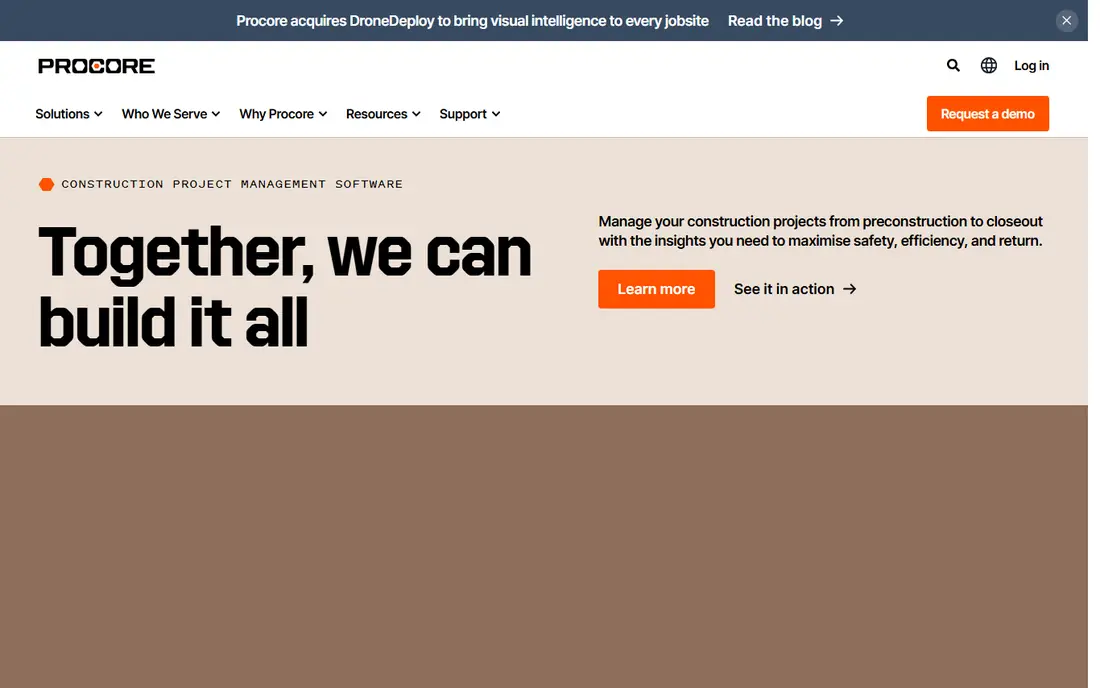
Procore is the platform most large general contractors either use or have seriously considered. Drawings, RFIs, submittals, daily logs, budgets and change orders live in one place, shared in real time between office and field. Its mobile app is one of the strongest in construction, which matters when superintendents work from a trailer or a job site.
The ecosystem is another reason it leads. Integrations with accounting systems, a marketplace of third party apps and unlimited users help when dozens of subcontractors need access. The catch is cost. Pricing is quoted by annual construction volume, and small firms under about $10 million in volume will usually find it hard to justify. For large commercial work, Procore is the benchmark other tools are measured against.
- Full project and financial tools
- Unlimited users on most plans
- Strong mobile app
- Quote based pricing can be high
- Implementation takes time and training
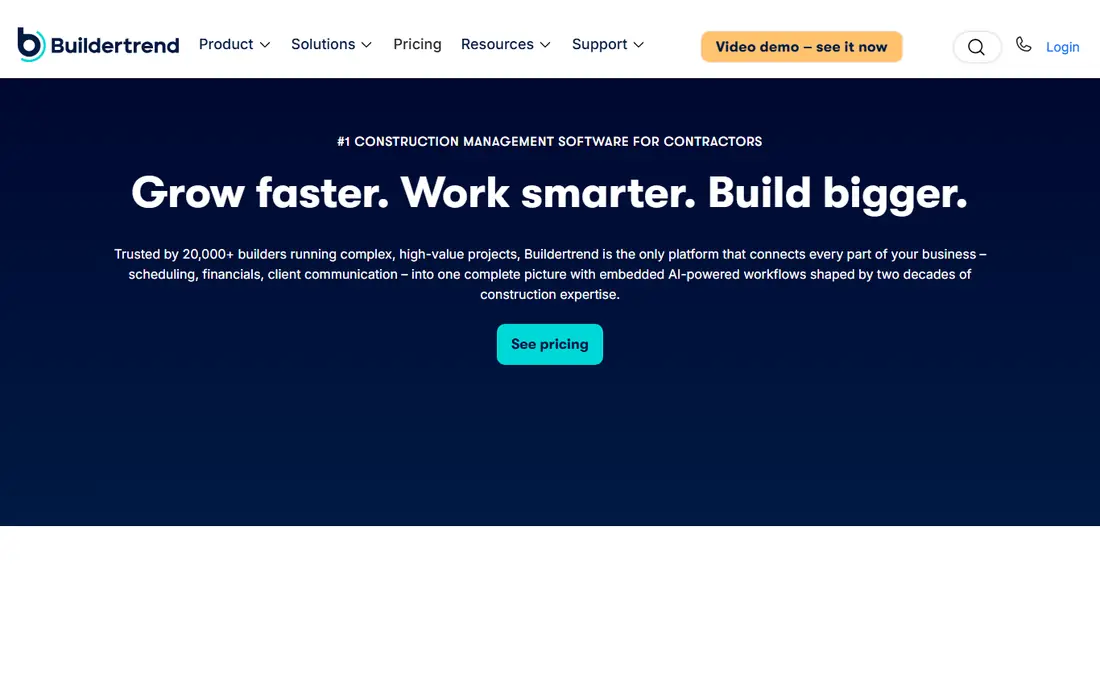
Buildertrend leads residential work largely because of its client portal. Homeowners log in to check schedules, approve selections, view invoices and message the builder, which cuts phone tag more than almost any other feature in this guide. Scheduling, estimating, daily logs, financials and a lead CRM round out the package.
Flat rate pricing with unlimited users used to be a clear selling point, but Buildertrend no longer publishes prices and now quotes by volume, so you need a sales call for a firm number. Setup also takes effort. For home builders and remodelers, though, the combination of project tools and a client facing portal is hard to beat, because it reduces the daily stream of where are we questions.
- Strong client portal
- Scheduling, estimating and invoicing in one place
- Unlimited users
- Pricing is now quote based
- Not built for heavy commercial work
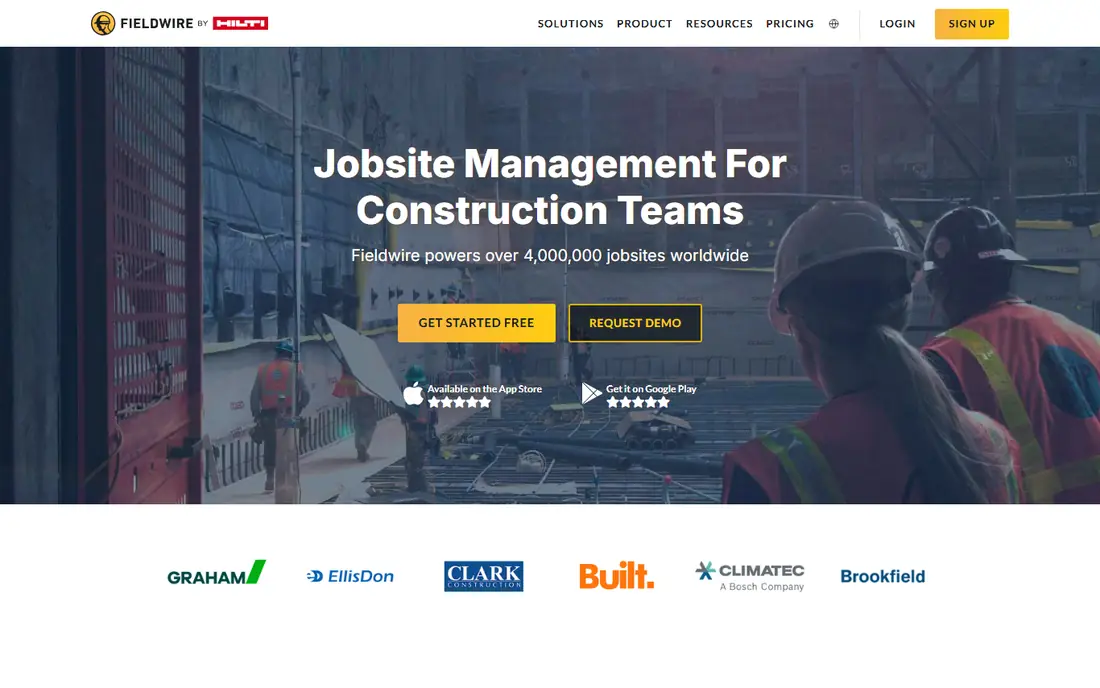
Fieldwire, by Hilti, is the best value for crews that mainly need plans and tasks in the field. Foremen can view the latest drawings on a tablet, mark up issues, assign punch items and track progress without carrying paper plans. The free basic plan lets a small crew test the core workflow before paying.
It is not meant to replace estimating, accounting or a full project management suite. Teams that need job costing and invoicing will pair it with another system. For field first work, where speed and clarity on site matter most, Fieldwire does the core job well and at a lower price than full platforms.
- Fast plan viewing and markups
- Simple tasks and punch lists
- Good offline mobile use
- Not a full estimating or accounting system
- Advanced features need higher plans
Contractor Foreman undercuts nearly everyone on price, which makes it a strong start for small contractors. Scheduling, time tracking, invoicing, daily logs, estimates and client communication are included, with pricing per company rather than per user on many plans. That model helps firms with large field crews, where per user pricing would add up fast.
Reporting and depth do not match Procore or Autodesk, and some screens feel less polished than pricier rivals. For a small to mid size contractor that needs one affordable system to replace spreadsheets and paper, Contractor Foreman offers a lot for $49 per month, and the free trial makes it easy to test with a real job.
- Very low starting price
- Scheduling, invoicing and daily logs included
- Per company pricing
- Reporting is lighter than Procore
- Interface is less polished in places
Autodesk Construction Cloud suits design build firms that live in Revit and AutoCAD. Project management, document control, cost, safety and scheduling sit beside building information modelling, so design and construction data stay connected. AI document tagging can save time on projects with thousands of files, and model coordination helps catch clashes before they reach site.
It is priced like enterprise software, and it is overkill for a small remodeler without BIM workflows. Implementation also needs planning. For firms where the model is central to the job, no other platform in this guide matches the link between design tools and field management as closely.
- Strong BIM and model coordination
- Document control and cost tools
- Revit and AutoCAD links
- Enterprise pricing
- Complex for firms without BIM workflows
Houzz Pro appeals to residential pros because it combines lead generation with project tools. A remodeler or builder can manage leads, send estimates, track projects and share updates with clients from one account, while also appearing in front of homeowners searching on Houzz. That combination is useful for firms still building a pipeline.
Lead quality varies by location and trade, so results will differ, and the most useful features sit on higher plans. For a residential firm that wants both marketing reach and basic project management in one subscription, Houzz Pro is worth a trial, especially if you already get inquiries through Houzz.
- Leads plus project management
- Client portal and estimates
- Strong for remodelers
- Lead quality varies by market
- Full features need higher plans
JobTread is a newer residential platform that ties estimating, CRM, project management, scheduling, invoicing and payments together. The interface is clean and easy to learn, which helps small teams adopt it without long training. Because estimates flow into budgets and invoices, there is less retyping and fewer errors between sales and delivery.
Being newer means a smaller integration library and less long term track record than Buildertrend. For a residential builder or remodeler that wants a modern, integrated system and is willing to grow with a newer vendor, JobTread is a strong alternative to the larger names.
- Integrated estimating, CRM and invoicing
- Clean interface
- Good for remodelers
- Newer than Buildertrend and Procore
- Fewer integrations
CoConstruct, now part of Buildertrend, focuses on custom home builders and remodelers. Client selections, allowances, change orders and communication are handled in a portal that keeps homeowners informed, while scheduling and financial tools keep the builder on top of costs. That focus on selections is valuable on custom jobs, where choices change often and need a clear paper trail.
Pricing is quote based, so comparison takes a sales call, and CoConstruct is not built for heavy commercial projects. For a custom builder that lives or dies by clear selections and change orders, it remains a focused, practical choice.
- Client selections and change orders
- Scheduling and financials
- Good for custom builds
- Pricing is quote based
- Less suited to commercial work
PlanGrid made its name by giving field crews instant access to the latest plans, with version control that stopped teams working from outdated drawings. Markups, photos and punch lists could be shared from site in real time, which cut rework and confusion. It is now part of Autodesk Construction Cloud, so new buyers will meet it inside that platform rather than as a fully separate product.
That change matters for shopping. If you loved PlanGrid for simple plan viewing, check Autodesk Construction Cloud pricing and whether the plan tools fit your budget. For teams already in Autodesk, PlanGrid heritage is a reason to stay, because plan handling remains a core strength.
- Fast plan access and version control
- Markups and punch lists
- Now part of Autodesk
- Now folded into Autodesk Construction Cloud
- Not a standalone full suite
How we picked these
We compared official pricing pages, feature documentation and public user reviews, and we kept only apps still sold and supported in October 2026. We looked at mobile field use, plan handling, scheduling, estimating, client communication and pricing model, because a tool that works in the office but fails on site is not useful in construction. We noted where pricing is quote based instead of guessing.
How to choose the right construction app
Start with your project type. Commercial general contractors should shortlist Procore and Autodesk, residential builders should shortlist Buildertrend, Houzz Pro, JobTread and CoConstruct, and field crews should look at Fieldwire first. A tool built for your project type will need less customisation and will be easier for subcontractors to use.
Then test on a live job, not a demo project. Give foremen the mobile app, share plans with a subcontractor, run a change order through the client portal, and see where work stalls. Check whether field workers need paid seats, whether offline access works on your sites, and what implementation and training cost. Those answers will narrow the list faster than a feature checklist.
FAQ
What is the best construction app for small contractors?
Contractor Foreman is the best budget pick for small contractors, with a $49 per month starting price and broad features. Fieldwire is best if you mainly need plans and punch lists, while Houzz Pro suits small residential firms that also want leads. Start with the job you do most and trial one tool on a real project.
Is Procore worth it for a small builder?
For most small builders under $10 million in annual volume, Procore is more than needed and pricing is quote based and high. Buildertrend, JobTread, Contractor Foreman or Houzz Pro usually offer better value for residential work. Procore makes sense when you run large commercial jobs with many subcontractors and need deep financial controls.
What is the best free construction app?
Fieldwire offers a free basic plan for plan viewing and tasks, which is the most useful free option in this guide. Most full construction platforms offer free trials rather than free plans. For a very small crew, Fieldwire free plus a simple invoicing tool can cover the basics until you need a full suite.
Do construction apps work offline on site?
Many field apps, including Fieldwire and Procore, offer offline or limited offline access so crews can view plans and complete tasks without a signal, then sync later. Offline depth varies by plan and feature, so test it on your actual sites before you commit, especially if you work in basements, rural areas or large concrete buildings.
How much does construction software cost?
Costs range from free for Fieldwire basic, to $49 per month for Contractor Foreman, $99 per month for Houzz Pro, and quote based pricing for Procore, Buildertrend and Autodesk that can run into thousands per year. Per user, flat rate and volume based models all appear here, so compare total yearly cost, not just the headline monthly price.