Best Conference App in 2026: 9 Apps Compared
Compare the best conference app options for 2026, from Zoom and Teams to webinar platforms, with pricing, limits, and picks for small teams and large events.
- Editor's choice
 Zoom
Most teams and general meetings
Starts at$15.99 per monthVisit zoom.comFull review - Great alternative
 Google Meet
Google Workspace teams
Starts atFreeVisit meet.google.comFull review - Also consider
 Microsoft Teams
Small businesses on Microsoft tools
Starts at$4 per user per monthVisit microsoft.comFull review
TL;DR:
- Zoom remains the safest default for most teams, with a free plan and Pro at $15.99 per month.
- Microsoft Teams Essentials at $4 per user per month is hard to beat for small businesses that already use Microsoft tools.
- Google Meet is the simplest choice for teams that live in Gmail and Google Calendar.
- Webinar and event platforms such as ClickMeeting and Whova matter when registration, branding, and audience interaction matter more than a plain meeting link.
- Price alone does not settle it: check participant limits, meeting length caps, recording, and how guests join without an account.
Quick comparison
| Tool | Best for | Starts at | Free plan? | |
|---|---|---|---|---|
| Zoom | Most teams and general meetings | $15.99 per month | Yes | Visit |
| Google Meet | Google Workspace teams | Free | Yes | Visit |
| Microsoft Teams | Small businesses on Microsoft tools | $4 per user per month | Yes | Visit |
 Webex | Security focused larger teams | Free | Yes | Visit |
 GoTo Meeting | Reliable small group meetings | $12 per month | Free trial | Visit |
 RingCentral | Phone, messaging, and video in one app | $20 per user per month | Free trial | Visit |
 ClickMeeting | Webinars and online training | $25 per month | Free trial | Visit |
 Whova | In person and hybrid conferences | See website | No | Visit |
 Livestorm | Browser based webinars and events | See website | Yes | Visit |
The best conference apps
A conference app has to do more than start a video call. It has to handle registration, large audiences, breakout discussion, recording, and guests who join from a phone. We compared official feature pages, pricing pages, and public reviews to find tools that cover both everyday meetings and larger events.
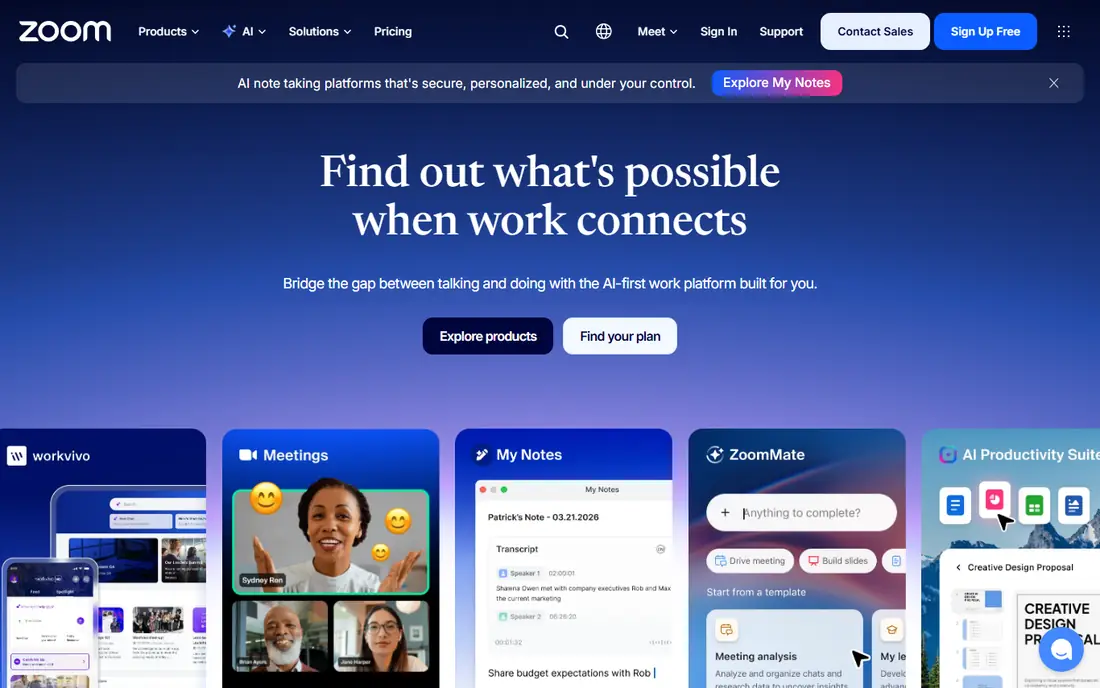
Zoom is our pick for most people because almost everyone already knows how to join a Zoom meeting. The free Basic plan covers one to one calls without a time limit and group meetings up to 40 minutes for up to 100 participants. Pro lifts group meetings to 30 hours, adds 5 GB of cloud recording, and includes AI Companion summaries on paid plans.
The honest catch is that Zoom can get expensive once you add webinars, large meetings, or phone service. Business plans start at $21.99 per user per month and need at least 10 users. If you only run short internal calls, the free plan or Pro for the host is often enough, and attendees do not need a paid account to join.
- Familiar to most guests
- Long meeting limits on paid plans
- Broad webinar and event add ons
- Business plans require a minimum number of users
- Costs rise fast with add ons
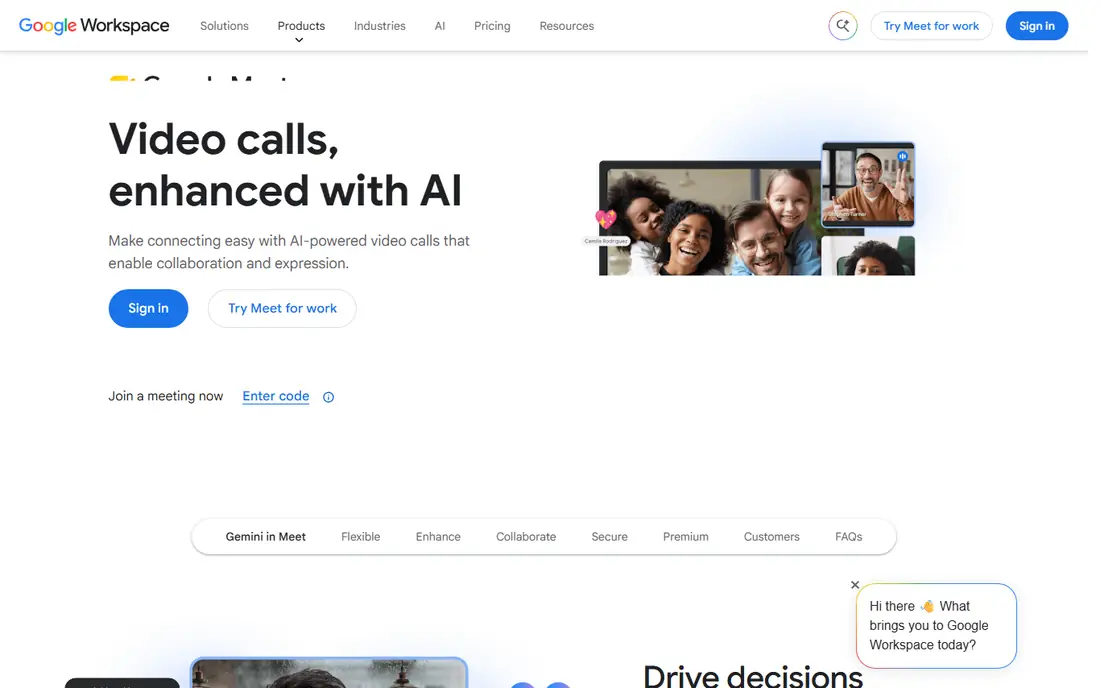
Google Meet suits teams that already plan their week in Google Calendar. A free Google account gives group meetings up to 60 minutes for up to 100 participants, and one to one calls run much longer. Paid Google Workspace plans start at $7 per user per month for Business Starter, which removes the group time limit, while Business Standard at $14 adds recording and 150 participants.
Meet wins on simplicity. Guests click a link, allow camera and microphone access, and they are in. The trade off is that Meet is a meeting tool first, not a full conference platform. For ticketed events, expo halls, or advanced webinar registration, pair it with an event tool or pick a dedicated platform from this list.
- Runs in a browser with no install for most guests
- Tight Gmail and Calendar integration
- Simple interface
- Recording needs a paid Workspace plan
- Fewer webinar controls than dedicated event tools
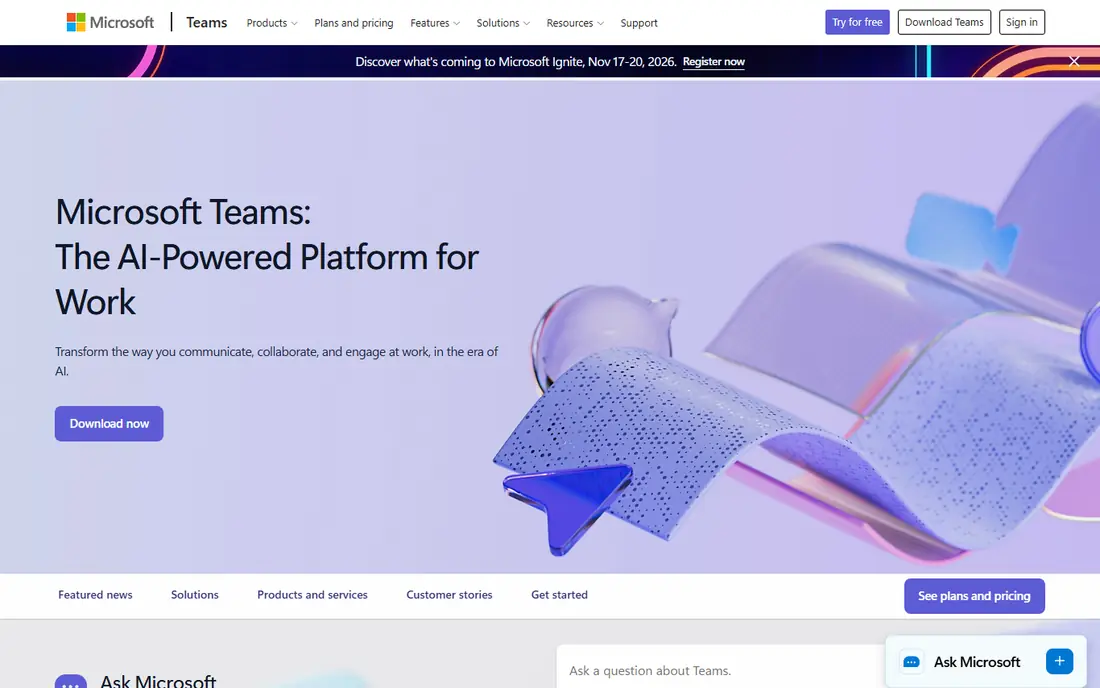
Teams Essentials costs $4 per user per month when paid yearly and covers chat, video meetings, recordings with transcripts, and 10 GB of cloud storage per user. Meetings can run up to 30 hours with up to 300 participants, which is generous at this price. Teams Free also exists for lighter use, with group meetings up to 60 minutes.
Teams makes most sense if your documents, email, or calendars already sit in the Microsoft world. Guests can join without deep setup, and channels keep discussion tied to each meeting. The downside is clutter: chat, files, apps, and meetings all compete for attention, so new users may need a short onboarding session before their first large call.
- Very low entry price
- Meetings, chat, and file sharing in one place
- Up to 300 participants on Essentials
- Interface can feel busy
- Full Office apps need a Microsoft 365 plan
Webex, from Cisco, has a free Basic plan and a Meet plan listed at $13.50 per user per month. It is a strong choice for organizations that need enterprise controls, end to end encryption options, and dependable performance for large meetings and webinars. Messaging, calling, and meetings sit in one app, which helps teams that want fewer tools.
The catch is feel. Public reviews often describe Webex as heavier and slower to launch than lighter rivals, and new users may take longer to find settings. If your priority is a polished guest experience for a public conference, test the join flow first. If your priority is control, audit, and scale, Webex earns its place on the shortlist.
- Strong security and compliance options
- Reliable large meetings
- Messaging and calling in the same suite
- App can feel heavy on older machines
- Interface is less simple than Zoom or Meet
GoTo Meeting Professional costs $12 per organizer per month when billed annually and supports up to 150 participants. Business costs $16 per organizer per month and supports up to 250 participants, with transcripts and unlimited cloud recording. You pay for organizers, so a small team that hosts for a large audience can keep costs predictable.
GoTo Meeting is at its best for regular internal and client meetings where reliability matters more than flashy event features. There is no free tier, only a trial, and it lacks breakout rooms in the way some rivals offer them. If you run paid webinars, look at GoTo Webinar or one of the event platforms below instead of stretching Meeting beyond its design.
- Priced per organizer, not per attendee
- No meeting time limits
- Stable HD video
- No permanent free plan
- Webinar features sit in a separate product
RingCentral Core costs $20 per user per month when billed annually and includes unlimited calling in the US and Canada, team messaging, SMS, and video meetings for up to 100 participants. Advanced at $25 adds automatic call recording and CRM integrations, while Ultra at $35 raises video to 200 participants. A free trial is available.
This is a communications bundle, not just a conference app, so compare it fairly. If you already pay separately for a phone system and a meeting tool, RingCentral can replace both and simplify support. If you only need video, Zoom, Meet, or Teams will cost less. Check SMS allowances and toll free minutes on your plan, since those limits vary by tier.
- Business phone, SMS, messaging, and video on one bill
- AI meeting summaries on Core
- Good admin controls
- Higher starting price than meeting only tools
- Some features need higher tiers
ClickMeeting Live starts at $25 per month when billed annually for up to 25 attendees, with larger attendee counts at higher prices. The Automate plan starts at $40 per month and adds automated webinars. Presenters get branded rooms, polls, chat, screen sharing, and recording, plus registration and reminder emails that a plain meeting link does not provide.
ClickMeeting fits trainers, coaches, and small marketing teams that run live or recorded sessions every week. It is less suited to all day internal collaboration, since it is priced by attendee count rather than by team size. Run a trial with a real audience size in mind, because a plan that fits 25 people will not fit a 200 person launch event.
- Built for webinars, not just meetings
- Automated webinars and registration pages
- Polls, chat, and Q and A
- Attendee limits raise the price as events grow
- No permanent free plan
Whova is built around conferences where people attend in person, watch online, or do both. Organizers can publish a multi track agenda, manage speakers and sponsors, run live polls and Q and A, and give attendees a mobile app for networking and messaging. Exhibitors get lead tools, and organizers get attendance and engagement reports after the event.
Whova is not a meeting app, and it should not be judged as one. It shines when you have sessions, sponsors, and hundreds of attendees who need to find each other. Pricing depends on event size and features, so request a quote early and confirm what the attendee app, virtual streaming, and support levels include before you commit.
- Agenda, networking, and sponsor tools for real events
- Attendee app for phones
- Lead retrieval for exhibitors
- Pricing is not published as a simple flat rate
- Overkill for a weekly team call
Livestorm runs in the browser, which removes one of the biggest friction points for conference guests: installing an app. Hosts can run meetings, live webinars, and on demand sessions, with registration pages, automated emails, polls, chat, and analytics. A free plan lets small teams test the format before paying.
The catch is scale. Free and entry plans have limits on contacts, session length, and participants, so a growing event program will move to a paid plan. Livestorm is a good middle ground between a plain meeting tool and a full event platform, especially for marketing and training teams that want polished registration without hiring an event production crew.
- Guests join from a browser with no download
- Good registration and email tools
- Works for meetings, webinars, and virtual events
- Advanced features and larger audiences sit on paid plans
- Pricing varies by contacts and features
How we picked these
We compared official pricing pages, feature pages, and app store listings, plus public reviews, for tools that support live meetings and larger conference formats. We favored tools that still work in October 2026, let guests join without a steep learning curve, and publish clear limits on participants, meeting length, and recording. We excluded tools that are meeting only chat apps with no host controls, and tools whose pricing or product pages could not be verified.
What to check before you choose
Start with your largest realistic audience, not your average meeting. A tool that handles 20 people well may charge much more at 200, and attendee based pricing changes the math fast.
Meetings or events
If you mainly need internal calls, pick Zoom, Meet, or Teams and spend the savings on good microphones and cameras. If you need registration, ticketing, sponsors, or an agenda app, shortlist Whova, ClickMeeting, or Livestorm, and budget for the event features, not just video.
Guest experience
Send a test link to someone outside your team and time how long joining takes. Browser joining helps guests on locked down work machines, while a downloadable app often gives better screen sharing and breakout controls. Check phone dial in options too, since some attendees will always join by audio only.
Recording, captions, and follow up
Confirm who can record, where recordings live, and how long they are kept. Captions, transcripts, and AI summaries help attendees who missed the live session, but they also raise privacy questions. Tell attendees when a session is recorded, and set a retention rule before your first large event.
FAQ
What is the best conference app for small teams?
Zoom Pro or Microsoft Teams Essentials usually fit small teams best. Zoom is familiar to guests, while Teams Essentials is cheaper and bundles chat and file sharing. Google Meet is the pick if your team already uses Google Workspace every day.
What is the best online conference platform for large virtual events?
Whova and Livestorm suit large virtual and hybrid events better than plain meeting tools, because they add registration, agenda, and audience interaction. Zoom and Webex also offer webinar and event add ons for very large audiences, but check attendee pricing before you commit.
Do attendees need an account to join a conference?
Most tools on this list let guests join from a link without a paid account, though some features, such as hosting or chatting in an app, may need sign in. Browser based joining on Meet and Livestorm is often the simplest path for outside guests.
Is there a good free conference app?
Google Meet and Zoom both offer useful free plans for small groups, and Livestorm has a free tier for testing. Free plans limit meeting length, participants, or recording, so they work best for short meetings rather than full conferences.
How much should a conference platform cost?
Expect a meeting tool to cost from free to about $25 per user per month at the entry level, and an event platform to cost more as attendee counts rise. Add webinar, phone, and storage add ons to your budget, and compare annual billing against monthly billing before signing.
Can I run breakout sessions and polls in these apps?
Yes, most of these tools support breakout rooms, polls, chat, and Q and A in some form, but the details differ. Zoom and Teams have mature breakout controls, ClickMeeting and Livestorm focus on polls and Q and A for audiences, and Whova adds networking and agenda tools for multi session events.
Sources
- https://www.zoom.com/pricing
- https://workspace.google.com/pricing
- https://www.microsoft.com/en-us/microsoft-teams/compare-microsoft-teams-business-options
- https://www.webex.com/pricing
- https://www.goto.com/pricing/meeting
- https://www.ringcentral.com/pricing
- https://clickmeeting.com/pricing
- https://whova.com/pricing
- https://livestorm.co/pricing