Best CMA Software for Real Estate Professionals in 2026: Prices, Free Plans and 5 Picks
Best CMA software for real estate professionals, compared. 5 tools with published prices, free plans and limits. The catches are listed up front. Details below.
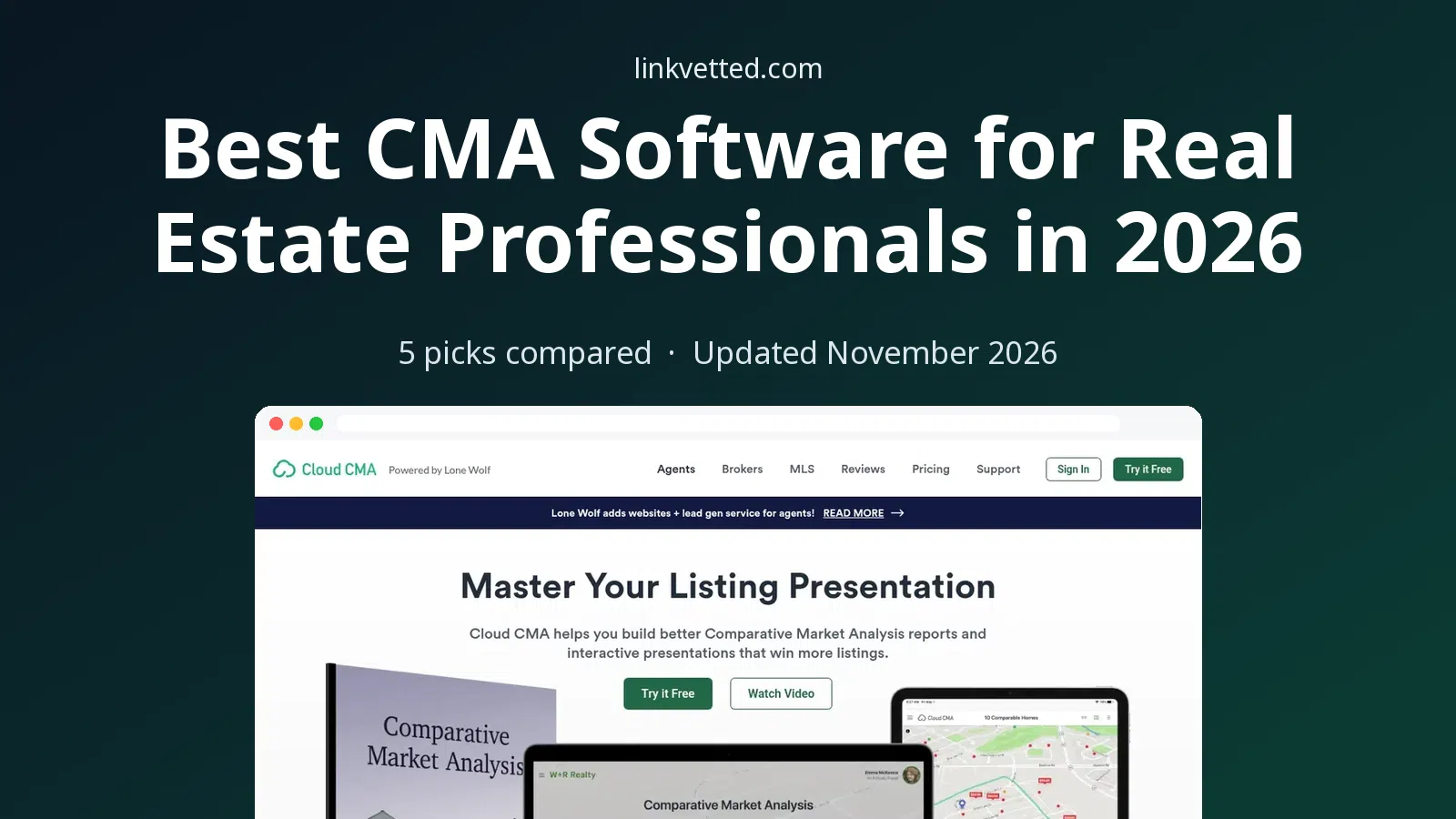
- Editor's choice
 Cloud CMA
Agents building CMA reports rapidly
Starts atSee websiteVisit cloudcma.comFull review - Great alternativezipForm Plus
Forms and transaction paperwork
Starts atSee websiteVisit zipformplus.comFull review - Also considerShowingTime
Showings and listing coordination
Starts at$25 a monthVisit showingtime.comFull review
Direct answer
Cloud CMA leads the list, best for agents building CMA reports rapidly. zipForm Plus is the stronger choice for forms and transaction paperwork, while ShowingTime suits showings and listing coordination. Listed starting prices: ShowingTime from $25 a month and MarketStats from $25 per month. The remaining 2 options are covered below with prices and limits.
TL;DR:
- Cloud CMA sits first on this list: agents building CMA reports rapidly.
- The cheapest monthly starting price in the list is $25 per month, offered by ShowingTime.
- Cloud CMA comes with a trade-off: narrower scope than full brokerage suites.
- A permanent free plan is missing from all 5 tools, Cloud CMA and Lone Wolf Technologies included; plan for a trial or a premium start.
Last checked November 2026. Prices and plan details were read from the vendors' own pages in November 2026; vendors change plans often, so confirm the current price on the vendor site before you buy.
Quick comparison
| Tool | Best for | Starts at | Free plan? | |
|---|---|---|---|---|
| Cloud CMA | Agents building CMA reports rapidly | See website | Not stated | Visit |
| zipForm Plus | Forms and transaction paperwork | See website | Not stated | Visit |
| ShowingTime | Showings and listing coordination | $25 a month | Not stated | Visit |
| MarketStats | Market data and listing insights | $25 per month | Not stated | Visit |
| Lone Wolf Technologies | Brokerages wanting one connected system | See website | Not stated | Visit |
CMA Software for Real Estate Professionals compared in detail
If you are comparing CMA software for real estate professionals, this page covers 5 tools in one place: what each is best for, what it costs to start, whether it has a free plan, and the main limit to know about.
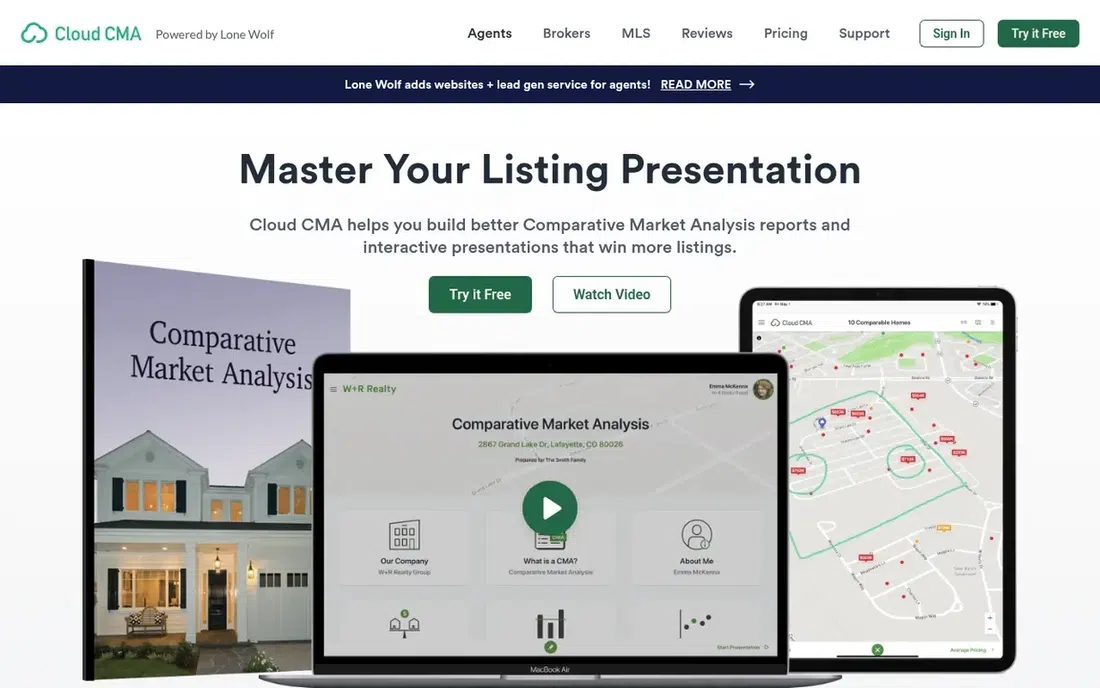
Choose Cloud CMA for agents building CMA reports rapidly. Cloud CMA is built around helping real estate agents produce comparative market analysis reports efficiently. Its homepage emphasizes producing attractive CMA reports in minutes, which fits agents who present pricing recommendations to sellers on a regular basis and want a repeatable, presentable format.
Limits to weigh: Narrower scope than full brokerage suites.
Agents with unusual report branding requirements should check customization choices before committing. For everyday use, the product is intentionally narrow, so brokerages seeking transaction management, accounting or compliance in the same system will need extra tools. Cloud CMA shows no starting price here, so confirm the cost on the vendor site. Free options: Not stated.
- Built for agent-friendly workflows
- Centred on CMA report creation
- Report design choices may be restricted
zipForm Plus
Best for: Forms and transaction paperwork
In short, zipForm Plus is for forms and transaction paperwork. zipForm Plus is recognised for digital real estate forms and transaction paperwork, helping agents complete and route documents associated with a deal. As for the details, the product does not focus on comparative market analysis, so it will not replace a dedicated CMA report builder.
From a buyer's view, teams that already depend on standard forms libraries will recognize the workflow. More specifically, agents should pair it with analysis software if pricing presentations are central to their business. Pricing for zipForm Plus is not stated here, so ask the vendor for current figures. As for free access: Not stated.
Limits to weigh: Not aimed at CMA analysis.
- Supports digital transaction paperwork
- Widely used for real estate forms
- Best value only if forms are the focus
ShowingTime
Best for: Showings and listing coordination
ShowingTime works best for showings and listing coordination. ShowingTime is a real estate software suite that helps agents, brokers and MLSs deliver simplified listing, showing and transaction experiences. As for the details, Select ShowingTime when scheduling efficiency is the goal, and pair it with focused analysis software for seller presentations.
Where it falls short: Not a full pricing analysis suite.
Showings and listing coordination are the core strengths, so agents expecting deep CMA report design may be disappointed. It performs best as part of a stack instead of as the only tool. On cost, ShowingTime starts like this: $25 per month. Free plan details: Not stated.
What users get: Used across agent.
- Broker and MLS workflows
- Pairs with listing and transaction tools
- CMA reporting is secondary
MarketStats
Best for: Market data and listing insights
MarketStats targets market data and listing insights. Agents frequently use it alongside a report-building tool instead of as a standalone CMA product. Its emphasis is market statistics and data delivery, not guided CMA report creation, so agents wanting a finished presentation may need another product.
Drawbacks to consider: CMA reporting is not the core pitch.
Usefulness also relies on the data sources available in your market. Beyond that, MarketStats appears within the ShowingTime family of real estate software, which supports agents, brokers and MLSs with listing, showing and transaction experiences. Pick MarketStats when data context is the gap, and choose a report-focused tool when presentation is the priority. MarketStats starts at: $25 per month. Free plan details: Not stated.
- Part of the ShowingTime software suite
- Focus on listing and market data
- Value relies on data access
Lone Wolf Technologies
Best for: Brokerages wanting one connected system

Think of Lone Wolf Technologies for Brokerages wanting one connected product. If your priority is just producing a clean CMA report in minutes, a dedicated product may be a lighter fit. In daily use, since the product spans many functions, smaller teams may find more capability than they need.
Downsides: Feature depth varies by module.
Setup effort can be higher than with a focused CMA tool. Choose Lone Wolf when brokerage-wide consolidation matters more than a single-purpose workflow. No starting price is listed for Lone Wolf Technologies here; confirm pricing on the vendor site. Free access: Not stated.
- Aimed at North American real estate teams
- End-to-end system for brokerages and agents
- Wide suite may feel heavy for solo agents
How we compared the tools
What to confirm before you sign up
- Confirm the entry price on the vendor page. For Cloud CMA, zipForm Plus and Lone Wolf Technologies that means a quote rather than a fixed price.
- Before choosing Cloud CMA, weigh its main limit: narrower scope than full brokerage suites.
- Map your must-have features to a specific Cloud CMA plan before you compare prices.
- Look at the renewal terms for Lone Wolf Technologies: auto-renewal, notice periods and price changes can matter more than the first-year price.
- Test the integrations you rely on with ShowingTime before committing; some connectors sit on upper tiers.
FAQ
What should real estate agents look for in CMA software?
Focus on how rapidly you can produce a clear, client-ready report and whether the tool links to your local MLS data. If you also need transactions or forms, check whether a broader suite spans those needs without additional tools.
What is the cheapest option for CMA software for real estate professionals in this list?
On published monthly entry prices, ShowingTime is the lowest here at $25 per month. Entry price is only part of the cost, because seats, add-ons and billing terms can change the total. For the full picture, the cards above cover all 5 entries of this CMA software for real estate professionals list, including price, free plan and limits.
Does any tool for CMA software for real estate professionals here have a free plan?
A permanent free plan is not offered by Cloud CMA, Lone Wolf Technologies or the other tools here. Plan a short evaluation period instead.
How are the tools for CMA software for real estate professionals ordered?
Cloud CMA sits first and Lone Wolf Technologies last because the order follows typical fit for CMA software for real estate professionals, then price clarity and free access. It is a judgement call, so read each profile for fit and limits.
Is Cloud CMA the right pick for everyone comparing CMA software for real estate professionals?
No single tool suits every team. Cloud CMA comes first because it fits agents building CMA reports quickly, while zipForm Plus suits forms and transaction paperwork and ShowingTime suits showings and listing coordination. Match the tool to your own size, budget and workflow before deciding.
Sources
- https://www.cloudcma.com
- https://www.zipformplus.com
- https://www.showingtime.com
- https://www.marketstats.com
- https://www.lwolf.com