Best Cloud Platform for Frontend Projects in 2026: 9 Hosts Compared
Searching for the best cloud platform for frontend projects? We compared nine hosts on Git deploys, previews, free tiers, functions, and team pricing.
- Editor's choice
 Vercel
Next.js and React projects
Starts at$20 per user per monthVisit vercel.comFull review - Great alternative
 Netlify
Jamstack sites with forms
Starts at$20 per monthVisit netlify.comFull review - Also consider
 Cloudflare Pages
Low cost global static hosting
Starts at$5 per monthVisit pages.cloudflare.comFull review
TL;DR:
- Vercel is the strongest pick for Next.js and React projects, while Netlify suits teams that want built in forms and a flat team price.
- Cloudflare Pages offers the most generous free static hosting, with unlimited static bandwidth and a $5 per month paid path for Workers.
- GitHub Pages remains the simplest free choice for docs and portfolios, but it has no backend functions of its own.
- Free tiers hide different limits, so check bandwidth, build credits, and commercial use rules before you commit.
- For full stack work, pair a frontend host with a backend platform such as Render or Railway rather than forcing one tool to do both jobs.
Quick comparison
| Tool | Best for | Starts at | Free plan? | |
|---|---|---|---|---|
| Vercel | Next.js and React projects | $20 per user per month | Yes | Visit |
| Netlify | Jamstack sites with forms | $20 per month | Yes | Visit |
| Cloudflare Pages | Low cost global static hosting | $5 per month | Yes | Visit |
 Render | Frontend plus backend services | $7 per month | Yes | Visit |
 Railway | Fast full stack prototypes | $5 per month | Free trial | Visit |
 GitHub Pages | Docs and portfolios | Free | Yes | Visit |
 Firebase Hosting | Google centered apps | See website | Yes | Visit |
 AWS Amplify | AWS centered frontend apps | See website | Yes | Visit |
 DigitalOcean App Platform | Simple app hosting with control | $5 per month | No | Visit |
The best cloud platforms for frontend projects
A good frontend host should deploy from Git, preview every pull request, serve over a global network, and keep pricing clear when traffic grows. We compared official pricing pages, free tier limits, and developer workflows to find hosts that fit solo projects, teams, and full stack apps.
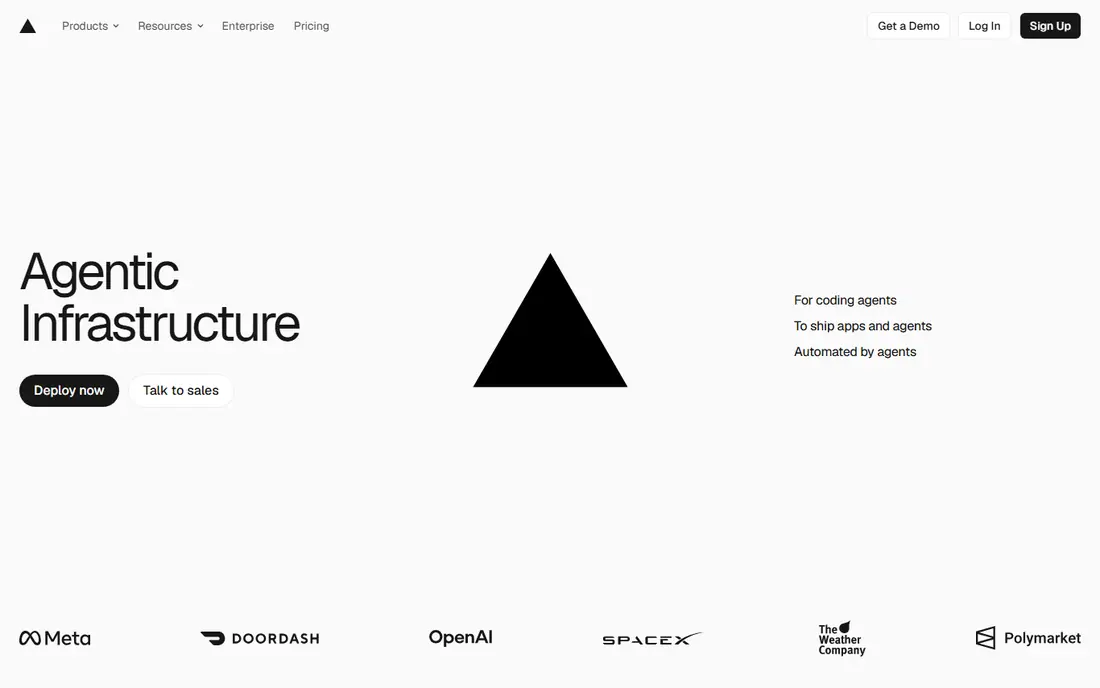
Vercel is our pick for most Next.js and React projects because the platform is built around that workflow. Connect a Git repo, push, and you get a production deploy plus a preview URL for each pull request. Server components, image optimization, and edge functions work with less configuration than on a general host, which saves time on a fast moving project.
The catch is pricing for teams and commercial work. The Hobby plan covers personal non-commercial use with 100 GB of bandwidth and generous function limits, but a commercial site needs Pro at $20 per user per month. That per user model can add up for a larger team. Still, if Next.js is your main framework, the depth of integration is worth the price.
- Deepest Next.js integration
- Preview deployments for every pull request
- Strong edge network
- Hobby plan is for non-commercial personal use only
- Pro pricing is per user, so team costs grow
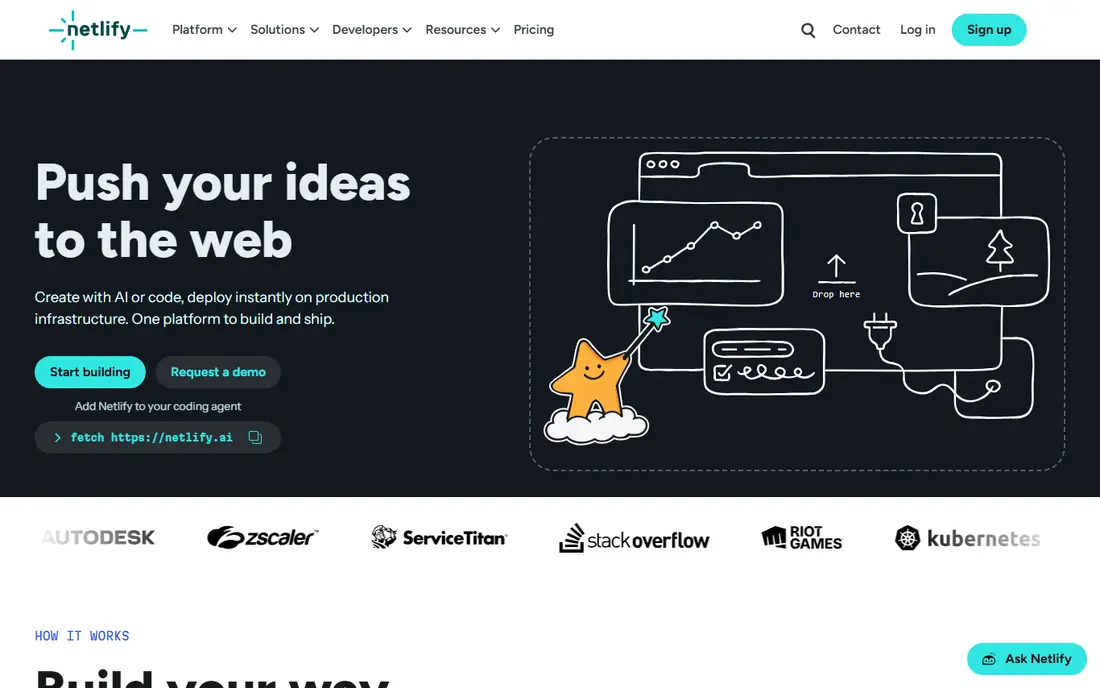
Netlify suits teams that want a full frontend workflow without per seat pricing on Pro. The platform deploys from Git, creates preview deploys, and adds built in form handling, serverless functions, and analytics. Pro costs $20 per month with no per user charge, which makes it cheaper than Vercel for a team of several developers on a similar sized site.
The free plan needs attention, because it runs on 300 credits per month and a production deploy costs credits too. A site that pauses at its limit can surprise a founder who assumed free meant unlimited. For a marketing site, a docs site, or a Jamstack app with forms, Netlify remains a strong and predictable choice.
- Built in forms and identity tools
- Flat Pro price for a team
- Managed Postgres option
- Free plan uses a 300 credit monthly pool
- Overage rules need care

Cloudflare Pages is the best value pick for static and edge first sites. Static asset requests are free and unlimited on the free plan, with 500 builds per month and Pages Functions for backend logic through Workers. The paid Workers path starts at $5 per month, which keeps a growing site cheap even as traffic rises.
The trade-off is architecture. Workers run as serverless isolates with a 10 ms CPU limit per request on the free tier, so long running backend jobs need a different service. Teams that build for the edge will love the speed and price. Teams that need a traditional always on server should pair Pages with Render, Railway, or a VPS.
- Unlimited static bandwidth on the free plan
- 500 builds per month
- Workers for backend logic
- Workers have CPU limits per request
- Some features need Cloudflare specific setup
Render fits developers who want a frontend site and a backend API in the same account. Static sites are free, while web services start at $7 per month and managed Postgres is billed separately. Docker support, background workers, and cron jobs cover more of a full stack app than a static only host can.
The catch is the free tier for web services, which sleeps after 15 minutes without traffic and takes about a minute to wake. That is fine for a demo, but not for a production app. For a small full stack project that needs a real backend, Render offers a clear path from a free prototype to a paid always on service.
- Static sites plus web services and databases in one place
- Simple dashboard
- Docker support
- Free web services sleep after idle time
- Managed Postgres starts separately
Railway is built for speed. Connect a repo, add a Postgres template, and you have a full stack app running with little configuration. The Hobby plan starts at $5 per month and includes $5 of usage, while Pro starts at $20 per month for larger teams. That model suits prototypes and early products where the stack changes often.
The downside is that new users get a trial credit rather than a permanent free tier, so a hobby project will need a paid plan sooner than on Vercel, Netlify, or Cloudflare Pages. Usage based billing also needs monitoring, because a busy database or a runaway job can raise the bill. For rapid prototyping, Railway is still one of the fastest options here.
- Fast deploys from Git
- Databases as templates
- Usage based pricing
- No permanent free tier for new users
- Usage costs need monitoring
GitHub Pages is the simplest choice for a docs site, a portfolio, or a project page that lives beside its code. Hosting is free for public repos, setup takes minutes, and custom domains with HTTPS are included. For an open source project, the fact that docs and code share a repo is a real workflow win.
The limit is clear. GitHub Pages serves static files only, so forms, logins, and dynamic data need a third party service. Build limits are also modest, with a soft cap on builds per hour. If your site is truly static, there is no reason to pay elsewhere. If it needs a backend, pair it with a serverless API or move to a full stack host.
- Free hosting from a GitHub repo
- Simple setup
- Custom domains and HTTPS included
- Static files only
- No server functions or databases of its own
Firebase Hosting suits frontend apps already built on Google services. It serves static and single page apps over a fast global network, with simple command line deploys and preview channels. Pair it with Firebase Auth, Firestore, and Cloud Functions, and a small team can ship a full app without managing servers.
The catch is billing. The Spark plan is free within limits, but larger apps move to the Blaze pay as you go plan, where usage charges apply. Teams that need a vendor neutral stack may also prefer a simpler host. For a Google centered app, especially one with mobile clients, Firebase Hosting is a strong and well integrated pick.
- Fast global CDN
- Simple CLI deploys
- Pairs with Auth, Firestore, and Cloud Functions
- Pricing is usage based on the Blaze plan
- Google specific setup for larger apps
AWS Amplify fits frontend teams already running on AWS. It deploys from Git, creates preview environments, and connects to Auth, data, storage, and functions through one console. For a team that needs AWS compliance controls, private networking, or a large AWS footprint, that integration is a real advantage.
The downside is complexity. The console and pricing model have more parts than Vercel or Netlify, and a simple marketing site does not need that power. Amplify also works best when the whole app stays inside AWS. Choose it for an AWS centered product, not for a quick portfolio site.
- Git based deploys with previews
- Auth, data, and storage in one console
- AWS global network
- Pricing and console can feel complex
- Overkill for a simple static site
DigitalOcean App Platform suits developers who want predictable pricing and more control than a static only host offers. App Platform starts at $5 per month, hosts static sites, web services, workers, and databases, and scales with simple controls. The dashboard is calmer than a hyperscaler console, which helps a small team.
The trade-off is fewer frontend specific extras. There is no built in form handling like Netlify, and no Next.js specific optimization like Vercel. There is also no free tier, so a hobby project costs from day one. For a small team that values clear pricing and a full stack path, it is a solid and honest choice.
- Clear pricing from $5 per month
- Static sites, services, and databases together
- Simple scaling controls
- No free tier
- Fewer frontend specific extras than Vercel or Netlify
How we picked these
We compared official pricing pages, free tier rules, Git workflows, preview deployments, and backend options. We favored hosts that deploy from Git in minutes, support custom domains with HTTPS, and explain what happens when a free limit is reached. Price alone did not decide the ranking, because a cheap host that pauses a site at its limit can cost more in lost trust than a paid plan.
How to choose for your project
Match the host to the app type first, then to price. A static marketing site belongs on Cloudflare Pages or GitHub Pages. A Next.js app belongs on Vercel. A Jamstack site with forms belongs on Netlify. A full stack app belongs on Render, Railway, or DigitalOcean App Platform, with the frontend host serving the static front end if needed.
Test traffic and billing before launch
Deploy a preview, test it on a slow connection, and check how images, fonts, and scripts affect load time. Then read the billing page for bandwidth, build minutes, function calls, and database usage. Set a spending alert if the platform offers one, and keep a backup export of your site so you can move hosts without rebuilding from scratch.
FAQ
What is the best free frontend hosting option?
Cloudflare Pages is the most generous free option for static sites, thanks to unlimited static bandwidth. GitHub Pages is the simplest free option for docs and portfolios. Vercel Hobby and Netlify Free are also strong, but check their commercial use rules and credit limits before launch.
Is Vercel or Netlify better for a team?
Vercel is better for Next.js teams that want the deepest framework integration. Netlify is better for teams that want a flat $20 per month Pro price without per user charges, plus built in forms. Both offer preview deploys and Git workflows, so the framework and team size should decide it.
Can I host a full stack app on a frontend platform?
Yes, within limits. Vercel, Netlify, and Cloudflare Pages support serverless functions and edge logic, which covers many apps. For long running jobs, persistent servers, or complex databases, pair the frontend host with Render, Railway, or a managed database service.
Do I need a backend platform for a portfolio site?
No. A portfolio, a docs site, or a marketing site can run entirely as static files. Add a form service or a serverless function only when you need contact forms, search, or user accounts. Keeping a simple site static also keeps hosting costs near zero.
How do I avoid surprise hosting bills?
Check bandwidth, build credits, function invocations, and database usage before launch, and set alerts where offered. Avoid uncached large images and videos on a metered host, and test traffic spikes on a staging deploy. A host with clear overage pricing is safer than one with a vague free tier.