Best Cloud-Based Accounting Automation Software in 2026: 8 Tools Compared
Our guide to the best cloud-based accounting automation software in 2026 compares 8 tools for invoicing, bank feeds and bookkeeping, with prices and tradeoffs.

- Editor's choice
 QuickBooks Online
US small businesses
Starts at$38 per monthVisit quickbooks.intuit.comFull review - Great alternative
 Xero
Teams with many users
Starts at$27 per monthVisit xero.comFull review - Also consider
 Zoho Books
Best value bookkeeping
Starts atFreeVisit zoho.comFull review
TL;DR:
- QuickBooks Online and Xero remain the safest defaults for small businesses, with QuickBooks stronger in the US and Xero stronger for unlimited users.
- Zoho Books and Wave offer the lowest entry costs, while Sage Intacct and NetSuite suit growing firms with multi-entity needs.
- Automation value comes from bank feeds, invoice chasing, bill capture and reconciliation rules, not from a long feature list alone.
- This is not financial advice. Check tax and payroll rules for your location, and ask your accountant which system they support before you switch.
Quick comparison
| Tool | Best for | Starts at | Free plan? | |
|---|---|---|---|---|
| QuickBooks Online | US small businesses | $38 per month | Free trial | Visit |
| Xero | Teams with many users | $27 per month | Free trial | Visit |
| Zoho Books | Best value bookkeeping | Free | Yes | Visit |
 FreshBooks | Freelancer invoicing | See website | Free trial | Visit |
 Wave | Free starter accounting | Free | Yes | Visit |
 Sage Intacct | Growing multi-entity firms | See website | Free trial | Visit |
 Oracle NetSuite | Mid-market ERP accounting | See website | Free trial | Visit |
 Microsoft Dynamics 365 Business Central | Microsoft-based firms | $70 per month | Free trial | Visit |
The best cloud-based accounting automation software
Cloud accounting automation should reduce manual entry, chase late invoices and keep books close to current without constant spreadsheet work. We compared tools on bank feeds, invoicing, bill automation, reconciliation, payroll links and published prices, and the eight below cover freelancers through to mid-market firms.
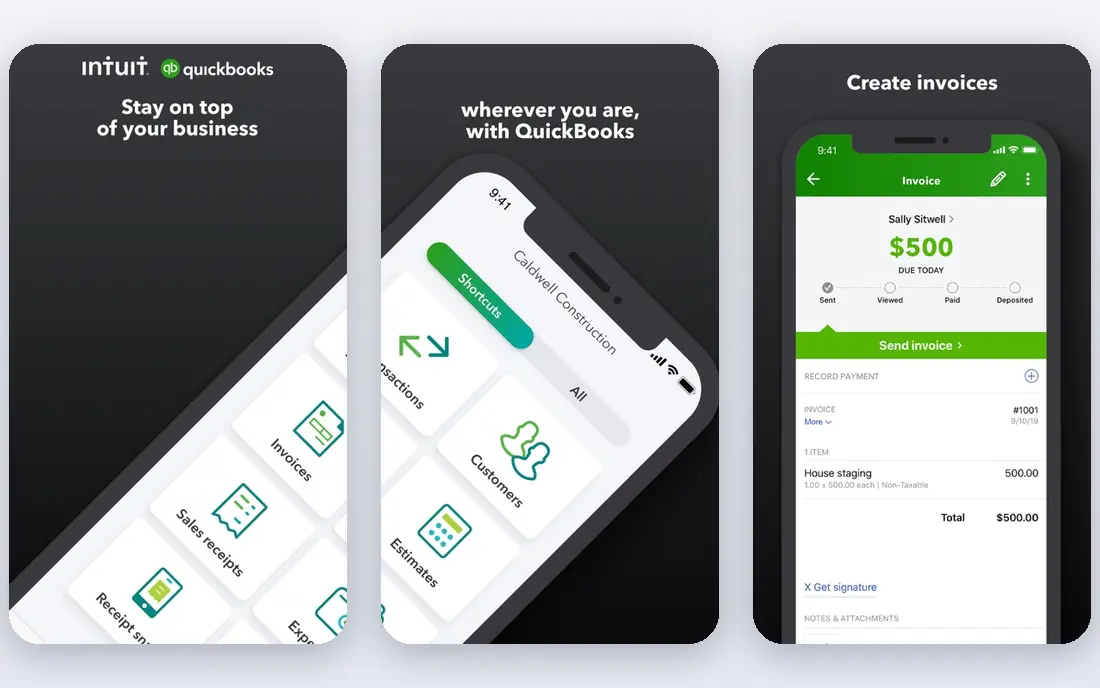
QuickBooks Online is the default choice for many US small businesses, and that familiarity is a real advantage. Most US accountants know it, most apps link to it, and bank feeds, invoicing, bill management and reporting cover the core bookkeeping cycle. Automation rules can categorize repeat transactions, send invoice reminders and match bank activity, which cuts weekly admin time.
The cost structure needs attention. Simple Start covers one user, Essentials covers three, and Plus covers five, so a growing team moves up plans even if it does not need the extra features. Payroll, payments and live bookkeeping add further cost. If your accountant already works in QuickBooks, those costs are often worth it. If not, compare Xero before you commit.
- Widest US accountant adoption
- Strong bank feeds and invoicing
- Large app marketplace
- User limits push teams to higher plans
- Price rises with add-ons
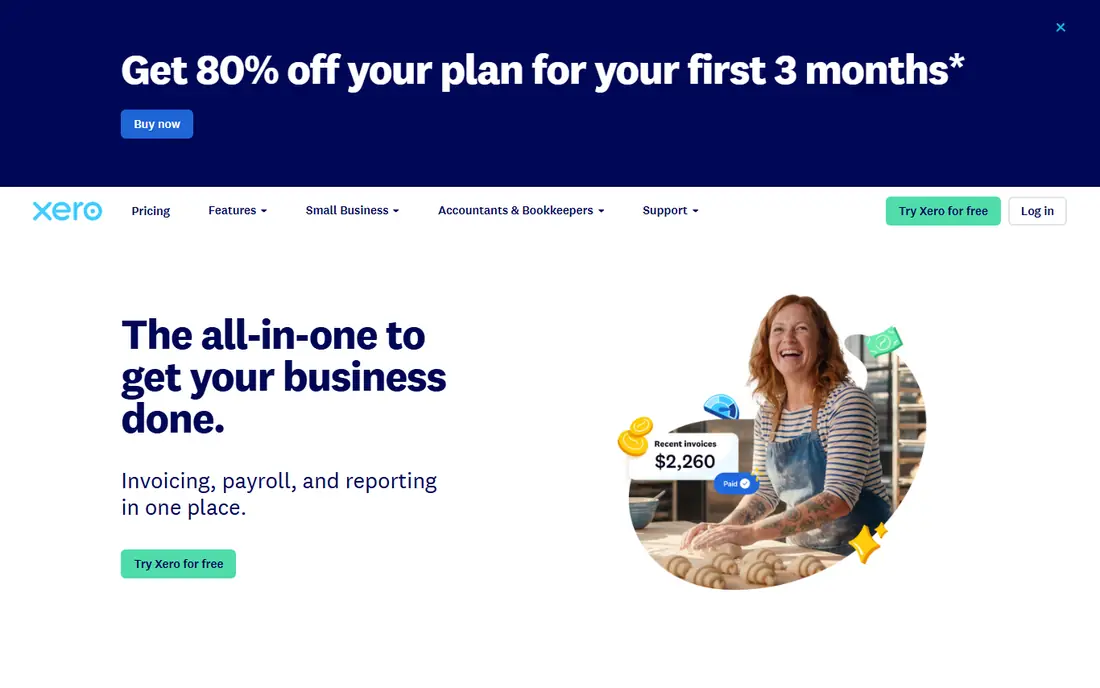
Xero is the best value pick once more than a few people need access to the books, because every plan includes unlimited users. Bank feeds, invoicing, bills, reporting and cash-flow tools cover the same core cycle as QuickBooks, with a cleaner interface that many small teams prefer. Multi-currency and project tracking sit on the top plan, which suits firms that trade across borders.
US payroll is the main gap. Xero links to Gusto for payroll rather than offering its own US payroll, which adds a separate bill. The entry plan also caps invoices at 20 and bills at five per month, so most firms will need the Growing plan. For a team of five or more, Xero often undercuts QuickBooks by a wide margin on seat cost alone.
- Unlimited users on every plan
- Clean bank reconciliation
- Strong multi-currency on top plan
- US payroll needs a partner app
- Entry plan caps invoices and bills
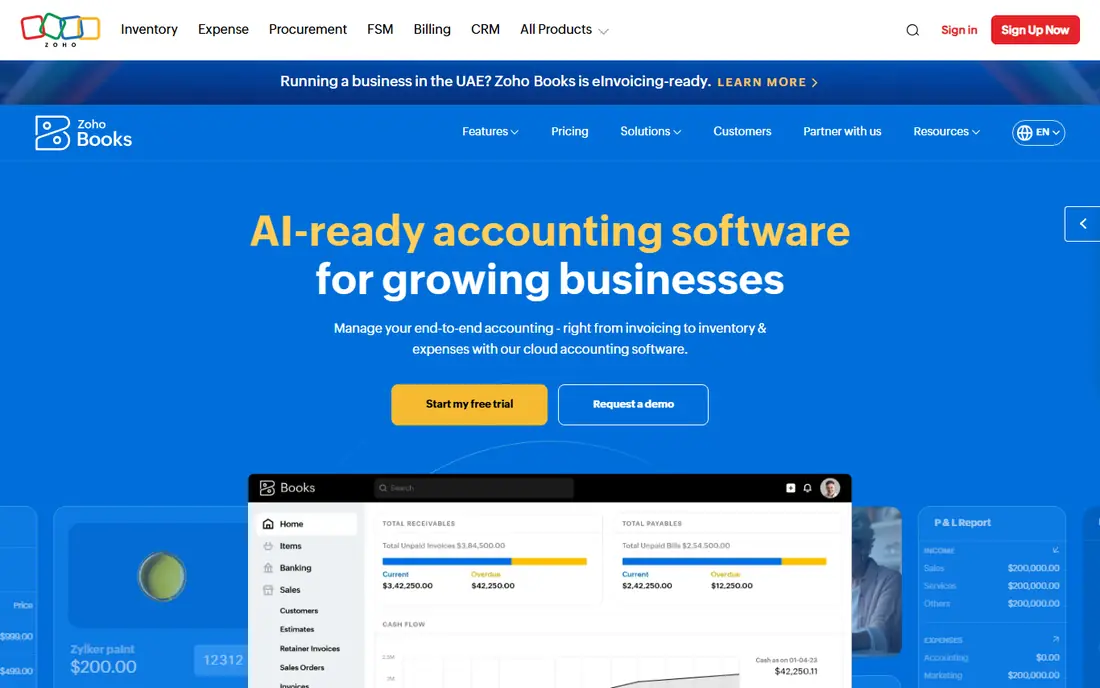
Zoho Books is the strongest value option for a small business that wants real automation without a monthly fee to start. The free plan covers basic invoicing and bookkeeping for firms under a revenue threshold, and paid plans add automation, multi-user access and deeper reporting. Invoice reminders, recurring invoices and bank feeds handle much of the routine work.
Zoho Books has a smaller base of US accountants than QuickBooks, so check that your accountant will work with it before you migrate. US payroll also comes through partners rather than built-in payroll. For a small firm that values price and automation over accountant familiarity, Zoho Books is hard to beat.
- Free plan for small firms
- Automation for invoices and reminders
- Zoho app links
- US payroll needs a partner
- Smaller US accountant base than QuickBooks
FreshBooks is built around invoicing for freelancers and service businesses, and it shows in the client experience. Invoices look polished, clients can pay online, and time tracking and expense capture feed directly into billing. Automation for reminders, recurring invoices and late fees helps a solo operator get paid faster with less chasing.
The billable client caps are the catch. Lower plans limit how many clients you can bill, so a firm with many small clients moves to higher plans quickly. Double-entry accounting is available on higher plans, but FreshBooks is still lighter on complex accounting than QuickBooks or Xero. For a service business that lives on invoicing, it is a strong pick. For inventory or multi-entity work, look elsewhere.
- Excellent invoicing and client experience
- Time tracking
- Easy expense capture
- Billable client caps push firms to higher plans
- Full accounting depth is lighter
Wave offers a free Starter plan for sole proprietors and very small businesses, which makes it the lowest-risk way to start automated bookkeeping. Invoicing, bank connections and basic reporting cover the essentials, and the interface is easy for a non-accountant to learn. Paid add-ons cover payroll and payment processing where needed.
Wave is built mainly for the US and Canada, and it lacks the depth of QuickBooks or Xero for inventory, projects and multi-entity reporting. It also has fewer integrations than the larger platforms. For a freelancer or micro-business that needs clean books and invoices at no monthly cost, Wave is a good starting point. Grow into a paid platform when volume or complexity demands it.
- Genuinely free starter plan
- Invoicing and bank links
- Simple interface
- Built mainly for US and Canada
- Payroll and advanced features are paid
Sage Intacct is the step up for firms that have outgrown small-business accounting. Its general ledger uses dimensions rather than a rigid chart of accounts, which makes multi-entity, multi-location and project reporting far easier. Automation for approvals, allocations and close tasks helps finance teams shorten month-end, and the platform scales across subsidiaries without workarounds.
Pricing is by quote and implementation typically takes months, so Sage Intacct is not a quick purchase. The mobile experience is also thinner than desktop, which matters for teams that approve bills on the go. For a growing firm with several entities, nonprofits with fund accounting, or a services firm with complex revenue, Sage Intacct is a serious long-term platform.
- Strong general ledger and dimensions
- Multi-entity consolidation
- Automation for close
- Quote-only pricing
- Implementation takes time and expertise
Oracle NetSuite combines accounting with inventory, order management, CRM and e-commerce in one ERP, which suits mid-market firms that have outgrown separate apps. Real-time consolidation across entities, strong revenue recognition and global currency and tax support help firms operating in several countries. Automation covers billing, approvals and financial close across the whole business.
The cost and effort are substantial. Pricing starts around $999 per month for a base license plus user fees in third-party comparisons, and implementation often takes months and significant consulting cost. NetSuite is overkill for a small business, but for a mid-market firm that needs one system for finance and operations, it is a leading option.
- Full ERP with accounting, inventory and CRM
- Real-time consolidation
- Global support
- Quote-only pricing
- Implementation is long and costly
Business Central suits firms already running Microsoft 365, Azure and Power BI, since it links closely with those tools and uses a familiar Office-style interface. It covers general ledger, payables, receivables, inventory, projects and manufacturing in one ERP, with automation for approvals, bank reconciliation and reporting. That breadth helps a growing firm replace several separate apps.
At $70 or more per user per month, with implementation and modules extra, Business Central costs more than small-business tools and needs skilled setup. A firm with no Microsoft footprint may find NetSuite or Sage Intacct easier to adopt. For a Microsoft-based firm planning to scale, Business Central is a natural and capable choice.
- Deep Microsoft 365 links
- Full ERP accounting
- Familiar Office interface
- Implementation needs expertise
- Pricing rises with users and modules
How we picked these
We compared official pricing and feature pages, plus current accounting comparisons, for cloud tools with real automation in October 2026, not only manual bookkeeping. We favored tools with bank feeds, invoice automation, bill capture and reconciliation, plus a verifiable current price or quote model. Desktop-only accounting and tools with no verifiable current offering were left out.
What to check before you buy
Start with your accountant and your apps. Ask your accountant which systems they support, since a system they refuse to use will cost you in fees and friction. Check that your bank, payment processor, e-commerce platform and payroll tool link cleanly, and test a bank feed with your real accounts during a trial.
Next, map automation to your actual workload. Count monthly invoices, bills, bank transactions and payroll runs, and check plan caps on users, invoices and transactions. A plan that looks cheap can become expensive when caps force an upgrade. Test invoice reminders, bill capture and reconciliation rules with real documents, not demo data.
Finally, confirm tax, payroll and exit terms. Check sales tax, multi-currency and payroll coverage for your location, and ask how to export your full chart of accounts, transactions and reports if you leave. This article is not financial or tax advice, so confirm tax and payroll duties with a qualified professional for your business.
FAQ
What does accounting automation actually automate?
It automates bank feeds, transaction categorization, invoice creation and reminders, bill capture, payment matching and reconciliation. Good automation reduces manual entry and keeps books closer to current, but it does not replace review. A human should still check categorized transactions, especially for tax-sensitive items, before closing a period.
Is QuickBooks or Xero better for a small team?
QuickBooks is usually better for a US business whose accountant already uses it, since familiarity reduces friction. Xero is usually better when many people need access, since every plan includes unlimited users. Compare the total cost for your actual user count, not only the entry price, and test both with your bank feeds.
Can free accounting software handle a real business?
Yes, for a freelancer or micro-business with simple invoicing and few transactions, Wave and the Zoho Books free plan can handle real books. Limits appear with payroll, inventory, multi-entity reporting and high transaction volume. Move to a paid plan when you hit caps, need payroll, or your accountant asks for deeper reporting.
When should a business move to Sage Intacct or NetSuite?
Move when small-business tools force workarounds for multi-entity consolidation, complex revenue, inventory across locations, or global operations. If month-end takes weeks, reports need manual consolidation, or approvals live in email, an ERP may save more than it costs. Plan for months of implementation and get a written quote first.
Does cloud accounting keep my financial data safe?
Reputable cloud vendors use encryption, backups and access controls, and they publish security and privacy details. Safety also depends on your habits, such as strong passwords, two-factor authentication and limited user permissions. Check the vendor security page and your own access settings before storing sensitive financial data.