Best Clock In and Out App in 2026: 9 Apps Compared
Compare the best clock in and out apps for employees in 2026, with free plans, GPS and scheduling features, pricing, and honest limits for small teams.
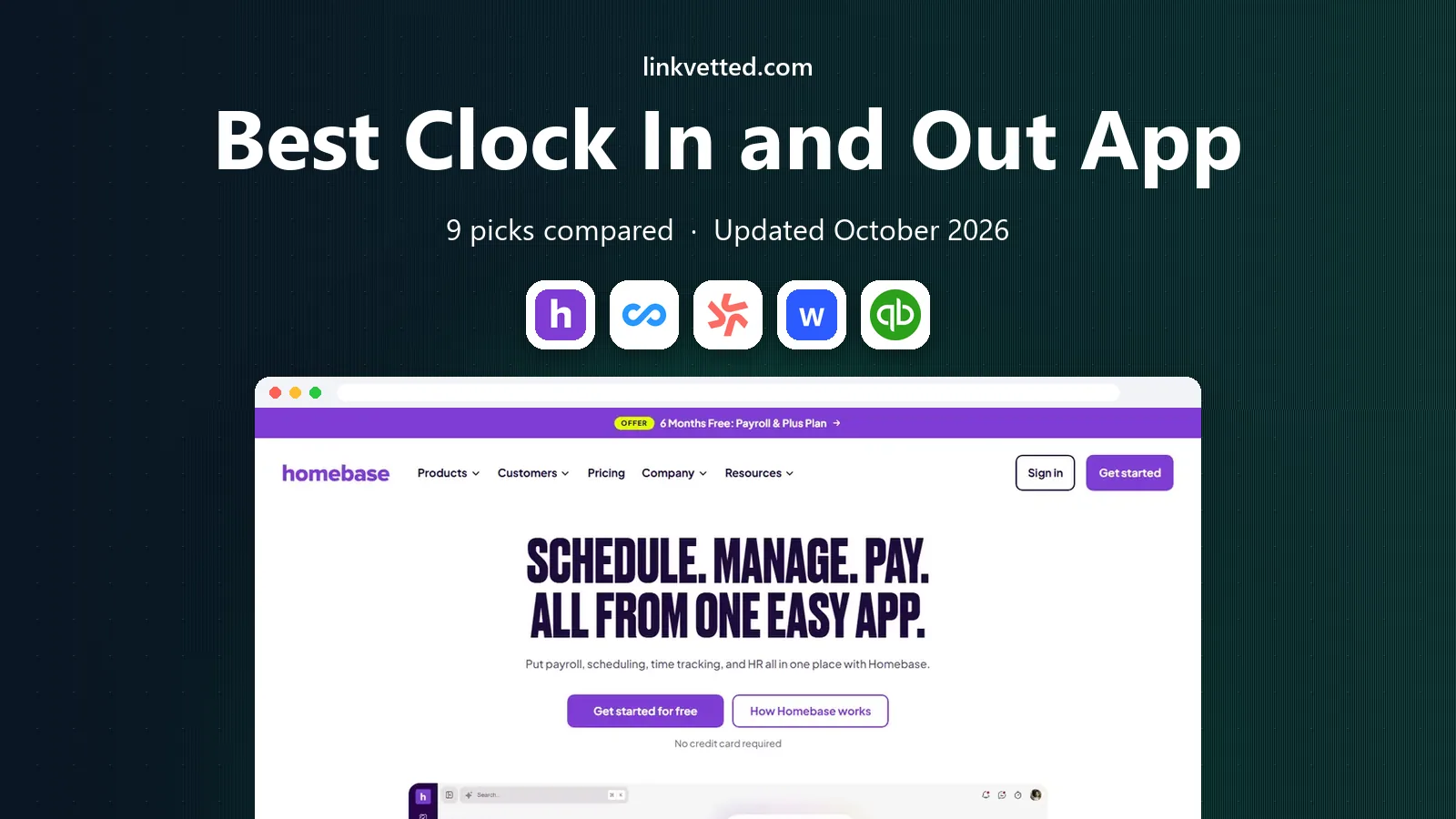
- Editor's choice
 Homebase
Single-location hourly teams
Starts atFreeVisit joinhomebase.comFull review - Great alternative
 Connecteam
Mobile frontline and field teams
Starts atFreeVisit connecteam.comFull review - Also consider
 Deputy
Compliance-heavy and multi-site shift teams
Starts at$5 per user per monthVisit deputy.comFull review
TL;DR:
- Homebase and Connecteam offer the most useful free plans for small teams, each with different limits.
- When I Work and Deputy suit shift-heavy teams that need scheduling plus clock-ins in one place.
- QuickBooks Time is the natural pick if your payroll already runs on QuickBooks.
- GPS, geofencing, and photo verification matter most for field and multi-site teams, not for office staff.
- Price by your real team size, since per-user pricing and per-location pricing diverge fast as you grow.
Quick comparison
| Tool | Best for | Starts at | Free plan? | |
|---|---|---|---|---|
| Homebase | Single-location hourly teams | Free | Yes | Visit |
| Connecteam | Mobile frontline and field teams | Free | Yes | Visit |
| Deputy | Compliance-heavy and multi-site shift teams | $5 per user per month | Free trial | Visit |
 When I Work | Budget shift scheduling with clock-ins | $2.50 per user per month | Free trial | Visit |
 QuickBooks Time | Businesses already using QuickBooks payroll | $20 per month plus $10 per user | Free trial | Visit |
 Clockify | Simple free time tracking for small teams | Free | Yes | Visit |
 Jibble | Free verified clock-ins at any team size | Free | Yes | Visit |
 Buddy Punch | Stopping buddy punching and time theft | $19 per month plus $4.99 per user | Free trial | Visit |
 Hubstaff | Remote and field teams needing activity detail | See website | Free trial | Visit |
The best clock in and out apps
The best clock in and out apps do more than record a start time. They handle breaks, overtime, scheduling, approvals, and payroll exports, and they work on phones staff actually carry. We compared official pricing pages, feature pages, and app listings to check free limits, GPS options, and payroll links, and we focused on tools that small businesses can run without a long setup.

Homebase is the easiest free start for a cafe, shop, or restaurant with one site and a small hourly team. The free plan covers scheduling and time tracking for one location with up to 10 employees, which lets a new business run real shifts before paying. Paid plans start at $24 per location per month billed yearly, or $30 monthly, and add hiring, onboarding, and more controls.
The limit to watch is location pricing. A second site means a second location charge, even if each site has few staff, so multi-site owners should compare per-user rivals before committing. Payroll is also an add-on, priced separately. For a single-site team that wants scheduling and clock-ins together, Homebase is still our first suggestion.
- Free plan for one location and up to 10 employees
- Scheduling, time clock, and team chat in one app
- Built-in payroll add-on
- Free plan limits features and locations
- Paid plans price per location
- Payroll costs extra

Connecteam is built for staff who do not sit at desks, such as cleaners, builders, and delivery crews. Its small business plan gives up to 10 users access to its hubs at no cost, and paid Operations plans start at $29 per month for the first 30 users. Staff clock in from a phone, managers see job and location data, and forms and checklists can sit beside the time clock.
The packaging needs care. Scheduling, communication, and HR records live in separate hubs billed on their own, so a full setup costs more than one hub price suggests. Payroll also happens through exports to other systems rather than inside Connecteam. If mobile adoption matters most and payroll lives elsewhere, Connecteam is a strong fit.
- Free plan for up to 10 users with all hubs
- Strong mobile app for staff without desks
- GPS and job tracking options
- Scheduling, chat, and HR sit in separate hubs
- Full setup costs more than the headline price
- No native payroll

Deputy suits businesses where shift rules, labor costs, and compliance actually affect the bottom line. Lite starts at $5 per user per month, with higher plans adding demand forecasting, training, and deeper controls. Managers can build schedules against labor budgets, staff can swap shifts in the app, and timesheets flow to payroll systems such as QuickBooks, Xero, and Gusto.
The trade-off is cost at scale. Per-user pricing means a 100-person team pays far more than on a per-location plan, and there is no free tier to fall back on, only a trial. Deputy also sells payroll as a separate add-on in the US. For multi-site teams that need control and audit trails, that price buys real value. For a tiny team, a free plan elsewhere may be enough.
- Strong scheduling, compliance, and labor cost tools
- Good payroll integrations
- Works well across locations
- No permanent free plan
- Per-user cost grows with headcount
- Payroll add-on costs extra in the US
When I Work keeps scheduling simple and cheap. The base plan starts at $2.50 per user per month, staff can pick up open shifts and swap with approval, and managers can message the team from the same app. That simplicity helps restaurants, retailers, and care teams that change rosters often and do not want a heavy system.
Clock-ins need attention, because time tracking is an add-on rather than part of the base price, so the total will be higher than the headline rate. There is also no permanent free plan, only a trial. If scheduling is the main job and clock-ins are a useful extra, When I Work is a good value pick. If time tracking is the core need, compare Clockify or Jibble first.
- Low per-user starting price
- Easy shift swaps and team messaging
- Simple setup for hourly teams
- Time tracking is an add-on
- No permanent free plan
- Fewer compliance tools than Deputy
QuickBooks Time, formerly TSheets, is the obvious pick when payroll already runs on QuickBooks. Staff clock in from phones or a kiosk, managers approve timesheets, and approved hours flow into payroll and job costing without retyping. GPS tracking, geofencing, and overtime rules help field and service teams keep records clean for billing and compliance.
The price reflects that link. Plans start at $20 per month plus $10 per user per month, so a larger team pays a clear premium over free rivals. Scheduling features also trail dedicated scheduling apps. If you already pay for QuickBooks, the saved admin time often justifies it. If you do not, a cheaper clock app plus a payroll export may serve you better.
- Direct link to QuickBooks payroll and invoicing
- GPS and geofencing options
- Good overtime and approval tools
- Base plus per-user price adds up
- Weaker as a standalone scheduler
- Requires QuickBooks for full value
Clockify is best for teams that mainly need accurate hours, not full shift planning. The free plan covers unlimited users with time tracking, a kiosk mode for shared tablets, and basic reporting, which makes it a strong choice for small businesses testing digital clock-ins. Paid plans add GPS, approvals, and deeper reporting from $4.99 per user per month in many listings, so check the live pricing page for your region.
The gap is scheduling depth. Clockify can record time well, but it does not replace a rostering tool for complex shift patterns, break rules, and labor budgets. Payroll also relies on exports rather than a built-in system. If your main problem is tracking work hours accurately, Clockify gives you a free, low-friction start.
- Free plan covers unlimited users and core tracking
- Kiosk mode for shared devices
- Simple reports and exports
- Scheduling is limited compared with Deputy
- GPS features sit on paid plans
- Payroll links are basic
Jibble stands out because its free plan covers unlimited users, which is rare among clock apps. Staff clock in by phone, tablet, or web, and verification options such as facial recognition and GPS help managers trust records for remote and field teams. Paid plans add scheduling, approvals, and deeper analytics, with entry pricing often listed from $4.99 per user per month.
The free tier is not the whole product. Some features that larger teams need, such as advanced scheduling and payroll integrations, sit on paid plans, and setup takes care to get verification rules right. For a business that wants verified clock-ins without paying per user from day one, Jibble is a compelling pick, especially for distributed teams.
- Free plan for unlimited users
- Facial recognition and GPS verification options
- Payroll and scheduling add-ons
- Advanced features cost extra
- Interface can feel busy
- Payroll support varies by region
Buddy Punch is built around trust in the time record. Facial recognition on clock-in, GPS location, and geofencing make it hard for one employee to clock in for another, which matters for sites and field crews where managers cannot watch every punch. It also covers overtime, paid time off, and payroll exports, so approved hours move cleanly to pay runs.
The price is base plus per-user, starting at $19 per month plus $4.99 per user per month on annual billing, and scheduling sits as an add-on on the Starter plan. That makes it pricier than free rivals for small teams. If time theft or disputed hours are a real problem for your business, Buddy Punch pays for itself in cleaner records. If not, a simpler app will do.
- Facial recognition, GPS, and geofencing controls
- Strong overtime and PTO tools
- Payroll integrations
- Base fee plus per-user price
- Scheduling is an add-on on lower plans
- No permanent free plan
Hubstaff suits remote and field teams that need more than a punch time, such as agencies and service firms billing by project. It tracks time on desktop and mobile, adds GPS routes for field staff, and offers optional screenshots and activity levels for remote workers. Timesheets link to payroll and invoicing tools, which helps firms that bill clients by the hour.
The caution is cultural, not technical. Screenshot and activity monitoring should be explained to staff, limited to work devices and hours, and used under your local labor rules. Hubstaff also prices by plan rather than a single simple rate, so confirm the plan that includes the GPS or monitoring features you need. Used openly, it gives managers a clear view of remote work.
- GPS, screenshots, and activity tracking options
- Good project and payroll links
- Works across desktop and mobile
- Monitoring features can feel intrusive if misused
- Pricing varies by plan
- Scheduling is not its main strength
How we picked these
We compared official pricing pages, feature pages, and app listings for clock apps that are live in 2026, and we favored tools with a usable free plan or trial, mobile clock-ins, and a clear payroll path. We checked free user limits, GPS and verification options, and whether scheduling or payroll costs extra, since those extras decide the true monthly bill. We did not claim hands-on trials we did not run.
What to check before you choose
Start with how your staff actually work. Office staff need a simple button and approvals, field staff need GPS and offline clock-ins, and shift teams need rostering and swaps. Test the app on the phones your team uses, confirm that clock-ins work with poor signal if your sites have it, and check that timesheet exports match your payroll system fields.
Labor rules and staff trust
Tell staff what the app records, when location tracking runs, and who can see the data. Use GPS only during work hours, turn off intrusive monitoring where it is not needed, and keep a written policy for breaks, overtime, and corrections. A clear policy prevents disputes and makes the time record easier to defend.
FAQ
What is the best employee time clock app for small business?
Homebase is our pick for single-site small teams because its free plan covers scheduling and clock-ins for up to 10 employees. Connecteam suits mobile teams, and Clockify suits teams that only need hours tracked. Compare per-location versus per-user pricing at your team size.
What is the best free time clock app for small business?
Homebase, Connecteam, Clockify, and Jibble all offer free plans, but limits differ. Homebase caps the free plan at one location and 10 employees, Connecteam caps it at 10 users, Clockify allows unlimited users for core tracking, and Jibble allows unlimited users with verification options.
What is the best app for time clock for employees on phones?
Connecteam, Homebase, Deputy, and Jibble all offer iOS and Android apps with mobile clock-ins. For field teams, check GPS, geofencing, and offline support. For office teams, a simple app with approvals and break tracking is usually enough.
What is the best app to clock in and out of work with GPS?
Buddy Punch, Jibble, QuickBooks Time, and Hubstaff offer GPS or geofencing options, though some features sit on paid plans. Confirm whether location is recorded only during shifts, and tell staff how that data is used before you turn it on.
What is the best app to track work hours for payroll?
QuickBooks Time is strongest if you already use QuickBooks payroll, since approved hours flow straight into pay runs. Deputy, Homebase with its payroll add-on, and Buddy Punch also offer payroll links or exports. Test an export with your payroll provider before you commit.
Do clock apps work without internet?
Many mobile clock apps queue punches when signal is poor and sync later, but behavior varies by app and plan. If your team works in basements, rural sites, or large buildings, test offline clock-ins during the trial and confirm how late punches are flagged.