Best Class Camp Management Software in 2026: 8 Tools Compared
Find the best class camp management software for registration, payments, attendance and parent messages. We compare 8 tools on price, features and fit.
- Editor's choice
 CampMinder
Large residential camps
Starts atSee websiteVisit campminder.comFull review - Great alternative
 CampBrain
Camps needing full admin control
Starts atSee websiteVisit campbrain.comFull review - Also consider
 Sawyer
Class and camp providers
Starts atSee websiteVisit hisawyer.comFull review
TL;DR:
- CampMinder and CampBrain suit larger camps that need health records, staff tools and deep reporting in one place.
- Sawyer and iClassPro work well for class-based programs, studios and smaller camps that sell sessions by the week.
- Most camp tools price by quote or by camper count, so ask for a total that includes payment processing before you commit.
- A parent portal, waitlists and automated reminders save more staff time than any single extra feature.
- Shortlist two tools, run a trial registration with a real family flow, and check how refunds and cancellations work.
Quick comparison
| Tool | Best for | Starts at | Free plan? | |
|---|---|---|---|---|
| CampMinder | Large residential camps | See website | No | Visit |
| CampBrain | Camps needing full admin control | See website | No | Visit |
| Sawyer | Class and camp providers | See website | No | Visit |
 iClassPro | Class-based programs | See website | Free trial | Visit |
 Regpack | Flexible registration forms | See website | No | Visit |
 UltraCamp | Camps and conference centers | See website | No | Visit |
 CampSite | Registration and billing | See website | No | Visit |
 ActivityHero | Small providers and listings | See website | No | Visit |
The best class camp management software
Camp software has to handle the messy middle of running a program: sign-ups, money, medical forms, staffing and daily attendance. The tools below cover those jobs in different ways, and the right pick depends on whether you run a large overnight camp or a set of weekly classes.
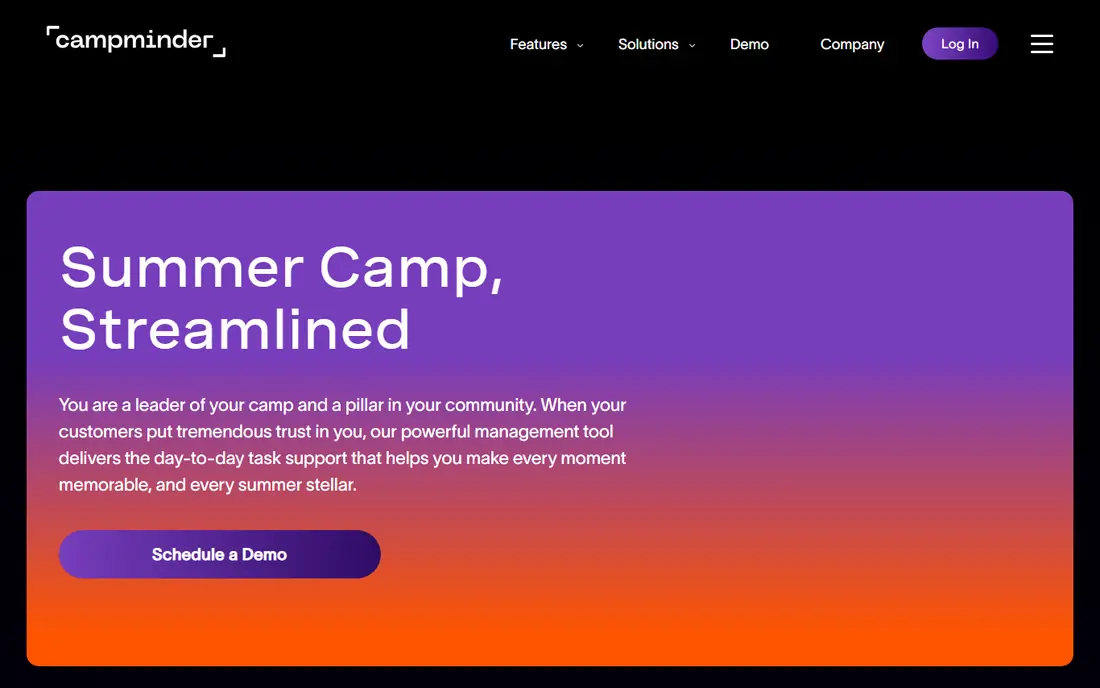
CampMinder is built around the full camp year, not just a checkout page. Registration, billing, health forms, staff applications and activity scheduling sit in one account, which helps when families, nurses and counselors all need different views of the same camper. The parent app, Campanion, adds photo sharing and messages, a detail families tend to notice quickly.
The trade-off is scale and cost. Smaller programs may find the setup heavier than they need, and pricing requires a sales conversation rather than a simple online checkout. For a camp with hundreds of campers and complex health or bunking needs, that depth is the point. For a single-site day camp, a lighter tool below may be a better fit.
- Deep camp-specific features
- Health management included
- Strong parent app and photo sharing
- Pricing is by quote
- Setup can take time for a small team
CampBrain has served camps since the 1990s, and that history shows in its coverage. It handles online registration, payments, donor and camper records, staff management and reporting without forcing you to stitch together several apps. Directors who like detailed control over forms and financial records tend to value that breadth.
The look and feel will not win design awards, and new staff may need training to get the most from it. Pricing is quoted, so ask what is included for your camper count and whether support and training carry extra fees. If you want a proven, camp-first system and you have staff time to learn it, CampBrain deserves a demo.
- Long track record with camps
- Covers registration, finance and reporting
- Canadian and US camps supported
- Interface feels dated in places
- Pricing is by quote

Sawyer suits providers who sell classes, after-school programs and camps from the same calendar. Families can book, pay and manage siblings in one place, and providers can run schedules across locations without rebuilding pages each season. That simplicity is a real advantage for studios and enrichment programs.
Overnight camps with detailed medical, bunking and activity scheduling needs may find Sawyer thinner than CampMinder or CampBrain. Check how it handles waitlists, coupons and refunds for your exact session types before you switch. For class-led programs, it is one of the easiest tools in this list to run day to day.
- Clean booking pages for classes and camps
- Good for multi-location providers
- Parent-friendly checkout
- Less depth for overnight camp health records
- Pricing is by quote
iClassPro started with dance, gymnastics and swim schools, and that class focus still shapes it. Enrollment, tuition billing, attendance and skill tracking are tightly linked, so a student moving up a level does not create a pile of manual edits. Parents get a portal for payments and class info, which cuts phone calls.
It can run camps too, especially day camps built around classes, but it is not a dedicated overnight camp system. If your program is mostly classes with a camp season on top, iClassPro fits well. If you run residential camps with nurses and cabins, compare it side by side with a camp-first tool first.
- Strong class scheduling and enrollment
- Parent portal included
- Skills tracking for students
- Camp-specific health tools are limited
- Setup takes care for complex schedules
Regpack stands out for registration logic. Forms can branch based on earlier answers, so a family sees health, waiver or program questions only when they apply. Payment plans, deposits and installment dates can live in the same cart, which helps families spread tuition over time.
The catch is that Regpack is a registration platform first, not a camp operations suite. Health management and activity scheduling are thinner than in CampMinder. For programs whose main pain is messy sign-ups, tricky discounts and waitlists, that focus is a strength. For full camp operations, pair it with clear plans for health and scheduling.
- Conditional forms that adapt to answers
- Payment plans and deposits
- Unlimited admin users on published tiers
- Less camp-specific health depth
- Best for teams comfortable building forms
UltraCamp covers registration, camper records, billing and event management, and it also serves conference and retreat centers that rent space in the off season. That dual use matters for camps that host groups outside the summer. Reports and accounting tools help directors track payments without exporting everything to a spreadsheet.
New users sometimes find the number of options a lot to learn at once, so plan onboarding time and use the vendor demo with your real session structure. Pricing is quoted, so get the full scope in writing. For camps that also run events, UltraCamp is a practical all-in-one choice.
- Camp and event management in one system
- Registration and accounting tools
- Long camp industry history
- Pricing is by quote
- Interface can feel busy for new users
CampSite keeps the core jobs simple: families register, staff track campers, and the office tracks money. That clarity helps small and mid-size camps that do not want to pay for modules they will never open. Reporting covers enrollment and payments, and the system handles the seasonal rush without a lot of custom setup.
The limit is depth. Camps needing detailed health workflows, complex activity scheduling or a parent photo app may need to add other tools. If your main goal is clean registration and billing with less overhead, CampSite is worth a look. Ask for a trial with your busiest session to judge speed under load.
- Straightforward registration and payment flow
- Camper and staff records
- Reporting tools
- Smaller feature set than the biggest suites
- Pricing is by quote
ActivityHero works as both a listing site and a booking tool, which helps small providers reach families who are searching for camps and classes nearby. Providers can list sessions, take bookings and handle payments without building a full registration system from scratch. That low overhead suits new programs and single-site providers.
The trade-off is control. You work inside a marketplace format, and fees and listing rules matter to your margins. Larger camps that need deep health, staffing and reporting tools will likely outgrow it. For a small provider testing demand or filling seats, ActivityHero is a low-friction starting point.
- Marketplace reach for new families
- Simple class and camp listings
- Booking and payments included
- Less control than a standalone system
- Marketplace fees may apply
How we picked these
We compared official feature pages, pricing pages, parent and admin workflows, and public user reviews for camp and class tools. We favored tools that exist today, serve US camps and class providers, and cover registration, payments and communication rather than a single narrow job. We did not claim hands-on testing. Prices change often, so where a vendor quotes by camp size we list See website and advise asking for a written total.
What to check before you buy camp software
Start with your season, not a feature list. Write down how families register, how you handle waitlists, refunds and payment plans, and who needs access to health and attendance records. A tool that nails registration but fumbles refunds will cost staff hours every week.
Registration and payments
Test the family flow on a phone. Can a parent register two children, apply a sibling discount, choose a payment plan and upload a medical form without calling you? Check processing fees, refund handling and whether deposits and installments are built in or bolted on.
Daily operations
Ask how attendance, group assignments and staff schedules work during a live session. A camp tool should make roster changes fast and keep health notes visible only to staff who need them. For class programs, check skill tracking and level moves.
Communication and reports
Look for email and text messages, a parent portal and reports you can run without vendor help. Enrollment by session, unpaid balances and medical form completion are the reports directors check most. If a demo cannot show those quickly, keep looking.
FAQ
What is the best class camp management software for a small day camp?
Sawyer, iClassPro or CampSite often fit small day camps because registration and payments are simple and setup is lighter. Larger overnight camps usually need CampMinder, CampBrain or UltraCamp for health and staffing depth. Match the tool to your camp type, not just your camper count.
How much does camp management software cost?
Most camp tools price by quote or by camper count, and payment processing fees sit on top. Small providers may pay a few hundred dollars per season plus processing, while large camps can pay several thousand. Always ask for a total that includes setup, support and processing.
Do parents need an app to use these tools?
No. Most tools work through a web parent portal, and some add a mobile app for photos and messages. CampMinder offers the Campanion app, while others rely on mobile-friendly web pages. Check what your families actually use before paying for an app feature.
Can camp software handle medical forms and allergies?
Camp-first tools such as CampMinder and CampBrain include health modules for forms, medications and allergy notes with staff permissions. Class-first tools may handle basic forms but lack detailed health workflows. Confirm privacy controls and who can view health data.
Should I switch software right before summer?
Avoid a full switch in the weeks before camp starts unless you have no choice. Run the new system in parallel for one session, import a small group first, and train staff on refunds and attendance. A rushed move creates more problems than an old system you know well.