Church Livestream Software for Small Congregations in 2026: The 6 Best Options Side by Side
Weighing the best church livestream software for small congregations? We lined up 6 products by cost, free access and fit. Short verdicts, no fluff. No hype.
- Editor's choice
 Restream
Multistreaming to multiple channels
Starts at$239 per monthVisit restream.ioFull review - Great alternativeWorshipTools
Church presentation and planning suite
Starts atSee websiteVisit worshiptools.comFull review - Also consider
 OBS Studio
Open source streaming and recording
Starts atSee websiteVisit obsproject.comFull review
Direct answer
Our first pick is Restream, best for Multistreaming to multiple channels. Listed starting prices: Restream from $239 per month and BoxCast from $109 per month. For a different need, WorshipTools covers church presentation and planning suite and OBS Studio covers open source streaming and recording. Details, prices and limits for the rest of the 6 tools are below.
TL;DR:
- This list starts with Restream, which is built for Multistreaming to multiple channels.
- The lowest published monthly entry price here is $109 per month, from BoxCast.
- For supported streaming with expert help, BoxCast is worth a look.
- Only WorshipTools offers a free plan among these 6 tools.
- Before buying Restream, weigh this: relies on cloud service.
Last checked November 2026. Prices and plan details were read from the vendors' own pages in November 2026; vendors change plans often, so confirm the current price on the vendor site before you buy.
Quick comparison
| Tool | Best for | Starts at | Free plan? | |
|---|---|---|---|---|
| Restream | Multistreaming to multiple channels | $239 per month | Not stated | Visit |
| WorshipTools | Church presentation and planning suite | See website | Yes | Visit |
| OBS Studio | Open source streaming and recording | See website | Not stated | Visit |
 vMix | Windows live production and switching | See website | Not stated | Visit |
 StreamYard | Browser-based studio for volunteers | See website | Free trial | Visit |
| BoxCast | Supported streaming with expert help | $109 per month | Free trial | Visit |
The full church livestream software for small congregations list
LinkVetted compared 6 church livestream software for small congregations. The goal is a practical shortlist: published prices, free plan facts, best-fit use cases and honest limits for every entry.
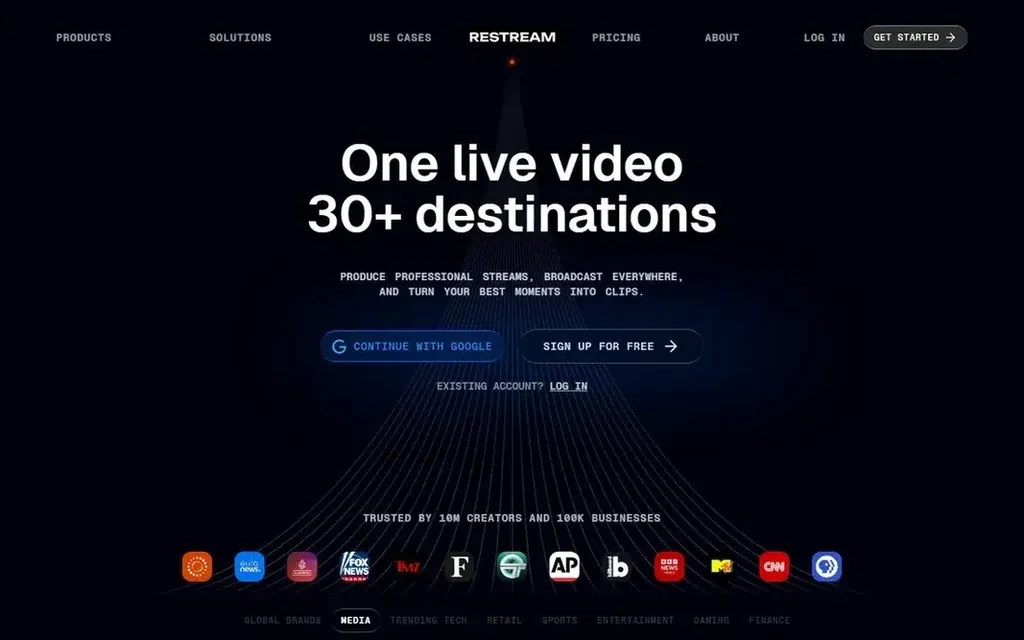
Restream was built for Multistreaming to multiple channels. Choose Restream when distribution across several channels is the priority. On top of that, since Restream is a cloud system, it provides less hands-on control over local cameras, audio mixing and graphics than a desktop studio.
If your team needs in-depth scene switching on a dedicated computer, OBS Studio or vMix may suit better. Volunteers can handle the stream from a browser-friendly workflow. Price to start with Restream: $239 per month. Free access: Not stated.
Downsides: Depends on cloud service.
- Helps build refined videos
- Straightforward live video product
- Less control over local production
WorshipTools
Best for: Church presentation and planning suite
WorshipTools works best for church presentation and planning suite. It supports the service preparation side of church life, for example lyrics, schedules and set planning, which small congregations frequently need alongside a stream. WorshipTools is not a dedicated livestreaming studio, so you will still need software for example OBS Studio or StreamYard to broadcast.
Its value is in planning and presentation instead of encoding and distribution. Choose it to organize worship teams, and pair it with a streaming tool that matches your volunteers and hardware. Pricing for WorshipTools is not stated here, so ask the vendor for current figures. Free access exists with WorshipTools.
Trade-offs to know: Not a dedicated streaming studio.
- Includes Presenter and Planning
- Suite for churches
- Streaming relies on other tools
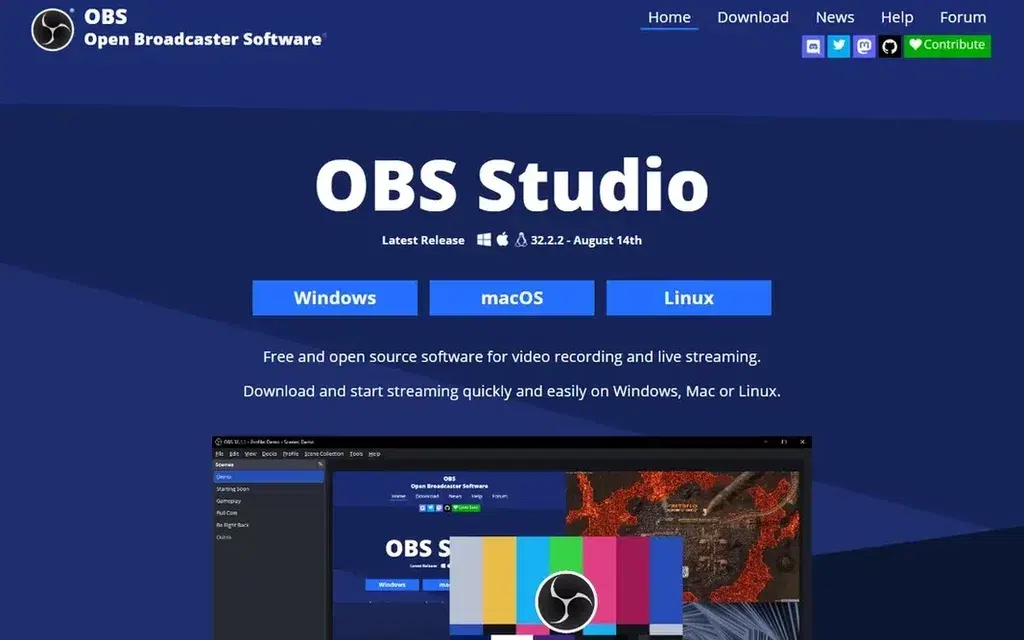
Where OBS Studio fits: open source streaming and recording. OBS Studio is free and open source software for video recording and live streaming. It can stream to Twitch, YouTube and numerous other providers or record videos locally with high quality H264 and AAC encoding.
The main drawbacks: No built-in multistreaming.
The tradeoff is complexity. OBS Studio assumes you can configure scenes, audio and encoding yourself, and it does not natively send one stream to multiple destinations. Check the vendor site for OBS Studio pricing; none is listed in this comparison. As for free access: Not stated.
- Free and open source
- Streams to plenty of providers
- Setup takes some learning
Think of vMix for Windows live production and switching. vMix is live streaming and live production software, a video mixer and switcher for Windows. It lets a team produce, record and live stream professional looking content from a PC.
Small congregations with a dedicated computer and a volunteer interested in production can use it to switch cameras, handle audio and deliver a refined service. If you want the simplest weekly routine, StreamYard or Restream may be better; choose vMix when you plan multi-camera services and want switching control. A very small team may find its production depth unnecessary. Also, vMix assumes more technical comfort than browser studios, and it runs only on Windows. Pricing for vMix is not stated here, so ask the vendor for current figures. As for free access: Not stated.
Points against: Windows only.
- Video mixer and switcher
- Professional-looking output
- Steeper ramp-up time
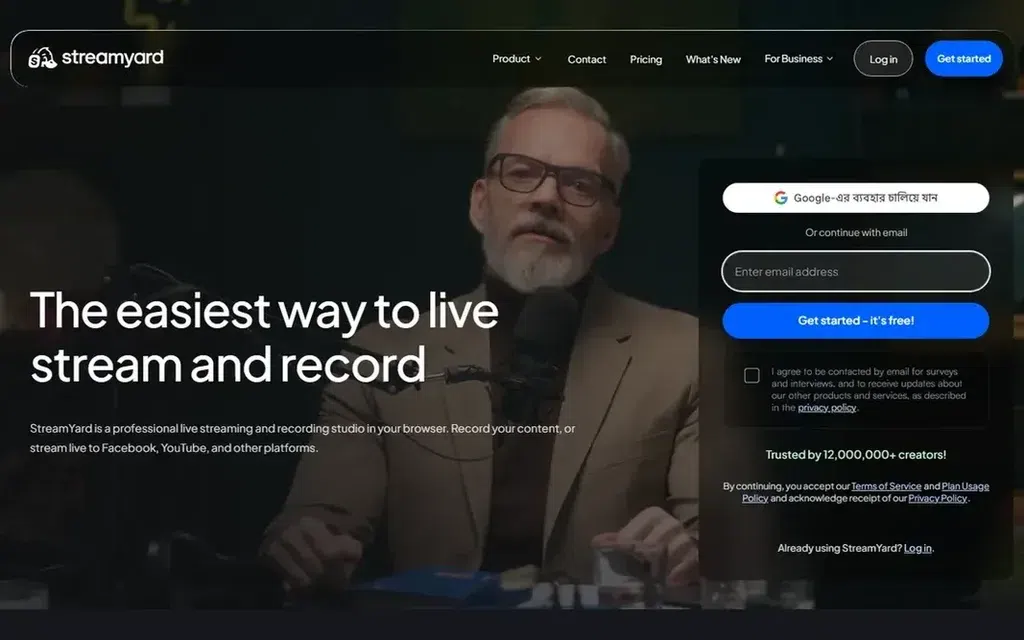
StreamYard targets browser-based studio for volunteers. StreamYard keeps production more straightforward than desktop switchers, so complicated multi-camera layouts and deep audio routing may feel restricted. It also relies on a dependable internet connection.
What to check first: Fewer advanced production controls.
In daily use, StreamYard is a professional live streaming and recording studio in your browser. It records content or streams live to Facebook, YouTube and other products, which makes it approachable for volunteers who are not trained in video production. Check the vendor site for StreamYard pricing; none is listed in this comparison. As for free access: Free trial.
- Runs in the browser
- Records content
- Needs stable internet
BoxCast
Best for: Supported streaming with expert help
Pick BoxCast if this describes you: supported streaming with expert help. BoxCast presents an integrated video system for professional live video streaming and production made straightforward, backed by an expert, supportive team.
Honest limits: Relies on vendor workflow.
From a buyer's view, pick BoxCast when a supported, straightforward streaming workflow matters more than custom production. BoxCast pricing: $109 per month. As for free access: Free trial.
- Supportive expert team
- Integrated video product
- Less do-it-yourself control
How we compared the tools
LinkVetted looked at what each vendor publishes: pricing, plan limits, feature coverage for church livestream software for small congregations and stated drawbacks. No hands-on testing is claimed. Seat minimums, billing terms and add-ons can move the real cost, so the starting prices here are a guide and not a quote. The ranking is editorial: typical fit first, then clear pricing, then free access. If your needs are unusual, read the profiles rather than relying on position.
Before you commit
- Confirm the entry price on the vendor page. For WorshipTools, OBS Studio, vMix and StreamYard that means a quote rather than a fixed price.
- Test the free plan from WorshipTools against your real workload before relying on it.
- Use real work to test the free trial from StreamYard and BoxCast, rather than a demo project.
- Before choosing Restream, weigh its main limit: relies on cloud service.
- A short pilot of StreamYard with your real workflow tells you more than a feature table.
- See whether Restream offers onboarding or training, and whether it is included in the price.
FAQ
Do these tools publish their prices?
Not all of them. WorshipTools, OBS Studio, vMix and StreamYard publish no starting price, so expect a quote request for those. The rest, Restream included, show a starting price, though seats and billing terms still change the final cost.
Which options for church livestream software for small congregations have a free plan?
WorshipTools is the only tool in this list with a free plan. Free plans usually cap users, projects or features, so check the limits on the vendor page. Several others offer a trial instead. Prices, free plan details and limits for all 6 tools in this Church Livestream software for small Congregations roundup sit on the individual cards above.
How should a church choose between OBS Studio and vMix?
OBS Studio works across products and is open source, whereas vMix is Windows-only live production software with mixer and switcher features. Choose OBS Studio for flexibility and a free starting point, and vMix when you want dedicated Windows production control for multi-camera services.
Do small churches need premium streaming software?
Not necessarily. OBS Studio is free and open source, and WorshipTools concentrates on volunteer-friendly church software. Premium or hosted systems may add convenience like browser studios or support. Compare what each choice bundles and confirm current terms with the vendor.
Is Restream the right pick for everyone comparing church livestream software for small congregations?
No single tool suits every team. Restream comes first because it fits Multistreaming to several channels, while WorshipTools suits church presentation and planning suite and OBS Studio suits open source streaming and recording. Match the tool to your own size, budget and workflow before deciding.
Can I try these tools before paying?
Often, yes. WorshipTools has a free plan and StreamYard and BoxCast offer a free trial. Use your own data and a real task during the test, and check what the free tier or trial limits before you rely on it.
Sources
- https://restream.io
- https://worshiptools.com
- https://obsproject.com
- https://www.vmix.com
- https://streamyard.com
- https://www.boxcast.com
Related guides
- 5 Church Management Software for Growing Congregations Worth Shortlisting in 2026
- Best Church Donation Software with Text Giving for 2026: Our 6 Vetted Picks
- 6 Best Church Giving Software for Online Tithing for 2026, Vetted and Compared
- Best Church Small Group Management Software in 2026: Prices, Free Plans and 5 Picks