Best Chiropractic EHR Software in 2026: 8 Systems Compared
We compared the best chiropractic ehr software on SOAP notes, scheduling, billing and patient records to help clinics choose a system that fits daily work.
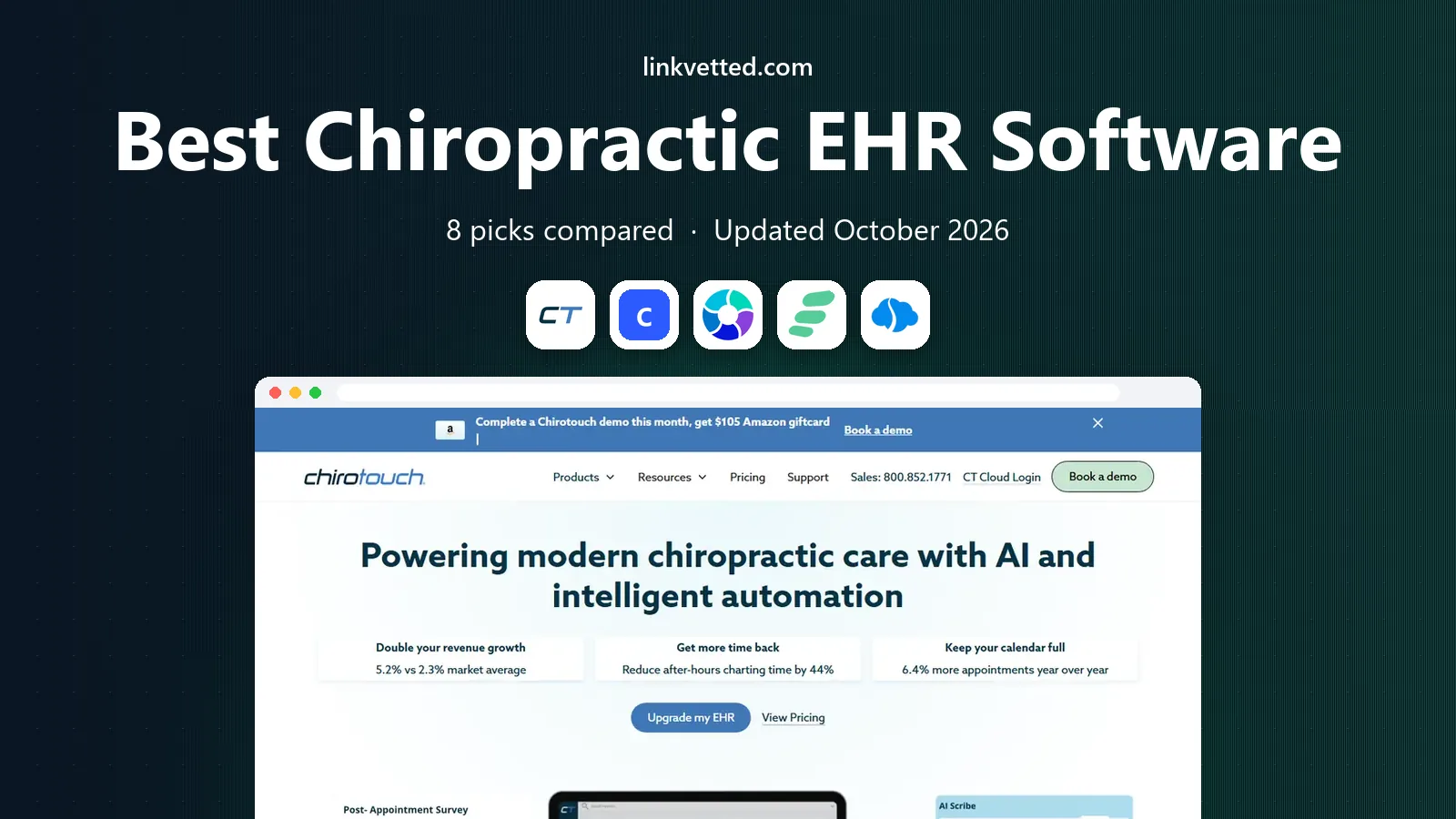
- Editor's choice
 ChiroTouch
Established insurance based clinics
Starts at$159 per monthVisit chirotouch.comFull review - Great alternative
 ChiroFusion
All in one cloud practice management
Starts atSee websiteVisit chirofusion.comFull review - Also consider
 ChiroHD
Simple cloud charting and billing
Starts atSee websiteVisit chirohd.comFull review
TL;DR:
- Chiropractic specific SOAP notes save more time than generic medical templates, because they match how adjustments and care plans are actually documented.
- Billing and clearinghouse links matter as much as charting, since a clean claim is what turns a visit into payment.
- Cloud systems suit multi location clinics, while older desktop systems may suit a single office that prefers local control.
- Our pick for most clinics is ChiroTouch for its depth, with ChiroFusion and Jane as strong options for smaller or cash based practices.
Quick comparison
| Tool | Best for | Starts at | Free plan? | |
|---|---|---|---|---|
| ChiroTouch | Established insurance based clinics | $159 per month | No | Visit |
| ChiroFusion | All in one cloud practice management | See website | Free trial | Visit |
| ChiroHD | Simple cloud charting and billing | See website | Free trial | Visit |
 ChiroSpring | Automation for growing clinics | See website | Free trial | Visit |
 ClinicMind | Clinics needing billing support | See website | Free trial | Visit |
 EZBIS | Solo and small practices | See website | Free trial | Visit |
 Platinum System | Multi location groups | See website | Free trial | Visit |
 Jane | Simple scheduling and records | See website | Free trial | Visit |
The best chiropractic ehr software
A good chiropractic EHR should handle intake, SOAP notes, scheduling, billing and patient communication without forcing staff to jump between systems. We compared official feature pages, pricing pages and public reviews for systems built for chiropractic care, not general medical software with a chiropractic add on.
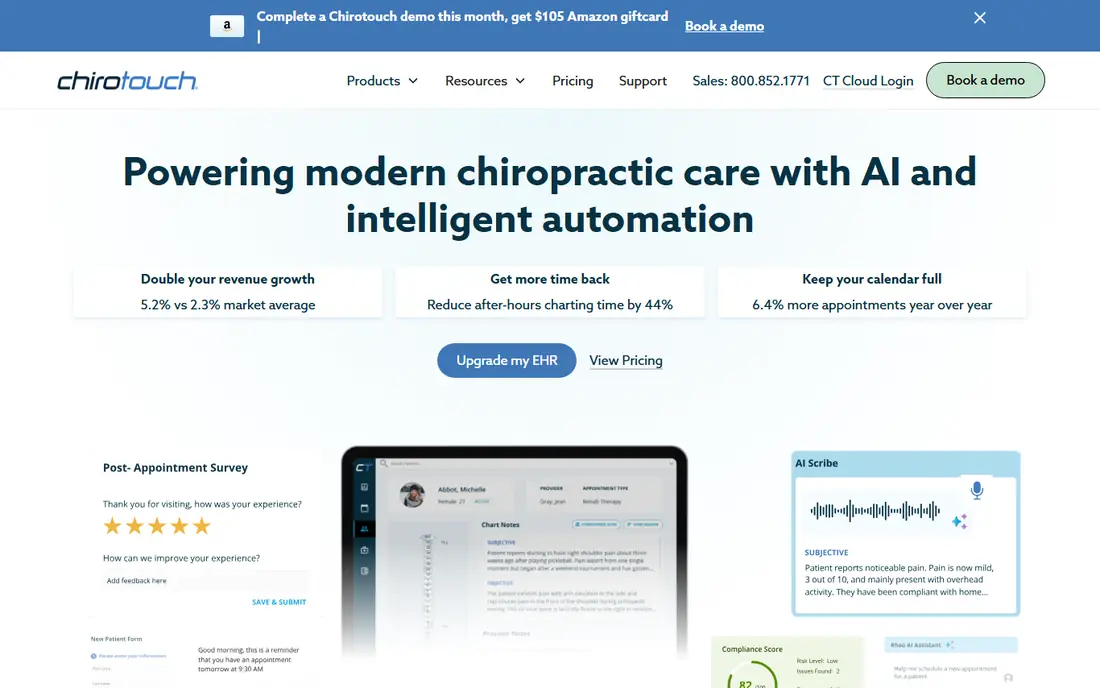
ChiroTouch is the best known name in this category, and its strength is depth. SOAP notes can be completed quickly with macros and templates built for chiropractic visits, and billing flows into claims, payments and reporting in the same system. For an insurance heavy practice, that end to end path reduces rework and missed charges.
The trade off is polish and price structure. Some reviewers describe the interface as older than newer cloud tools, and features such as texting or online booking may sit in higher plans or add ons. Ask for a quote that lists every module you need, and test the note workflow with a real visit before signing. This is not health advice for patients, and clinics should confirm that any system meets HIPAA and local record rules for their state.
- Chiropractic specific SOAP notes
- Integrated billing and clearinghouse
- Large user community and training resources
- Interface feels dated in places
- Some features need paid add ons

ChiroFusion aims to replace several separate tools with one cloud system. Scheduling, patient records, SOAP notes, billing and patient communication sit together, which helps front desk staff who otherwise juggle calendars, charts and payment tools. Being cloud based also helps a doctor who works across two offices, since records follow the login rather than a single computer.
The main drawback is that pricing is not published in a simple plan list, so budgeting takes a sales conversation. That is common in this market, but it makes comparison harder. Use the trial to test intake, note writing and claim submission with your own payer mix, and ask how data exports work if you later leave.
- Cloud access from any device
- Scheduling, records and billing in one place
- Patient portal and intake forms
- Pricing is quote based
- Learning curve for staff moving from paper

ChiroHD suits a clinic that wants a clear, modern cloud system without a long setup project. Charting, scheduling and billing cover the daily routine, and the interface is easier to learn for staff who are new to EHR software. That simplicity can shorten training time and reduce errors in the first weeks.
The honest catch is depth. A large multi location group that needs advanced reporting, marketing automation or complex payer rules may outgrow it. For a solo doctor or a two doctor clinic, that limit may never matter. Check that its billing features match your payers before you commit, and confirm how it handles care plans and re exams.
- Clean cloud interface
- Fast SOAP notes and scheduling
- Affordable feel for small clinics
- Smaller feature set than large platforms
- Fewer third party integrations
ChiroSpring focuses on automation, which is useful once a clinic grows past the point where staff can remember every follow up by hand. Appointment reminders, patient engagement messages, billing workflows and reporting can reduce no shows and missed re exams. That kind of steady follow up often matters more than a flashy feature list.
Setup is the price of that automation. Rules, templates and reminders need configuring to match your visit types and care plans, or staff will ignore the alerts. Plan a week or two of testing with real schedules, and assign one person to own the setup. Clinics that invest that time tend to get more from the system than clinics that turn everything on at once.
- Automation for reminders and follow ups
- Clinical, billing and engagement tools in one system
- Scalable for growth
- Setup takes time to configure well
- Pricing is quote based
ClinicMind is worth a look when billing is the bottleneck rather than charting. It combines EHR tools with revenue cycle support, which can help clinics that struggle with denials, aging claims or payer rules. Reporting also gives owners a clearer view of collections, visits and provider performance.
Small cash based clinics may find it more than they need. If you rarely bill insurance, a simpler system will cost less and train faster. If insurance billing eats staff time each week, ask ClinicMind exactly which billing tasks it handles and which stay with your team, since that split decides the real value.
- Strong revenue cycle and billing services
- Chiropractic documentation
- Reporting for practice performance
- Can feel complex for very small clinics
- Pricing depends on services chosen
EZBIS has served chiropractic offices for many years, and that history shows in its workflow. It covers the core tasks a solo practice needs, from scheduling and SOAP notes to billing and patient records, without a maze of extra modules. For a doctor who wants a steady system and does not need marketing automation, that focus is a plus.
The interface is not as modern as newer cloud competitors, and EZBIS offers different deployment options that can confuse a first time buyer. Ask which version you are being quoted, how updates work, and how you access records outside the office. A clear answer on those points matters more than a demo of a single feature.
- Long history in chiropractic software
- Scheduling, notes and billing in one package
- Lower complexity
- Interface is less modern than newer cloud tools
- Cloud and desktop options need careful comparison
Platinum System is aimed at groups that need one view across locations. Central scheduling, billing, clinical records and reporting help owners compare offices, manage providers and keep documentation consistent. That consistency is hard to get when each office runs its own separate system.
A solo clinic will likely pay for scale it does not use, and onboarding a group takes coordination across sites. Test multi location scheduling, provider permissions and consolidated reporting during the trial, not only single office charting. For a growing group, that central control can be worth the extra setup.
- Built for groups and multiple locations
- Clinical, billing and growth tools
- Central reporting
- More system than a solo clinic needs
- Onboarding takes planning
Jane is not built only for chiropractors, but many allied health clinics use it because scheduling and records are simple to learn. Online booking, intake forms, charting and payments sit in a clean interface that patients also find easy. For a cash based or low insurance clinic, that simplicity can beat a heavier EHR.
The catch is chiropractic specificity. SOAP templates, care plans and insurance billing may need more manual work than in a dedicated chiropractic system, and billing features vary by country and region. If you bill US insurance heavily, test claim workflows carefully. If your practice is mostly cash, self pay or simple billing, Jane is a pleasant, low friction choice.
- Easy online booking and scheduling
- Clean patient records
- Used by many allied health clinics
- Less chiropractic specific than dedicated EHRs
- Billing depth varies by region
How we picked these
We compared official feature pages, pricing pages and public reviews for EHR systems that serve chiropractic practices in the United States in 2026. We weighted chiropractic SOAP notes, scheduling, intake, billing and clearinghouse support, patient communication, cloud access and data export. We favoured systems with clear HIPAA related security information and excluded generic scheduling tools that do not handle clinical records.
What to check before you buy chiropractic EHR software
Start with your busiest day, not the feature list. Walk through intake, a new patient visit, a re exam, a claim and a payment, and note every step that needs another system or a paper form. The system that handles that full loop with the fewest workarounds is usually the right one, even if another system has more features on paper.
Notes, billing and compliance
Test SOAP notes with your own visit types and macros. Confirm how billing handles your main payers, how denials are tracked, and how long claim submission takes. Ask about data encryption, user permissions, audit trails and backup procedures, and confirm the vendor will sign a business associate agreement where required. Keep a written record of those answers.
Migration and training
Ask how existing patient records, schedules and balances move into the new system, and what that migration costs in time and money. Plan training for front desk, billing and clinical staff separately, since each group uses different parts of the system. A trial that only the owner tests will miss problems that staff find on day one.
FAQ
What is the best chiropractic EHR software?
ChiroTouch is our pick for most insurance based clinics because of its chiropractic notes and billing depth. ChiroFusion suits clinics that want a full cloud system, while Jane suits cash based clinics that value simple scheduling. The best choice depends on your payer mix, clinic size and how much billing support you need.
How much does chiropractic EHR software cost?
Prices vary widely and many vendors quote by clinic size and modules. ChiroTouch lists plans from $159 per month in third party pricing summaries, while other vendors in this list use quote based pricing. Always ask for a written quote that lists every module, user and add on, so the monthly total is clear before you sign.
Is chiropractic EHR software HIPAA compliant?
Reputable vendors design their systems with HIPAA safeguards such as encryption, access controls and audit logs, and they offer a business associate agreement. Compliance also depends on how your clinic uses the system, including passwords, user permissions and device security. Confirm the agreement and security details in writing.
Can I switch EHR systems later?
Yes, but migration takes planning. Ask how patient records, notes, schedules and balances export, and whether notes export in a usable format or only as PDFs. Keep a copy of key records, test the export before cancelling the old system, and allow overlap time so staff are not forced to learn a new system on a busy clinic day.
Do I need a cloud based chiropractic EHR?
Cloud systems suit clinics with multiple locations or doctors who work remotely, since records are available from any approved device. A local system may suit a single office that prefers local control, but it needs its own backup and security plan. Either way, confirm backup, downtime and data export procedures before you choose.
What should a solo chiropractor look for?
A solo doctor should value fast SOAP notes, simple scheduling, clear billing and low training time over group reporting or marketing automation. A trial with real patient scenarios will show whether notes take minutes or much longer. Avoid paying for multi location features you will not use in the first year.