Best Cheap SEO Tools in 2026: 8 Tools Compared
Compare the best cheap SEO tools for 2026, from Google Search Console and Ubersuggest to Mangools, SE Ranking, and Screaming Frog, with free picks included.
- Editor's choice
 Google Search Console
Free search data
Starts atFreeVisit search.google.comFull review - Great alternative
 Ubersuggest
Cheap starter suite
Starts atSee websiteVisit neilpatel.comFull review - Also consider
 Mangools
Easy keyword research
Starts atSee websiteVisit mangools.comFull review
TL;DR:
- Start free with Google Search Console, Google Analytics, and Screaming Frog free mode before you pay for anything.
- Ubersuggest and Mangools are the easiest low-cost keyword tools for beginners, with clear difficulty scores.
- SE Ranking is the strongest low-cost all-rounder for rank tracking, audits, and competitor research.
- Buy one paid tool that fixes your biggest gap, and drop any tool you do not open each week.
Quick comparison
| Tool | Best for | Starts at | Free plan? | |
|---|---|---|---|---|
| Google Search Console | Free search data | Free | Yes | Visit |
| Ubersuggest | Cheap starter suite | See website | Free trial | Visit |
| Mangools | Easy keyword research | See website | Yes | Visit |
 SE Ranking | Low-cost all-rounder | See website | Free trial | Visit |
 Screaming Frog SEO Spider | Technical audits | Free | Yes | Visit |
 Moz Pro | Keyword and authority data | See website | Free trial | Visit |
 AnswerThePublic | Content ideas | Free | Yes | Visit |
 Ahrefs Webmaster Tools | Free audits and backlinks | Free | Yes | Visit |
The best cheap SEO tools
Cheap SEO tools are not a compromise if you pick them for the right job. Free tools from Google give you real search data, while low-cost paid tools add keyword difficulty, rank tracking, and competitor insight. The eight tools below cover that range without enterprise pricing.

Google Search Console is the first tool every site owner should set up, because it shows how Google actually sees your site. You can see which queries bring clicks, which pages rank, whether pages are indexed, and whether Google found crawl or mobile issues. That data comes directly from Google, so it is more reliable than estimates from third-party tools.
Search Console does not show competitor data, keyword difficulty, or full backlink analysis. It is a foundation, not a complete toolkit. Pair it with one keyword tool and one audit tool, and you have a solid low-cost setup for a small site.
- Real Google search data
- Shows queries, clicks, and indexing issues
- Completely free
- Limited to 16 months of data in the interface
- No competitor keyword data
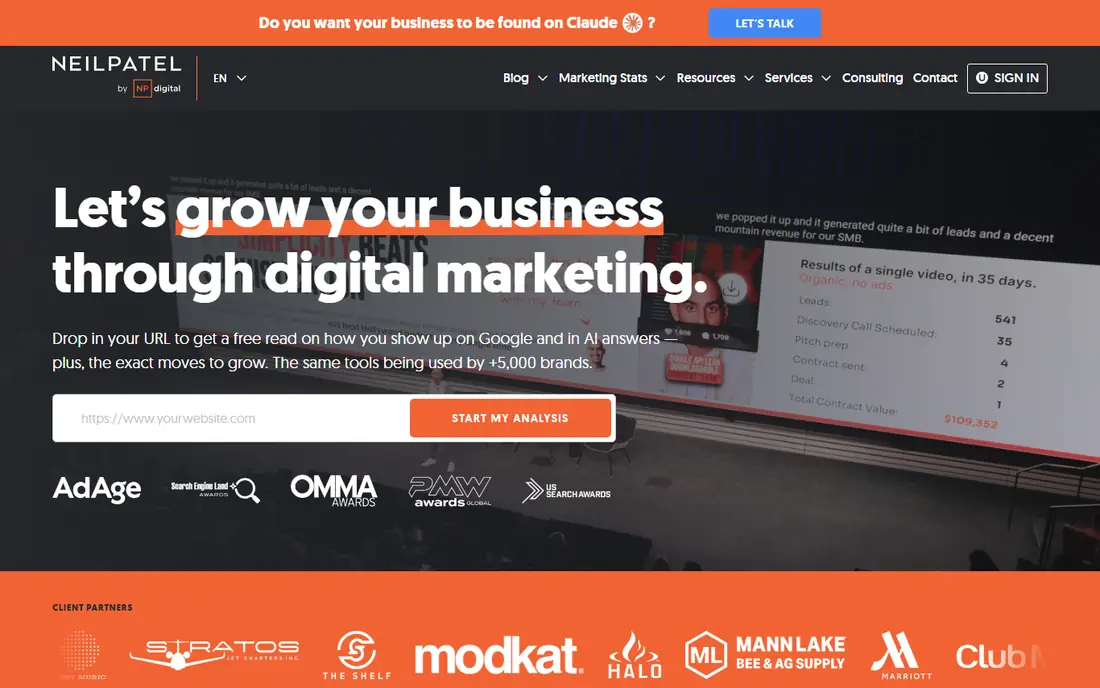
Ubersuggest, from Neil Patel, is a budget suite that covers keyword research, content ideas, site audits, and rank tracking. Its interface is friendly for beginners, with clear charts and simple explanations of keyword difficulty and search volume. That makes it a good first paid tool for a blogger, small business, or freelancer.
The trade-off is depth. Ubersuggest does not match the backlink index or keyword database size of larger enterprise tools, and lower tiers limit daily searches. For a small site with a focused keyword list, that depth is usually enough. Check the current pricing page, because plans and limits change, and trial terms vary.
- Keyword ideas, site audits, and rank tracking in one place
- Friendly interface
- Lower entry price than enterprise suites
- Data depth is less than larger suites
- Daily search limits on lower tiers
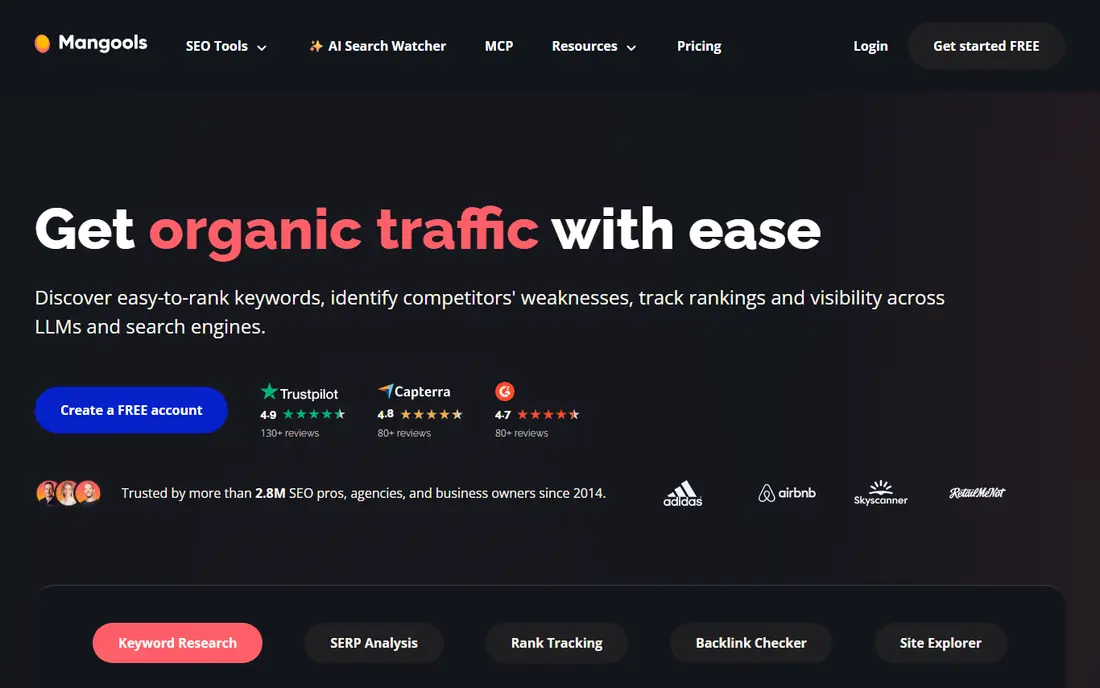
Mangools is a suite of five tools, with KWFinder as the best-known part. KWFinder shows keyword suggestions, search volume, and a difficulty score that is easy to read, which helps beginners pick keywords they can realistically rank for. SERPChecker shows the actual search results for a keyword, so you can judge competition by looking at the pages you must beat.
Mangools also includes rank tracking, backlink analysis, and site profiling, but it is not as deep as a full enterprise suite. The free plan is useful for testing, with daily limits, while paid plans remove those limits. If keyword research is your main gap, Mangools is one of the easiest tools to learn.
- KWFinder gives clear difficulty scores
- SERPChecker shows real results
- Simple, visual interface
- Smaller feature set than all-round suites
- Free plan has daily limits
SE Ranking is the strongest low-cost all-rounder on this list for users who want one paid tool instead of several. It covers rank tracking, site audits, keyword research, backlink checks, and competitor research, with plans that scale by projects and keywords. Small agencies like it because they can manage multiple client sites in one account.
Entry plans limit the number of projects, keywords, and audit pages, so check those limits against your site count before you buy. The interface also takes a little time to learn, because it packs many features into one dashboard. For a user who wants breadth at a lower price than enterprise suites, SE Ranking is a strong pick.
- Rank tracking, audits, keyword research, and competitor tools
- Scalable plans
- Good value for small agencies
- Entry plans limit projects and keywords
- Interface has many features to learn
Screaming Frog SEO Spider is a desktop crawler that audits a site the way a search engine does. The free version crawls up to 500 URLs and finds broken links, missing titles, duplicate metadata, redirect chains, and other technical issues. That makes it essential for a technical audit, even on a tight budget.
Because it is desktop software, it does not provide ongoing cloud rank tracking or scheduled reports in the free version. Larger sites need a paid license to crawl without the URL limit. For a one-off audit or a monthly check on a small site, the free mode is enough, and it pairs well with Google Search Console.
- Free mode crawls up to 500 URLs
- Finds broken links, duplicate titles, and redirect issues
- Fast desktop crawl
- Desktop software, not a cloud dashboard
- Paid license needed for larger sites
Moz Pro is a mid-cost suite with keyword research, rank tracking, site audits, and link analysis. Its Keyword Explorer suggests related terms and shows difficulty and opportunity scores, while Link Explorer provides backlink data and the well-known Domain Authority metric. Moz also publishes strong learning guides, which help beginners understand what the data means.
Moz Pro costs more than the cheapest tools on this list, so it suits users who want a trusted suite and learning support rather than the absolute lowest price. Some users report that backlink data updates more slowly than larger suites. A free trial lets you test whether the interface and data fit your workflow.
- Keyword Explorer and Link Explorer
- Domain Authority metric
- Helpful learning resources
- Higher entry price than Ubersuggest or Mangools
- Some data updates lag larger suites
AnswerThePublic turns a seed keyword into a visual map of questions, prepositions, and related topics that people search for. That makes it ideal for content planning, FAQ pages, and blog ideas, because it shows the real questions behind a topic. A content writer can turn one keyword into ten article angles in minutes.
AnswerThePublic is not an all-round SEO suite. It does not track rankings, audit a site, or analyze backlinks, so it works best alongside Search Console and a keyword tool. The free tier is limited, with paid plans for more searches and data exports. For content ideas on a budget, it remains a useful second tool.
- Visual question and topic maps
- Great for blog and FAQ ideas
- Free searches available
- Free tier is limited
- No rank tracking or backlink data
Ahrefs Webmaster Tools gives site owners free access to Ahrefs site audit and backlink data for sites they verify. That is valuable, because Ahrefs has one of the largest backlink indexes, and the audit flags technical issues with clear explanations. For a small site owner, it adds depth that Google Search Console alone does not provide.
The free tool is limited to verified sites, and full keyword research, competitor analysis, and rank tracking require a paid Ahrefs plan. That limit is fair for a free tool, and it still makes Ahrefs Webmaster Tools a must-have companion to Search Console. Set it up early, so you have historical audit data when you need it.
- Free site audit and backlink data for verified sites
- Strong crawl data
- No cost to start
- Limited to sites you verify
- Keyword and competitor data sit on paid plans
How we picked these
We compared official pricing pages, feature pages, and public documentation for SEO tools operating in October 2026. We defined cheap as free, freemium, or a low entry price compared with enterprise suites, and we favored tools with transparent pricing or a usable free tier. We also looked for a mix of jobs, including search data, keyword research, audits, rank tracking, and content ideas, rather than listing eight keyword tools.
We did not claim hands-on testing. Our comparison is based on vendor documentation and public reviews. Where pricing varies by billing period or plan, we list See website, because entry prices change and annual billing often differs from monthly billing.
How to build a cheap SEO toolkit
Start with the free foundation and master it before you spend. Set up Google Search Console, Google Analytics, and Ahrefs Webmaster Tools, and run a Screaming Frog crawl on your site. Fix indexing issues, broken links, and missing titles first, because those fixes cost nothing and often improve results faster than new content.
Next, add one paid tool for your biggest gap. If you struggle to find keywords, choose Ubersuggest or Mangools. If you need rank tracking, audits, and competitor data in one place, choose SE Ranking. If you need content ideas, add AnswerThePublic. Buying three tools that overlap wastes money and time, so pick one, use it weekly, and only add another when you hit a clear limit.
Finally, review your tools every three months. Check which reports you actually open, which keywords you track, and which audits you act on. Cancel any tool that sits unused, even if it was cheap, because an unused tool still costs attention. A $30 tool used weekly beats a $130 tool that collects dust.
Monthly SEO routine on a budget
- Check Search Console for new queries, clicks, and indexing errors.
- Run a Screaming Frog crawl and fix broken links and duplicate titles.
- Track your top 20 keywords in your paid tool and note any drops.
- Publish or update one page based on real search questions.
- Review backlinks in Ahrefs Webmaster Tools for spammy or lost links.
FAQ
Can I do SEO with only free tools?
Yes, for the basics. Google Search Console, Google Analytics, Ahrefs Webmaster Tools, and Screaming Frog free mode cover search data, audits, and backlink checks. Paid tools add keyword difficulty at scale, competitor data, and rank tracking, which become more valuable as your site grows.
What is the best cheap SEO tool for beginners?
Ubersuggest and Mangools are the easiest paid starting points, because their interfaces are simple and their difficulty scores are easy to read. Start with Google Search Console for free, then add one of these tools when you need keyword ideas beyond what Search Console shows.
Is SE Ranking better than Ubersuggest?
SE Ranking is stronger as an all-rounder, with deeper rank tracking, audits, and competitor tools. Ubersuggest is simpler and often cheaper for a single site owner who mainly needs keyword ideas and basic audits. Choose SE Ranking for breadth, and Ubersuggest for simplicity.
How much should a small business spend on SEO tools?
Start at $0 and add one paid plan when free tools stop answering your questions. Many small businesses do well with one tool in the $29 to $65 per month range, billed monthly or annually. Spend more only when you manage multiple sites or need deeper competitor and backlink data.
Do cheap SEO tools give accurate keyword volume?
Keyword volume from any tool is an estimate, not an exact count, and different tools use different data sources. Use volume as a relative guide to compare keywords, and use Google Search Console for real clicks and impressions on your own site. That combination gives a clearer picture than any single estimate.