5 Best Cash Register Software for 2026, Vetted and Compared
5 tools for the best cash register software, compared on pricing, free plans and best-fit use. Plain-spoken summaries throughout. Reviewed in November 2026.
- Editor's choiceClover POS
Companies wanting integrated payment hardware
Starts atSee websiteVisit clover.comFull review - Great alternativeLoyverse POS
Small shops wanting a mobile register
Starts at$5 per store a monthVisit loyverse.comFull review - Also consider
 Lightspeed Retail
Inventory-heavy retailers and wholesalers
Starts atSee websiteVisit lightspeedhq.comFull review
Direct answer
Clover POS is the first pick on this list for companies wanting integrated payment hardware. Listed starting prices: Loyverse POS from $5 per store a month and Epos Now from £149. Alternatives: Loyverse POS for small shops wanting a mobile register, and Lightspeed Retail for inventory-heavy retailers and wholesalers. Prices, free plans and limits for all 5 tools follow.
TL;DR:
- Top of the list is Clover POS, which targets firms wanting integrated payment hardware.
- Loyverse POS is the lowest-priced starter here at $5 per store per month.
- Loyverse POS comes with a trade-off: less suited to complex retail operations.
- Square Point of Sale fits small businesses wanting an all-in-one setup.
- Only Loyverse POS offers a free plan among these 5 tools.
Last checked November 2026. Prices and plan details were read from the vendors' own pages in November 2026; vendors change plans often, so confirm the current price on the vendor site before you buy.
Quick comparison
| Tool | Best for | Starts at | Free plan? | |
|---|---|---|---|---|
| Clover POS | Companies wanting integrated payment hardware | See website | Not stated | Visit |
| Loyverse POS | Small shops wanting a mobile register | $5 per store a month | Yes | Visit |
| Lightspeed Retail | Inventory-heavy retailers and wholesalers | See website | Not stated | Visit |
 Epos Now | Companies wanting a complete POS option | £149 | Free trial | Visit |
| Square Point of Sale | Small companies wanting an all-in-one setup | See website | Not stated | Visit |
5 options for cash register software in detail
Short on time? The summary and table above give the quick view of 5 tools for cash register software, and the profiles that follow give the detail behind each entry.
Clover POS
Best for: Companies wanting integrated payment hardware
Clover POS works best for companies wanting integrated payment hardware. Confirm the exact feature set and terms with the vendor.
Drawbacks to consider: Feature details vary by configuration.
Buyers usually evaluate Clover through the configurations offered by their payment provider. No starting price is listed for Clover POS here; confirm pricing on the vendor site. Free options: Not stated.
- Wide business applicability
- Merges POS software with card readers
- Hardware ties into the setup
Loyverse POS
Best for: Small shops wanting a mobile register
Loyverse POS is designed for small shops wanting a mobile register. Loyverse POS is a mobile point-of-sale system that simplifies sales, inventory and employee management for small companies. Its homepage emphasizes a mobile-first approach, which suits market stalls, small shops and service counters where a fixed terminal is not practical.
From a buyer's view, check which features your business relies on before committing. On top of that, small-business focus means very complicated inventory, wholesale or multi-channel retail needs may outgrow it. On cost, Loyverse POS starts like this: $5 per store per month. Free access exists with Loyverse POS.
Where Loyverse POS stands out: Targeted at small firms.
Limits to weigh: Less suited to complicated retail operations.
- Inventory and staff tools
- Sales
- Advanced needs may need other tools
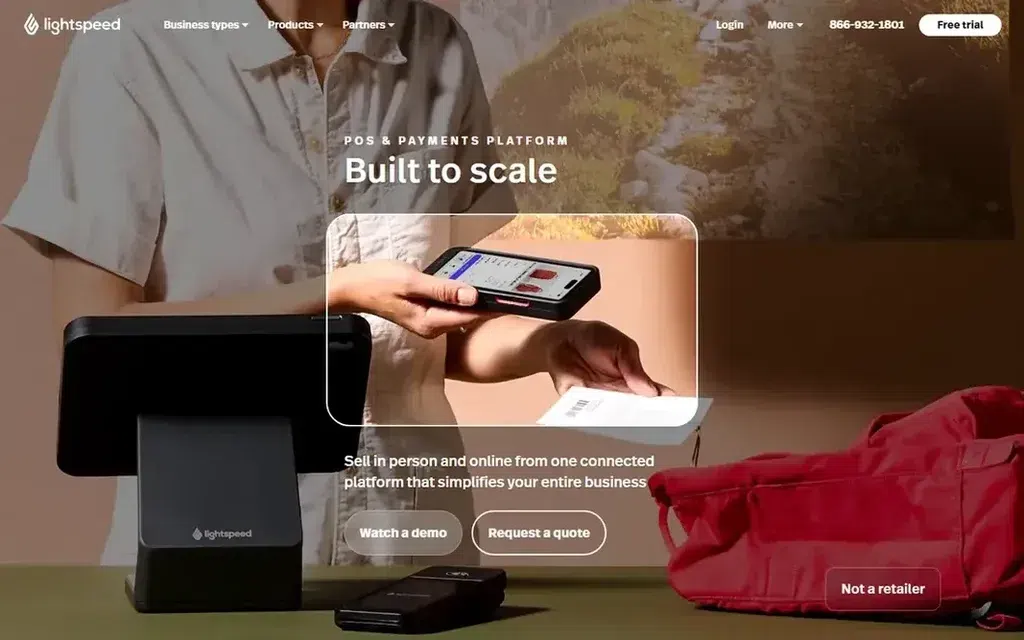
In short, Lightspeed Retail is for inventory-heavy retailers and wholesalers. Lightspeed Retail is a POS system designed for in-person retail, with wholesale buying, inventory management and selling combined in one place.
Limits to weigh: May be more than a straightforward shop needs.
Its homepage positions it around running and expanding a retail business instead of general checkout. Beyond that, the retail specialization means businesses like cafes or salons may find it less aligned with their needs. Lightspeed Retail shows no starting price here, so confirm the cost on the vendor site. On free options: Not stated.
- Capable inventory management focus
- Wholesale buying and selling in one place
- Retail-only scope
Epos Now makes the most sense for firms wanting a complete POS option. Epos Now supplies a complete point of sale option designed with customers in mind. It is often considered by shops and hospitality companies setting up a dedicated terminal.
Beyond that, confirm the included features and hardware requirements straight with the vendor before deciding. Very small operations may prefer a lighter mobile tool like Loyverse POS. Epos Now cost at the entry level: £149. Trial and free access: Free trial.
Watch-outs: Feature fit relies on your setup.
- Designed around customer needs
- Complete point-of-sale option
- Configuration details vary by business
Square Point of Sale
Best for: Small companies wanting an all-in-one setup
Think of Square Point of Sale for small firms wanting an all-in-one setup. Since Square spreads its features across numerous business types, very specialized retailers may find some workflows less tailored than a dedicated retail system. Square Point of Sale is a wide point-of-sale system positioned for restaurants, retail and other business types.
Honest limits: Advanced needs may need extras.
Its homepage flags features for example appointments, invoices, online keeps and hardware, so checkout sits alongside tools for managing customers and sales channels. Confirm which features apply to your specific business on the vendor site. No starting price is listed for Square Point of Sale here; confirm pricing on the vendor site. Free access: Not stated.
- Online store features included
- Hardware choices available
- Feature depth varies by business type
How we compared the tools
Selection started from tools commonly considered for cash register software, then narrowed to 5 that have clear pricing information or a clear quote process. Plan names, prices and limits change often. Treat the figures here as a starting point and verify them with the vendor. The order reflects how well each tool fits the most common buying scenario for cash register software, then price clarity, then free plan access. It is a starting point, not a verdict.
What to check before you buy
- Ask Clover POS, Lightspeed Retail and Square Point of Sale for a written quote, since no starting price is shown.
- Look at the free plan from Loyverse POS closely: its caps decide whether it is usable for real work.
- Run a trial of Epos Now with real work before paying for a year; your own workflow is the best test.
- Before choosing Clover POS, weigh its main limit: hardware ties into the setup.
- Check whether the features you need in Square Point of Sale sit on the entry plan or only on higher tiers.
- Look at the renewal terms for Lightspeed Retail: auto-renewal, notice periods and price changes can matter more than the first-year price.
FAQ
Do these tools publish their prices?
Not all of them. Clover POS, Lightspeed Retail and Square Point of Sale publish no starting price, so expect a quote request for those. The rest, Loyverse POS included, show a starting price, though seats and billing terms still change the final cost. For the full picture, the cards above cover all 5 entries of this cash register software list, including price, free plan and limits.
Which options for cash register software have a free plan?
Loyverse POS is the only tool in this list with a free plan. Free plans usually cap users, projects or features, so check the limits on the vendor page. One other tool offers a trial instead. Prices, free plan details and limits for all 5 tools in this cash register software roundup sit on the individual cards above.
Can I try these options before paying?
Often, yes. Loyverse POS has a free plan and Epos Now offers a free trial. Use your own data and a real task during the test, and check what the free tier or trial limits before you rely on it.
Is Clover POS the right pick for everyone comparing cash register software?
No single tool suits every team. Clover POS comes first because it fits businesses wanting integrated payment hardware, while Loyverse POS suits small shops wanting a mobile register and Lightspeed Retail suits inventory-heavy retailers and wholesalers. Match the tool to your own size, budget and workflow before deciding.
Sources
- https://www.clover.com/pos-systems
- https://loyverse.com
- https://www.lightspeedhq.com/pos/retail
- https://www.eposnow.com
- https://squareup.com/us/en/point-of-sale