Best Business Scheduling Software in 2026: 8 Tools Compared
Best business scheduling software compared for 2026: we review eight tools for appointments, team booking, payments, reminders and calendars for all teams.
- Editor's choice
 Calendly
Meetings, sales calls and consultations
Starts atFreeVisit calendly.comFull review - Great alternative
 Acuity Scheduling
Service businesses that charge at booking
Starts atSee websiteVisit acuityscheduling.comFull review - Also consider
 Setmore
Small service businesses on a budget
Starts atFreeVisit setmore.comFull review
TL;DR:
- Calendly is our pick for most businesses that mainly schedule meetings, calls and consultations.
- Acuity Scheduling is best for service businesses that take payments, sell packages and manage intake forms at booking.
- Square Appointments is best for salons, spas and shops that also need point of sale and inventory in one system.
- Check calendar connections, staff limits and payment fees, since those decide whether a tool fits a team or only a solo user.
Quick comparison
| Tool | Best for | Starts at | Free plan? | |
|---|---|---|---|---|
| Calendly | Meetings, sales calls and consultations | Free | Yes | Visit |
| Acuity Scheduling | Service businesses that charge at booking | See website | No | Visit |
| Setmore | Small service businesses on a budget | Free | Yes | Visit |
 Square Appointments | Salons, spas and shops with point of sale | Free | Yes | Visit |
 Cal.com | Teams that want flexible and open scheduling | See website | Yes | Visit |
 SimplyBook.me | Multi-staff and multi-location service firms | See website | Yes | Visit |
 Zoho Bookings | Small teams already using Zoho | See website | Yes | Visit |
 BookedIN | Local service providers starting online booking | See website | Free trial | Visit |
The best business scheduling software
We compared official pricing pages, feature pages and public reviews for eight business scheduling tools available in 2026.
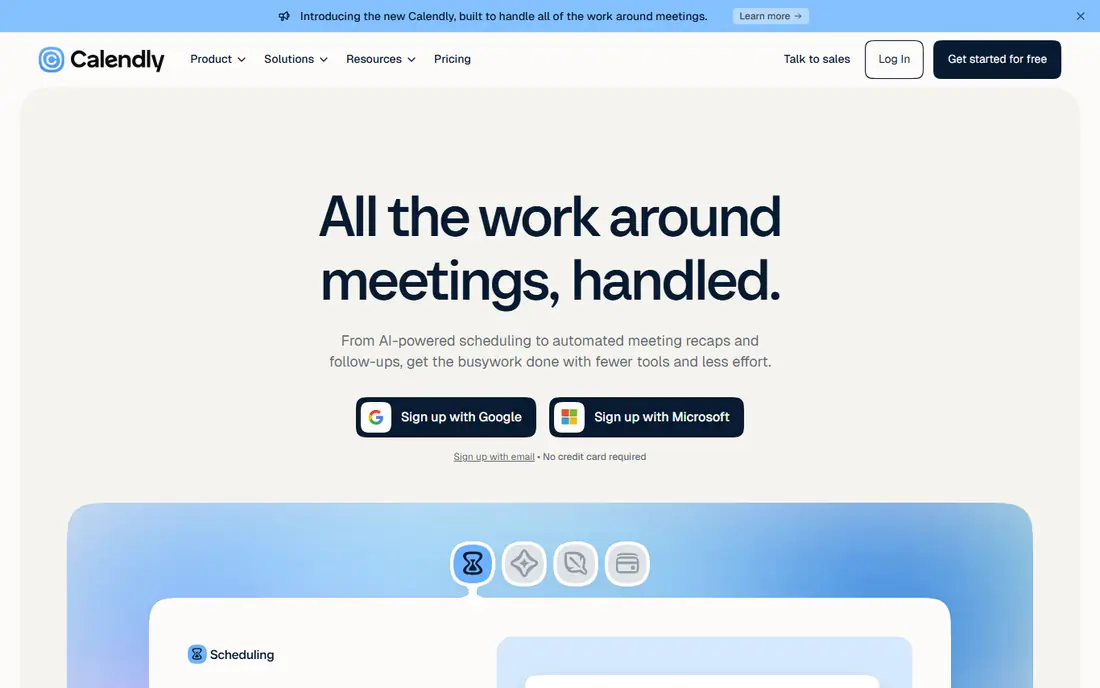
Calendly is the simplest way for a business to let clients book a meeting without email back-and-forth. You share a link, the client picks a time, calendars sync, and reminders and video links follow automatically. Team features add round-robin booking, collective scheduling and routing forms, which help sales, recruiting and customer success teams book the right person first time.
The limits show up for service businesses that sell appointments as products. Calendly handles payments, but it does not match Acuity for packages, memberships, deposits, intake forms and multi-service menus. Per-seat pricing also adds up for large teams. If your main need is meeting scheduling, Calendly is the cleanest choice. If appointments are your product, read the Acuity entry next.
- Very easy booking links
- Team scheduling and routing
- Many calendar and video integrations
- Payment and package features are lighter than Acuity
- Per-seat pricing rises with large teams
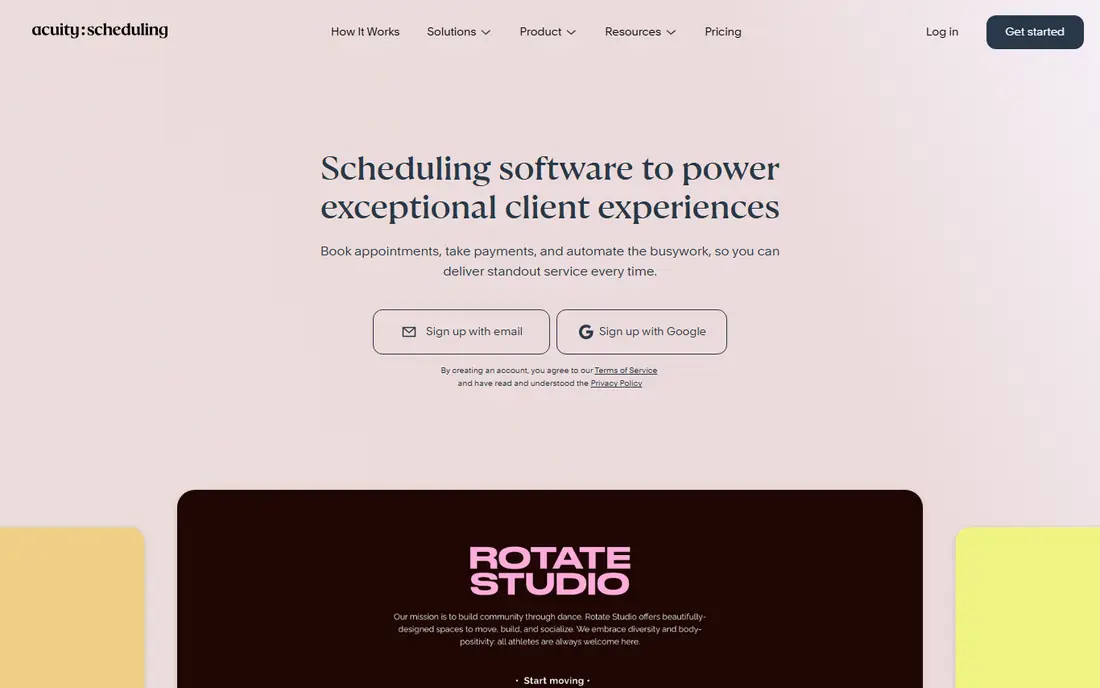
Acuity Scheduling, now part of Squarespace Scheduling, is built for businesses where the appointment itself is sold: salons, clinics, coaches, therapists, photographers and fitness studios. It handles service menus, staff schedules, locations, intake forms, deposits, packages, memberships, coupons and gift certificates, plus automated reminders by email and text. Clients can reschedule, buy packages and manage bookings through a portal.
There is no free plan, and the number of calendars you can connect varies by tier, so check that limit if your team is large. The interface also has more settings than Calendly, since it covers more business needs. For a service business that needs payments and client management at booking, Acuity is the most complete scheduling tool in this list.
- Service menus, packages and deposits
- Intake forms and client records
- Payment, coupons and gift certificates
- No free plan
- Calendar connection limits vary by tier

Setmore is a practical pick for salons, clinics, tutors and small service firms that want online booking without a high monthly cost. The free plan covers a small team with appointment booking, calendar sync and customer records, while paid plans add unlimited appointments, video, SMS reminders and payment features. Integrations with Google, Outlook, Zoom and Square cover most small business needs.
Paid tiers are needed for the full feature set, and design options are less flexible than in Cal.com or Calendly. Still, for a business taking its first step into online booking, Setmore's free plan is a low-risk start. Test the booking flow from a customer phone, since that is where most bookings now happen.
- Free plan for small teams
- Online payments and reminders
- Staff scheduling and customer database
- Advanced features need paid tiers
- Design customisation is more limited than Cal.com
Square Appointments
Best for: Salons, spas and shops with point of sale
Square Appointments suits businesses that already use Square for payments, or that want booking, checkout, inventory and marketing in one system. Individuals can start free, while multi-staff and multi-location businesses pay per location for team booking, staff management and advanced features. Clients book online, pay at the chair or counter, and buy products in the same system.
The catch is ecosystem fit. If you do not use Square for payments, you lose much of the advantage, and switching payment providers later can be disruptive. Paid pricing is per location, so multi-site firms should model that cost. For salons, barbers, spas and retail service shops on Square, it is the most integrated scheduling choice.
- Free plan for individuals
- Built-in point of sale, payments and inventory
- Staff and multi-location booking
- Best value only inside the Square ecosystem
- Paid plans rise by location
Cal.com is an open scheduling platform with a generous free hosted plan and an open source core that teams can self-host. It offers booking pages, team scheduling, round-robin, routing, payments and many integrations, with more customisation than most closed tools. That flexibility appeals to agencies, startups and technical teams that want scheduling to match their brand and workflow exactly.
Self-hosting and advanced configuration need technical skill, and support is different from a fully hosted vendor with a large support team. Most small businesses should use the hosted plan rather than self-hosting. If you want control, custom branding and open code, Cal.com is the most flexible scheduling tool in this list.
- Open source core
- Flexible booking, routing and team features
- Strong customisation and integrations
- Self-hosting and advanced setup need technical skill
- Support model differs from hosted rivals
SimplyBook.me is built for service businesses with several staff, locations or service types, such as clinics, beauty studios, fitness centres and schools. It handles staff schedules, locations, memberships, packages, coupons and marketing, with many integrations including Zoom, Stripe and Google Analytics. The free plan covers basic booking, while paid plans add more bookings, staff and features.
The breadth of options can feel busy at first, and pricing rises as you add features and booking volume. Take time to set up services, staff and locations cleanly, and test the customer booking flow before launch. For a multi-staff business that needs more than a simple meeting link, SimplyBook.me is a capable and affordable option.
- Free plan for basic use
- Multi-staff and multi-location booking
- Memberships, packages and marketing tools
- Interface has many options
- Pricing rises with features and bookings
Zoho Bookings is the scheduling tool inside the Zoho ecosystem, and it is best for teams that already use Zoho CRM, Calendar or other Zoho apps. Bookings sync with CRM contacts, calendars and customer records, so sales and service teams can book meetings and appointments without duplicate data entry. It offers team scheduling, booking pages, payments, reminders and video integrations.
As a standalone scheduler, it is less established than Calendly or Acuity, and some advanced features require higher Zoho plans. If Zoho is already your system of record, Zoho Bookings is the natural and cost-effective choice. If you do not use Zoho, a standalone tool will usually give you a simpler setup.
- Native Zoho CRM and calendar fit
- Team scheduling and customer booking pages
- Payments and reminders
- Less well known as a standalone scheduler
- Some advanced features need higher Zoho plans
BookedIN is aimed at local service providers who want a polished booking experience with payments, reminders and customisation, without the complexity of a large platform. It covers appointment types, staff schedules, online payments and customer notifications, with booking pages that look professional on mobile. That focus helps salons, clinics, coaches and trades firms that rely on local clients.
The integration library is smaller than Calendly's, so check connections to your calendar, CRM, video and payment tools before committing. Pricing also needs a check on the vendor site, since plans and trial terms change. For a local business that wants a clean booking page and reliable payments, BookedIN is worth a trial alongside Setmore and Acuity.
- Polished booking pages
- Payments and reminders
- Customisation for service businesses
- Smaller integration library than Calendly
- Pricing needs checking on the vendor site
How we picked these
We compared official pricing and feature pages, plus public reviews, for business scheduling tools available in October 2026. We required online booking pages, calendar sync, automated reminders and a current free or trial option. We favoured tools with team scheduling, payments or multi-location support, and we noted where a tool is meeting-first versus service-first, since that distinction drives most buying decisions.
What to check before you buy
Decide whether you schedule meetings or sell appointments. Meeting-first teams need routing, team calendars and video links, while service businesses need service menus, staff schedules, deposits, packages and intake forms. Next, check calendar connections: how many calendars, staff and locations each tier allows, and whether Google, Outlook and Apple calendars sync both ways.
Test the customer experience on a phone. Book, reschedule and cancel as a client, check reminder timing, and confirm that payments, deposits and refunds work as expected. Price per seat or per location at your peak team size, and check SMS reminder costs, since those can add up. A tool that clients find easy will reduce no-shows more than any extra feature.
FAQ
What is the best business scheduling software for small business?
Calendly is best for small businesses that mainly schedule meetings, while Acuity Scheduling is best for service businesses that charge at booking. Setmore is a strong budget option with a free plan for small teams. Choose by whether you schedule meetings or sell appointments.
What is the best scheduling software for business appointments?
Acuity Scheduling and SimplyBook.me are strong for business appointments, with service menus, staff schedules, payments and intake forms. Square Appointments is best if you also need point of sale. Test the booking flow for your most common service before deciding.
Is there a free business scheduling app?
Yes. Calendly, Setmore, Cal.com and SimplyBook.me all offer free plans, and Square Appointments is free for individuals. Free plans usually limit calendars, staff, bookings or features, so check those limits against your team size and booking volume.
Can scheduling software take payments?
Yes. Acuity, Square Appointments, SimplyBook.me, BookedIN and Calendly all support payments, though the depth varies. Acuity and Square offer the fullest payment features, including deposits, packages and gift certificates. Check payment processing fees, since those are separate from the software subscription.
How does business scheduling software reduce no-shows?
Automated email and text reminders, easy rescheduling, deposits and calendar sync all reduce no-shows. Tools in this list send reminders before appointments and let clients reschedule without calling. Deposits and cancellation policies, where appropriate, further cut missed appointments.
What is the best app for business scheduling with multiple staff?
Acuity Scheduling, SimplyBook.me and Square Appointments are strong for multi-staff booking, with staff calendars, locations and service menus. Calendly also handles team scheduling for meetings. Check per-seat or per-location pricing, since multi-staff costs vary widely by tool.