Bug Tracker Software in 2026: The 5 Best Options Side by Side
Need the best bug tracker software? We compare 5 tools on cost, free access and who each suits. Read the caveats before you buy. Pricing and limits included.
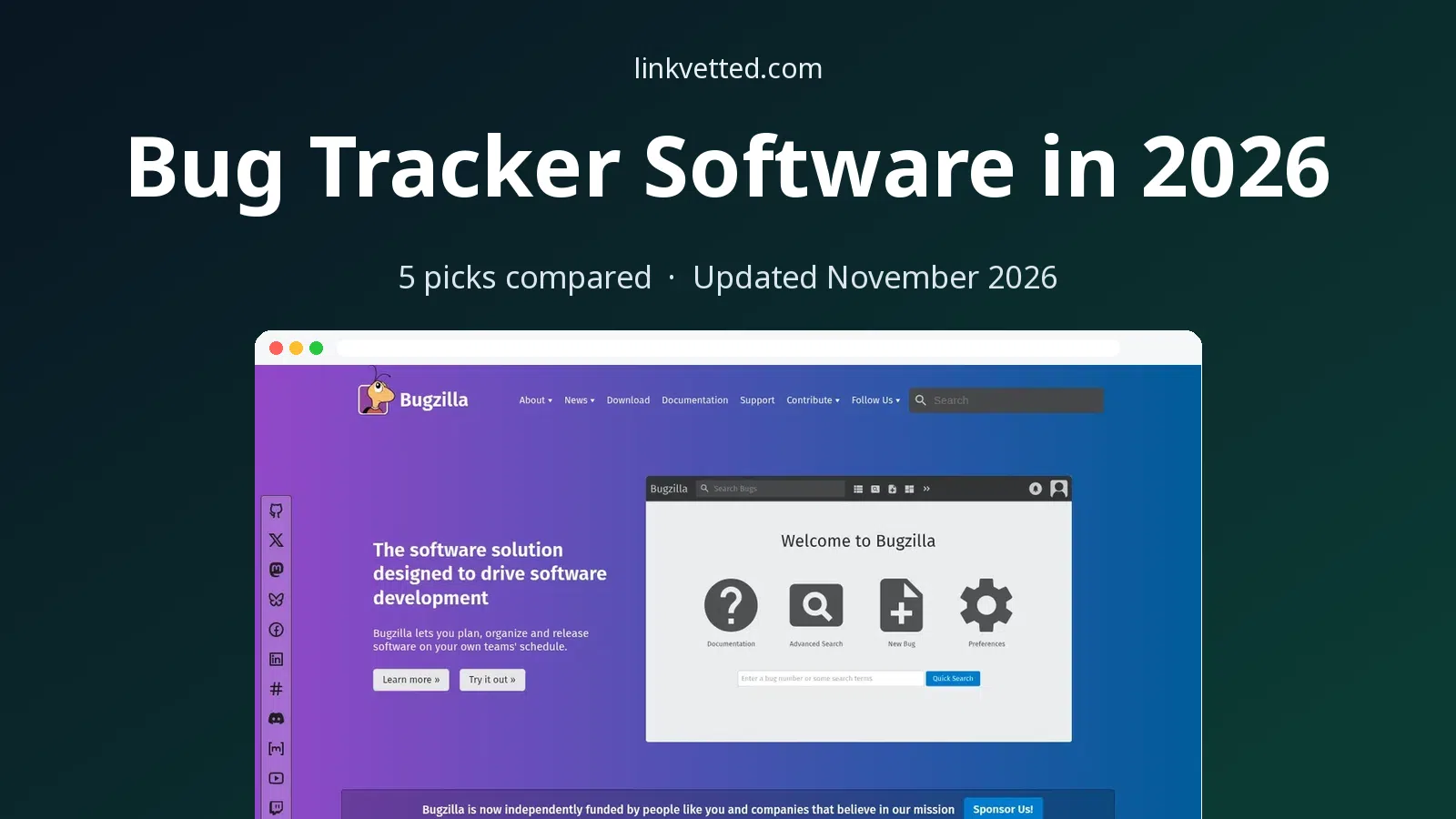
- Editor's choice
 Azure DevOps
Agile planning with CI/CD and AI
Starts atPricing on requestVisit azure.microsoft.comFull review - Great alternative
 Bugzilla
Open source bug tracking for software releases
Starts atPricing on requestVisit bugzilla.orgFull review - Also consider
 Jira
AI-assisted planning and tracking at scale
Starts atPricing on requestVisit atlassian.comFull review
Direct answer
If you need agile planning with CI/CD and AI, Azure DevOps is the first tool to look at here. Alternatives: Bugzilla for open source bug tracking for software releases, and Jira for AI-assisted planning and tracking at scale. The full list of 5 tools follows, with free plan facts. None of these vendors publish plan prices, so pricing is on request for every option.
TL;DR:
- Azure DevOps sits first on this list: agile planning with CI/CD and AI.
- One limit worth knowing about Bugzilla: interface feels dated to some users.
- Every tool from Azure DevOps to YouTrack works by quote, with no list price shown.
- YouTrack is the one to check for all-in-one tracking, knowledge base and support.
- Neither Azure DevOps nor YouTrack, nor any of the other 3 tools, has a permanent free plan; trials and quotes are the norm.
Last checked November 2026. Pricing on request: vendors did not publish plan prices when this guide was last checked (November 2026), so ask each vendor for a written quote.
Quick comparison
| Tool | Best for | Starts at | Free plan? | |
|---|---|---|---|---|
| Azure DevOps | Agile planning with CI/CD and AI | Pricing on request | Not stated | Visit |
| Bugzilla | Open source bug tracking for software releases | Pricing on request | Not stated | Visit |
| Jira | AI-assisted planning and tracking at scale | Pricing on request | Not stated | Visit |
 GitHub Issues | Bug tracking beside your code | Pricing on request | Not stated | Visit |
 YouTrack | All-in-one tracking, knowledge base and support | Pricing on request | Not stated | Visit |
Every option for bug tracker software explained
Choosing bug tracker software usually comes down to price, fit and limits. This LinkVetted guide sets 5 tools side by side on those three points, with the facts kept short and checkable.
Azure DevOps was built for agile planning with CI/CD and AI. Pick Azure DevOps when tracking should link straight to builds and releases.
Drawbacks to consider: Wide suite can overwhelm small teams.
For everyday use, Azure DevOps is Microsoft's service for planning, collaborating and shipping software, combining agile tools, CI/CD and agentic AI. For everyday use, since Azure DevOps spans planning, repos, pipelines and testing, small teams may find it broader than needed and slower to configure. Check the vendor site for Azure DevOps pricing; none is listed in this comparison. Free access: Not stated.
- Agile tools alongside CI/CD
- Agentic AI features
- Setup spans multiple services
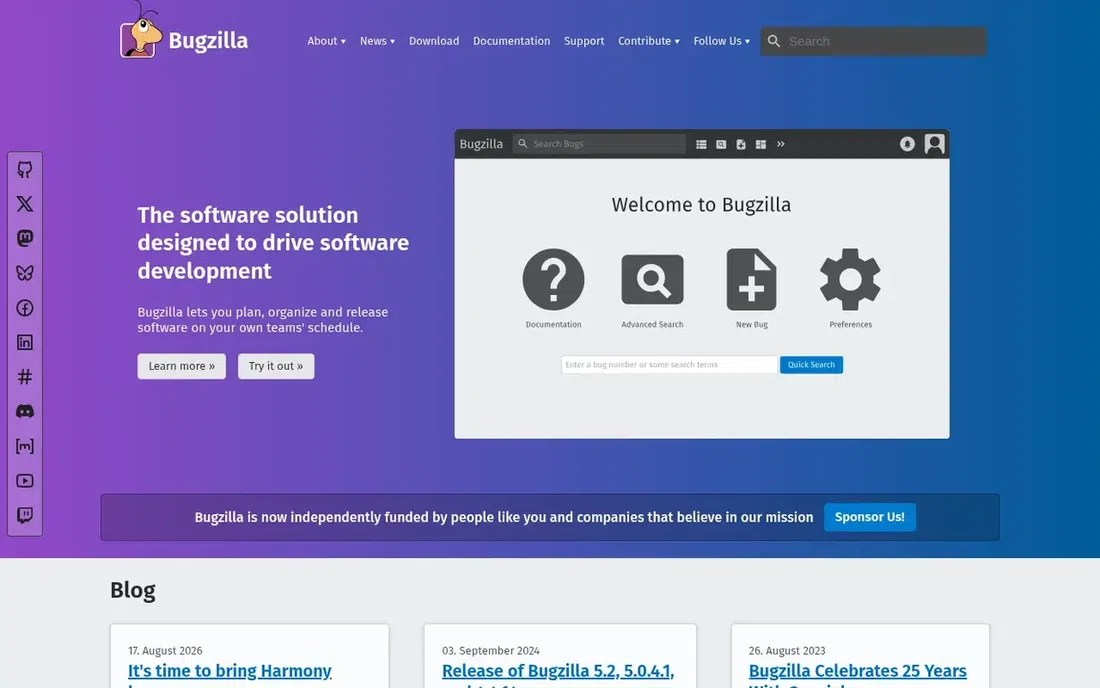
Think of Bugzilla for open source bug tracking for software releases. It is less suited to groups that want a hosted service with built-in code review.
Worth adding: pick Bugzilla when self-hosting and a mature open source tracker are priorities. Pricing for Bugzilla is not stated here, so ask the vendor for current figures. Free access: Not stated.
Where it falls short: Setup and upkeep fall to your team.
- Self-hosted control over data
- Built around software planning and release
- Interface feels dated to some users
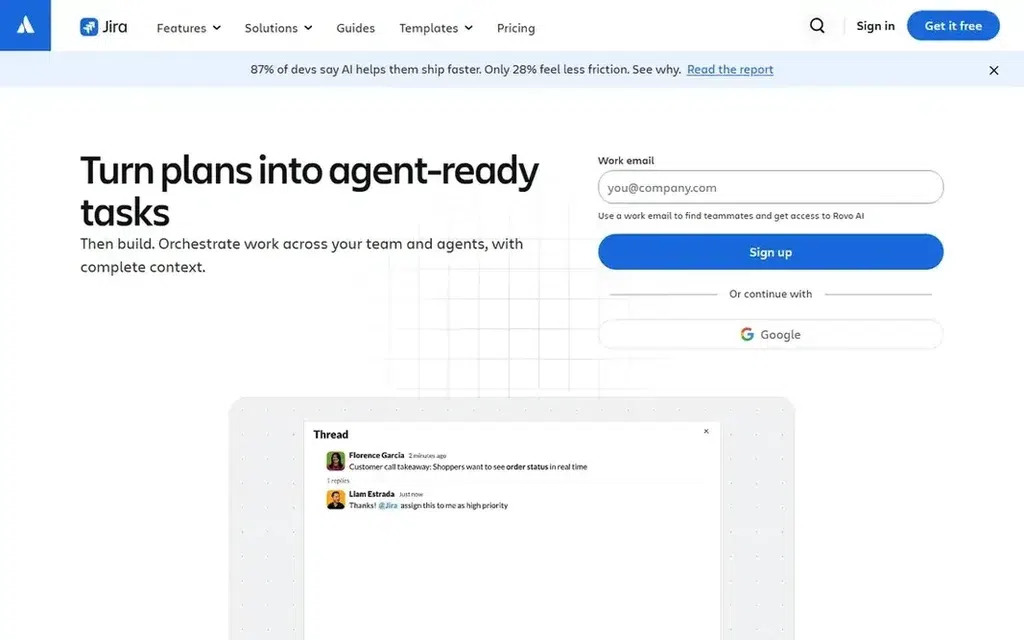
Where Jira fits: AI-assisted planning and tracking at scale. Jira is Atlassian's project management product aimed at teams that require to plan, track and release work at scale. Choose Jira when planning, reporting and AI-assisted coordination matter more than minimal setup.
The main drawbacks: Can feel heavy for small teams.
Worth adding: if you only need light issue tracking inside a code host, a more straightforward choice may fit better. On top of that, the depth that makes Jira capable also makes it slower to set up, and small teams may find the configuration overhead unnecessary. Jira shows no starting price here, so confirm the cost on the vendor site. Free options: Not stated.
- Widely integrated with development tools
- AI agents help orchestrate projects
- Configuration takes time to learn
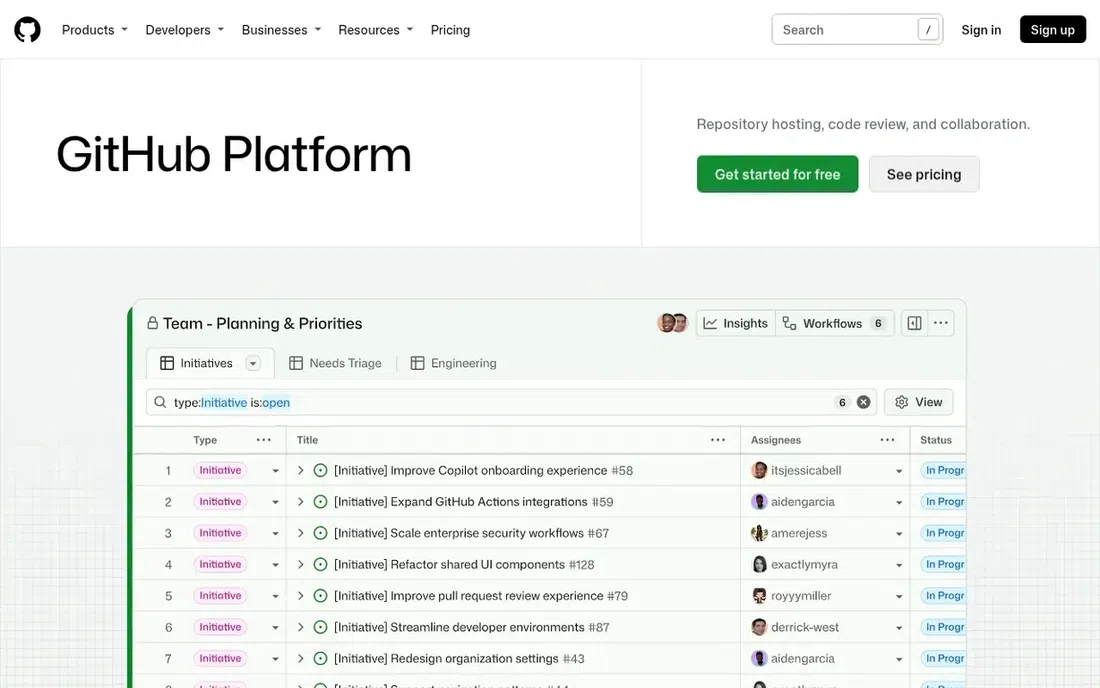
GitHub Issues serves bug tracking beside your code. GitHub Issues is part of GitHub's product for hosting code, planning projects, reviewing changes and automating workflows.
Points against: Best value only if code is on GitHub.
In daily use, choose it when your repository and your bug tracker should be the same place. No starting price is listed for GitHub Issues here; confirm pricing on the vendor site. Trial and free access: Not stated.
- Plugs into pull requests and automation
- Issues live next to repositories
- Less depth for non-code project planning
YouTrack is a good fit for all-in-one tracking, knowledge base and support. It fits groups that want bug tracking to sit alongside documentation and support instead of as an isolated system.
What users get: Aimed at every team member.
Watch-outs: Less familiar outside JetBrains users.
On top of that, organizations deeply invested in another vendor ecosystem may prefer a tracker that matches their existing stack. YouTrack shows no starting price here, so confirm the cost on the vendor site. Trial and free access: Not stated.
- Customer support features included
- Tasks
- Feature breadth takes time to explore
How we compared the tools
LinkVetted looked at what each vendor publishes: pricing, plan limits, feature coverage for bug tracker software and stated drawbacks. No hands-on testing is claimed. Treat prices as a snapshot: vendors change plans often, so check the vendor site for the figure that applies today. Tools are placed by general fit for bug tracker software, with price clarity and free access as tie-breakers. A different team can reasonably rank them differently.
What to check before you buy
- Ask each vendor, from Azure DevOps to YouTrack, for a written quote; none of them publishes a starting price.
- Read the limits listed for Azure DevOps first: wide suite can overwhelm small teams.
- Check the integration list for GitHub Issues against the tools you run today, and note which ones need a higher plan.
- Run a one or two week pilot of Azure DevOps with the people who will use it every day.
- Compare total cost, not headline price: for Jira, add extra seats, add-ons and any usage-based charges.
FAQ
Is Azure DevOps the right pick for everyone comparing bug tracker software?
No single tool suits every team. Azure DevOps comes first because it fits agile planning with CI/CD and AI, while Bugzilla suits open source bug tracking for software releases and Jira suits AI-assisted planning and tracking at scale. Match the tool to your own size, budget and workflow before deciding.
Does any tool for bug tracker software here have a free plan?
A permanent free plan is not offered by Azure DevOps, YouTrack or the other tools here. Plan a short evaluation period instead.
Which bug tracker is a good match for a small development team?
Start with Azure DevOps if you need agile planning with CI/CD and AI. Bugzilla is the better match for open source bug tracking for software releases, and Jira for AI-assisted planning and tracking at scale. The best choice depends on budget, team size and workflow.
How should I migrate existing bugs into a new tracker?
Review how the new tool models projects, statuses and permissions, then map your current fields to those concepts. Test the import with a small batch before moving everything, and keep a backup of the original data.
Do these tools publish their prices?
No. None of the tools, from Azure DevOps to YouTrack, shows a fixed starting price here, so budget time for quotes. Prices, free plan details and limits for all 5 tools in this Bug tracker software roundup sit on the individual cards above.
How are the tools for bug tracker software ordered?
The order follows typical fit for bug tracker software, with Azure DevOps first and YouTrack last, then price clarity and free access. It is editorial judgement, not a score, so another team could rank the tools differently.
Sources
- https://azure.microsoft.com/en-us/products/devops
- https://www.bugzilla.org
- https://www.atlassian.com/software/jira
- https://github.com/features/issues
- https://www.jetbrains.com/youtrack