Best BPM Software in 2026: 8 Tools Compared
Looking for the best BPM software? We compared 8 business process tools on modeling, automation, low-code building, and price for teams of all sizes today.
- Editor's choice
 Camunda
Developer-led orchestration
Starts atFreeVisit camunda.comFull review - Great alternative
 Appian
Low-code enterprise automation
Starts atSee websiteVisit appian.comFull review - Also consider
 Pega Platform
Complex enterprise case work
Starts atSee websiteVisit pega.comFull review
TL;DR:
- Camunda is our pick for developer-led teams, because it offers standards-based BPMN and DMN execution with a free tier and a low entry price.
- Appian suits enterprises that want low-code apps, data, and process automation in one platform, while Pega suits large regulated firms with complex case work.
- Kissflow and Pipefy are better fits for smaller teams that need approvals and workflows without a long implementation project.
- BPM pricing is often quote-based, so compare total cost, including implementation, support, and user seats, not just a headline price.
Quick comparison
| Tool | Best for | Starts at | Free plan? | |
|---|---|---|---|---|
| Camunda | Developer-led orchestration | Free | Yes | Visit |
| Appian | Low-code enterprise automation | See website | Yes | Visit |
| Pega Platform | Complex enterprise case work | See website | No | Visit |
 Bizagi | Low-code modeling and automation | See website | Yes | Visit |
 Kissflow | Simple cloud workflows | See website | No | Visit |
 Nintex | Process mapping and document automation | See website | No | Visit |
 ProcessMaker | Forms, approvals, and workflows | See website | No | Visit |
 Pipefy | Kanban process automation | Free | Yes | Visit |
The best BPM software
Business process management software, or BPM software, helps teams model, run, and improve repeatable work, such as approvals, onboarding, claims, and order handling. The best BPM tool depends on who builds the process: developers, business analysts, or a mix of both. We compared official product pages, pricing pages, and public reviews for BPM tools, with a focus on modeling standards, automation depth, low-code building, integrations, and total cost.
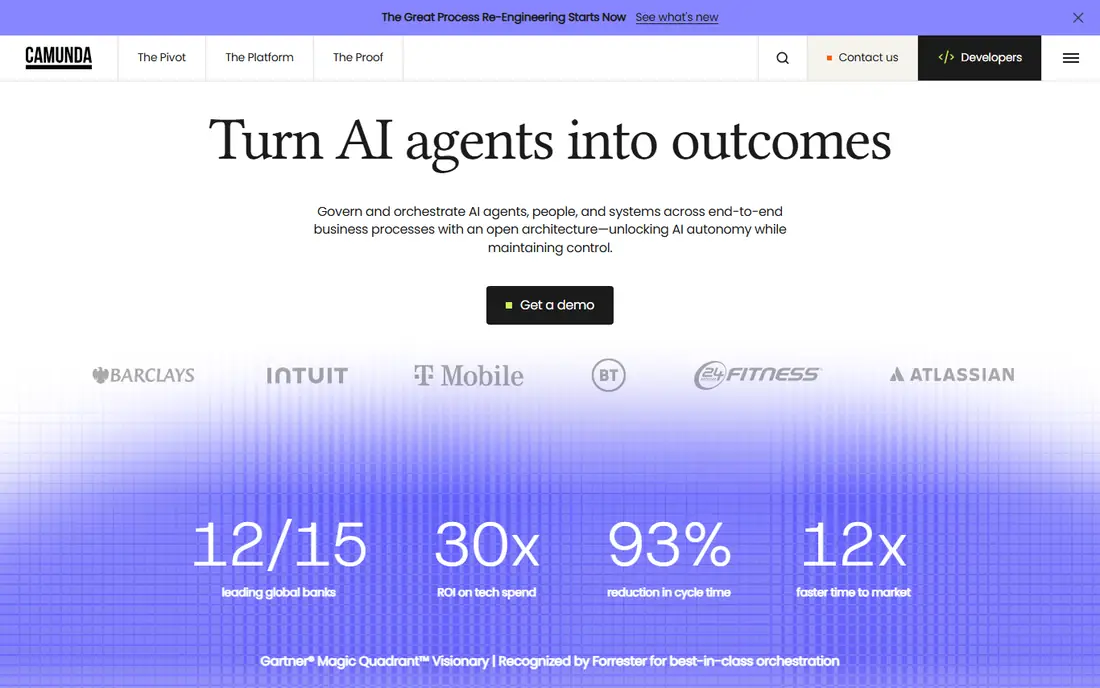
Camunda is the strongest pick for engineering teams that want precise control over processes. Its engine runs BPMN diagrams for workflows, DMN tables for decisions, and CMMN for cases, and it can be embedded in applications or run as a cloud service. That standards-based approach helps teams avoid being locked into a single vendor's diagram format, and APIs make it easier to connect processes to existing systems.
The trade is skill. Camunda is developer-first, so business users who want drag-and-drop process building without code may find it harder to use than Appian or Bizagi. A free tier and a low entry price, reported at $49 per month in marketplace listings, help small teams start, while larger enterprise deployments are priced by quote. For developer-led orchestration, Camunda is the most flexible option on this list.
- Standards-based BPMN, DMN, and CMMN execution
- Open architecture with APIs
- Free tier for developers
- Steep learning curve for non-developers
- Enterprise pricing is quote-based for larger deployments
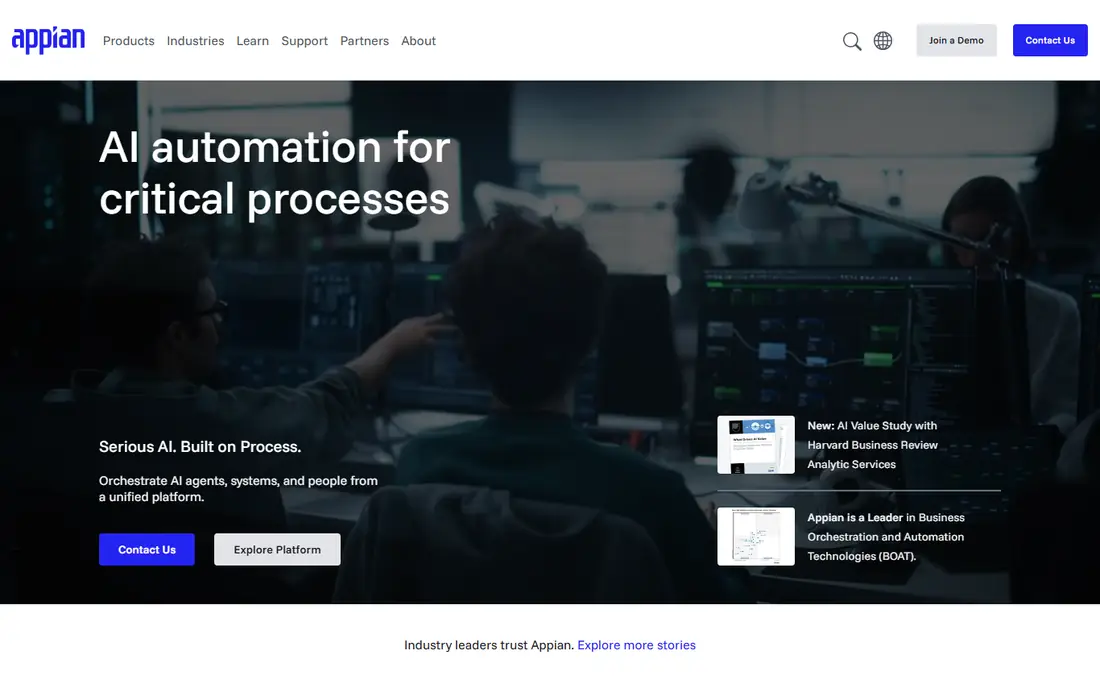
Appian combines BPM with low-code application building, data integration, and process mining in one platform. Teams can design a process, build the screens and forms around it, connect data from other systems through its data fabric, and track how the process actually runs. That breadth suits enterprises that want one platform for many processes, rather than a separate tool for each workflow.
The cost and complexity are the limits. Appian offers a free tier for learning and small use, but enterprise deployments are quote-based, with marketplace estimates ranging widely by organization size. Implementation often needs trained Appian developers or partners. For a mid-size or large firm that wants low-code speed with enterprise controls, Appian is a leading choice.
- Low-code app building with a data fabric
- Process mining and AI features
- Strong compliance support for regulated industries
- Enterprise pricing is quote-based and can be high
- Implementation can be complex for smaller teams
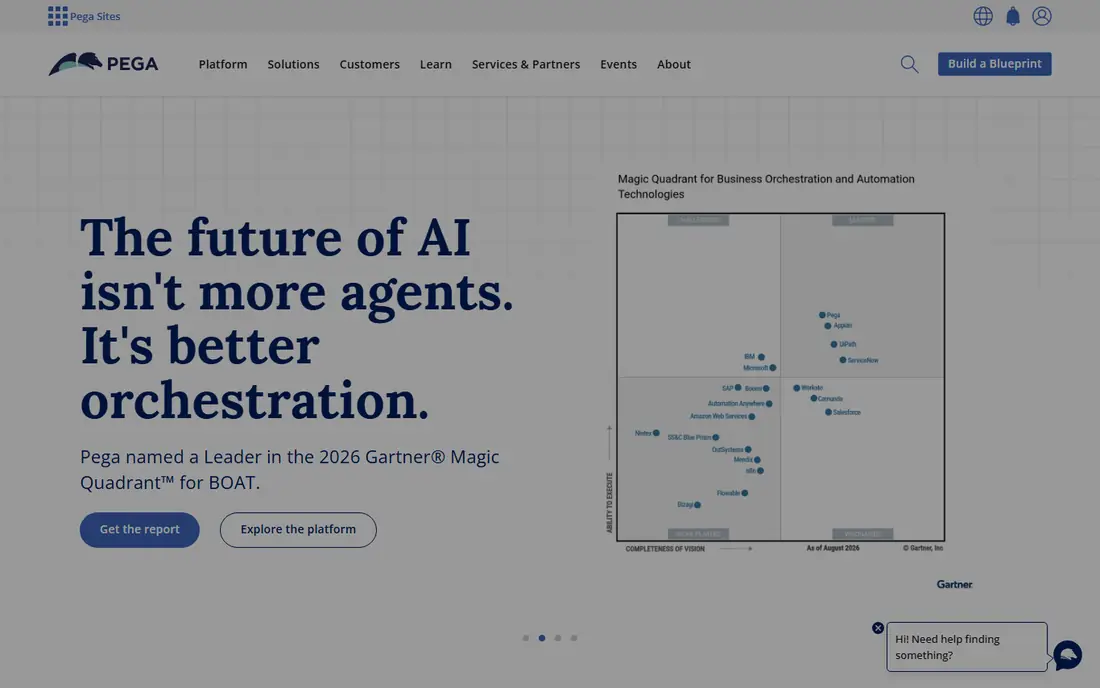
Pega Platform, often called Pega BPM, is built for large, complex processes where cases, rules, and decisions matter as much as simple approvals. Its case management model handles long-running work with many steps, exceptions, and roles, while its decision hub applies business rules and AI models to route work. Banks, insurers, and government agencies use Pega for high-volume, regulated processes for that reason.
Pega is not a small-team tool. Licensing is quote-based and typically runs into six figures per year for enterprise deployments, with implementation costs on top, and teams need dedicated process architects to get the most from it. For a large firm with complex case work and a multi-year transformation budget, Pega is a strong fit. For a smaller team, a simpler BPM tool will be faster and cheaper.
- Dynamic case management and AI decisioning
- Strong fit for regulated, high-volume processes
- Deep workflow and rules engine
- Enterprise pricing is high and quote-based
- Needs dedicated process architecture and implementation teams
Bizagi splits BPM into three parts: a free Modeler for drawing BPMN processes, a Studio for building low-code applications around those processes, and an Engine for running them. That split helps business analysts and developers work together: analysts model the process, developers add integrations and rules, and the engine tracks each case. Collaboration and real-time process views are strong points.
Enterprise pricing is quote-based, with marketplace listings reporting per-user annual pricing, so small teams should request a quote for their actual user count before assuming a price. Advanced customization can still require technical skill, despite the low-code label. For teams that want visual modeling plus low-code automation without a developer-only tool, Bizagi is a balanced pick.
- Free modeler for process design
- Low-code Studio for building apps
- Collaboration features for business and IT teams
- Enterprise pricing is quote-based
- Advanced customization can still need technical skill
Kissflow is the simplest BPM option on this list for teams that need approvals and workflows fast. Its no-code builder lets non-technical users create forms, set approval rules, and track requests through dashboards, without a long modeling project. Common processes such as leave requests, purchase approvals, and onboarding checklists can be live in days rather than months.
The limit is depth. Kissflow is less suited to complex BPMN orchestration, decision tables, or developer-led microservice processes than Camunda or Appian. Pricing is quote-based for enterprise plans, with marketplace listings reporting around $1,500 per month for enterprise tiers. For a small or mid-size team that wants clean workflows without enterprise complexity, Kissflow is a practical choice.
- No-code forms, approvals, and workflows
- Quick setup for common processes
- Dashboards and reports built in
- Less suited to complex BPMN orchestration
- Enterprise pricing starts around $1,500 per month in marketplace listings
Nintex covers BPM from mapping to automation. Promapp helps teams document and share current processes, while workflow automation, digital forms, and DocGen handle document creation and approvals. That range suits firms that start with process discovery and want to move to automation in the same vendor family, especially in Microsoft 365 environments.
Pricing is quote-based, and the product family is broad, so buyers should be clear about which Nintex products they need before requesting a quote. A team that only needs simple approvals may find Kissflow or Pipefy simpler and cheaper. A team that needs process mapping plus document automation will get more value from Nintex as a package.
- Process mapping with Promapp
- Document generation with DocGen
- Digital forms and workflow automation
- Pricing is quote-based
- Product breadth can make the first purchase confusing
ProcessMaker is a low-code BPM platform built around a BPMN designer, forms, approvals, and reporting. Teams can model a process, build the intake forms, set approval rules, and track cases through dashboards, with document parsing features for paper-heavy work. That mix suits operations, finance, and service teams with repeatable, document-heavy processes.
Pricing is quote-based, with marketplace listings reporting around $1,475 per month for platform tiers, so request a quote for your user count and process volume. Complex processes may still need implementation help or partner support. For a mid-size team that wants BPMN modeling plus practical forms and approvals, ProcessMaker is a solid contender.
- BPMN designer for process modeling
- Forms and approvals with dashboards
- Document parsing with IDP features
- Pricing is quote-based, reported around $1,475 per month in listings
- Implementation help may be needed for complex processes
Pipefy takes a visual, Kanban-style approach to BPM. Each process becomes a pipeline with stages, cards move from stage to stage, and intake forms feed new cards into the pipeline automatically. That visual model is easy for non-technical teams to grasp, and it works well for service desks, hiring, procurement, and other stage-based work.
Pipefy is not a full BPMN orchestration engine, so developer-led teams with complex decision logic may outgrow it. Paid plans start at about $20 per user per month in marketplace listings, with a free tier for small teams. For a team that wants process automation in a Kanban view, without a heavy BPM project, Pipefy is an accessible starting point.
- Kanban pipelines for visual process tracking
- Intake portals and forms
- Free tier for small teams
- Less BPMN depth than Camunda or Bizagi
- Advanced features need paid plans from about $20 per user per month
How we picked these
We compared official product pages, pricing pages, and public reviews for BPM software, and we favored tools that are actively maintained and support real process modeling, not just task lists. We looked for BPMN support, low-code or no-code building, decision and rules features, integrations, and clear trial or free options, and we checked whether pricing is published or quote-based. We did not claim hands-on testing that did not happen; the picks reflect published features and public reviews.
How to choose the best BPM tool
Start with who will build and change the process. Developer teams should shortlist Camunda and, for enterprise scale, Appian or Pega. Business analyst teams should shortlist Bizagi, Kissflow, and Pipefy, where visual building is the main path. Mixed teams should look for a tool that lets analysts model and developers extend, such as Bizagi or Appian, rather than a tool that forces one group to do all the work.
Next, test with a real process, not a demo script. Pick one approval or onboarding flow, build it in a trial, and check how long it takes, how exceptions are handled, and how reports look. Finally, compare total cost: license or subscription, implementation, training, and support, plus the cost of changing the process later. A cheap tool that needs a long implementation can cost more than a pricier tool that ships faster.
BPM tools versus workflow automation
BPM software covers the full process lifecycle: modeling, execution, monitoring, and improvement, with case tracking and decision logic. Simple workflow automation tools cover only approvals and notifications for a single flow. If your process has many steps, roles, exceptions, and data rules, BPM is the right category. If you only need a leave approval or a purchase sign-off, a simpler workflow tool may be enough.
FAQ
What is the best BPM software?
Camunda is our pick for developer-led teams, because of its standards-based BPMN and DMN execution and low entry cost. Appian is the best low-code enterprise pick, Pega is the best pick for complex regulated case work, and Kissflow or Pipefy are better for smaller teams that need simple workflows.
What is the best BPM tool for small business?
Kissflow and Pipefy are the most accessible BPM tools for small teams, because they offer visual builders, quick setup, and lower starting prices than enterprise platforms. Camunda is also worth a look for a small team with developer skills, since it offers a free tier and standards-based modeling.
What is the best software for BPM modeling?
Bizagi Modeler is a strong free choice for BPMN modeling, while Camunda offers standards-based modeling tied to an execution engine. Appian and ProcessMaker also include modeling as part of a wider automation platform, so the best modeling tool depends on whether you need a diagram alone or a diagram that runs.
Which BPM tool is the best for enterprises?
Appian and Pega are the leading enterprise BPM picks, with Appian favoring low-code speed and data integration, and Pega favoring complex case management and decisioning. Camunda suits enterprises with strong engineering teams that want orchestration control. All three are quote-based at enterprise scale, so request proposals for your use case.
Is BPM software the same as workflow software?
No, though the terms overlap. Workflow software usually automates a single sequence of approvals or tasks, while BPM software models, runs, monitors, and improves full business processes, including cases, decisions, and exceptions. Many BPM tools include workflow features, but not every workflow tool offers full BPM depth.
How much does BPM software cost?
Prices range from free tiers for Camunda, Appian, Bizagi, and Pipefy to quote-based enterprise pricing for Pega, Appian, Nintex, and ProcessMaker. Marketplace listings report entry points from about $20 per user per month for Pipefy to around $1,475 to $1,500 per month for ProcessMaker and Kissflow enterprise tiers, but your quote will depend on users, volume, and implementation. Always request a written quote.