Best Bookkeeping Software United States in 2026: 8 Tools Compared
Find the best bookkeeping software united states in 2026. We compare 8 tools for US small business invoicing, bank feeds, payroll and tax reports today.

- Editor's choice
 QuickBooks Online
Most US small businesses
Starts at$38 per monthVisit quickbooks.intuit.comFull review - Great alternative
 Xero
Teams with many users
Starts at$25 per monthVisit xero.comFull review - Also consider
 FreshBooks
Invoice heavy service firms
Starts at$23 per monthVisit freshbooks.comFull review
TL;DR:
- QuickBooks Online is the safest default for a US small business because most accountants and bookkeepers already know it and it scales as you grow.
- Xero suits teams that want unlimited users and clean bank reconciliation without paying per seat for every team member.
- Zoho Books and Wave are the value picks. Zoho Books has a free plan for smaller revenue, and Wave offers free core accounting for simple books.
- FreshBooks fits service businesses that invoice constantly and want time tracking tied to billing.
- This is not tax or financial advice. Check tax forms, sales tax handling, and payroll needs for your state with your accountant before you file.
Quick comparison
| Tool | Best for | Starts at | Free plan? | |
|---|---|---|---|---|
| QuickBooks Online | Most US small businesses | $38 per month | Free trial | Visit |
| Xero | Teams with many users | $25 per month | Free trial | Visit |
| FreshBooks | Invoice heavy service firms | $23 per month | Free trial | Visit |
 Zoho Books | Best value and free tier | Free | Yes | Visit |
 Wave | Simple books at no cost | Free | Yes | Visit |
 Kashoo | First time owners | $20 per month | Free trial | Visit |
 Bench | Done for you bookkeeping | $199 per month | Free trial | Visit |
 Sage 50 | Desktop style accounting | See website | Free trial | Visit |
The best bookkeeping software united states
US bookkeeping is not just recording income and expenses. It means bank feeds that match US banks, sales tax rules that vary by state, payroll that fits US rules, and reports your accountant can use at tax time. The tools below handle those US needs in different ways.
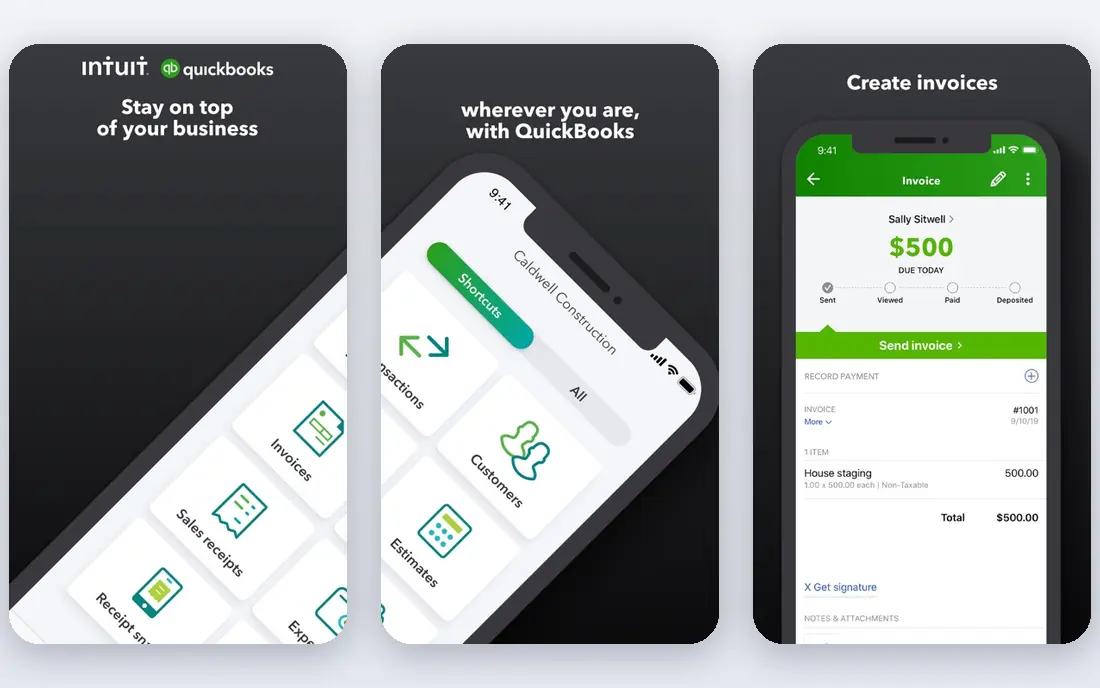
QuickBooks Online is the industry standard in the US for a reason. Most CPAs and bookkeepers work in it daily, so handing over your books at year end is usually simple. Bank feeds, invoicing, expense capture, and reporting are all in one place, and you can grow from a solo plan to a plan with inventory and multi user access without moving your data.
The cost is the catch. Promotional prices expire, and the plan you need for inventory or multiple users can be far above the entry price. Price the plan you will need in a year, not just the plan you can start on today, and confirm what payroll and payment processing add on top.
- Widest US accountant support
- Bank feeds for most US banks
- Invoicing, expenses, payroll add ons, and inventory on higher plans
- Price rises sharply on higher tiers
- Entry plan covers one user only
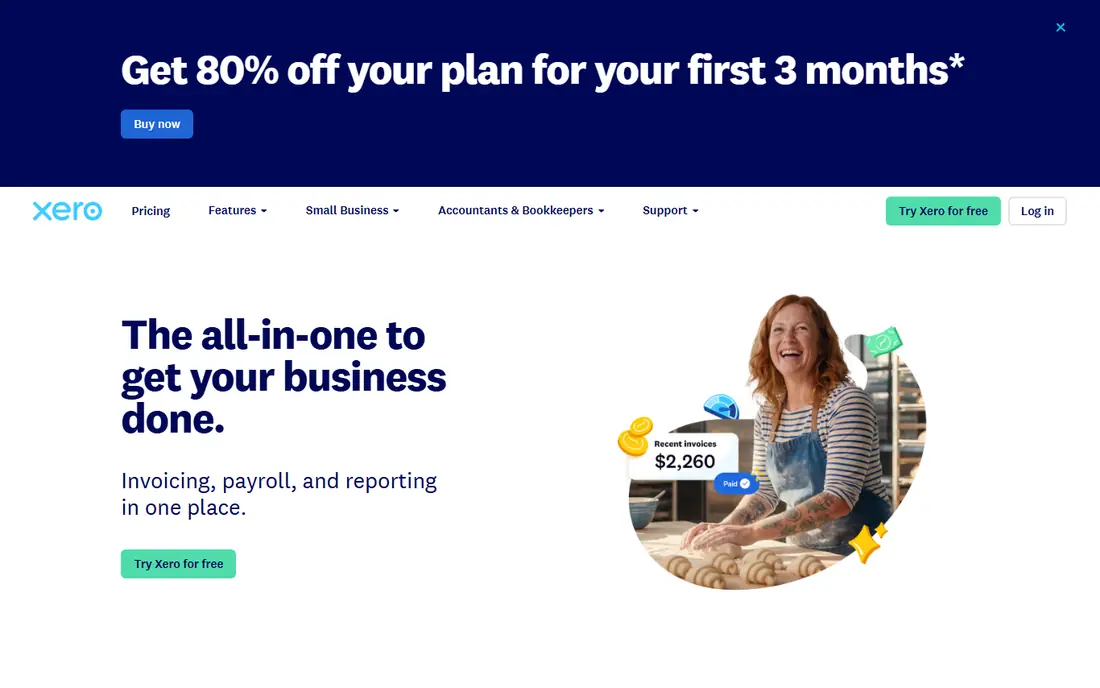
Xero is the clean, modern choice for a small team. Unlimited users mean you can give your bookkeeper, your office manager, and your accountant access without paying per seat, which is a real saving for a team of five or more. Bank reconciliation is straightforward, and the dashboard gives a clear cash picture.
Watch the entry plan limits. A cap on monthly invoices and bills can force an upgrade sooner than expected if you invoice often. Xero also has a smaller US accountant network than QuickBooks, so check that your accountant is comfortable with it before you switch.
- Unlimited users on every plan
- Clean bank reconciliation
- Strong invoicing and expense tools
- Entry plan caps invoices and bills per month
- US payroll support is more limited than QuickBooks in some states
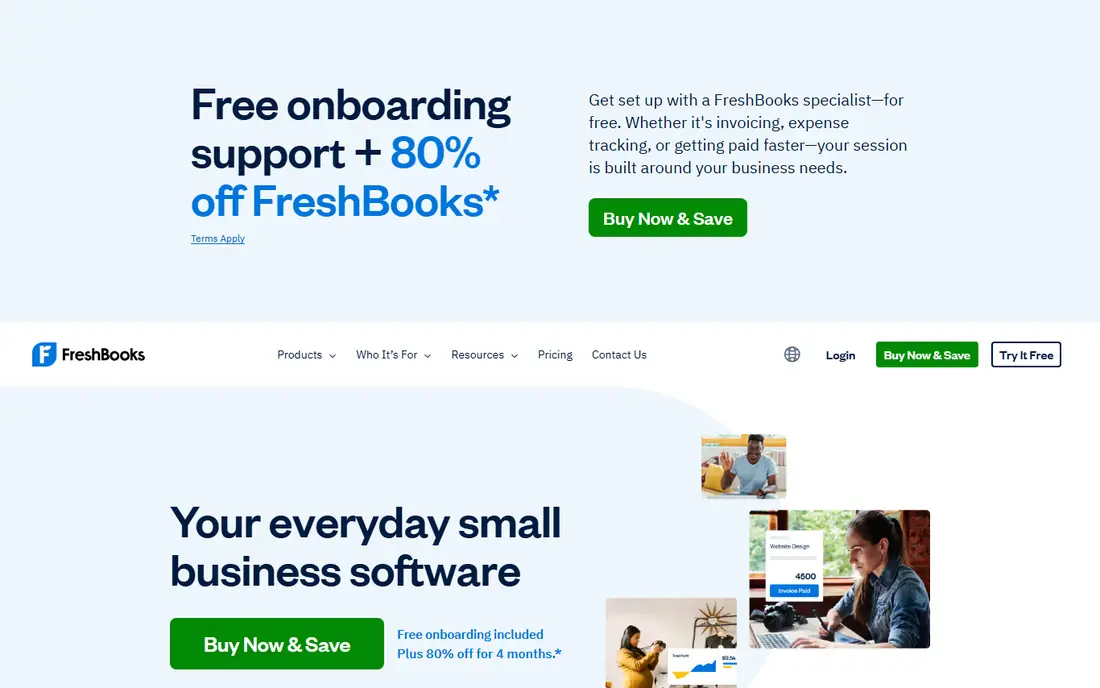
FreshBooks is built around getting paid. If you run a service business that invoices by the hour or by the project, the flow from time tracking to invoice to payment reminder feels natural. Clients can pay online, and late payment reminders go out without manual chasing.
The limit is accounting depth. The lowest tier is not full double entry accounting, and bank reconciliation is not as strong as a dedicated accounting platform. For a freelancer or small service firm that values invoicing above complex books, that trade is often fine.
- Invoicing and payment reminders built for service work
- Time tracking tied to billing
- Simple expense capture
- Not full double entry accounting on the lowest tier
- Bank reconciliation is weaker than QuickBooks or Xero
Zoho Books is the best value pick in this list. The free plan covers real accounting for a small business under the revenue limit, and paid plans stay affordable as you grow. Invoicing, expense tracking, bank feeds, and client portals are all included, and the Zoho ecosystem adds CRM and inventory if you need them later.
The free plan is not unlimited. Annual invoice limits and user limits apply, so a fast growing firm should price the first paid tier from the start. If your accountant already uses Zoho, or you use Zoho apps elsewhere, the value case gets even stronger.
- Free plan for businesses under $50,000 in annual revenue in published terms
- Full invoicing, expenses, and reporting
- Strong value if you use other Zoho apps
- Free plan has invoice limits
- US accountant support is smaller than QuickBooks
Wave is genuinely free for core accounting, which makes it the right pick for a simple business on a zero budget. You get income and expense tracking, invoicing, and reports without a monthly subscription, and the interface is simple enough for an owner with no accounting background.
The limits matter for growing firms. Payroll is a paid add on, payment processing carries fees, and some bank import features sit behind paid tiers. Wave is also built for the US and Canada, so check bank coverage for your bank before you rely on feeds.
- Free core accounting with real double entry
- Invoicing and receipt capture
- No monthly bill for basic books
- Paid payroll and payment processing add cost
- Automatic bank import is limited on the free tier in recent terms
Kashoo suits a first time owner who finds QuickBooks intimidating. The screens are plain, the terms are explained in plain language, and the core jobs of invoicing, tracking expenses, and seeing profit are easy to find. That simplicity helps owners who do their own books.
The trade is depth. Kashoo has fewer third party integrations and less room for inventory, complex payroll, or a large team. For a solo owner or a two person firm with simple books, it is a calm, affordable choice.
- Simple interface for owners with no accounting background
- Invoicing, expenses, and reports
- Good for very small businesses
- Fewer integrations than QuickBooks or Xero
- Less depth for inventory or multi user teams
Bench is different from the rest of this list because it is a service. You connect your bank and card accounts, upload receipts, and a bookkeeper team categorizes transactions and prepares monthly statements. For an owner who hates bookkeeping, that handoff is the whole point.
The price reflects the service, starting around $199 per month in published terms, which is far above software alone. You also give up some day to day control, since the bookkeeping happens through Bench staff. If your books are behind and you want them caught up by someone else, Bench is worth the premium.
- Real bookkeepers do the monthly books for you
- Financial statements prepared each month
- Tax ready reports at year end
- This is a service, not just software, so the monthly cost is higher
- Less hands on control than doing books yourself
Sage 50, formerly Sage 50cloud Accounting, suits an established US firm that wants desktop style accounting depth. Inventory, job costing, and detailed reporting are stronger here than in simple cloud tools, and many long running firms already know the Sage workflow.
The cost and commitment are higher than cloud first tools, and the interface feels heavier for a new owner. Sage 50 makes most sense for a firm with inventory or job costing needs that a simple tool cannot handle, rather than for a solo freelancer.
- Desktop accounting depth for inventory and job costing
- Familiar to many established US firms
- Strong reporting
- Higher price and longer commitment in some plans
- Desktop roots make it feel heavier than cloud first tools
How we picked these
We compared official pricing pages, product docs, and public reviews for bookkeeping tools sold to US small businesses in October 2026. We kept only tools that support US bank feeds, US tax reporting basics, and invoicing, and we favored tools with a clear US presence. We did not claim hands on testing. Prices shown are published starting prices where available, and this article is not tax or financial advice.
What to check before you buy
Confirm your bank and card feeds
Connect your actual bank and card accounts during the trial and confirm transactions import cleanly. A tool that cannot feed your main bank will force manual entry, which defeats the purpose of the software.
Check sales tax and payroll for your state
Sales tax rules and payroll rules vary by state. Confirm how the tool handles sales tax rates, payroll filings, and contractor payments for your state, and whether payroll is included or a paid add on.
Ask your accountant first
Your accountant will live in this tool at year end. Ask which tools they support, what format they want for year end reports, and whether they charge more for a tool they do not know. That answer can save more than any monthly price difference.
Price promotions and add ons separately
Promotional first year prices expire, and payroll, payments, and extra users add cost. Build a second year total that includes payroll, payment fees, and the plan you will actually need, then compare that total.
FAQ
What is the best bookkeeping software for a US small business?
QuickBooks Online is the safest default because most US accountants know it. Xero is a strong choice for teams that want unlimited users, Zoho Books and Wave are the value picks, and FreshBooks fits invoice heavy service firms.
Is Wave really free?
Wave offers free core accounting, including invoicing and expense tracking, with no monthly bill for basic books. Payroll, payment processing, and some advanced features carry fees, so check those costs if you need them.
Do I need a bookkeeper if I use this software?
Software records transactions, but it does not replace judgment on categorization, tax forms, or year end close. Many owners use software daily and a bookkeeper or accountant monthly or at tax time, while Bench offers a done for you option.
Can I switch from QuickBooks to Xero later?
Yes, but migration takes care. Export customers, vendors, invoices, and chart of accounts, and reconcile opening balances in the new tool. Many accountants offer migration help, and a trial import before you cancel the old tool is wise.
What about sales tax in the US?
Sales tax is set by state and sometimes by local area, and rules differ for goods, services, and online sales. Confirm that your tool handles your state rules and that you review sales tax reports with your accountant before filing.