Best Bookkeeping Software for Self Employed in 2026: 8 Tools Compared
Compare the best bookkeeping software for self employed workers in 2026, with current prices, free plans, tax tools, and invoicing for solo businesses.
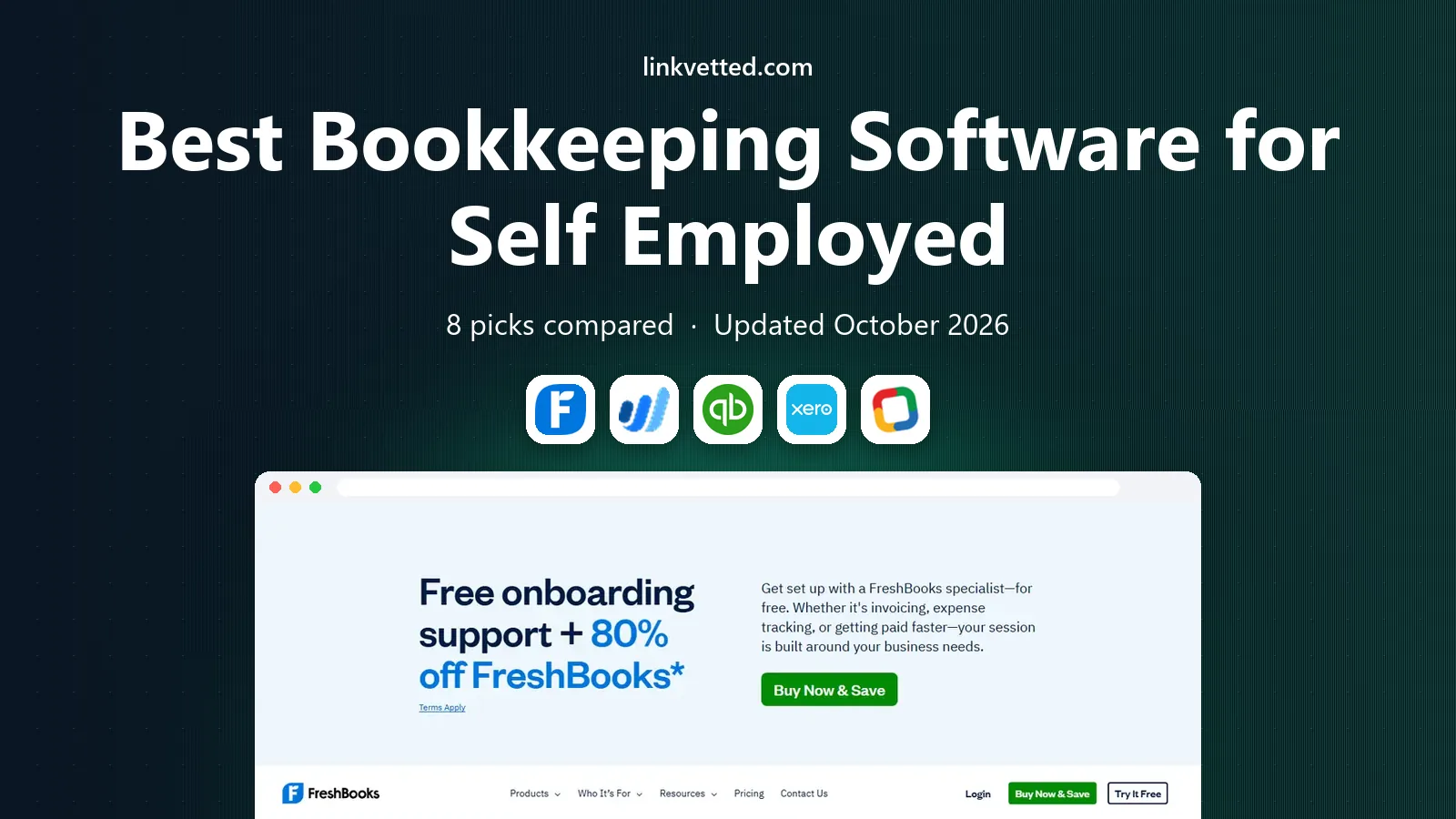
- Editor's choice
 FreshBooks
Freelancers who bill clients
Starts at$23 per monthVisit freshbooks.comFull review - Great alternative
 Wave
Zero cost bookkeeping
Starts atFreeVisit waveapps.comFull review - Also consider
 QuickBooks Solopreneur
Tax focused solo workers
Starts at$20 per monthVisit quickbooks.intuit.comFull review
TL;DR:
- Wave and Zoho Books offer genuine free plans that cover invoicing, expense tracking, and basic reports for a solo business.
- FreshBooks is the strongest choice for service freelancers who live on invoicing, while QuickBooks Solopreneur is built around tax tracking.
- Self employed bookkeeping needs Schedule C categories, quarterly tax estimates, and mileage tracking more than payroll or inventory tools.
- Watch client caps and intro pricing, since several headline prices rise after a few months or limit how many clients you can bill.
Quick comparison
| Tool | Best for | Starts at | Free plan? | |
|---|---|---|---|---|
| FreshBooks | Freelancers who bill clients | $23 per month | Free trial | Visit |
| Wave | Zero cost bookkeeping | Free | Yes | Visit |
| QuickBooks Solopreneur | Tax focused solo workers | $20 per month | Free trial | Visit |
 Xero | Solo workers planning to grow | $25 per month | Free trial | Visit |
 Zoho Books | Free books in the Zoho suite | Free | Yes | Visit |
 Found | Banking plus bookkeeping in one place | Free | Yes | Visit |
 Hurdlr | Mileage and gig worker taxes | $9.99 per month | Yes | Visit |
 Keeper | Finding write offs at tax time | $16.58 per month | Free trial | Visit |
The best bookkeeping software for self employed workers
Self employed bookkeeping is simpler than company accounting, but it still has traps. The right tool sorts income and expenses into tax categories, tracks mileage, and gives you a clean profit and loss report when tax season arrives. These eight tools do that job in different ways, and at very different prices.

FreshBooks is built around getting paid, which is why it suits service freelancers so well. You can create a professional invoice in minutes, track time against a client, and send automatic reminders when a payment is late. Expenses and mileage can be logged against projects, so your books stay close to the work itself rather than living in a separate system.
The catch is the client cap on the Lite plan. Five billable clients is enough for a new freelancer, but it fills up fast once referrals start coming in. The Plus plan, at $43 per month, raises the cap to 50 clients and adds receipt capture. If you send invoices every week, that upgrade pays for itself in saved chasing time. If you rarely invoice, a cheaper or free tool may fit better.
- Clean invoicing and payment reminders
- Time tracking built in
- Simple tax time reports
- Lite plan caps billable clients at 5
- Price rises sharply on higher tiers

Wave is the honest free option in this list. The Starter plan costs nothing and covers invoicing, expense tracking, and bookkeeping records without a revenue ceiling. That makes it a strong first tool for a side business or a new freelancer who does not want a monthly bill before income is steady.
The trade off is that some conveniences cost extra. The Pro plan, at $19 per month, adds receipt capture, bank transaction imports, and more detailed reporting. Wave also charges separately for payment processing and payroll, so those fees only appear if you use them. For simple books with a modest number of transactions, the free plan is genuinely usable for a full year, not just a trial.
- Free invoicing and bookkeeping with no revenue cap
- Unlimited invoices
- Simple reports
- No mileage tracking
- Receipt capture and bank imports sit on the paid Pro plan

QuickBooks Solopreneur is the successor to QuickBooks Self-Employed, and it is shaped around one job: making tax time less painful. It separates business and personal spending, sorts expenses into Schedule C categories, and tracks mileage from your phone. A profit and loss report is available on every plan, which helps when you need to show income to a lender or an accountant.
The Lite plan at $20 per month gives unlimited invoices, while the free tier caps invoices at two per month and mileage at a small number of trips. That free tier works as a test drive, not a long term home. If you already work with an accountant who uses QuickBooks, this is also the easiest tool to share, since most US accountants already know the system.
- Schedule C expense categories
- Mileage tracking
- Tax estimates and profit and loss reports
- Free plan caps invoices and mileage trips
- Fewer invoicing features than FreshBooks
Xero is the pick for a self employed worker who expects to hire help or form a company later. Its bank reconciliation is fast and reliable, and it handles multiple currencies cleanly, which matters if you bill clients abroad. Accountants like Xero because they can log in, review the books, and leave notes without a pile of exported files.
The Early plan at $25 per month is the entry point, but its caps matter. Twenty invoices and five bills per month suit a solo consultant, not a busy shop. The Growing plan at $55 per month removes most of those limits. Choose Xero if you want a tool you will not outgrow in two years, and accept that setup takes a little longer than the simpler apps here.
- Strong bank reconciliation
- Multi currency support
- Easy accountant access
- Early plan caps invoices at 20 and bills at 5
- Steeper learning curve than Wave
Zoho Books gives solo workers a full set of books for free, as long as annual revenue stays at or below $50,000. That free plan includes invoicing, expense tracking, and reports, plus accountant access. It is one of the few free plans that feels like real accounting software rather than a stripped demo.
Once revenue passes the threshold, paid plans start at around $15 per month billed annually. The Standard plan adds more users and automation, and it pairs naturally with Zoho Invoice, Zoho CRM, and Zoho Mail if you already use that suite. The interface is denser than Wave or FreshBooks, so allow an afternoon to set up your chart of accounts and tax settings properly.
- Free plan for revenue up to $50,000
- Strong invoicing
- Works well with other Zoho apps
- Free plan ends above the revenue threshold
- Paid plans start at $15 to $20 per month
Found takes a different approach. It is a business bank account with bookkeeping built in, so income, expenses, and tax estimates live in the same place. When money arrives, Found can set aside a share for taxes automatically, which helps self employed workers who struggle with quarterly payments. It also generates Schedule C reports from your categorized transactions.
That convenience has a limit. Found is not a replacement for full double entry accounting, and larger businesses will still want QuickBooks or Xero. The core features are free, while the Plus plan at $35 per month adds more advanced tools. Found fits best if you want banking and simple books in one app and you do not need complex inventory or payroll.
- Business banking with built in bookkeeping
- Automatic tax savings pockets
- Schedule C reports
- It is a bank account first, not full accounting software
- Paid Plus plan costs $35 per month
Hurdlr is built for drivers, couriers, and gig workers, and its mileage tracking is its best feature. It can log trips automatically, sort business and personal driving, and turn that mileage into a deduction estimate. It also tracks income across gig platforms and gives a running estimate of what you may owe in tax.
Invoicing and full reporting are thinner here than in FreshBooks or Xero, so many users pair Hurdlr with another bookkeeping tool. The Premium plan at $9.99 per month adds fuller tax reports and expense features, while a free tier covers basic tracking. If mileage is a large share of your deductions, Hurdlr can pay for itself in a single tax return.
- Automatic mileage tracking
- Gig income tracking
- Real time tax estimates
- Weaker invoicing than FreshBooks
- Best as a companion tool, not a full ledger
Keeper focuses on one painful problem: missed deductions. It scans your bank and card transactions, flags purchases that look like business expenses, and asks you to confirm them. Over a year, that can surface write offs that a manual review would miss, especially for freelancers with mixed personal and business spending.
Keeper does not send invoices or run a full ledger, so it works best beside an invoicing tool like Wave or FreshBooks. The Standard plan costs $199 per year, which works out to about $16.58 per month. If your books are already clean and you rarely miss expenses, you may not need it. If tax time usually involves a shoebox of receipts, Keeper is worth a look.
- Scans transactions for missed deductions
- Simple expense tracking
- Tax filing help
- No invoicing
- Annual billing at $199 per year for the Standard plan
How we picked these
We compared official pricing pages, feature pages, and app store listings for each tool, and we checked public reviews for common complaints about caps, pricing changes, and support. We favored tools that handle Schedule C categories, mileage, invoicing, and tax estimates, since those are the tasks self employed workers actually do. We left out tools built mainly for larger companies with payroll, inventory, and multi user approval workflows, since those add cost without helping a solo worker.
What to check before you pay
Start with how you get paid. If most income comes through invoices, pick a tool with strong invoicing and payment reminders, and check the client cap before you commit. If income arrives through a platform or a bank deposit, mileage and expense sorting matter more than invoice design. Count your monthly transactions too, since caps on invoices, bills, and receipts are where cheap plans turn expensive.
Tax features that matter most
Look for Schedule C categories, quarterly tax estimates, and a profit and loss report you can hand to an accountant. Mileage tracking matters if you drive for work, and receipt capture matters if you buy materials or supplies often. A tool that estimates taxes in real time helps you set money aside each month instead of facing a surprise bill in April.
Free plans and trial traps
A free plan is only useful if it covers a full month of real work, including enough invoices and bank connections. A trial is useful for testing setup, but it tells you little about year two pricing. Before you pay for a year, run one full month on the monthly plan, export a report, and confirm your accountant can open it. That one test avoids most migration headaches later.
FAQ
What is the best bookkeeping app for self employed workers?
There is no single winner, since the best choice depends on how you earn. FreshBooks suits freelancers who invoice clients, QuickBooks Solopreneur suits tax focused solo workers, and Wave suits anyone who needs solid books for free. Pick the tool that matches your main income pattern, then test it for a month before paying annually.
Is there a free bookkeeping app for self employed people?
Yes. Wave offers a free Starter plan with invoicing and bookkeeping, and Zoho Books offers a free plan for businesses with revenue up to $50,000 per year. Found also offers free core banking and bookkeeping features. Free plans usually limit receipt capture, bank imports, or advanced reports, so check those limits against your transaction volume.
Do I need bookkeeping software if I am self employed?
You need some system, even if it is simple. The IRS expects records of income and expenses, and clean books make quarterly tax estimates and deductions far easier. Software helps by sorting transactions into tax categories and producing a profit and loss report. A spreadsheet can work for very few transactions, but it breaks down once volume grows.
How much does bookkeeping software for self employed workers cost?
Most solo tools cost between $0 and $25 per month at the entry level, with paid plans rising to $35 to $55 per month for higher limits. Done for you bookkeeping services cost far more, often $199 per month or higher. Start free or cheap, and upgrade only when a cap or a missing feature actually blocks your work.
Can bookkeeping software help with self employed taxes?
Yes, up to a point. These tools sort expenses into Schedule C categories, track mileage, estimate quarterly taxes, and produce reports for your return. They do not replace a tax professional for complex situations, and this article is not tax advice. If you have employees, rental income, or multi state filings, talk to an accountant before filing.