Best Bookkeeping Software for Freelancers in 2026: 9 Apps Compared
Compare the best bookkeeping software for freelancers, from free invoicing to tax-ready reports, and find a plan that fits solo work and client billing.
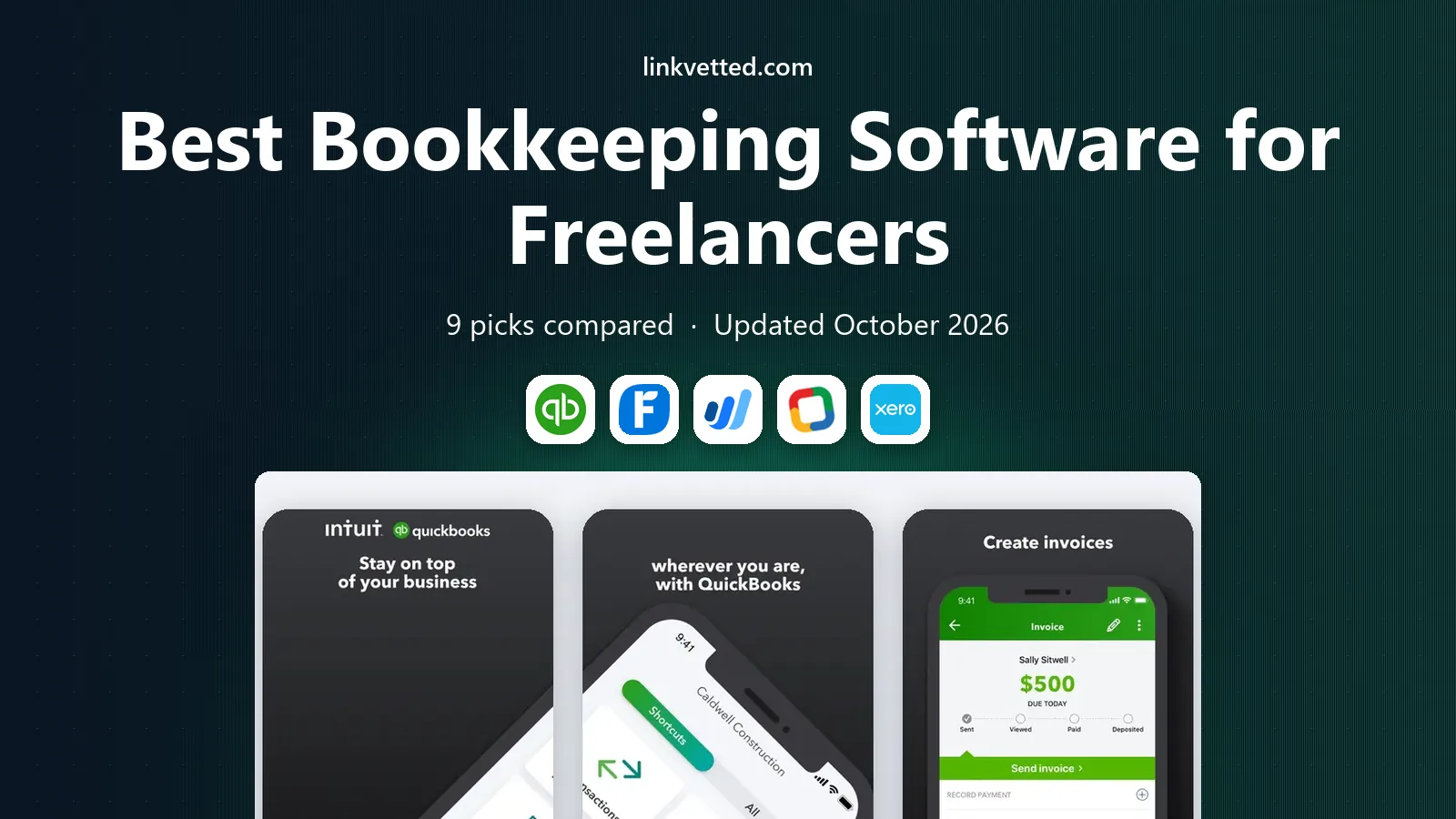
- Editor's choice
 QuickBooks Solopreneur
Tax tracking for solo workers
Starts at$20 per monthVisit quickbooks.intuit.comFull review - Great alternative
 FreshBooks
Service freelancers who invoice often
Starts at$23 per monthVisit freshbooks.comFull review - Also consider
 Wave
Free core bookkeeping
Starts atFreeVisit waveapps.comFull review
TL;DR:
- The best bookkeeping app for freelancers depends on how you get paid, not on the longest feature list.
- Wave and Zoho Books offer genuinely free starting points, while FreshBooks suits freelancers who invoice clients every week.
- QuickBooks Solopreneur is the clearest fit when tax categories and mileage matter more than full double-entry accounting.
- Watch client caps, invoice limits, and paid bank feeds before you commit, since those limits decide the real monthly cost.
- A short trial with your own invoices and expenses tells you more than any demo video.
Quick comparison
| Tool | Best for | Starts at | Free plan? | |
|---|---|---|---|---|
| QuickBooks Solopreneur | Tax tracking for solo workers | $20 per month | Yes | Visit |
| FreshBooks | Service freelancers who invoice often | $23 per month | Free trial | Visit |
| Wave | Free core bookkeeping | Free | Yes | Visit |
 Zoho Books | Free books under the revenue cap | Free | Yes | Visit |
 Xero | Freelancers planning to grow | $25 per month | Free trial | Visit |
 Found | Banking plus bookkeeping in one place | Free | Yes | Visit |
 Hurdlr | Mileage and gig income tracking | $9.99 per month | Yes | Visit |
 Keeper | Finding tax deductions | $199 per year | Free trial | Visit |
 Bonsai | Contracts, proposals, and invoicing together | $25 per month | Free trial | Visit |
The best bookkeeping software for freelancers
Freelance income rarely arrives in a neat pattern. Some months bring five small invoices, others bring one large project payment, and expenses range from software subscriptions to miles driven to a client site. The tools below handle that uneven reality in different ways, so we compared them on invoicing, expense tracking, tax help, and price.

QuickBooks Solopreneur grew out of QuickBooks Self-Employed, and it keeps that same narrow focus. It sorts spending into Schedule C categories, tracks mileage, and produces a profit and loss view that maps well to a US tax return. For a solo worker who wants tax time to feel less painful, that focus is a real strength.
The trade-off is scope. This is not the full QuickBooks Online product, so freelancers who need inventory, payroll, or multi-user access will outgrow it. The free plan also caps invoices and receipts, which makes it a trial of the workflow rather than a long-term free home. Our pick for most solo freelancers who dread tax season is to start here if taxes are the main worry.
- Schedule C expense categories
- Automatic mileage tracking
- Separates business and personal spending
- Not full double-entry accounting
- Free plan caps invoices and receipts

FreshBooks feels built around getting paid. Invoices look clean, clients can pay online, and time tracked on a project can flow straight into an invoice. That matters for designers, writers, consultants, and other service freelancers whose work is billed by the hour or by the project.
The catch sits in the client cap. The Lite plan allows only five billable clients, so a freelancer with a wider roster needs the Plus plan. FreshBooks also leans more toward invoicing and expense tracking than toward deep accounting reports. If your main job is sending professional invoices and chasing them politely, it earns its place near the top.
- Polished invoices and client portals
- Time tracking built in
- Mileage tracking on all plans
- Lite plan caps billable clients at five
- Lighter on pure accounting depth than QuickBooks Online
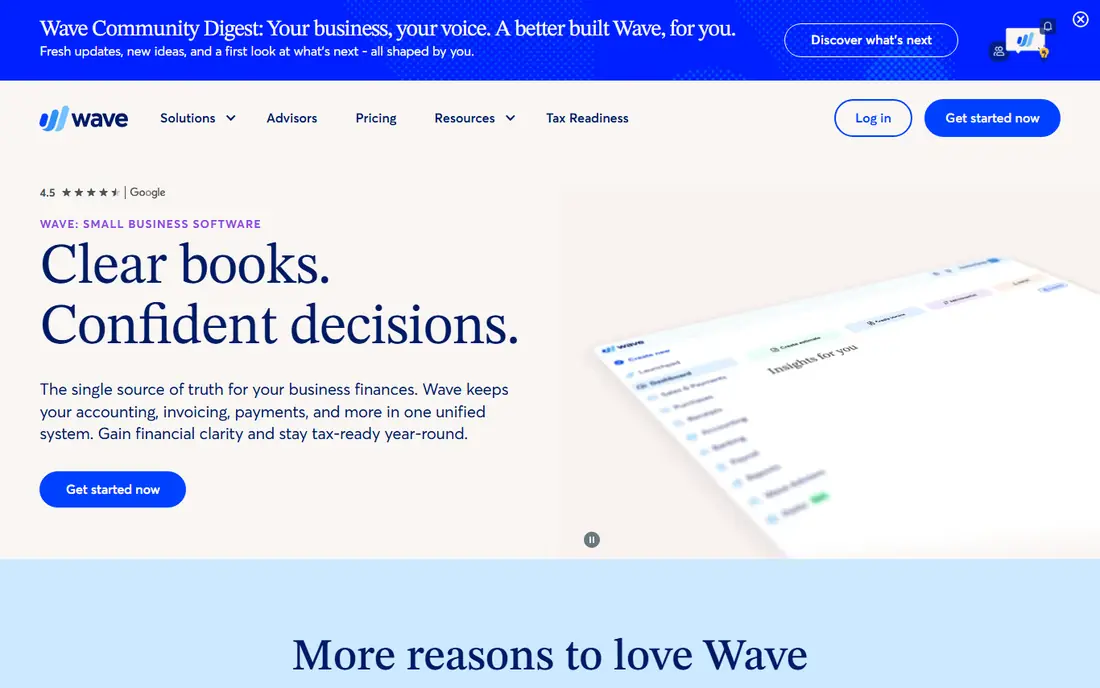
Wave remains the most honest free option in this group. You can send unlimited invoices and keep accounting records without paying a monthly fee, and there is no revenue ceiling that forces an upgrade. For a new freelancer testing whether self-employment will stick, that zero-cost start is hard to beat.
The paid Pro plan adds automatic bank feeds, receipt capture, and other time savers, which tells you where the free plan stops. Manual entry on Starter takes discipline, and busy freelancers may find that cost in time rather than money. Still, if your budget is zero and your books are simple, Wave is our pick for most people starting out.
- Free invoicing and accounting records
- No revenue cap on the free Starter plan
- Simple setup
- Automatic bank import requires the paid Pro plan
- Support is thinner than paid rivals
Zoho Books gives freelancers something unusual: real double-entry accounting at no cost, provided annual revenue stays at or below $50,000. The free plan allows up to 1,000 invoices a year, which covers most solo workloads, and paid plans add more users and automation as income grows.
The interface takes a little longer to learn than FreshBooks, and some US accountants will still ask for QuickBooks files out of habit. But if you already use other Zoho apps, or you want proper accounting without paying from day one, Zoho Books is a strong value choice. Just plan for the paid step once revenue passes the cap.
- Full double-entry accounting on the free plan
- Accountant access
- Strong automation
- Free plan ends above $50,000 in annual revenue
- Smaller US accountant network than QuickBooks
Xero suits the freelancer who expects to add a bookkeeper, a collaborator, or international clients. Bank reconciliation is strong, multi-currency handling is better than most rivals here, and accountants widely know the platform. It feels like a small business system that still works for one person.
The entry plan limits are the thing to check. Twenty invoices and five bills a month will suit many solo workers, but a busy month can push you to the next tier. There is no free plan, only a trial, so Xero is best when growth, not lowest cost, is the deciding factor.
- Clean interface
- Strong bank reconciliation
- Multi-currency support
- Early plan caps invoices at 20 and bills at five per month
- No free plan
Found takes a different route: it combines a business bank account with bookkeeping tools, so income and spending are categorized as money moves. It generates Schedule C totals, estimates taxes in real time, and lets you set aside a tax savings pocket. For freelancers who mix personal and business money by accident, that separation helps.
The limit is depth. Found will not replace a full accounting system for a freelancer with complex reporting needs, and some features sit behind the paid Plus plan. If you want one app for banking and basic books, though, the free core plan is a practical starting point.
- Business banking with built-in bookkeeping
- Real-time tax estimates
- Tax savings pocket
- It is a bank account first, not full accounting software
- Paid Plus plan needed for some features
Hurdlr is built for drivers, delivery workers, and other gig freelancers whose main deduction is mileage. It tracks trips automatically, logs income and expenses, and estimates taxes based on what it sees. That narrow focus makes it easy to use, even for someone who hates bookkeeping.
It is not a replacement for FreshBooks or QuickBooks if you need polished client invoices and full reports. Think of Hurdlr as a specialist: pair it with an invoicing tool, or use it alone if mileage and simple expense tracking cover most of your needs. The free plan lets you test whether automatic mileage tracking saves you real money at tax time.
- Automatic mileage tracking
- Gig income and expense tracking
- Tax estimates
- Not a full invoicing and accounting suite
- Best as a companion tool
Keeper focuses on one painful freelance problem: missed write-offs. It reviews bank and card spending, flags purchases that may qualify as business deductions, and helps freelancers file with those deductions included. For a solo worker with many small expenses, that scan can surface costs that a manual review would miss.
Keeper does not send invoices or run full books, so it works best alongside an invoicing tool. The annual price also needs to be weighed against the deductions it finds for you. If tax savings are your main goal and invoicing lives elsewhere, Keeper is worth a trial.
- Scans spending for missed deductions
- Simple tax filing help for freelancers
- Expense tracking
- No invoicing
- Annual price is high if you only need basic tracking
Bonsai suits freelancers who win work through proposals and contracts, not just invoices. You can send a proposal, turn it into a contract, track time, and invoice from the same workspace. That joined-up flow saves the back-and-forth of separate tools for client onboarding and billing.
Pure bookkeeping is lighter here than in QuickBooks or Xero, and tax help is not the headline feature. Bonsai is best for freelancers whose bottleneck is winning and managing client work, with bookkeeping as a supporting job rather than the main event.
- Contracts and proposals in one workflow
- Invoicing and time tracking
- Client portals
- Accounting depth is lighter than dedicated bookkeeping apps
- No tax-specific features listed
How we picked these
We compared official pricing pages, feature pages, and app store listings for tools aimed at solo workers and the self-employed, and we checked each product against the freelance basics: invoicing, expense tracking, bank feeds, tax categories, and price limits. We favored tools that still work in October 2026, that state their prices plainly, and that fit a one-person workflow rather than a full company setup. Where a plan cap or a paid add-on changes the real cost, we said so in the write-up.
Choosing the right fit for solo work
Start with how you earn, not with the brand name. A freelancer who bills five clients a month needs strong invoicing and payment reminders. A gig worker who drives all day needs mileage tracking above all else. A freelancer with an accountant needs a file format that accountant already accepts. Match the tool to that single daily job first, and let the rest follow.
Watch the limits that force upgrades
Entry prices look close across this group, but limits do the real sorting. Client caps, invoice caps, receipt caps, and paid bank feeds decide when a cheap plan stops working. Read the pricing page for the plan you would actually buy, and count your last three months of invoices, clients, and receipts before you choose.
Keep tax time in mind from day one
Freelance tax pain usually comes from mixed accounts and missing records, not from one hard form. Separate business spending early, log mileage as you go, and keep receipts in the app rather than in a photo folder. A tool that makes those habits easy will save more than a tool with a longer feature list that you never open.
Try two tools in parallel for a week
Most tools here offer a free plan or a trial. Run your real invoices and expenses through two finalists for one week, and see which one you actually open each day. The winner is often the simpler tool, not the most powerful one, because bookkeeping only works when it gets done.
FAQ
What is the best bookkeeping app for freelancers?
There is no single winner for every freelancer. FreshBooks suits service freelancers who invoice often, QuickBooks Solopreneur suits tax-focused solo workers, and Wave suits new freelancers on a zero budget. Pick based on whether invoicing, tax help, or price matters most to you.
What are the best self employed apps for taxes?
QuickBooks Solopreneur, Keeper, and Hurdlr all focus on tax outcomes in different ways. QuickBooks Solopreneur sorts spending into Schedule C categories, Keeper scans for missed deductions, and Hurdlr tracks mileage and estimates taxes. Pair a tax tool with an invoicing tool if you need both jobs done well.
Is there a free bookkeeping app for freelancers?
Yes. Wave offers free invoicing and accounting records with no revenue cap, and Zoho Books offers a free plan for businesses with annual revenue at or below $50,000. Found also offers free core banking and bookkeeping features. Free plans usually require manual bank entry or have other limits, so check what is paid before you rely on them.
Do freelancers need double-entry accounting?
Not always. Many solo freelancers manage well with income and expense tracking, invoicing, and tax categories, especially in their first years. Double-entry accounting becomes more useful as income grows, as you add a bookkeeper, or as reporting needs get more complex. Zoho Books and Xero offer that depth when you are ready for it.
Can I switch bookkeeping software later?
Yes, but plan the move at a clean point such as a month end or a year end. Export invoices, expenses, and reports before you cancel, and check whether the new tool imports your old data or needs manual entry. Tell your accountant about the switch early, since their preferred format can save time at tax time.
Should freelancers keep business and personal money separate?
Yes, in almost every case. A separate business account makes expense tracking cleaner, tax categories more accurate, and audits far easier to handle. Found builds that separation into banking, while other tools help by tagging business transactions. Even a simple separate account plus a bookkeeping app beats mixing everything in one personal account.