The 5 Best BI Software for BigQuery Integration in 2026, Ranked
Best BI software for BigQuery integration: 5 contenders ranked by fit, with entry costs and free tiers. Fit, price and catches for every tool. Choose faster.
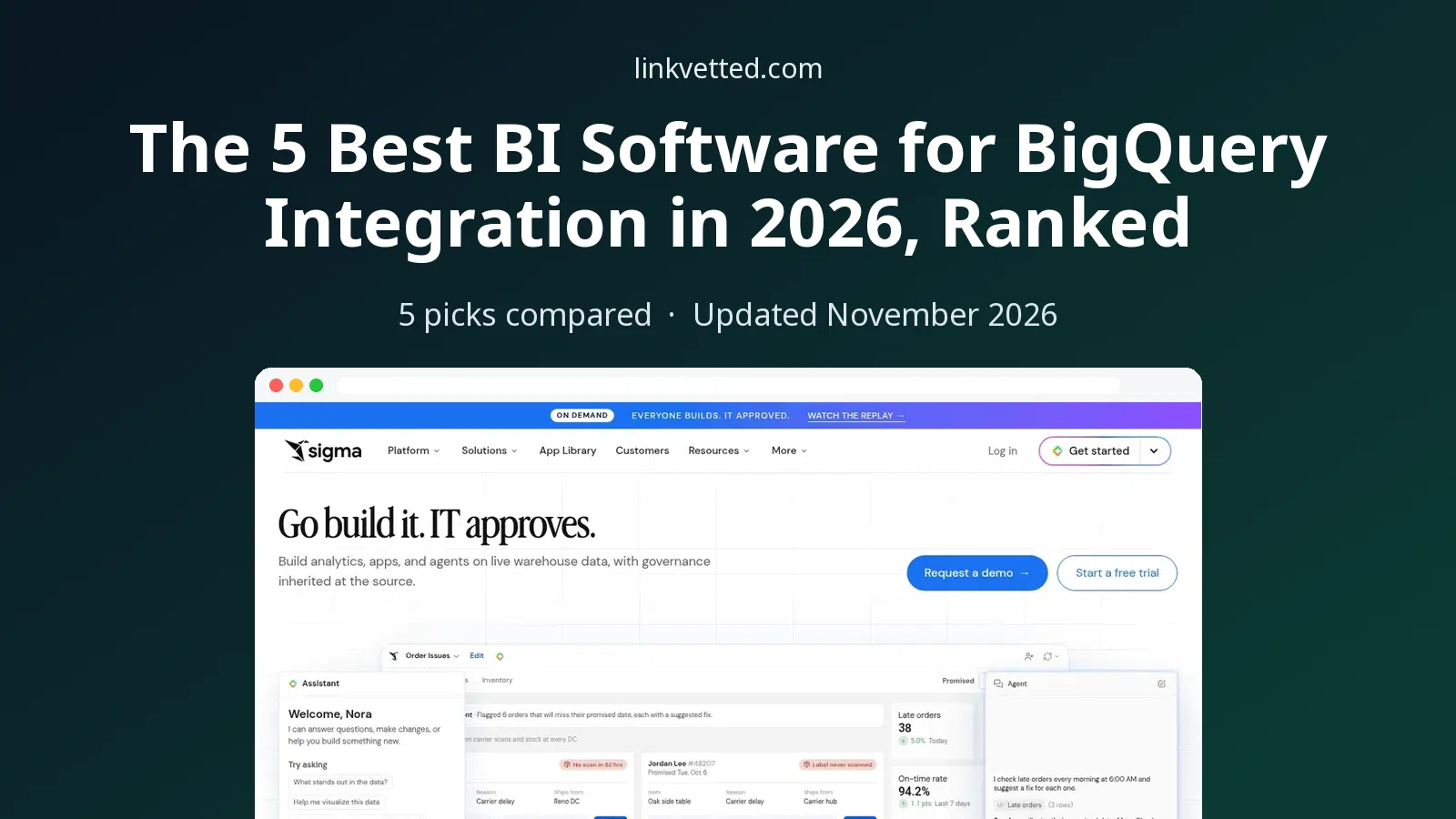
- Editor's choice
 Qlik Sense
Data integration plus analytics
Starts atSee websiteVisit qlik.comFull review - Great alternativeSigma Computing
Spreadsheet-style building on warehouse data
Starts atSee websiteVisit sigmacomputing.comFull review - Also consider
 Tableau
Adaptable drag-and-drop visualization
Starts at$15 per user a monthVisit tableau.comFull review
Direct answer
Qlik Sense is the first pick on this list for data integration plus analytics. Listed starting prices: Tableau from $15 per user a month and ThoughtSpot from $25 per user a month. Sigma Computing fits spreadsheet-style building on warehouse data; Tableau fits adaptable drag-and-drop visualization. Prices, free plans and limits for all 5 tools follow.
TL;DR:
- Qlik Sense takes the first slot, best suited to data integration plus analytics.
- For the cheapest start, look at Tableau: $15 per user per month.
- ThoughtSpot is the one to check for AI agents and automatic insights.
- Tableau is the only tool of the 5 with a free plan.
Last checked November 2026. Prices and plan details were read from the vendors' own pages in November 2026; vendors change plans often, so confirm the current price on the vendor site before you buy.
Quick comparison
| Tool | Best for | Starts at | Free plan? | |
|---|---|---|---|---|
| Qlik Sense | Data integration plus analytics | See website | Not stated | Visit |
| Sigma Computing | Spreadsheet-style building on warehouse data | See website | Free trial | Visit |
| Tableau | Adaptable drag-and-drop visualization | $15 per user a month | Yes | Visit |
 Looker | Governed metrics on Google Cloud | See website | Not stated | Visit |
 ThoughtSpot | AI agents and automatic insights | $25 per user a month | Free trial | Visit |
Every option for BI software for BigQuery integration explained
LinkVetted compared 5 tools for BI software for BigQuery integration. The goal is a practical shortlist: published prices, free plan facts, best-fit use cases and honest limits for every entry.
For data integration plus analytics, Qlik Sense is a natural candidate. The breadth of the system can add complexity, and teams wanting a narrow visualization tool may find more than they need.
Qlik Sense shows no starting price here, so confirm the cost on the vendor site. On free options: Not stated.
Trade-offs to know: Wide product can feel complicated.
- End-to-end data integration
- Data quality capabilities
- Integration setup takes planning
Sigma Computing
Best for: Spreadsheet-style building on warehouse data
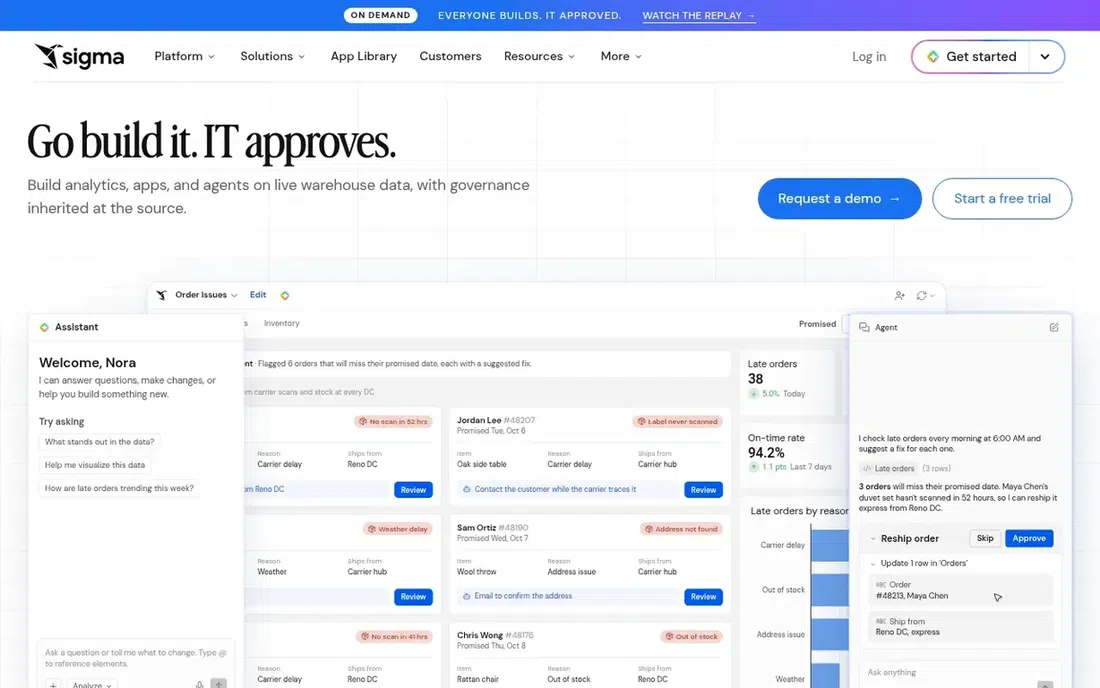
For spreadsheet-style building on warehouse data, Sigma Computing is a natural candidate. Its homepage flags several ways to build: chat, a spreadsheet interface, SQL or Python.
Limits to weigh: Less suited to non-warehouse sources.
That adaptability appeals to analysts comfortable with spreadsheets who still want to work straight against BigQuery tables without extracting data into a separate store. No starting price is listed for Sigma Computing here; confirm pricing on the vendor site. As for free access: Free trial.
- Supports dashboards
- Chat, spreadsheet
- Warehouse-first approach
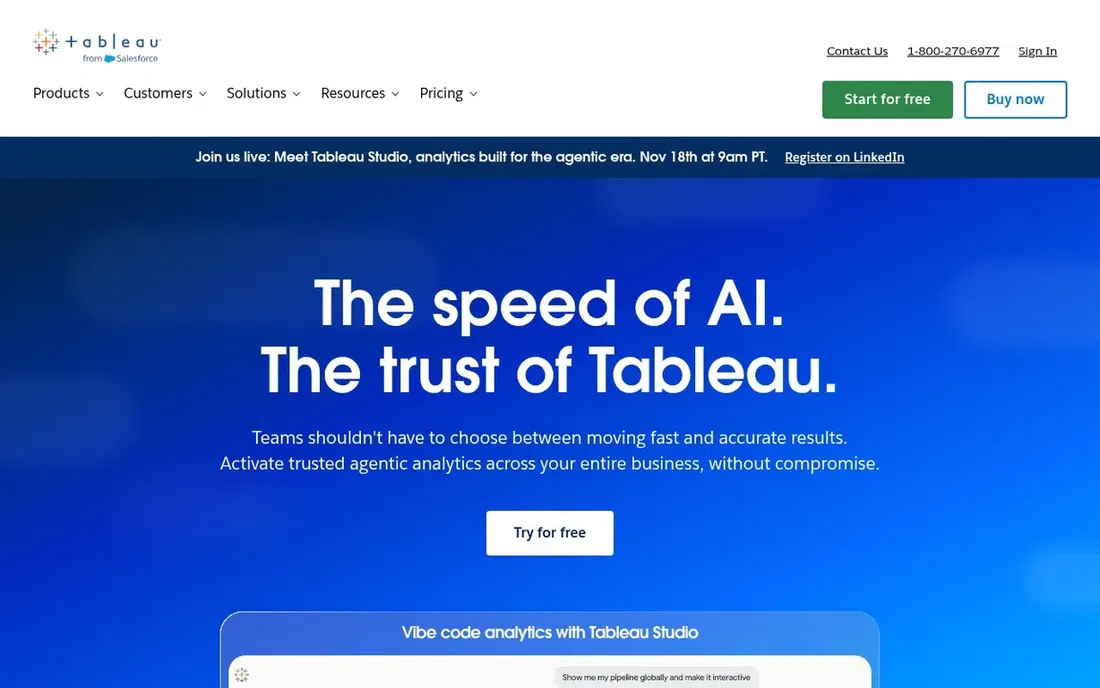
Tableau is a good fit for adaptable drag-and-drop visualization. Tableau is a widely used business intelligence and analytics product built around visual exploration. Its homepage emphasizes connecting to almost any database, dragging and dropping to produce visualizations, and sharing results with a click.
Downsides: Semantic modeling is lighter.
Teams that want spreadsheet-style or code-based building straight on warehouse data might prefer Sigma. In daily use, pick Tableau when visual analysis and wide connectivity are the priority. Tableau pricing: $15 per user per month. Tableau offers a free plan.
- Links to almost any database
- Drag-and-drop chart building
- Warehouse-native workflows need extras
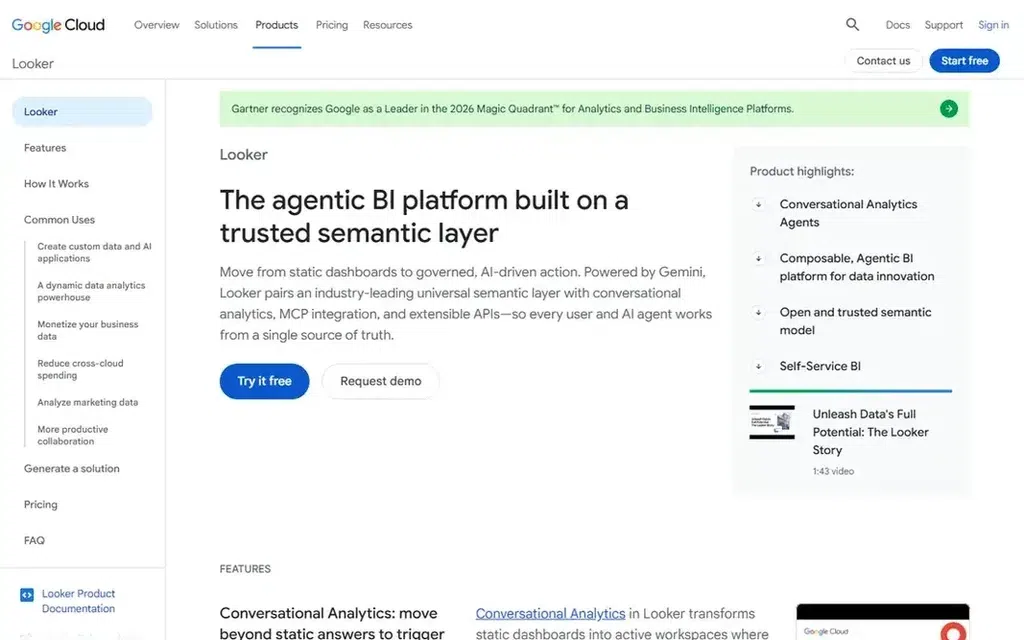
Looker works best for governed metrics on Google Cloud. It centers on a trusted semantic layer that brings together metric definitions, with Gemini agents layered on top for assisted analysis.
Trade-offs to know: Best fit for Google-centric stacks.
On top of that, the semantic layer demands upfront modeling work, so teams wanting fast ad hoc exploration may find the setup heavy. Check the vendor site for Looker pricing; none is listed in this comparison. As for free access: Not stated.
- Gemini agents for analysis
- Trusted semantic layer for metrics
- Modeling needs setup
Where ThoughtSpot fits: AI agents and automatic insights. Organizations wanting deep semantic modeling may prefer Looker. In daily use, ThoughtSpot describes its Agentic Analytics Platform as transforming insights into action through AI agents, automatic insights and embedded intelligence.
For everyday use, pick ThoughtSpot when automatic insight and embedded intelligence are the central goals. On top of that, the search and agent-driven model differs from traditional drag-and-drop dashboard building, so teams attached to manual chart design may need adjustment. ThoughtSpot starts at: $25 per user per month. On free options: Free trial.
Trade-offs to know: Less emphasis on traditional dashboards.
- Automatic insight generation
- Agentic analytics system
- Search-driven model differs from drag-and-drop
How we compared the tools
Pricing pages, product documentation and feature lists were the main sources, and every entry carries at least one honest drawback. Plan names, prices and limits change often. Treat the figures here as a starting point and verify them with the vendor. Tools are placed by general fit for BI software for BigQuery integration, with price clarity and free access as tie-breakers. A different team can reasonably rank them differently.
Pre-purchase checklist
- Get a written quote from Qlik Sense, Sigma Computing and Looker; the list shows no starting price for them.
- Test the free plan from Tableau against your real workload before relying on it.
- Use real work to test the free trial from Sigma Computing and ThoughtSpot, rather than a demo project.
- Before choosing Qlik Sense, weigh its main limit: wide product can feel complex.
- Confirm the exact ThoughtSpot plan that includes your must-have features.
- A short pilot of Qlik Sense with your real workflow tells you more than a feature table.
FAQ
What is the cheapest option for BI software for BigQuery integration in this list?
On published monthly entry prices, Tableau is the lowest here at $15 per user per month. Entry price is only part of the cost, because seats, add-ons and billing terms can change the total. For the full picture, the cards above cover all 5 entries of this BI software for BigQuery integration list, including price, free plan and limits.
Is Qlik Sense the right pick for everyone comparing BI software for BigQuery integration?
No single tool suits every team. Qlik Sense comes first because it fits data integration plus analytics, while Sigma Computing suits spreadsheet-style building on warehouse data and Tableau suits flexible drag-and-drop visualization. Match the tool to your own size, budget and workflow before deciding.
How are the tools for BI software for BigQuery integration ordered?
The order follows typical fit for BI software for BigQuery integration, with Qlik Sense first and ThoughtSpot last, then price clarity and free access. It is editorial judgement, not a score, so another team could rank the tools differently.
Which BI tool is most native to BigQuery?
Looker comes from Google Cloud, the same provider as BigQuery, and centers on a trusted semantic layer with Gemini agents. That shared ecosystem makes it a natural starting point for BigQuery-centric teams.
Can I try these tools before paying?
Often, yes. Tableau has a free plan and Sigma Computing and ThoughtSpot offer a free trial. Use your own data and a real task during the test, and check what the free tier or trial limits before you rely on it.
Sources
- https://www.qlik.com
- https://www.sigmacomputing.com
- https://www.tableau.com
- https://cloud.google.com/looker
- https://www.thoughtspot.com