Best Automation Testing Tools in 2026: 8 Tools Compared
Compare the best automation testing tools for 2026, covering web, mobile, and API testing for software teams. Compare all eight tools in full detail now.
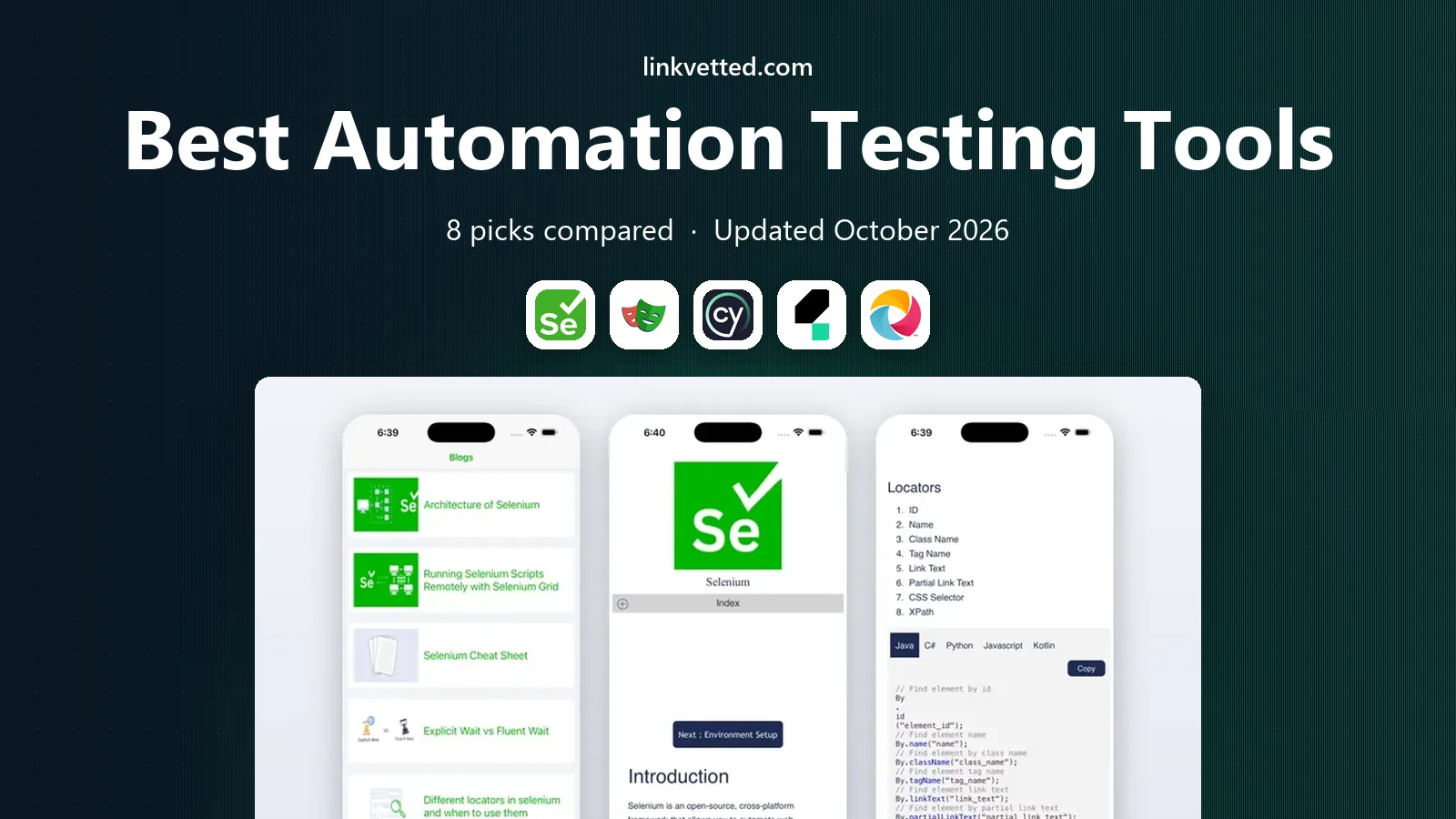
- Editor's choice
 Selenium
Teams testing web apps across browsers
Starts atFreeVisit selenium.devFull review - Great alternative
 Playwright
Modern web teams needing fast tests
Starts atFreeVisit playwright.devFull review - Also consider
 Cypress
Front-end teams testing web apps
Starts atFreeVisit cypress.ioFull review
TL;DR:
- Open source tools cover most web and mobile testing for free, but need coding and maintenance.
- Playwright and Cypress give the fastest feedback for modern web teams.
- Katalon suits QA teams that want low-code creation across web, API, and mobile.
- Cloud device platforms solve coverage, but price by usage and parallel sessions.
- Pick one framework per platform first, then add cloud coverage only where real devices matter.
Quick comparison
| Tool | Best for | Starts at | Free plan? | |
|---|---|---|---|---|
| Selenium | Teams testing web apps across browsers | Free | Yes | Visit |
| Playwright | Modern web teams needing fast tests | Free | Yes | Visit |
| Cypress | Front-end teams testing web apps | Free | Yes | Visit |
 Katalon Studio | QA teams that want low-code automation | Free | Yes | Visit |
 Appium | Teams testing native mobile apps | Free | Yes | Visit |
 TestComplete | QA teams testing desktop and web apps | See website | Free trial | Visit |
 BrowserStack | Teams needing real device and browser coverage | See website | Free trial | Visit |
 LambdaTest | Teams needing cloud browser and device testing | See website | Free trial | Visit |
The best automation testing tools
We compared official feature pages, pricing pages, and public documentation for each option below, then ranked them by fit for the task, ease of use, and value at a realistic starting plan.

Selenium is a strong match for teams that test web apps across browsers with code. Selenium is the long-standing open source standard for browser automation, with drivers for major browsers and many languages. That focus matters when you want messages, records, or tests to move without constant manual work, and it keeps a small team from stitching together several separate tools. The setup is usually clear enough that a new user can build a first workflow, report, or campaign and see whether the fit is right before committing to a larger plan.
Before you commit, weigh coding and maintenance work that smaller teams must budget for Compare the starting price with what you will pay at your actual volume, and confirm the integrations you rely on are included rather than added later. When the limits line up with your work, Selenium is worth a short trial with real data.
- Open source
- Broad browser support
- Large community
- Setup and maintenance need coding skill
- No built-in reporting dashboard

Playwright is a strong match for modern web teams that want fast, stable browser tests. Playwright runs tests across Chromium, Firefox, and WebKit with built-in waiting that reduces flaky failures. That focus matters when you want messages, records, or tests to move without constant manual work, and it keeps a small team from stitching together several separate tools. The setup is usually clear enough that a new user can build a first workflow, report, or campaign and see whether the fit is right before committing to a larger plan.
The main trade-off is a newer ecosystem and less legacy browser coverage than Selenium Check the plan limits against your real volume, team size, and integrations before you pay, since entry prices often cover a smaller slice than the full feature set. If those limits fit your daily work, Playwright can be a practical choice that stays useful as your needs grow.
- Fast modern browser automation
- Auto-waiting
- API testing support
- Newer ecosystem than Selenium
- Some legacy browser gaps
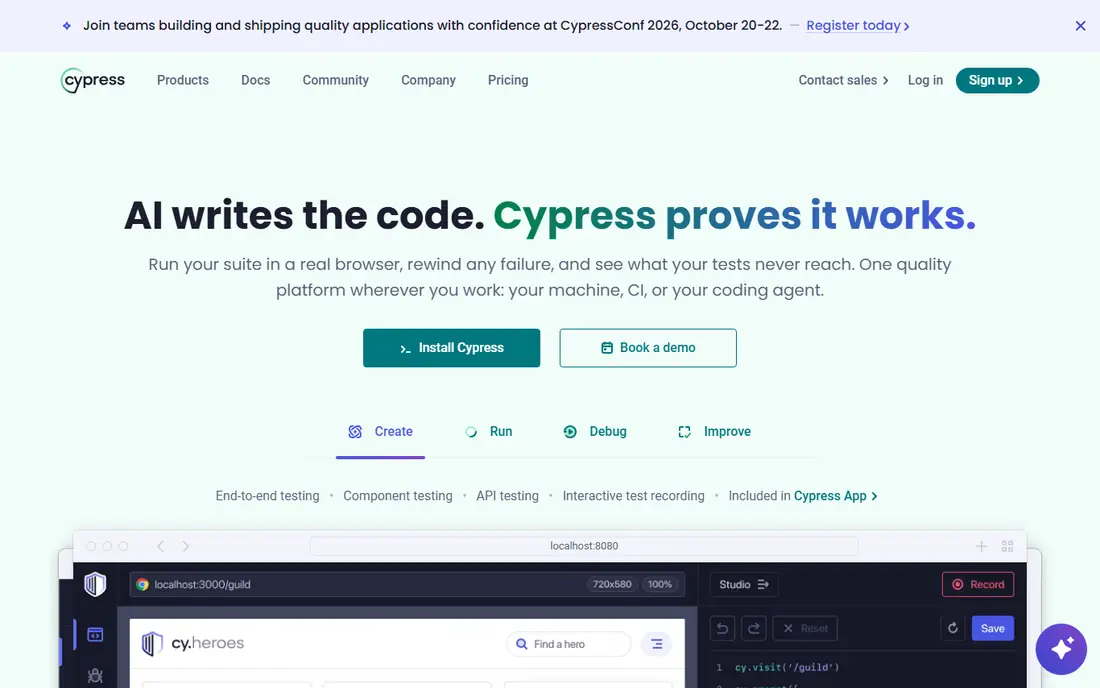
Cypress is a strong match for front-end teams that want fast feedback while building web apps. Cypress runs in the browser and shows each step, which makes debugging a failed test far easier for developers. That focus matters when you want messages, records, or tests to move without constant manual work, and it keeps a small team from stitching together several separate tools. The setup is usually clear enough that a new user can build a first workflow, report, or campaign and see whether the fit is right before committing to a larger plan.
Before you commit, weigh limits on multi-tab flows and paid cloud features for larger teams Compare the starting price with what you will pay at your actual volume, and confirm the integrations you rely on are included rather than added later. When the limits line up with your work, Cypress is worth a short trial with real data.
- Fast developer feedback
- Clear test runner
- Time-travel debugging
- Limited multi-tab and native mobile support
- Cloud features are paid
Katalon Studio is a strong match for QA teams that want low-code automation across web, API, and mobile. Katalon Studio lets testers build automated checks with recorded steps and scripts, without starting from a code framework. That focus matters when you want messages, records, or tests to move without constant manual work, and it keeps a small team from stitching together several separate tools. The setup is usually clear enough that a new user can build a first workflow, report, or campaign and see whether the fit is right before committing to a larger plan.
The main trade-off is team features on paid plans and scripting needs for complex cases Check the plan limits against your real volume, team size, and integrations before you pay, since entry prices often cover a smaller slice than the full feature set. If those limits fit your daily work, Katalon Studio can be a practical choice that stays useful as your needs grow.
- Low-code test creation
- Web, API, and mobile support
- Reporting
- Advanced scripting still helps
- Paid plans for team features
Appium is a strong match for teams testing native iOS and Android apps. Appium automates native mobile apps using the same WebDriver ideas as Selenium, across iOS and Android. That focus matters when you want messages, records, or tests to move without constant manual work, and it keeps a small team from stitching together several separate tools. The setup is usually clear enough that a new user can build a first workflow, report, or campaign and see whether the fit is right before committing to a larger plan.
Before you commit, weigh complex setup and extra tooling for real device management Compare the starting price with what you will pay at your actual volume, and confirm the integrations you rely on are included rather than added later. When the limits line up with your work, Appium is worth a short trial with real data.
- Open source mobile automation
- IOS and Android support
- Language choice
- Setup is complex
- Device management needs extra tooling
TestComplete is a strong match for QA teams testing desktop, web, and mobile apps from one tool. TestComplete supports recorded and scripted tests for desktop, web, and mobile apps, with built-in reporting. That focus matters when you want messages, records, or tests to move without constant manual work, and it keeps a small team from stitching together several separate tools. The setup is usually clear enough that a new user can build a first workflow, report, or campaign and see whether the fit is right before committing to a larger plan.
The main trade-off is licence pricing and a Windows-centred workflow Check the plan limits against your real volume, team size, and integrations before you pay, since entry prices often cover a smaller slice than the full feature set. If those limits fit your daily work, TestComplete can be a practical choice that stays useful as your needs grow.
- Script and record options
- Desktop, web, and mobile support
- Reporting
- Licence cost
- Windows-centred workflow
BrowserStack is a strong match for teams that need broad real device and browser coverage. BrowserStack runs tests on real devices and browsers in the cloud, so teams need not maintain a device lab. That focus matters when you want messages, records, or tests to move without constant manual work, and it keeps a small team from stitching together several separate tools. The setup is usually clear enough that a new user can build a first workflow, report, or campaign and see whether the fit is right before committing to a larger plan.
Before you commit, weigh usage-based pricing that rises with parallel test volume Compare the starting price with what you will pay at your actual volume, and confirm the integrations you rely on are included rather than added later. When the limits line up with your work, BrowserStack is worth a short trial with real data.
- Real devices and browsers in the cloud
- Parallel testing
- Integrations
- Usage-based pricing
- Costs rise with parallel sessions
LambdaTest is a strong match for teams that need cloud browser testing without a device lab. LambdaTest provides cloud browsers and devices for automated and manual testing, with parallel runs for larger suites. That focus matters when you want messages, records, or tests to move without constant manual work, and it keeps a small team from stitching together several separate tools. The setup is usually clear enough that a new user can build a first workflow, report, or campaign and see whether the fit is right before committing to a larger plan.
The main trade-off is concurrency-based pricing and framework knowledge for automation Check the plan limits against your real volume, team size, and integrations before you pay, since entry prices often cover a smaller slice than the full feature set. If those limits fit your daily work, LambdaTest can be a practical choice that stays useful as your needs grow.
- Cloud browsers and devices
- Parallel runs
- Test integrations
- Pricing varies by concurrency
- Setup needs test framework knowledge
How we picked these
We started with products that are widely used and still actively sold in October 2026, then checked each vendor pricing page and feature page for the plan details shown here. We kept only options that fit the topic directly, and we left out tools that are mainly built for a different job even when they share a few features. Where a vendor prices by quote, we say so rather than guessing a figure. Prices change, so confirm the current plan on the vendor site before you buy.
How to choose an automation testing tool
Match the tool to the platform
Web, mobile, API, and desktop testing need different strengths. Selenium, Playwright, and Cypress cover web, Appium covers mobile, and Katalon and TestComplete span several platforms. A tool chosen for the wrong platform will force workarounds from day one.
Count maintenance, not just setup
Recorded tests are quick to create but break when the interface changes. Code-based frameworks take longer to start yet are easier to maintain at scale. Budget weekly time for fixing flaky tests, whatever tool you choose.
Decide where tests will run
Local runs suit small teams, while cloud platforms give real device and browser coverage without a lab. Cloud pricing grows with parallel sessions, so estimate how many tests you will run on each release before you commit.
FAQ
What are the top automation tools for software testing?
For web testing, Selenium, Playwright, and Cypress lead this list. For mobile, Appium is the open standard, while Katalon and TestComplete cover several platforms. Cloud platforms such as BrowserStack and LambdaTest add device coverage on top of a framework.
What is the best automation testing tool for beginners?
Katalon Studio is a good starting point for testers who want low-code creation, while Cypress suits front-end developers who want fast feedback. Both offer free entry options. Start with one small test suite before automating a whole product.
Is Selenium still a good automation testing tool?
Yes. Selenium remains widely used for cross-browser web testing, with broad language and browser support. It needs more setup and maintenance than newer tools, so teams should weigh that cost against its maturity and community.
What is the best ui automation tool for web apps?
Playwright and Cypress are the strongest modern choices for web user interface testing. Playwright covers more browsers, while Cypress offers a clearer debugging runner. Try both with the same login and checkout flows before deciding.
Do automation testing tools replace manual testing?
No. Automation suits repeatable checks such as login, checkout, and regression suites. Exploratory testing, usability checks, and new feature review still need human testers. The best teams use automation to free manual testers for that deeper work.