Best Alarm Apps for Heavy Sleepers in 2026: 7 Apps Compared
Compare the best alarm app for heavy sleepers in 2026, with missions, loud alarms, smart wake windows, and sleep tracking explained. See our top pick.
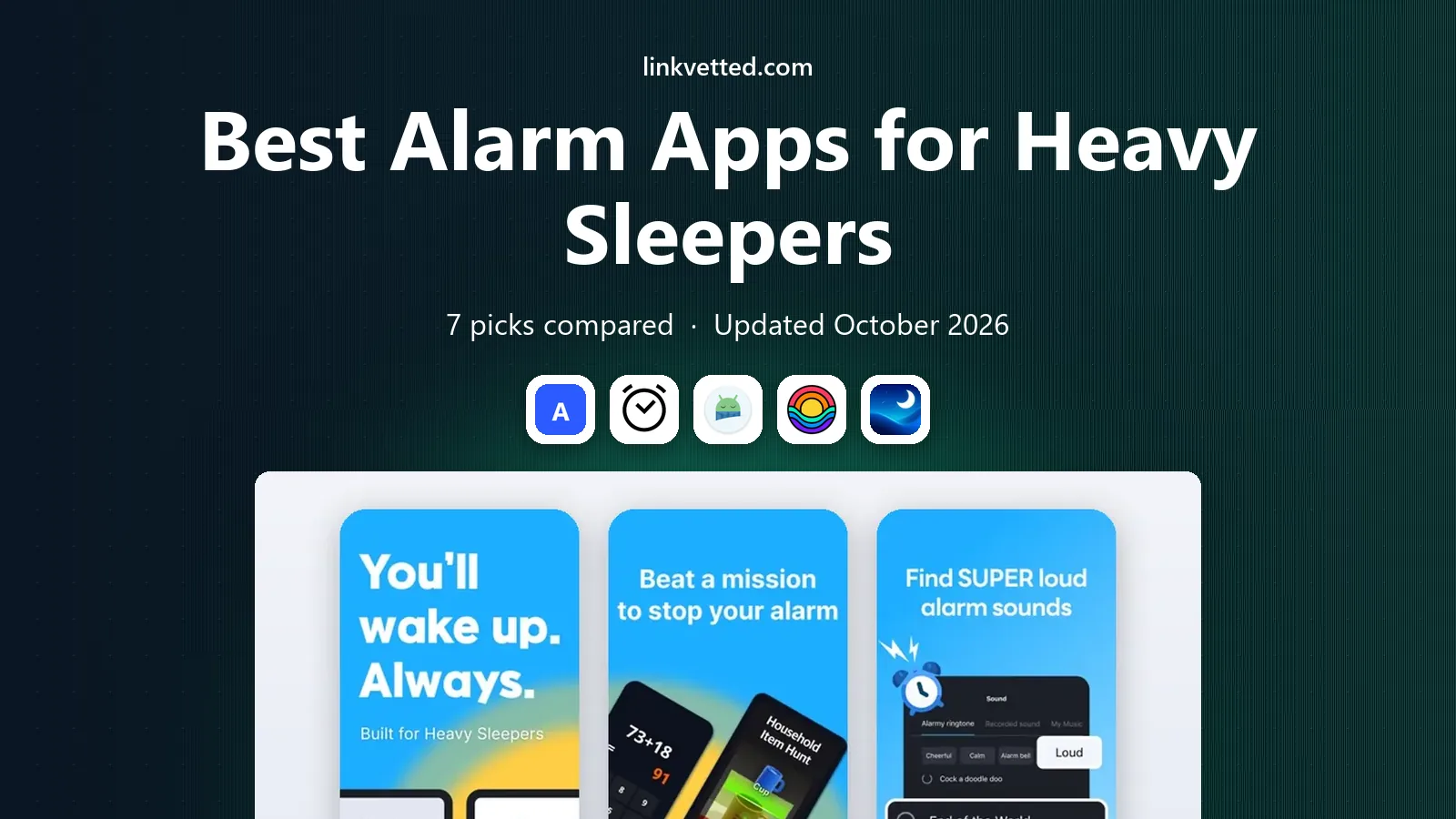
- Editor's choice
 Alarmy
Missions that force waking
Starts atFreeVisit alarmy.comFull review - Great alternative
 Sleep Cycle
Smart wake and tracking
Starts at$39.99 per yearVisit sleepcycle.comFull review - Also consider
 Sleep as Android
Android customization
Starts atSee websiteVisit sleep.urbandroid.orgFull review
TL;DR:
- Alarmy is our pick for heavy sleepers, because missions force you to get up, move, and complete a task before the alarm stops.
- Sleep Cycle and Sleep as Android suit sleepers who want a smart wake window plus tracking, rather than a harsh alarm alone.
- Rise, ShutEye, Pillow, and BetterSleep help with sleep debt, bedtime routines, and calming sounds, which can make waking easier over time.
- A loud alarm alone rarely fixes oversleeping, so pair an alarm with a mission, a second alarm, and a phone placed away from the bed.
- Test any alarm for a few nights before a critical morning, and check volume, permissions, and do-not-disturb settings on your phone.
Quick comparison
| Tool | Best for | Starts at | Free plan? | |
|---|---|---|---|---|
| Alarmy | Missions that force waking | Free | Yes | Visit |
| Sleep Cycle | Smart wake and tracking | $39.99 per year | Yes | Visit |
| Sleep as Android | Android customization | See website | Yes | Visit |
 Rise | Sleep debt and schedule | See website | Free trial | Visit |
 ShutEye | Sleep sounds and tracking | See website | Free trial | Visit |
 Pillow | Apple Health integration | See website | Yes | Visit |
 BetterSleep | Sounds and sleep stories | See website | Yes | Visit |
The best alarm apps for heavy sleepers
A heavy sleeper needs more than a louder ringtone. The best apps combine a strong alarm with a task you cannot complete half-asleep, a backup plan, and sleep data that shows why mornings feel hard. These seven cover those needs in different ways.
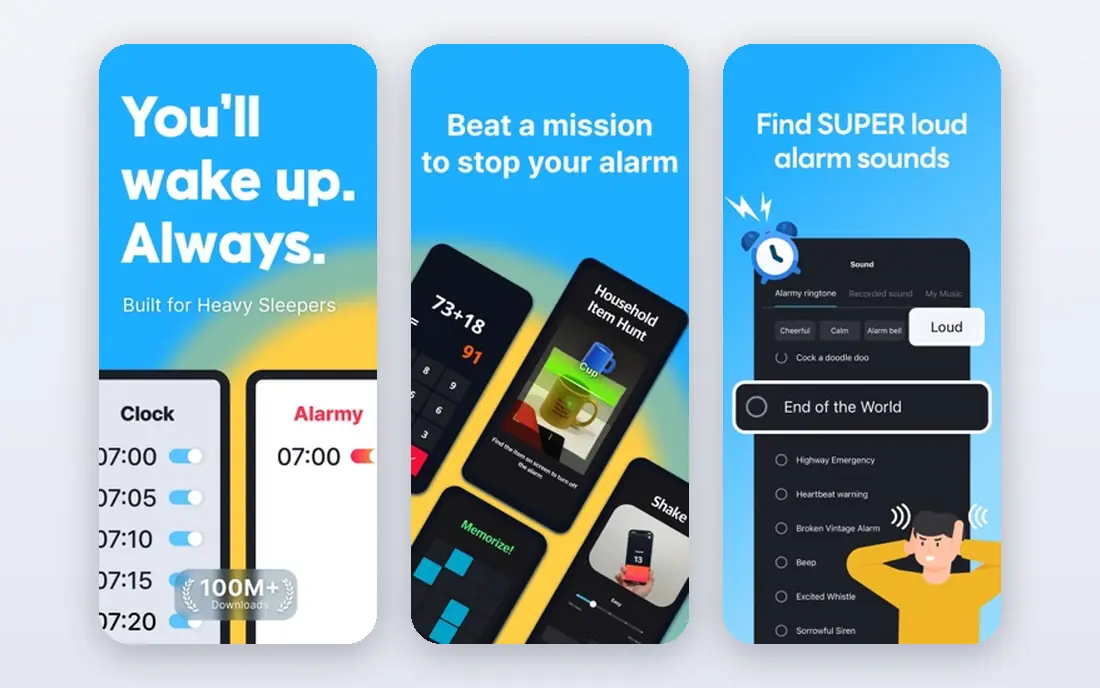
Alarmy is built for people who turn off a normal alarm without waking. To stop it, you may need to take a photo of a set location, scan a barcode in another room, solve math problems, or shake the phone many times. That physical and mental step is the point, since it moves you from bed to action.
The free version covers core missions, while Premium adds more mission types and features. Set the mission the night before, place the phone where you must stand to complete it, and warn anyone who shares your room. For heavy sleepers, Alarmy is the most direct fix in this list.
- Photo, barcode, math, and shake missions
- Loud alarms
- Anti-snooze options
- Full features need Premium
- Missions can annoy household members if volume is high
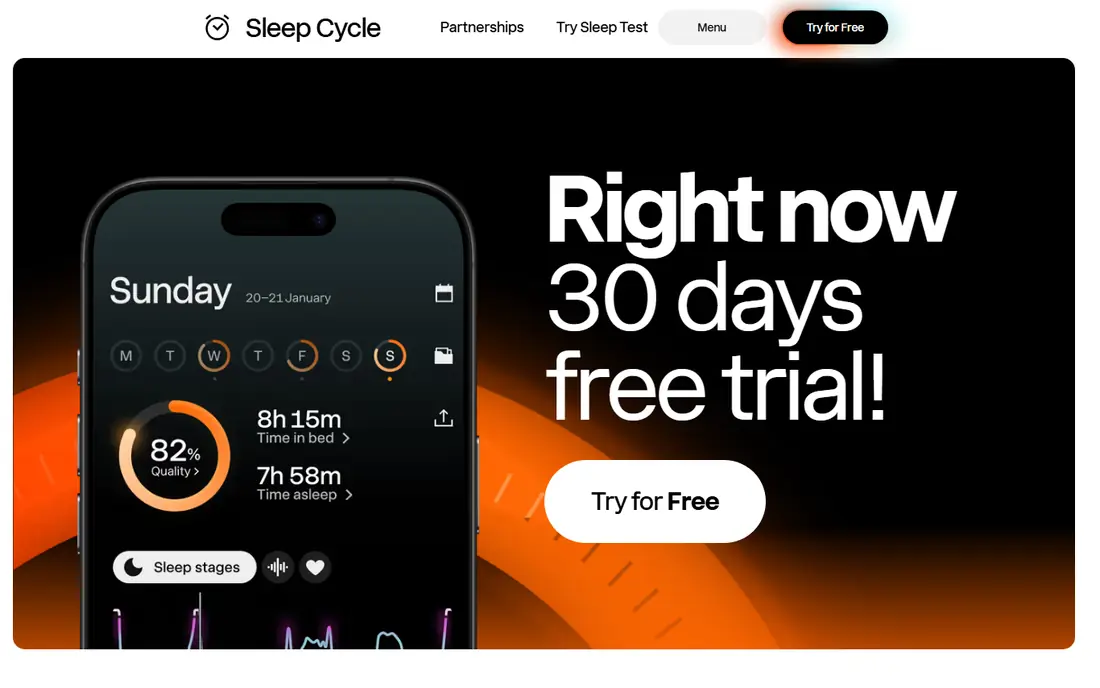
Sleep Cycle tracks sleep phases by sound and wakes you during light sleep within a window you choose, often 10 to 30 minutes. That gentler wake can feel easier than a fixed alarm, even if it does not force you out of bed. Premium, listed at $39.99 per year in recent listings, adds trends, snore recording, and backup features.
For a very heavy sleeper, Sleep Cycle alone may not be enough, since you can still snooze through a gentle alarm. Pair it with Alarmy as a backup, or use Sleep Cycle for tracking and a mission alarm for the actual wake time.
- Smart wake window
- Sound-based sleep tracking
- Long-term trends on Premium
- Needs phone by the bed and charging
- Shared beds can affect tracking accuracy
Sleep as Android is the power-user choice on Android. You can set gradual volume, vibration patterns, CAPTCHA tasks, QR code dismiss, and smart wake windows, plus sleep tracking with sonar or wearable data. That depth lets a heavy sleeper build an alarm that is hard to ignore and hard to dismiss by accident.
The learning curve is real, with many menus and options. Spend one evening setting it up properly, test it on a weekend, and keep a second alarm for the first work week. Once tuned, it is one of the most flexible alarm systems available.
- Deep alarm customization
- CAPTCHA and task dismiss options
- Smart wake and tracking
- Android only
- Interface has many settings to learn
Rise takes a different angle: it tracks sleep debt and shows when your energy should peak and dip, based on your sleep history and circadian rhythm. That helps heavy sleepers who oversleep because of a shifted schedule, late nights, or accumulated debt, rather than a weak alarm alone.
Rise is not a mission alarm, so pair it with Alarmy or Sleep as Android for the wake itself. Use Rise to fix bedtime, wind-down, and wake consistency over two to three weeks, and check whether mornings feel easier as debt falls.
- Sleep debt tracking
- Energy schedule
- Bedtime guidance based on circadian rhythm
- No permanent free plan for full features
- Less of a mission alarm than Alarmy
ShutEye combines sleep sounds, stories, and tracking with a smart alarm. It suits people who struggle to fall asleep as well as to wake up, since better sleep onset can improve morning alertness. Snore recording and sleep reports help you spot patterns, such as late caffeine or a noisy room.
For a heavy sleeper, ShutEye works best as a companion to a mission alarm. Use its sounds to fall asleep, its tracking to review the night, and Alarmy to make sure you actually get up on time.
- Sleep sounds and stories
- Snore and sleep talk recording
- Smart alarm
- Full access needs a subscription
- Sound library matters more than alarm force
Pillow is a strong choice for iPhone and Apple Watch users. It tracks sleep stages, heart rate, and trends in Apple Health, and offers a smart alarm that aims for a lighter sleep phase. The interface is clean, and data stays in the Apple health system many users already trust.
Without an Apple Watch, tracking is less detailed, though the phone app still works. Heavy sleepers should still add a mission alarm or a second loud alarm, since Pillow focuses on tracking and gentle waking rather than forced tasks.
- Deep Apple Health and Watch integration
- Sleep stages
- Smart alarm and trends
- Apple only
- Best with an Apple Watch
- Some features need Premium
BetterSleep, formerly Relax Melodies, lets you mix rain, white noise, and other sounds to fall asleep, with stories and meditations for winding down. A regular bedtime routine with consistent sounds can help heavy sleepers who stay up too late or wake groggy from broken sleep.
Its alarm is not as forceful as Alarmy, so treat BetterSleep as a sleep-quality tool rather than a wake-up enforcer. Pair it with a mission alarm, keep the phone charged and away from the bed, and use bedtime reminders to protect the schedule.
- Large sound mixer
- Sleep stories and meditations
- Bedtime reminders
- Alarm is gentler than mission apps
- Full library needs a subscription
How we picked these
We compared official app pages, app store listings, and public reviews for alarm apps that work in October 2026 and offer a real help for heavy sleepers, not just a ringtone. We favored apps with missions, smart wake windows, strong volume and vibration options, or sleep debt and tracking features. We left out basic clock apps with no mission, tracking, or smart wake feature, and we note where pricing is subscription-led or varies by platform.
How to wake up when you sleep through alarms
Make the alarm hard to ignore
Put your phone across the room, set a mission that requires standing and light, and add a second alarm five minutes later on a different device if needed. Keep volume high, turn off silent mode for alarms, and allow the app to override do-not-disturb where your phone allows it. Test the full setup on a weekend morning.
Fix the night before the morning
A mission alarm helps, but sleep debt, late screens, alcohol, and an irregular schedule make mornings harder. Aim for a consistent wake time, even on weekends, dim lights an hour before bed, and keep caffeine earlier in the day. If you snore loudly, wake unrefreshed despite long sleep, or fall asleep during the day, talk to a clinician, since sleep apnea and other conditions need care beyond an app.
Use a backup plan for critical days
For flights, exams, and early shifts, set two alarms on two devices, ask a housemate for a backup call, and lay out clothes and bags the night before. An app can fail if a phone dies, an update changes permissions, or a mission is set wrong. A backup costs little and protects a morning that matters.
FAQ
What is the best free alarm app for heavy sleepers?
Alarmy is our pick for a free start, because its free missions force you to get up and act. Sleep Cycle and Sleep as Android also offer useful free tiers for tracking and smart wake. Test missions on a weekend first, since a mission that is too hard can make you delete the app.
Do smart alarms really work for heavy sleepers?
Smart alarms can help by waking you in light sleep, which may feel less groggy, but they do not force you out of bed. For heavy sleepers, a smart alarm works best with a mission alarm as backup. If you regularly sleep through both, check sleep debt, schedule, and possible sleep disorders.
Should I put my phone away from my bed?
Yes, for most heavy sleepers. A phone across the room forces you to stand, turn on light, and move, which breaks the half-asleep snooze loop. Keep a charger by that spot, and use a mission that requires a photo or barcode in another room for extra effect.
Can an alarm app help with sleep apnea?
No, an app cannot diagnose or treat sleep apnea. Tracking and snore recording can show patterns to discuss with a clinician, but loud snoring, pauses in breathing, and daytime sleepiness need medical review. Do not rely on an alarm app alone if those signs are present.
Why do I still snooze through loud alarms?
Snoozing often comes from sleep debt, an irregular schedule, and a phone within arm's reach. A mission alarm, a consistent wake time, and a phone placed away from the bed help more than volume alone. If oversleeping persists despite those steps, review bedtime habits and talk to a clinician.