Best AI Writing Tools for Students in 2026: 8 Tools Compared
We compare the best AI writing tools for students in 2026, from Grammarly and QuillBot to ChatGPT, with pricing, study uses and integrity notes today.
- Editor's choice
 Grammarly
Grammar and clarity
Starts atFreeVisit grammarly.comFull review - Great alternative
 QuillBot
Paraphrasing and summarising
Starts atFreeVisit quillbot.comFull review - Also consider
 ChatGPT
Brainstorming and explaining
Starts atFreeVisit chatgpt.comFull review
TL;DR:
- The best AI writing platform for students helps with outlining, drafting, editing, and citations, not just generating text.
- Academic integrity note: always follow your school policy, disclose AI use when required, and never submit AI text as your own unaided work.
- Grammarly and QuillBot are best for editing and paraphrasing, while ChatGPT and Claude suit brainstorming and explaining concepts.
- Free plans cover a lot for students, but plagiarism checks, citation tools, and premium grammar often sit on paid plans.
Quick comparison
| Tool | Best for | Starts at | Free plan? | |
|---|---|---|---|---|
| Grammarly | Grammar and clarity | Free | Yes | Visit |
| QuillBot | Paraphrasing and summarising | Free | Yes | Visit |
| ChatGPT | Brainstorming and explaining | Free | Yes | Visit |
 Claude | Careful drafting and editing | Free | Yes | Visit |
 ProWritingAid | In-depth style editing | See website | Free trial | Visit |
 Jasper | Structured long form drafts | See website | Free trial | Visit |
 Writesonic | Fast drafts and outlines | See website | Free trial | Visit |
 Copy.ai | Outlines and short form help | See website | Free trial | Visit |
The best AI writing tools for students
AI writing tools for students can help plan essays, fix grammar, summarise readings, and explain difficult ideas. The best AI writing platform for students is the one that improves your own writing and thinking, rather than replacing it. Academic integrity note: check your school and course policy before using AI, disclose use when required, cite sources properly, and do not submit AI generated text as if it were your own unaided work. We compared official feature pages, pricing pages, documentation, and public reviews for the tools below.
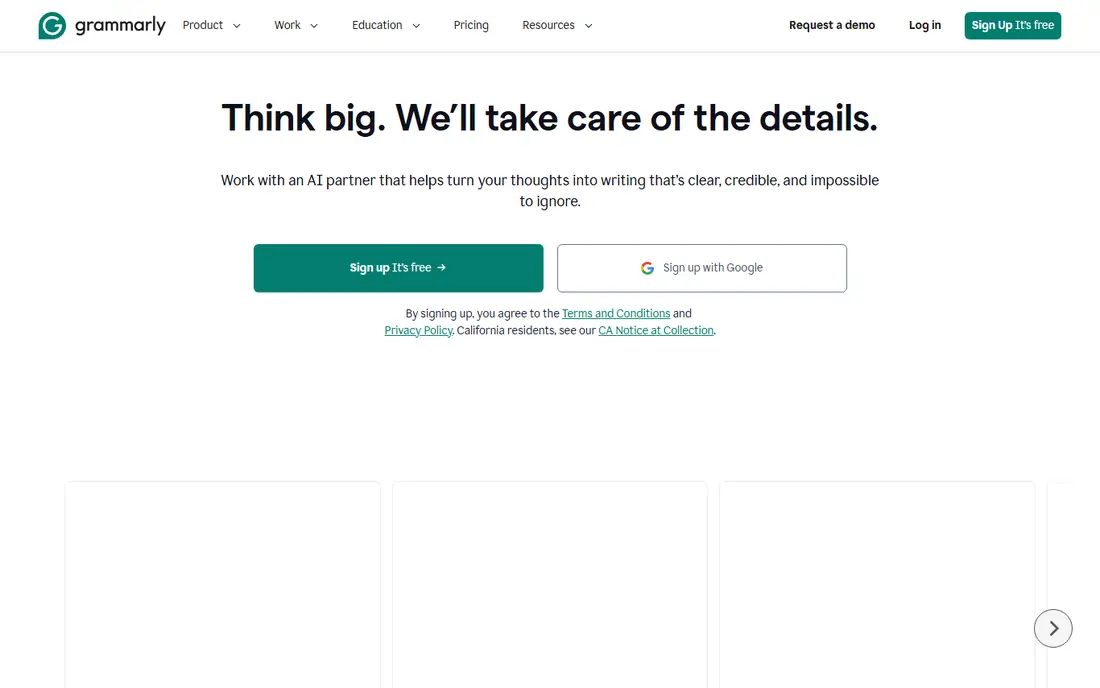
Grammarly is the most useful everyday writing aid for students because it works where you already write: Google Docs, Word, email, and browsers. It catches grammar, spelling, punctuation, and clarity issues, and it explains many suggestions so you learn from the correction. The tone and conciseness checks help essays read more cleanly without changing your argument.
The free plan covers basic grammar and spelling, while premium adds style, vocabulary, and plagiarism detection. Grammarly does not write essays for you, which makes it easier to use within most school policies for editing support. Always review each suggestion, since automated edits can change meaning if accepted blindly.
- Strong grammar and clarity checks
- Works in docs and browsers
- Plagiarism checker on paid plans
- Premium features cost extra
- Suggestions still need human judgement
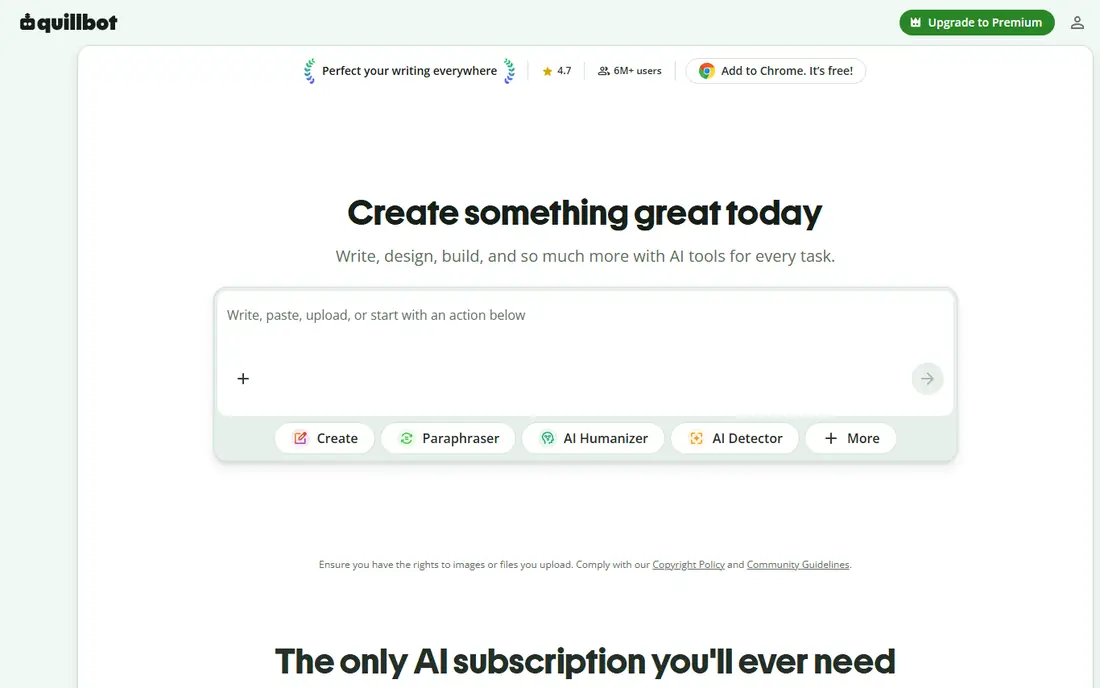
QuillBot helps students rephrase sentences, summarise long readings, and generate citations in common styles. The paraphraser offers different modes, from standard to more formal, which can help when a draft sentence is clunky or too close to a source. The summariser is useful for lecture notes and articles, giving a short version to check against the full text.
Paraphrasing does not remove the need to cite. If an idea comes from a source, cite that source even when the wording is changed, and check your school policy on paraphrasing tools. The free plan is generous for light use, while premium raises word limits and opens more modes. For editing and study help, QuillBot is a strong companion to Grammarly.
- Good paraphraser and summariser
- Citation generator
- Grammar checker included
- Free plan limits modes and words
- Paraphrasing must still be cited
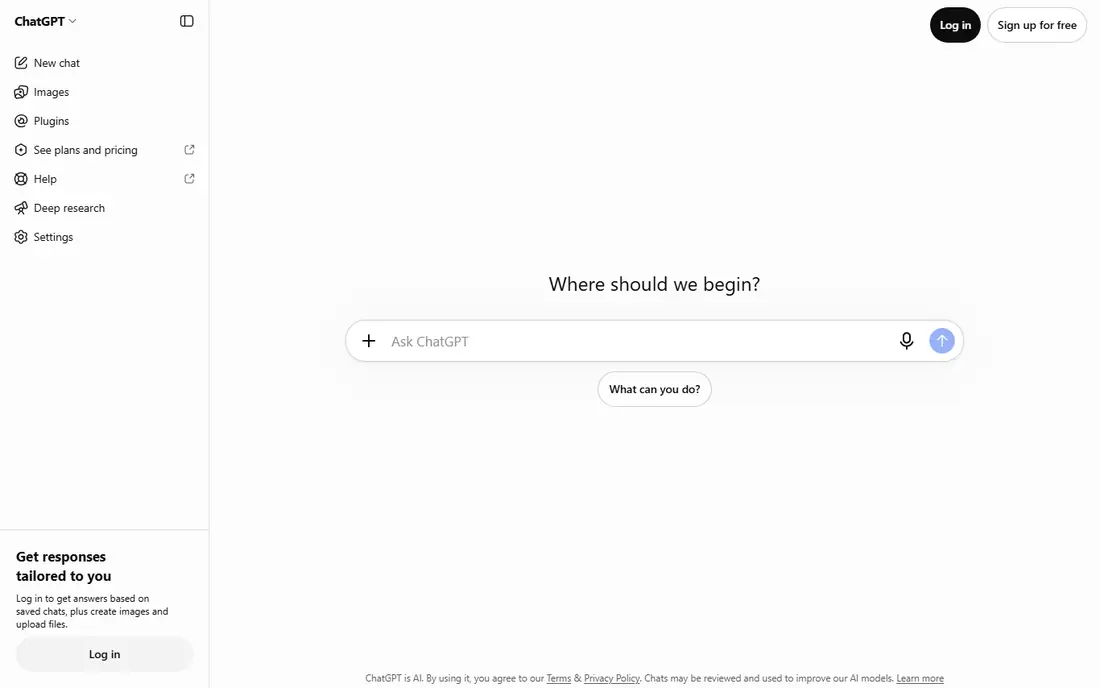
ChatGPT is useful for students as a tutor and brainstorm partner: it can explain a concept in simpler terms, suggest essay outlines, quiz you on a topic, and help debug code or maths steps. That interactive help is often more useful than a static article when you are stuck on a first idea or a confusing paragraph.
The risk is accuracy. ChatGPT can invent facts, quotes, and citations that look convincing, so every factual claim in a draft must be checked against a reliable source. Never paste an AI answer into an essay unchecked, and never use it to bypass an assignment that asks for your own analysis. Used for learning and planning, with disclosure where required, it is a powerful study tool.
- Strong explanations
- Outline and brainstorm help
- Broad subject coverage
- Can invent facts and citations
- Academic use must follow school policy
Claude, from Anthropic, is well suited to editing long drafts, restructuring essays, and working through detailed feedback. Students can paste a draft and ask for specific help, such as tightening an introduction, checking logical flow, or suggesting counterarguments. Its responses tend to be measured and structured, which helps for academic writing.
Like all AI chat tools, Claude can make mistakes and should not be treated as a source. Check facts, citations, and quotations independently, and keep your own voice in the final draft. For students who want a careful editor rather than a fast generator, Claude is a strong free starting point.
- Strong long document editing
- Careful tone
- Good at following detailed instructions
- Free plan has usage limits
- Factual claims still need verification
ProWritingAid goes deeper than basic grammar checkers, with reports on sentence variety, passive voice, repeated words, readability, and pacing. That depth helps students who already write cleanly but want to improve style for longer essays, dissertations, and creative work. Integrations with Word, Google Docs, and Scrivener keep editing inside your normal workflow.
The volume of reports can feel overwhelming at first, so focus on two or three reports per draft rather than fixing everything at once. A free trial and limited free version let you test the reports before paying. For serious editing practice, ProWritingAid is the most detailed tool on this list.
- Detailed style and readability reports
- Works in Word and Google Docs
- Good for long essays
- Reports can overwhelm new writers
- Premium needed for full features
Jasper is built for marketing and business writing, with templates for articles, outlines, and long form drafts. Students in business, communications, or media courses may find its structure helpful for reports, presentations, and project documents. Team features and brand voice controls matter more for group projects and student organisations than for a single essay.
For most student essays, Jasper is more expensive and more complex than needed, and its marketing focus can push drafts toward promotional language. Use it only if you have a specific structured writing need and your school policy allows AI drafting assistance with disclosure. For everyday student writing, Grammarly, QuillBot, and a chat tool cover more ground at lower cost.
- Strong templates for structured writing
- Brand voice controls
- Team features
- Priced for marketing teams
- Overkill for simple student essays
Writesonic helps students move from a blank page to an outline and first draft quickly, with templates for articles, essays, and summaries. That speed helps when the hard part is starting, and the outline tools can clarify structure before writing begins. A free trial lets students test whether the style fits their subject.
Output still needs heavy editing, fact checking, and citation work, and AI drafts should never be submitted without substantial revision and disclosure where required. Writesonic is best as a starting aid for structure and ideas, not as a finished essay source. Students on a budget should compare its free limits with the free plans from ChatGPT and Claude first.
- Fast outlines and drafts
- Article and essay templates
- Chatbot features
- Output quality varies
- Facts and citations need checking
Copy.ai offers prompt based help for outlines, introductions, summaries, and short form writing, with a simple interface that new users learn fast. It suits students who need help starting a piece, rephrasing a paragraph, or generating study summaries from notes. Workflow features can save time on repetitive writing tasks for student societies and projects.
Long academic essays need more structure, evidence, and citation care than Copy.ai provides on its own, so pair it with a reference manager and your course readings. As with all AI tools on this list, check school policy, disclose use when required, and keep the final argument and evidence your own work.
- Easy outline and brainstorm prompts
- Short form templates
- Simple interface
- Less suited to long academic essays
- Output needs editing and verification
How we picked these
We compared official feature pages, pricing pages, documentation, and public reviews for AI writing tools that students can use for planning, drafting, editing, or studying and that were actively sold in October 2026. We favoured tools with free or student friendly plans, clear editing or brainstorming value, and a track record of use in education. We excluded tools that mainly generate essays with no editing or learning value and tools without a public pricing or free option. Prices are listed as See website where plans vary by seats or credits.
What to check before you use AI writing tools for study
Start with your school policy. Some courses allow AI for brainstorming and editing but not for drafting, while others require disclosure for any AI use, and some ban it for assessed work. When in doubt, ask the instructor before submitting. Keep a note of how you used AI, so disclosure is easy and honest.
Next, build a workflow that keeps your thinking central. Use AI to outline, explain, and edit, then write and revise in your own words, add evidence from course sources, and check every citation. Reference managers such as Zotero or Mendeley help keep citations accurate, while Grammarly and ProWritingAid help polish the final draft.
Finally, watch for AI errors. Chat tools can invent citations, misstate facts, and produce smooth but shallow arguments. Read the full source before citing it, verify quotations, and ask whether each paragraph reflects your own understanding. If you cannot explain an argument in your own words, it is not ready to submit.
FAQ
What is the best AI writing tool for students?
Grammarly is best for everyday editing, QuillBot is best for paraphrasing and summarising, and ChatGPT or Claude are best for brainstorming and explaining concepts. Most students benefit from combining an editor with a chat tool, rather than relying on one generator.
What is the best AI writing platform for students for essays?
No single platform should write an essay for you. Use ChatGPT or Claude for outlines and explanations, Grammarly or ProWritingAid for editing, and QuillBot for paraphrasing help, then write the final essay yourself with proper citations.
Is using AI writing tools cheating?
It depends on your school and course policy. Editing help and brainstorming are often allowed with disclosure, while submitting AI generated work as your own unaided work is usually academic misconduct. Always check the policy and disclose use when required.
Can AI writing tools check for plagiarism?
Grammarly Premium and some other paid plans include plagiarism checks, but no checker is perfect. The safest approach is to cite sources properly, paraphrase in your own words, and keep notes on where each idea came from.
Are there free AI writing tools for students?
Yes, Grammarly, QuillBot, ChatGPT, and Claude all offer free plans that cover basic editing, paraphrasing, and brainstorming. Paid plans add higher limits, plagiarism checks, and advanced style reports.
How do I cite AI use in an essay?
Follow your school style guide and instructor instructions. Many guides now ask for a note describing the tool, the prompt type, and how the output was used, plus normal citations for any factual sources the AI pointed you to. When no guide exists, add a clear disclosure note and ask your instructor.