Best AI Voice Recorder App in 2026: 9 Apps Compared
We compared the best AI voice recorder app for meetings, interviews and notes, with current pricing, free minutes, and honest limits on accuracy and privacy.

- Editor's choice
 Otter.ai
Meeting transcription and summaries
Starts at$8.33 per user per monthVisit otter.aiFull review - Great alternative
 Notta
Multilingual transcription
Starts at$8.17 per monthVisit notta.aiFull review - Also consider
 Fireflies.ai
Sales teams and CRM notes
Starts at$10 per seat per monthVisit fireflies.aiFull review
TL;DR:
- Otter.ai is our pick for most meeting users, with 300 free minutes a month and a Pro plan at $8.33 per user per month billed annually.
- Notta beats Otter.ai on languages and Pro recording length, but its free plan caps each recording at 3 minutes.
- Fireflies.ai suits sales and support teams that need CRM links, while Fathom suits teams that want unlimited free transcription.
- Always get consent before recording, and check accuracy on your own audio, since accents, crosstalk, and background noise lower results.
Quick comparison
| Tool | Best for | Starts at | Free plan? | |
|---|---|---|---|---|
| Otter.ai | Meeting transcription and summaries | $8.33 per user per month | Yes | Visit |
| Notta | Multilingual transcription | $8.17 per month | Yes | Visit |
| Fireflies.ai | Sales teams and CRM notes | $10 per seat per month | Yes | Visit |
 Rev | Accuracy with a human option | $14.99 per month | Yes | Visit |
 Fathom | Unlimited free meeting notes | $16 per month | Yes | Visit |
 Wispr Flow | Dictation and voice notes | $12 per user per month | Yes | Visit |
 Granola | Fast notes without a meeting bot | $14 per user per month | Yes | Visit |
 Plaud Note | Dedicated recorder hardware | See website | Yes | Visit |
 Voicenotes | Quick personal voice notes | See website | Yes | Visit |
The best AI voice recorder apps
A good AI voice recorder does three jobs: capture clear audio, turn it into a searchable transcript, and pull out decisions and action items. The apps below differ mainly in where they record, how many minutes you get, and how they handle privacy. We compared official pricing pages, feature pages, app store listings, and public reviews.
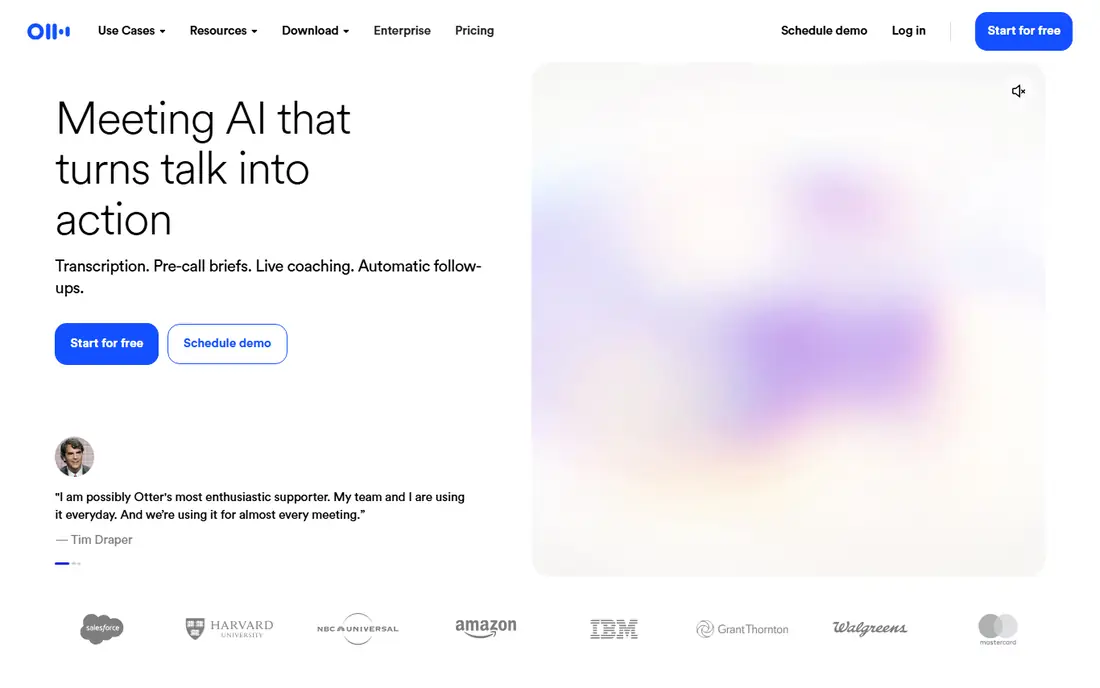
Otter.ai remains the most rounded meeting recorder for everyday office work. Its bot joins Zoom, Google Meet, and Microsoft Teams calls, transcribes live, identifies speakers, and produces a summary with action items after the call. The free plan gives 300 minutes a month with recordings up to 30 minutes each, which covers light use without a card.
Pro at $8.33 per user per month billed annually raises the cap to 1,200 minutes and adds imports and more integrations. The main limits are language coverage and caps: heavy users and multilingual teams should compare Notta and Fireflies.ai before committing. For most English-language meeting users, Otter.ai is the safest first pick.
- 300 free minutes a month
- Live transcription on Zoom, Meet, and Teams
- Useful AI summaries
- Only a handful of languages
- Minute caps bite heavy users

Notta is the stronger pick when your recordings are not all in English, or when a single meeting runs long. Pro at $8.17 per month billed annually gives 1,800 minutes, recordings up to 5 hours, and 100 file imports a month, which beats Otter.ai Pro on volume and length. It also records from meetings, uploads, and desktop audio, and it translates transcripts.
The free plan is the catch. You get 120 minutes a month, but each recording stops at 3 minutes, so it works for voice notes, not for real meetings. If you need a usable free tier, Otter.ai or Fathom will serve you better. If you pay, and you need languages or long recordings, Notta is excellent value.
- 58 transcription languages
- Long Pro recordings up to 5 hours
- Generous Pro minute allowance
- Free plan caps each recording at 3 minutes
- Summary limits on free plan
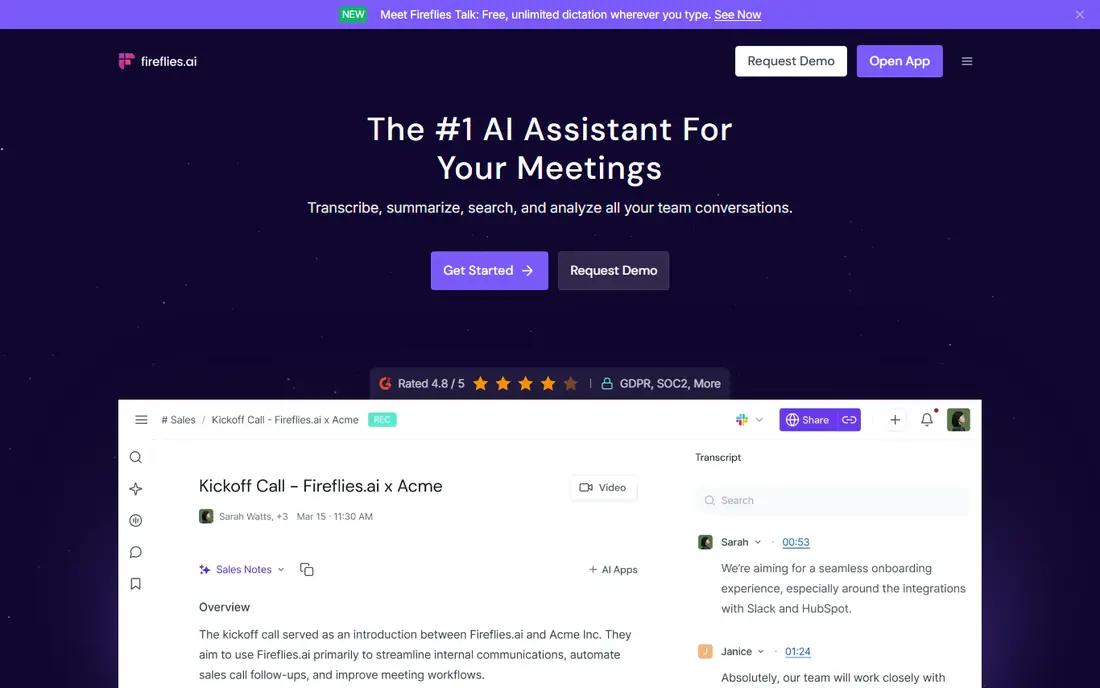
Fireflies.ai is built for teams that live in their CRM. Its bot joins calls, transcribes, summarizes, and pushes notes into Salesforce, HubSpot, and Pipedrive, so a sales call does not end in a forgotten recording. The free plan offers unlimited transcription with storage limits, which is unusually generous, and Pro at $10 per seat per month billed annually adds integrations and AI features.
Heavy users should read the credit and storage rules before assuming unlimited means free forever. For a sales or support team that needs searchable call notes tied to deals, though, Fireflies.ai is the most workflow-ready option in this list, and it scales from a solo rep to a full team.
- Unlimited transcription on free plan
- 100 plus integrations
- CRM sync for sales teams
- Storage caps on free plan
- AI credits can add cost for heavy users
Rev is the pick when accuracy matters more than price. Its AI plan starts at $14.99 per month, and its human transcription service, priced per minute, remains the fallback for legal, medical, and compliance-critical audio where an AI error could cause real harm. Rev also covers captions and subtitles, which helps creators and media teams.
For routine meetings, Rev costs more per minute than Otter.ai or Notta, and its AI minutes run out faster for heavy users. Use Rev for the recordings you cannot afford to get wrong, and use a cheaper AI recorder for everyday notes. That split keeps both accuracy and budget in good shape.
- AI plus human transcription options
- Strong accuracy for critical audio
- Caption and subtitle tools
- Human transcription is priced per minute
- AI plan minutes are limited
Fathom stands out for one reason: its free plan covers unlimited recordings, transcriptions, clips, and instant summaries. That makes it the best free starting point for a team that records a lot of meetings but does not yet want to pay. You can choose bot capture or bot-free capture per meeting, which helps when a visible bot would feel intrusive.
Premium at $16 per month billed annually adds more AI features and integrations. That is a step above Otter.ai Pro in price, so paid users should compare the two on features, not just minutes. If free is your priority, start with Fathom and upgrade only when you need its paid extras.
- Unlimited free recordings and transcription
- Bot-free capture option
- Instant summaries
- Paid plan is pricier than Otter.ai Pro
- Some advanced features need Premium
Wispr Flow is less a meeting bot and more a voice keyboard that writes as you speak. It suits writers, founders, and professionals who want to dictate emails, docs, and messages without typing, and its Notetaker adds meeting capture on top. The free plan includes dictation with weekly word allowances, and Pro at $12 per user per month billed annually removes those limits.
Users who mainly need meeting transcripts should pick Otter.ai or Fathom instead, since Flow is priced and built around dictation volume. Users who hate typing, and who want their spoken notes turned into clean text fast, will get more daily value from Flow than from any meeting-only tool here.
- Fast dictation for writing
- Voice commands and editing
- Notetaker for meetings
- Free weekly word caps
- Dictation focus, not full meeting management
Granola takes a privacy-friendly angle: it records on your own device and builds notes without sending a bot into the meeting. That matters for users who dislike bots appearing in client calls, and for teams with strict meeting policies. The free Basic plan gives unlimited notes on a rolling access window, and Business at $14 per user per month adds integrations and longer access.
The trade-off is depth. Granola is a notes tool first, not a full meeting management platform, so CRM sync and team analytics are thinner than Fireflies.ai. If bot-free capture and clean notes are your top needs, Granola is a strong pick. If you need deep CRM workflows, look elsewhere.
- No bot joins your calls
- Clean notes from your own audio
- Fast summaries
- Free plan limits access window and integrations
- Team features need Business
Plaud Note is different from every app above, because it is hardware plus an app. The thin recorder clips to a phone or sits on a desk, records for hours, and sends audio to the Plaud app for transcription, summaries, mind maps, and to-do lists. The free Starter plan includes 300 transcription minutes a month, and paid plans add more minutes.
The cost is the catch. You pay for the device on top of any minutes plan, so casual users will do better with a phone app alone. For interviewers, researchers, and professionals who record in person all day and want a device that just records, Plaud Note is the most focused tool here, and its battery life beats a phone.
- Small dedicated recorder with long battery life
- 112 plus transcription languages
- Strong summary templates
- Hardware costs extra
- Full value needs a paid minutes plan
Voicenotes is built for the moment an idea strikes: open the app, speak, and get a transcribed, summarized note you can search later. It suits journaling, brainstorming, and personal task capture better than formal meeting management. The app is simple, fast, and easy to use daily, which is why many users stick with it for personal notes even when they use another tool at work.
It is not the pick for team meetings, speaker identification, or CRM sync, and buyers should confirm current pricing on the vendor site or app store before paying. As a personal voice notebook, though, it is one of the least fussy options in this list, and that simplicity is its main strength.
- Very fast capture for thoughts on the go
- AI summaries and organization
- Simple mobile app
- Less meeting and CRM depth
- Pricing varies by store and plan
How we picked these
We compared official feature pages, pricing pages, app store listings, privacy policies, and public reviews, and we kept only apps that record and transcribe today and that truly fit AI voice recording. A dictation tool, a meeting bot, and a hardware recorder can all fit, but a generic note app without recording did not make the cut. We marked prices we could not verify as See website rather than guessing.
We also checked the free tiers in detail, because free minutes, per-recording caps, and storage limits change the real cost more than the headline price. That is why the notes call out Notta's 3-minute free cap and Fireflies.ai storage limits, even though both look generous at first glance.
What to check before you pay
Start with consent and privacy. In many US states, recording a conversation without consent from all parties can break the law, and workplaces and meeting platforms have their own rules. Tell participants you are recording, check your state rules, and read each app's privacy policy for how audio is stored, who can access it, and how to delete it. Do not record sensitive calls on a tool you have not vetted.
Next, match minutes to real use. Count your weekly meeting hours, then add interviews and voice notes, and pick a plan that covers that total with room to spare. A cheap plan that runs out mid-month costs more in overage and hassle than a slightly pricier plan that fits. Test accuracy on your own audio too, with accents, crosstalk, and background noise, before you move a whole team.
Finally, check the workflow after the transcript. A transcript you never read is wasted money. Pick the tool that puts summaries where you work, whether that is email, a CRM, or a notes app, and set a habit of reviewing action items the same day. The best recorder is the one whose notes you actually use.
FAQ
What is the best AI voice recorder app for meetings?
Otter.ai is our pick for most meeting users, thanks to its live transcription, summaries, and 300 free minutes a month. Fathom is the best free alternative for heavy meeting volume, and Fireflies.ai is best when notes must flow into a CRM. Test all three on a real call before you pay.
What are the best AI voice recorder apps for interviews?
Plaud Note suits in-person interviews, since its dedicated recorder runs for hours without draining a phone. Notta suits long interviews in many languages, with Pro recordings up to 5 hours. For accuracy-critical interviews, Rev's human transcription is the safer fallback, despite its per-minute cost.
Is there a free AI voice recorder app that is actually useful?
Yes. Otter.ai gives 300 free minutes a month, Fathom gives unlimited free recordings and transcription, and Fireflies.ai gives unlimited free transcription with storage limits. Each free plan has a catch, so check per-recording caps, storage, and export limits before relying on one.
How accurate are AI voice recorders?
On clean audio with one or two speakers, leading tools are usually accurate enough for notes and summaries. Accuracy drops with accents, overlapping speech, background noise, and technical terms, so always review names, dates, and numbers before acting on a transcript. For legal or medical records, use human transcription.
Do AI voice recorder apps work offline?
Recording itself often works offline, but transcription and summaries usually need an internet connection. Plaud Note and phone apps can record without signal, then transcribe once you are back online. Check offline behavior for your exact app before relying on it in a remote location.