Best AI Voice Chat App in 2026: 8 Apps Compared
Compare the best AI voice chat app options for 2026, from ChatGPT Voice and Gemini Live to Copilot and Pi, with safety and age controls noted here today.
- Editor's choice
 ChatGPT
Best overall voice
Starts atFreeVisit chatgpt.comFull review - Great alternative
 Gemini Live
Android and Google users
Starts atFreeVisit gemini.google.comFull review - Also consider
 Microsoft Copilot
Microsoft users
Starts atFreeVisit copilot.microsoft.comFull review
TL;DR:
- ChatGPT Voice and Gemini Live are the most capable general voice assistants, with natural conversation and broad knowledge.
- Microsoft Copilot Voice suits Windows and Microsoft 365 users who want voice help inside familiar tools.
- Pi is a calmer, more conversational voice app, with a friendly tone for everyday questions and brainstorming.
- All apps on this list are mainstream assistants with stated safety, moderation, and age controls, not unfiltered companion apps.
- Voice apps can make mistakes, so check important facts, health advice, and financial details from a trusted source before you act.
Quick comparison
| Tool | Best for | Starts at | Free plan? | |
|---|---|---|---|---|
| ChatGPT | Best overall voice | Free | Yes | Visit |
| Gemini Live | Android and Google users | Free | Yes | Visit |
| Microsoft Copilot | Microsoft users | Free | Yes | Visit |
 Pi | Calm conversation | Free | Yes | Visit |
 Meta AI | Social and phone voice | Free | Yes | Visit |
 Claude | Thoughtful answers | Free | Yes | Visit |
 Perplexity | Voice search answers | Free | Yes | Visit |
 Alexa | Smart home voice | Free | Yes | Visit |
The best AI voice chat apps
We compared voice quality, conversation flow, knowledge, device support, and safety practices, and we included only mainstream assistants with published safety and age policies.

ChatGPT Voice lets you talk instead of type, with a voice mode that handles follow-up questions, brainstorming, drafting, and explanations in a natural back-and-forth. The free plan includes voice use with limits, while paid plans, listed at $20 per month for Plus in recent pricing, add more access and newer models. That mix makes ChatGPT a good first voice app for most people.
OpenAI publishes safety policies, content filters, and age requirements for ChatGPT, and voice conversations are subject to those same rules. The main limit is accuracy. Voice answers can sound confident even when they are wrong, so verify dates, prices, medical details, and legal points before you rely on them. For general voice help, ChatGPT is our top pick.
- Natural voice conversation
- Broad knowledge and task help
- Works on phone, web, and desktop
- Free voice use has limits
- Answers can contain errors, so check key facts

Gemini Live is Google's voice conversation mode, built for talking through ideas, planning, and questions without typing. On Android, it can connect with Google apps such as Calendar, Gmail, and Maps in supported cases, which helps with hands-free planning. The free tier covers basic live conversation, while paid plans add higher limits and newer models.
Google publishes safety, privacy, and age policies for Gemini, with filters for harmful content and controls for parents through family tools. The experience is strongest on Android and Pixel devices, and less deep on iPhone, where app links are thinner. For Android users who live in Google apps, Gemini Live is the natural voice pick.
- Natural live conversation
- Deep Google app links on Android
- Free tier for basic use
- Best on Android and Google devices
- Free limits apply to advanced models
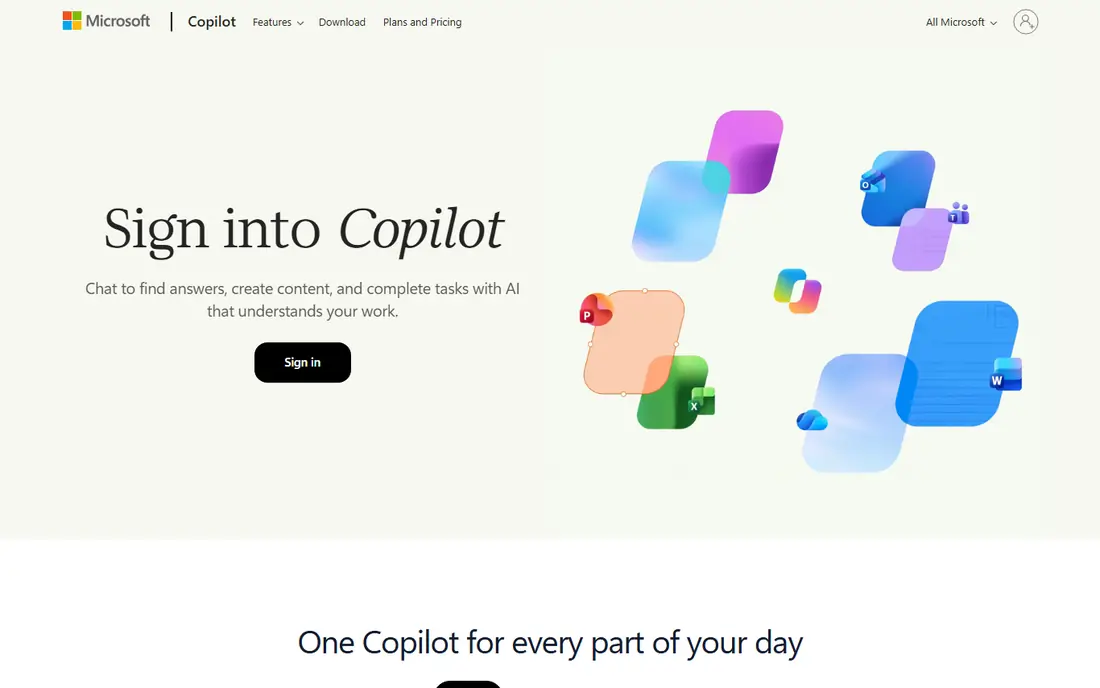
Microsoft Copilot Voice lets you talk through drafts, summaries, plans, and questions, with links to Windows, Edge, and Microsoft 365 in supported cases. The free tier covers everyday voice use, while Microsoft 365 Copilot adds work data, documents, and admin controls for business accounts. That makes Copilot a practical pick for office users.
Microsoft publishes safety and privacy policies for Copilot, with content filters and age requirements, plus admin controls for schools and firms. The tone is more practical than playful, which suits work tasks but feels less warm than Pi for casual chat. If you already use Windows and Office, Copilot Voice is the easiest voice assistant to add.
- Voice help inside Windows, Edge, and Microsoft 365
- Free tier
- Clear enterprise controls for work accounts
- Deepest features need Microsoft 365
- Voice style is more practical than chatty
Pi, from Inflection, is built for conversation first. Its voice is calm and friendly, and it handles everyday questions, ideas, planning, and light coaching in a natural flow. The app is simple, with no complex menus, which helps people who want to talk rather than manage settings.
Pi publishes safety policies and age requirements, and it is positioned as a personal assistant, not an unfiltered companion. It is less strong for coding, deep research, or app integrations than ChatGPT or Gemini, so technical users may find it thin. For calm, everyday voice conversation, Pi is a pleasant and safe choice.
- Warm and calm voice style
- Good for brainstorming and everyday talk
- Simple app
- Less deep for coding or technical work
- Fewer app integrations than ChatGPT or Gemini
Meta AI offers voice chat inside WhatsApp, Instagram, Facebook, and Messenger in supported regions, plus a standalone app and web chat. You can ask questions, brainstorm, get image ideas, and search the web by voice, without a separate subscription. That reach makes Meta AI easy to try, since many users already have a Meta app on their phone.
Meta publishes safety, privacy, and age policies for Meta AI, with filters and reporting tools, and parents can use family controls on linked accounts. Voice depth varies by app, and some features roll out by region, so check what is live in your country. Review privacy settings before you share personal details by voice, as with any assistant.
- Free voice chat in Meta apps
- Hands-free use on phones
- Image and search help
- Voice depth varies by app and region
- Privacy settings need review
Claude, from Anthropic, is known for careful, well-structured answers, and its mobile app supports voice input for dictating questions and hearing replies. It suits writing, editing, analysis, and planning, where a thoughtful answer matters more than a quick chat. The free tier covers everyday use, while paid plans add higher limits.
Anthropic publishes safety policies, usage rules, and age requirements for Claude, with filters for harmful content. Voice is not as central as in ChatGPT or Gemini Live, since Claude leans toward text, but voice input still helps hands-free use. If you value careful answers and clear reasoning, Claude is a strong voice-input pick.
- Clear and careful answers
- Good for writing and analysis
- Voice input on mobile
- Voice conversation is less central than ChatGPT Voice
- Free limits apply
Perplexity is a voice-friendly search assistant. You can ask a question by voice, get a spoken and written answer with web citations, and follow up for more detail. That source-first style helps when you want to check a fact, compare options, or catch up on news, since you can open the cited pages yourself.
Perplexity publishes safety and age policies, with filters for harmful content. It is less suited to long casual conversation than Pi or ChatGPT, since it leans toward research answers. For voice search and fact-checking, Perplexity is a useful second app alongside a general voice assistant.
- Voice questions with cited web sources
- Good for news and research
- Free tier
- Less conversational for casual chat
- Paid plan needed for higher limits
Alexa remains the best voice assistant for smart home control. You can control lights, locks, thermostats, and speakers by voice, set routines, play music, and ask everyday questions through Echo devices or the Alexa app. The basic app and device voice features are free, while Alexa Plus, Amazon's newer AI tier, adds deeper conversation in supported regions.
Amazon publishes safety, privacy, and parental controls for Alexa, including voice profiles, activity review, and Kids settings for Echo devices. Long, open-ended conversation is thinner than in ChatGPT Voice or Gemini Live, so Alexa suits home control and quick answers best. For a house full of smart devices, Alexa is still the most practical voice pick.
- Wide smart home control
- Music, timers, and routines
- Alexa app for phone voice
- Less deep for long conversation than ChatGPT
- Some advanced AI features need a subscription
How we picked these
We compared official product pages, safety policies, and app store listings for mainstream voice assistants, and we included only apps with stated moderation, safety, and age controls. We excluded unfiltered companion apps that lack clear safety practices, even when they are popular for voice chat. We did not claim hands-on testing, and we treated voice quality and knowledge as practical factors, not guarantees of accuracy.
How to choose an AI voice chat app
Start with your device. Android users will get the most from Gemini Live, Windows and Office users from Copilot, and smart home users from Alexa. For general conversation, try ChatGPT Voice and Pi and see which tone you prefer. Check free limits before you rely on voice daily, since free tiers cap advanced models and long sessions.
Safety and privacy notes for voice apps
Voice apps record and process speech to answer you, so review privacy settings, history controls, and data retention options in each app. Do not share passwords, bank details, or sensitive health data by voice, and teach children to use family or kids modes where offered. If an app has no clear safety policy, age rules, or report tools, skip it, even if its voice sounds impressive.
FAQ
What is the best AI voice chat app?
ChatGPT Voice is the best overall pick for natural conversation and broad task help, with Gemini Live close behind for Android and Google users. Pi is best for calm, everyday conversation, while Copilot suits Microsoft users.
Is there a free AI voice chat app?
Yes. ChatGPT, Gemini Live, Copilot, Pi, Meta AI, Claude, and Perplexity all offer free voice or voice-input tiers, with limits on advanced models and long use. Alexa voice features are also free through the app and Echo devices.
Are AI voice chat apps safe for kids?
Mainstream apps publish age requirements and offer family controls, but children should use kids modes or supervised accounts where offered, such as Alexa Kids settings or Google Family Link. Avoid unfiltered companion apps for children, and review conversation history regularly.
Can AI voice apps replace a human assistant or therapist?
No. Voice assistants can help with planning, drafting, and everyday questions, but they can make mistakes and they are not therapists, doctors, or lawyers. For health, legal, or financial decisions, check a qualified professional and a trusted source.
Do AI voice apps work hands-free?
Yes, on phones and smart speakers, with wake words or tap-to-talk depending on the app and device. Gemini Live and Alexa are strongest for hands-free use, while ChatGPT Voice and Pi work well with tap-to-talk on phones.
Which AI voice app is best for smart home control?
Alexa is best for smart home control, with wide device support, routines, and the Alexa app. Google Assistant and Gemini also control many smart devices, but Alexa has the broadest smart home catalog in most homes.