Best AI Video Generation Tools in 2026: 8 Tools Compared
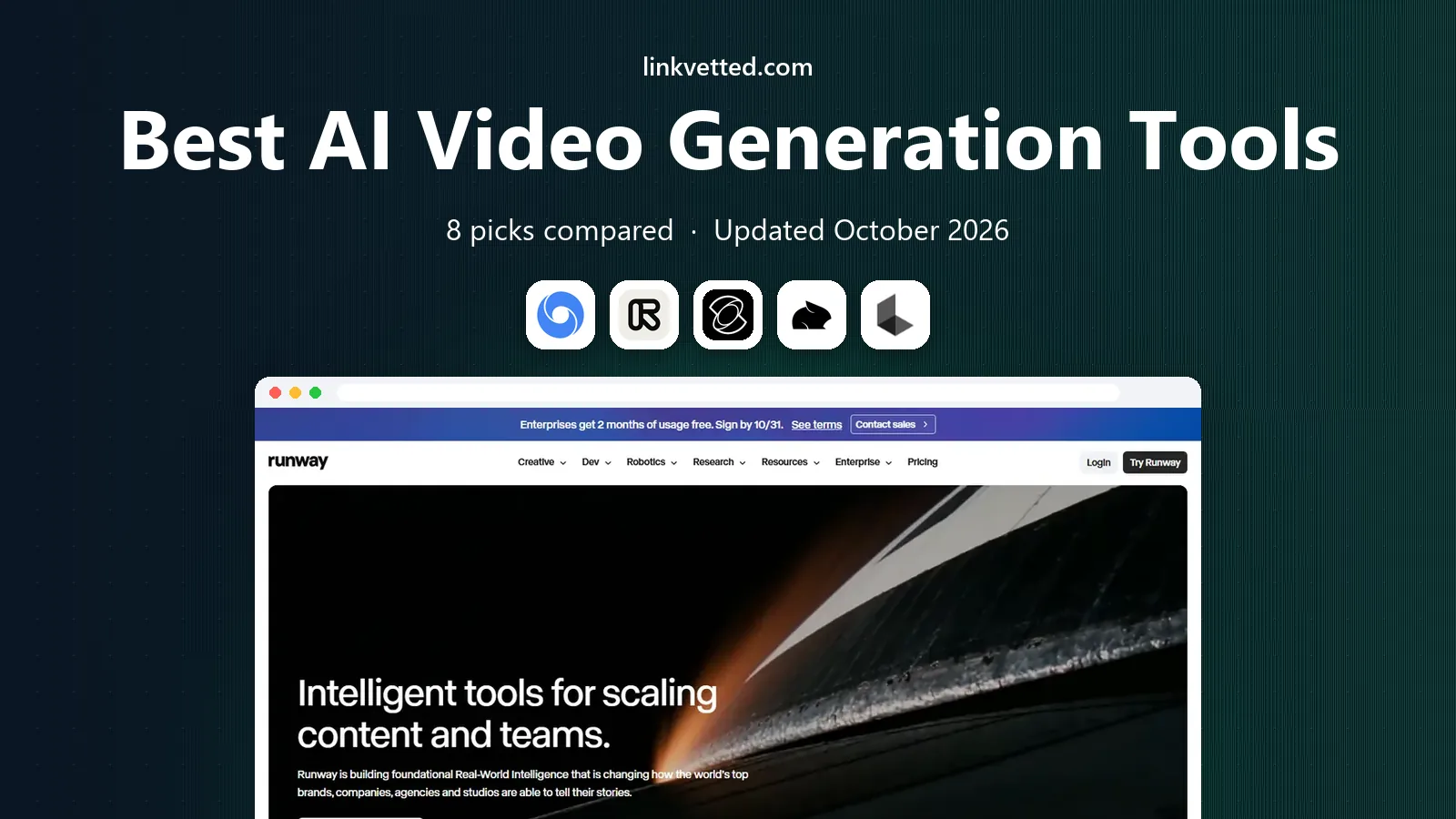
Best ai video generation tools january compared for October 2026: Veo, Runway, Kling and more that are available now, with pricing, limits, and uses now.
- Editor's choice
 Google Veo 3.1
Cinematic clips with audio
Starts atSee websiteVisit deepmind.googleFull review - Great alternative
 Runway Gen-4.5
Controlled cinematic editing
Starts at$12 per monthVisit runwayml.comFull review - Also consider
 Kling 3.0
Longer realistic motion
Starts atSee websiteVisit klingai.comFull review
TL;DR:
- Sora consumer access is excluded because it was shut down in 2026, so every tool here should be usable in October 2026.
- Google Veo 3.1 and Runway Gen-4.5 lead on cinematic quality and control, while Kling 3.0 leads on longer clips and value.
- Credits are not comparable across vendors, so compare cost per finished second, not credit counts.
- Check commercial use rights and output limits before you build a client project on a free plan.
Quick comparison
| Tool | Best for | Starts at | Free plan? | |
|---|---|---|---|---|
| Google Veo 3.1 | Cinematic clips with audio | See website | Free trial | Visit |
| Runway Gen-4.5 | Controlled cinematic editing | $12 per month | Yes | Visit |
| Kling 3.0 | Longer realistic motion | See website | Yes | Visit |
 Pika | Quick stylized social clips | $8 per month | Yes | Visit |
 Luma Dream Machine | Cinematic camera movement | See website | Yes | Visit |
 Hailuo AI | Template led social video | See website | Yes | Visit |
 Vidu | Consistent faces across clips | $8 per month | Yes | Visit |
 HeyGen Video | Avatar and scripted video | See website | Yes | Visit |
The best AI Video Generation Tools
This list covers tools that were available in October 2026. We left out consumer access to Sora, because OpenAI closed the consumer Sora website and apps in April 2026 and shut the Sora API in September 2026, so it is not a tool most readers can start using today. The remaining tools differ mainly on clip length, audio, control, and cost per second, so start with the job you have, not the model name.
Google Veo 3.1 fits creators who want realistic clips with sound in one pass. Its clearest strength is native audio matched to the scene, which matters when dialogue, ambient sound, and motion must arrive together. For teams that want a single generation to cover picture and sound, this focus keeps the day to day work simpler than a broad platform that tries to cover every related job at once.
The catch is its limits on the plan you would actually buy. That does not rule it out, but it does mean you should check which plan gives you the resolution and credits you need before you commit, and run a small pilot with a real project rather than a demo file. If that pilot passes, Google Veo 3.1 is a sound pick for cinematic clips with audio.
We compared Google Veo 3.1 on its official feature and pricing pages, public documentation, and user reviews. What stood out was its audio and realism in short cinematic shots. What held it back in our comparison was its per second cost at 1080p and above.
- Native synchronized audio
- Strong realism
- Access through Gemini and Flow
- Credit costs rise fast at high resolution
- Peak time limits can apply

Runway Gen-4.5 fits filmmakers and editors who need control over shots. Its clearest strength is precise control over camera, style, and existing footage, which matters when a clip must match a storyboard or an existing shot. For teams that need to edit footage, not just generate from a prompt, this focus keeps the day to day work simpler than a broad platform that tries to cover every related job at once.
The catch is its limits on the plan you would actually buy. That does not rule it out, but it does mean you should check how many credits a typical clip uses in your workflow before you commit, and run a small pilot with a real project rather than a demo file. If that pilot passes, Runway Gen-4.5 is a sound pick for controlled cinematic editing.
We compared Runway Gen-4.5 on its official feature and pricing pages, public documentation, and user reviews. What stood out was its editing controls for existing video. What held it back in our comparison was its one time free credit limit.
- Strong shot control and editing tools
- Aleph style edits to existing footage
- API access
- Free credits are one time only
- Credit costs add up for heavy use
Kling 3.0 fits social creators who need longer, lively motion. Its clearest strength is longer generations with lively human motion, which matters when a scene needs more than a few seconds to play out. For teams that want daily free tries before paying, this focus keeps the day to day work simpler than a broad platform that tries to cover every related job at once.
The catch is its limits on the plan you would actually buy. That does not rule it out, but it does mean you should check current membership pricing and commercial terms before you commit, and run a small pilot with a real project rather than a demo file. If that pilot passes, Kling 3.0 is a sound pick for longer realistic motion.
We compared Kling 3.0 on its official feature and pricing pages, public documentation, and user reviews. What stood out was its motion quality over longer clips. What held it back in our comparison was its changing promo pricing.
- Longer clips than many rivals
- Daily free access in the app
- Lip sync and multi-shot options
- Pricing and promotions change often
- Commercial use is limited on free access
Pika fits social creators who want fast, fun clips. Its clearest strength is speed and playful effects for short social video, which matters when a clip is for a feed, not a film. For teams that want a low cost way to test ideas, this focus keeps the day to day work simpler than a broad platform that tries to cover every related job at once.
The catch is its limits on the plan you would actually buy. That does not rule it out, but it does mean you should check how credits map to your usual clip length before you commit, and run a small pilot with a real project rather than a demo file. If that pilot passes, Pika is a sound pick for quick stylized social clips.
We compared Pika on its official feature and pricing pages, public documentation, and user reviews. What stood out was its fast turnaround for short clips. What held it back in our comparison was its stylized look for realistic scenes.
- Fast, playful effects
- No watermark on any tier in recent pricing guides
- Simple prompt workflow
- Shorter, more stylized output than cinematic rivals
- Credit packs can confuse budgeting
Luma Dream Machine fits creators who care most about camera language. Its clearest strength is camera movement that feels planned rather than random, which matters when a shot needs a push, orbit, or reveal. For teams that want keyframes to guide the motion, this focus keeps the day to day work simpler than a broad platform that tries to cover every related job at once.
The catch is its limits on the plan you would actually buy. That does not rule it out, but it does mean you should check generation limits on the plan you would buy before you commit, and run a small pilot with a real project rather than a demo file. If that pilot passes, Luma Dream Machine is a sound pick for cinematic camera movement.
We compared Luma Dream Machine on its official feature and pricing pages, public documentation, and user reviews. What stood out was its camera control. What held it back in our comparison was its credit use for longer projects.
- Believable camera moves
- Keyframe control
- Image to video strength
- Paid tiers are needed for serious volume
- Output can need retries
Hailuo AI fits beginners who want a template first workflow. Its clearest strength is templates that turn an idea into a clip fast, which matters when you want a finished social clip without learning a pro editor. For teams that need a cheap paid step up from free, this focus keeps the day to day work simpler than a broad platform that tries to cover every related job at once.
The catch is its limits on the plan you would actually buy. That does not rule it out, but it does mean you should check watermark and export rules on your plan before you commit, and run a small pilot with a real project rather than a demo file. If that pilot passes, Hailuo AI is a sound pick for template led social video.
We compared Hailuo AI on its official feature and pricing pages, public documentation, and user reviews. What stood out was its template speed. What held it back in our comparison was its watermark on free exports.
- Easy templates for social clips
- Free generation with watermark
- Low step up price
- Free output carries a watermark
- Realism lags the top cinematic models
Vidu fits creators who reuse the same person across clips. Its clearest strength is face consistency across generations, which matters when the same character must appear in several clips. For teams that need reference based generation on a budget, this focus keeps the day to day work simpler than a broad platform that tries to cover every related job at once.
The catch is its limits on the plan you would actually buy. That does not rule it out, but it does mean you should check reference limits on your plan before you commit, and run a small pilot with a real project rather than a demo file. If that pilot passes, Vidu is a sound pick for consistent faces across clips.
We compared Vidu on its official feature and pricing pages, public documentation, and user reviews. What stood out was its consistency for repeat characters. What held it back in our comparison was its smaller library of guides and integrations.
- Reference uploads that help keep a face consistent
- Low starting price
- Simple web workflow
- Smaller ecosystem than Veo or Runway
- Some features are plan gated
HeyGen Video fits small teams that need scripted presenter video fast. Its clearest strength is scripted avatar video with translation in one platform, which matters when a presenter must deliver the same script in several languages. For teams that want an API for repeatable video work, this focus keeps the day to day work simpler than a broad platform that tries to cover every related job at once.
The catch is its limits on the plan you would actually buy. That does not rule it out, but it does mean you should check per second pricing at your target resolution before you commit, and run a small pilot with a real project rather than a demo file. If that pilot passes, HeyGen Video is a sound pick for avatar and scripted video.
We compared HeyGen Video on its official feature and pricing pages, public documentation, and user reviews. What stood out was its low cost for scripted clips. What held it back in our comparison was its limits for non-avatar cinematic scenes.
- Avatar presenters and translation
- Low per second pricing at lower resolutions
- API option
- Avatar video is not a replacement for live action scenes
- Top quality tiers cost more
How we picked these
We compared official feature pages, pricing pages, documentation, and public reviews for each product, and we kept only products that exist, work in October 2026, and fit the topic on their own terms. We checked starting prices on vendor sites and used See website where a vendor does not publish a simple starting price or prices by quote. We favored products with clear controls for safety, privacy, and rollback, and we noted limits plainly instead of hiding them behind praise.
What to check before you choose a video generator
Check the limits that matter most
Free plans, credit caps, seat minimums, export limits, and quote-only pricing change the real cost fast. Read the pricing page for the plan you would actually buy, not the cheapest headline price, and confirm what happens when you hit a limit mid-project.
Plan for the day something goes wrong
The best tool in this kind of list is often the one that makes it easy to pause, roll back, export your work, or cancel. Keep a copy of your work outside the tool, note who owns the account, and confirm support hours before a deadline depends on it.
Start with the smallest real test
Pick one real project, one real audience, and one clear success measure before you pay for a full plan. A short pilot shows whether setup, limits, and support match the sales page, and it gives you a clean comparison point if you try a second tool later.
FAQ
Which AI video tool is best overall in October 2026?
Google Veo 3.1 is our overall pick for cinematic clips with native audio, while Runway Gen-4.5 is the better pick when shot control and editing matter more. Kling 3.0 is the value pick for longer motion on a budget.
Is Sora still available?
No, not for most readers. OpenAI closed the consumer Sora website and apps in April 2026 and shut the Sora API in September 2026, so this guide excludes it and lists tools you can use in October 2026.
How much does AI video cost per clip?
Cost depends on length, resolution, audio, and retries, so compare cost per finished second rather than credit totals. A short 1080p clip with audio can cost several times more than the same clip at 720p without audio.
Can I use free plan videos for client work?
Not always. Some free plans limit use to non-commercial projects or add a watermark, so read the license for your plan before you ship client work. Paid plans usually remove those limits.
How long can AI video clips be?
Most flagship models make clips from a few seconds to about 30 seconds in one generation, with longer results built by stitching clips together. Check the model page for the exact limit, because it changes with each model release.