Best AI Video Generation Tools Compared in 2026: 8 Tools
Our best ai video generation tools comparison covers cinematic clips, avatar presenters, pricing, free plans, and credit limits to help you pick the right tool.
- Editor's choice
 Runway
Cinematic clips and creative control
Starts at$15 per monthVisit runwayml.comFull review - Great alternative
 Pika
Fast, low-cost social clips
Starts at$10 per monthVisit pika.artFull review - Also consider
 Google Veo
Realistic scenes with synced audio
Starts atSee websiteVisit deepmind.googleFull review
TL;DR:
- Cinematic tools such as Runway, Pika, Kling, Veo, and Luma are best for short generated scenes, while Synthesia and HeyGen are built for scripted presenter videos.
- Credit systems matter more than headline prices, since model choice, clip length, and resolution change how fast a plan runs out.
- Free plans are useful for testing style and workflow, but most watermark output or limit commercial use, so check the terms before publishing.
- Our pick for most creators is Runway for creative control, with HeyGen as the stronger choice for multilingual presenter videos.
Quick comparison
| Tool | Best for | Starts at | Free plan? | |
|---|---|---|---|---|
| Runway | Cinematic clips and creative control | $15 per month | Yes | Visit |
| Pika | Fast, low-cost social clips | $10 per month | Yes | Visit |
| Google Veo | Realistic scenes with synced audio | See website | Free trial | Visit |
 OpenAI Sora | Longer, coherent generated scenes | See website | Free trial | Visit |
 Synthesia | Corporate training and explainers | $29 per month | Yes | Visit |
 HeyGen | Multilingual avatar videos | $29 per month | Yes | Visit |
 Kling | High-value realistic clips | See website | Yes | Visit |
 Luma Dream Machine | Fast iteration on short scenes | See website | Yes | Visit |
The best AI video generation tools
We compared cinematic scene generators with avatar presenters, because they solve different jobs and bill in different ways. The right pick depends on whether you need a short clip, a training video, or a translated presenter.
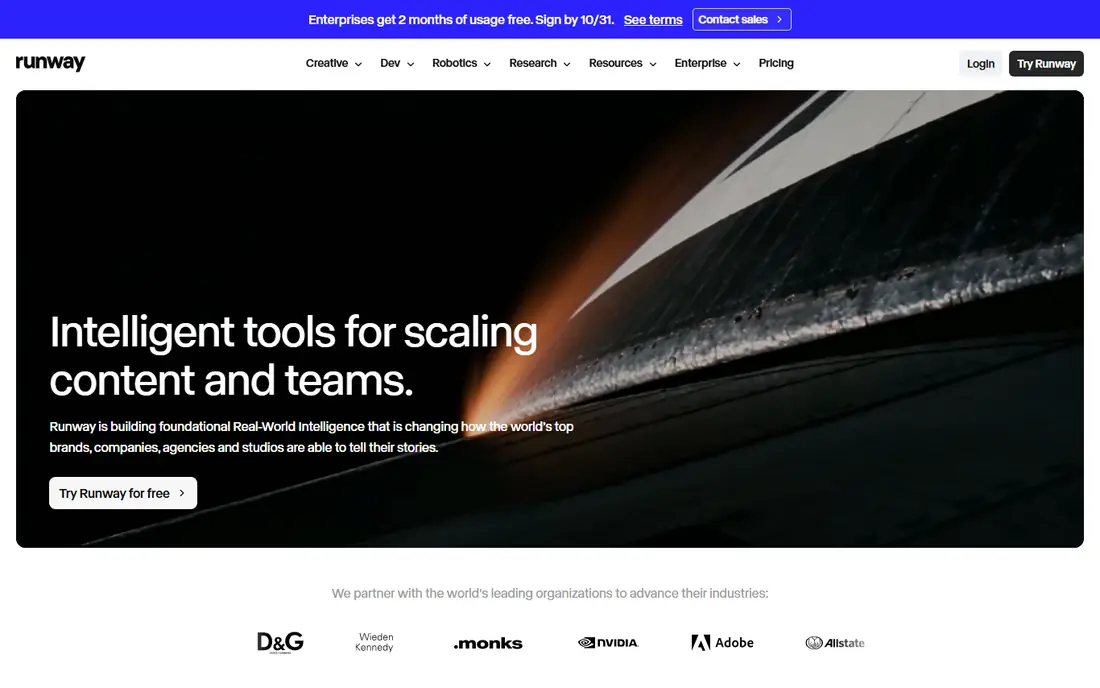
Runway fits creators and small teams who want control over camera motion, style, and scene structure, rather than a one-click clip. Its Gen-4 family and editing tools make it useful for b-roll, mood pieces, and short brand scenes, and the interface supports text and image prompts.
Credit burn is the catch, since a short high-quality clip can use a large share of a monthly allowance. Test at the resolution you plan to publish at, and track credits per clip before you commit to a larger plan. Check the current plan page before you pay, since prices and free limits change, and start with the free or trial option when one is offered.
- Creative control with Gen-4 models
- Image-to-video and editing tools
- API access on higher plans
- Credit use rises fast at higher quality
- Learning curve for new users
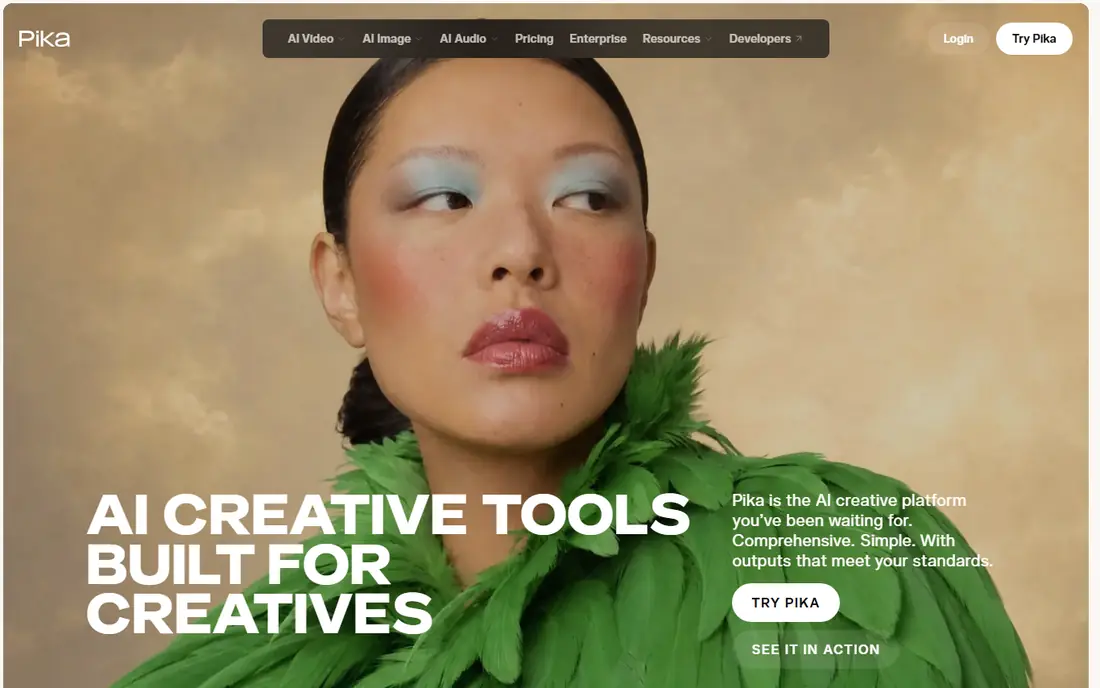
Pika fits social creators who want quick, stylised clips without a large monthly bill. Its effects and simple controls make it easy to turn a photo or short prompt into a shareable video, and the entry plan is among the cheapest here.
The trade-off is depth, since longer or more precise scenes are harder to shape than in a full cinematic studio. Use Pika for volume and fun formats, and keep Runway or Veo for hero shots that need tighter control. Check the current plan page before you pay, since prices and free limits change, and start with the free or trial option when one is offered.
- Low entry price
- Playful effects and styles
- Simple prompt workflow
- Short clips and limited commercial rights on lower plans
- Less control than Runway
Google Veo fits creators who value realistic motion and sound in a short clip, and who already use Google tools. Its newer versions pair generated video with synced audio, which helps a clip feel finished without a separate sound pass.
Access is the main friction, since Veo is sold through Google AI plans and related products rather than as one simple standalone price. Check which Google plan includes Veo in your region, and test audio sync on a real brief before relying on it. Check the current plan page before you pay, since prices and free limits change, and start with the free or trial option when one is offered.
- Strong realism and audio sync in recent versions
- Image and text prompts
- Google ecosystem access
- Access and pricing vary by product and region
- Clip length is short
OpenAI Sora fits creators who want longer, more coherent scenes than the usual five-second clip. Its strength is holding a scene together across motion and cuts, which matters for story-led shorts and concept work.
The catch is access and cost clarity, since Sora is tied to OpenAI plans and availability can change by region. If you already pay for an OpenAI plan, test Sora first; if not, compare its total plan cost with a dedicated video tool. Check the current plan page before you pay, since prices and free limits change, and start with the free or trial option when one is offered.
- Strong scene coherence
- Text and image prompts
- Creative camera work
- Access depends on OpenAI plans and region
- Pricing is not a simple flat video plan
Synthesia fits training, onboarding, and internal explainers where a clear presenter matters more than cinematic flair. Its workflow is simple: write a script, pick an avatar, add slides or templates, and export a consistent video without a camera or studio.
The style can feel formal, so it is a weak fit for edgy social ads or film-style b-roll. Use it when consistency, speed, and easy updates matter, and keep a cinematic tool for visual storytelling. Check the current plan page before you pay, since prices and free limits change, and start with the free or trial option when one is offered.
- Script-to-video avatars
- Templates and team controls
- Many languages
- Avatar style can feel formal
- Cinematic scene control is limited
HeyGen fits marketers and trainers who need the same presenter video in several languages. Its avatar quality and translation tools help a team localise a message without re-shooting, and the free plan gives a useful taste of the workflow.
Credit use depends on the avatar model, so a premium avatar can cost far more per minute than a basic one. Price a typical translated video end to end, not just the first minute, before choosing a plan. Check the current plan page before you pay, since prices and free limits change, and start with the free or trial option when one is offered.
- Realistic avatars
- Video translation
- Many languages
- Avatar credits vary by model
- Presenter videos need a good script
Kling fits creators who want realistic clips at a lower entry cost than some Western rivals. Its standard models deliver solid motion and detail for social and product clips, and free credits help with regular testing.
Plan wording and model tiers can be confusing, so the price you expect may not match the model you actually use. Test the exact model you plan to publish with, and note its credit cost per clip. Check the current plan page before you pay, since prices and free limits change, and start with the free or trial option when one is offered.
- Good realism for the price
- Daily free credits in some plans
- Image-to-video
- Interface and plan terms can be harder to follow
- Quality varies by model
Luma Dream Machine fits creators who iterate fast and want many quick variations on a scene. Its speed helps when you are testing angles, styles, or motion ideas, and image-to-video gives a clear starting point.
Pricing differs between web and app in some cases, so do not assume one price covers both. Use Luma for exploration, then move a winning idea to a tool with clearer commercial terms if you plan to publish it widely. Check the current plan page before you pay, since prices and free limits change, and start with the free or trial option when one is offered.
- Fast generation
- Simple image-to-video workflow
- Good for experiments
- Credit plans vary by web and app
- Commercial terms need checking
How we picked these
We compared official feature pages, pricing pages, and model notes for each tool, and we checked free plans, credit allowances, export options, and commercial-use terms. We did not run a controlled clip benchmark, so treat quality claims as a starting point for your own test. We gave extra weight to tools with clear pricing, usable free access, and a workflow that fits a real job, such as training, marketing, or short-form video.
How to choose without wasting credits
Start by naming the output. If you need a presenter reading a script, an avatar tool will save hours compared with a scene generator. If you need b-roll, a product shot in motion, or a stylised clip, a cinematic tool is the better fit. Mixing the two jobs in one tool usually leads to disappointment.
Test with the same brief on two tools. Use one short prompt, one image, and one script, and compare motion, hands, text, audio sync, and export quality. Note how many credits each result used, because a tool that looks cheap can cost more per finished second. Keep the test small before buying a monthly plan.
Check rights, watermark rules, and resolution before you publish. Some free plans forbid commercial use, and some paid plans still cap downloads or high-resolution exports. If you work for a client, save the plan terms and the export settings with the project file.
FAQ
Which AI video tool is best for beginners?
Pika and Luma are easy places to start, because prompts and image uploads are simple and free access lets you test ideas. Runway offers more control, but its credit system takes longer to learn. Start free, then pay only when you know which style you use most.
What is the best AI video generation software comparison for business training?
Synthesia is the stronger fit for training, since it is built around scripts, avatars, templates, and team controls. HeyGen is close, and it is often better when you need translation into many languages. Cinematic tools are a poor fit for long scripted lessons.
Do free AI video tools allow commercial use?
It depends on the tool and the plan, and the answer is often no on a free plan. Read the terms on the vendor site before using a clip in an ad, a client project, or a monetised channel. Paid plans usually widen commercial rights, but limits can still apply.
How long are AI generated clips?
Most cinematic clips are short, often around five to ten seconds per generation, while avatar videos can run much longer because they are presenter-led. If you need a long scene, plan to stitch clips, use an avatar format, or edit generated shots into a longer timeline.
Are AI video credits the same across tools?
No, and this is the main pricing trap. One tool may charge by the second, another by the clip, and a third by the model tier. Compare cost per finished second at the resolution you actually need, not the size of the monthly credit bundle alone.