Best AI Video Animation Tools in 2026: 8 Tools Compared
Compare the best AI video animation tools for 2026, with pricing, animation styles, clip length, audio, and which tool fits creators and marketers in detail.
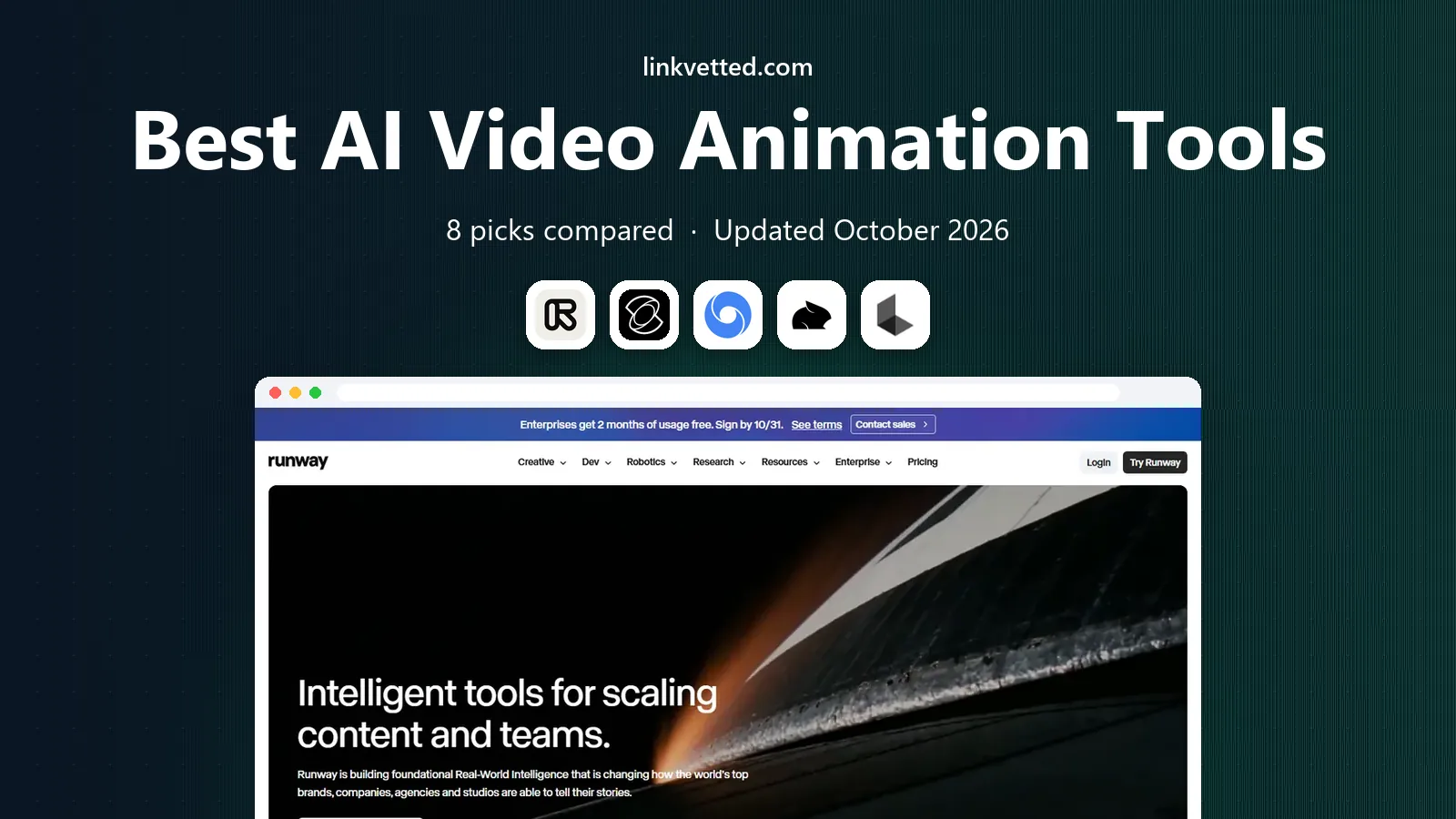
- Editor's choice
 Runway
Directed shots and editing
Starts at$12 per monthVisit runwayml.comFull review - Great alternative
 Kling AI
Realistic clips on a budget
Starts at$10 per monthVisit klingai.comFull review - Also consider
 Google Veo
Cinematic realism and audio
Starts at$19.99 per monthVisit deepmind.googleFull review
TL;DR:
- Runway is our pick for most creators because it pairs directed camera control with editing tools in one workspace.
- Kling offers strong value for realistic clips, while Pika suits fast, stylized social content.
- Google Veo through Flow leads on realistic motion and native audio, but costs more per clip.
- Credit pricing means the headline monthly price is not the full story: check credits per clip, resolution, and watermark rules.
Quick comparison
| Tool | Best for | Starts at | Free plan? | |
|---|---|---|---|---|
| Runway | Directed shots and editing | $12 per month | Yes | Visit |
| Kling AI | Realistic clips on a budget | $10 per month | Yes | Visit |
| Google Veo | Cinematic realism and audio | $19.99 per month | Yes | Visit |
 Pika | Fast stylized social clips | $8 per month | Yes | Visit |
 Luma AI | Directed camera motion | $30 per month | No | Visit |
 Hailuo AI | Expressive character motion | See website | Yes | Visit |
 Synthesia | Avatar presenters for business | $29 per month | Yes | Visit |
 HeyGen | Talking head explainers | $29 per month | Yes | Visit |
The best AI video animation tools
AI video animation tools turn text or an image into moving video. Some focus on cinematic clips, others on avatars, and a few on playful effects. The right pick depends on the kind of video you actually make.

Runway is the most complete creator studio on this list. You can generate a clip, adjust camera movement, change style, and then edit the result without leaving the workspace. That matters because most AI clips need trimming, a second take, or a style fix before they are usable, and switching tools for each step slows the work down. The Gen models also handle reference images well, so a product shot or a character can stay more consistent across clips.
The cost model needs attention. Credits are spent per generation, and higher resolution or longer clips cost more, so a month of heavy testing can burn through a plan quickly. Beginners may also find the control set deep at first. Still, for a creator who makes video every week and wants control over the shot, Runway gives the best mix of quality, editing, and flexibility.
- Strong camera and style controls
- Editing workspace included
- Access to several models in one subscription
- Credits run out fast on longer or higher resolution clips
- Learning curve for advanced controls
- Pricing changes with model choice

Kling has become a favorite for creators who want realistic looking clips without paying the highest price in the category. Motion tends to hold together well, faces stay more stable than on cheaper tools, and the newer models handle longer clips and higher resolution. Daily free credits make it easy to test a prompt before paying, which is useful when you are learning how to write prompts that actually work.
The free tier has limits, including watermarks and lower resolution, so free clips are best for testing rather than publishing. Paid credit use also needs watching, since different models and lengths cost different amounts. If you compare the same prompt across Runway, Kling, and Pika, Kling often wins on value, especially for realistic scenes and character motion.
- Strong motion quality for the price
- Daily free credits
- Good lip sync and character work
- Watermarks on free output
- Credit costs vary by model and length
- Billing and plan details change often
Google Veo, available through Flow and Google AI plans, sets the quality bar for realistic AI video in 2026. Clips show strong camera movement, believable lighting, and motion that holds together across a scene. The native audio is a real advantage: dialogue, ambient sound, and effects can be generated with the video, instead of being added later in a separate tool. For ads, trailers, and short cinematic pieces, that saves time and improves the result.
Cost and access are the trade offs. The monthly plan costs more than Kling or Pika, and free access is limited, so testing at scale gets expensive. Content rules are also strict, which can block prompts involving public figures or violent scenes. If realism and sound matter most, and the budget allows it, Veo is the tool to beat.
- Very realistic motion and lighting
- Native audio, dialogue, and sound effects
- Strong prompt understanding
- Higher cost per clip
- Limited free access
- Content rules are strict
Pika suits a different job: quick, eye catching clips for social feeds. Generation is fast, effects and templates help a creator follow a trend without building a shot from scratch, and the entry price is low. For a small business or a solo creator who posts often, that speed matters more than perfect realism. A short product clip, a reaction style effect, or a stylized animation can be ready in minutes.
The limits are clear. Clips are shorter, realism lags Veo and Kling, and free output is lower resolution and watermarked in some cases. Pika is not the best choice for a polished brand film. It is a strong choice for volume, trends, and playful content where speed and cost beat cinematic polish.
- Fast generation for short clips
- Fun effects and templates
- Low entry price
- Shorter clips than cinematic tools
- Quality varies by prompt
- Free output is limited in resolution
Luma Dream Machine has long been known for smooth, directed camera movement, and that strength remains in 2026. If you start from a still image and want a slow push in, a pan, or an orbit that feels like a real camera move, Luma handles that task well. Image to video is the core use here, and it suits product shots, interiors, and scenes where the starting frame matters.
Price is the barrier. There is no free plan listed in 2026, and the entry plan costs more than Runway, Kling, or Pika. That makes Luma a harder sell for a casual creator. For an agency or a brand team that already pays for video tools and needs reliable camera control, the cost can be justified by the quality of the motion.
- Strong camera control and smooth motion
- Image to video works well
- Multi model access on higher plans
- No free plan in 2026
- Higher entry price
- Credit use needs careful planning
Hailuo, from MiniMax, is worth trying for character driven animation. Faces and gestures tend to be more expressive than on many budget tools, which helps for short stories, music clips, and playful character work. Trial credits let you test that strength before paying, and paid plans are priced below the top cinematic tools in many cases.
Consistency is the catch. Complex prompts with several characters or fast action can produce odd motion, and pricing and plan details vary by region and promotion, so check the current page before you subscribe. Hailuo is best as a second tool for character clips, paired with a more reliable cinematic tool for hero shots, rather than as the only tool in a studio.
- Expressive faces and character movement
- Trial credits to test
- Good for short creative clips
- Pricing varies by promotion and region
- English language support is thinner
- Output can be inconsistent on complex prompts
Synthesia solves a different problem: a business needs a presenter video without filming anyone. Type a script, pick an avatar, and the tool produces a talking head video in many languages, with slides and screen content alongside. That makes it ideal for training, onboarding, product explainers, and internal updates, where speed and consistency matter more than cinematic style.
Do not buy Synthesia expecting a general animation tool. It does not make cinematic scenes, character animation, or effects clips in the way Runway or Kling do, and avatar delivery can feel formal for a social ad. If your main need is presenter led business video at scale, though, few tools match its workflow and language range.
- Realistic avatar presenters in many languages
- No camera or studio needed
- Good for training and internal video
- Not a cinematic animation tool
- Avatar videos can feel flat for marketing
- Editing limits on lower plans
HeyGen is the closest rival to Synthesia for avatar video, with a friendlier path for small creators. You can create an avatar from a photo or a short video clip, write a script, and produce an explainer in many languages. That workflow suits course creators, small businesses, and marketers who need a presenter without hiring talent or booking a studio.
The free plan only covers a few watermarked videos per month, so it is a trial rather than a production plan. Avatar quality and video length also improve on higher tiers, and long videos use more credits. For short explainers, ads, and course intros, HeyGen is fast and approachable. For long form training at scale, compare it closely with Synthesia on language, voice quality, and total credit cost.
- Easy avatar creation from a photo or video
- Many languages and voices
- Good for explainers and ads
- Free plan is limited to a few watermarked videos
- Avatar realism varies by plan
- Costs rise with longer videos
How we picked these
We compared official pricing pages, model documentation, and public user feedback for AI video tools that are active in October 2026. We required a working generation product, not only a demo or waitlist, and we favored tools with a free tier or trial where possible. We excluded discontinued products, including tools whose consumer service closed during 2026, and we noted where free output carries a watermark.
What to check before you buy
Start with the kind of video you make most: cinematic clips, social clips, or avatar presenters. Those are different tools, and no single product leads in all three. Then run the same prompt and the same image through two or three tools on their free tiers, and judge motion, faces, and hands side by side, since marketing samples rarely show weak results.
Check credit math before you pay. Count how many clips you make in a typical week, what resolution you need, and whether free output is watermarked or barred from commercial use. Also read the content rules and the commercial use terms for your plan, since they differ by vendor and by tier. A tool that looks cheap can become expensive if every usable clip costs several generations.
FAQ
What is the best AI video animation tool for beginners?
Pika or Kling are good starting points because both offer free credits and fast results. Runway is better once you want more camera control and editing, but it takes longer to learn.
Can AI video animation tools make long videos?
Most tools make short clips, often five to fifteen seconds, which you then edit together. Avatar tools like Synthesia and HeyGen can make much longer presenter videos, since they are built around scripts rather than single shots.
Do free AI video tools allow commercial use?
It depends on the plan. Some free tiers watermark output or bar commercial use, while paid plans usually allow it. Check the terms for the exact plan you use before publishing client work.
How much do AI video animation tools cost?
Entry paid plans on this list range from about $8 to $30 per month, plus extra credits for heavy use. Credit costs per clip vary by model, length, and resolution, so compare total monthly cost for your real usage.
What is the difference between text to video and image to video?
Text to video creates a scene from a written prompt alone. Image to video starts from a still image you supply, which helps keep a character, product, or scene consistent across clips.
Which AI video tool has the best audio?
Google Veo leads here in 2026, with native dialogue, sound effects, and ambient audio generated alongside the video. Other tools often need a separate voice or music tool for finished sound.