Best AI Tools for Website Design in 2026: 8 Tools Compared
The best ai tools for website design, from Wix and Framer to Durable, 10Web and Squarespace, compared on price, editing and speed in 2026. - full guide
- Editor's choice
 Wix
Most people
Starts at$17 per monthVisit wix.comFull review - Great alternative
 Framer
Designers and startups
Starts at$10 per monthVisit framer.comFull review - Also consider
 Durable
Local service businesses
Starts atSee websiteVisit durable.coFull review
TL;DR:
- Wix is the most complete all-rounder, with a free plan and deep editing.
- Framer leads on design quality for portfolios and marketing sites.
- Durable is fastest for local service businesses that need to be online today.
- 10Web and WordPress.com suit owners who want a real WordPress site they can move.
- Prices and free plans change often, so confirm the current plan, limits and fees on the vendor site before you buy.
Quick comparison
| Tool | Best for | Starts at | Free plan? | |
|---|---|---|---|---|
| Wix | Most people | $17 per month | Yes | Visit |
| Framer | Designers and startups | $10 per month | Yes | Visit |
| Durable | Local service businesses | See website | Yes | Visit |
 10Web | AI-generated WordPress sites | $10 per month | Free trial | Visit |
 Hostinger | Tight budgets | See website | Free trial | Visit |
 Squarespace | Design-led brands | See website | Free trial | Visit |
 Jimdo | Beginners | See website | Yes | Visit |
 Webflow | Agencies and design teams | See website | Yes | Visit |
The best AI tools for website design
AI website builders turn a short description of your business into a full site draft in minutes. We compared them on generation quality, editing freedom, ecommerce and price, so you can pick one that stays useful after launch day.
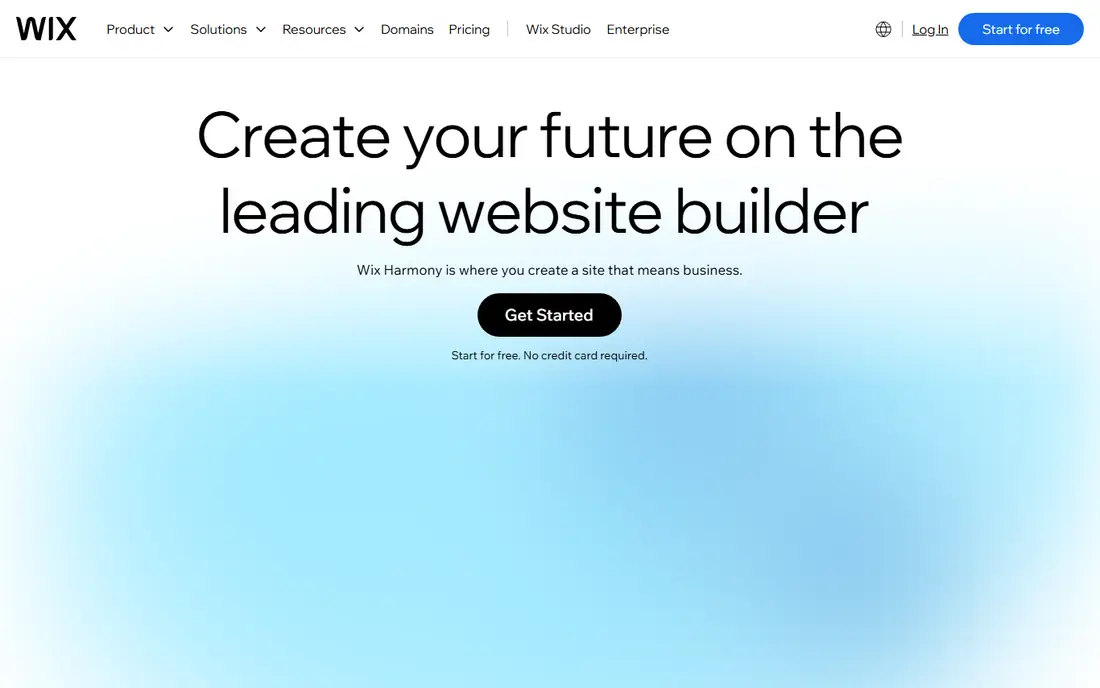
Wix is our pick for most people, because it pairs an AI builder with a full editor you can keep using.
You answer questions about your business, get a full draft, then move, rewrite and restyle anything by hand. The free plan lets you test the draft, though selling and a custom domain need a paid plan.
Before you pay, run a real trial with your own records and confirm the limits on your plan, since headline features often sit on higher tiers. For Wix, the question to answer in that trial is whether its strengths, including ai builder plus full drag-and-drop editor; huge app market; free plan, outweigh its drawback, namely no site export; higher tiers needed for selling, for the team and budget you actually have.
- AI builder plus full drag-and-drop editor
- Huge app market
- Free plan
- No site export
- Higher tiers needed for selling
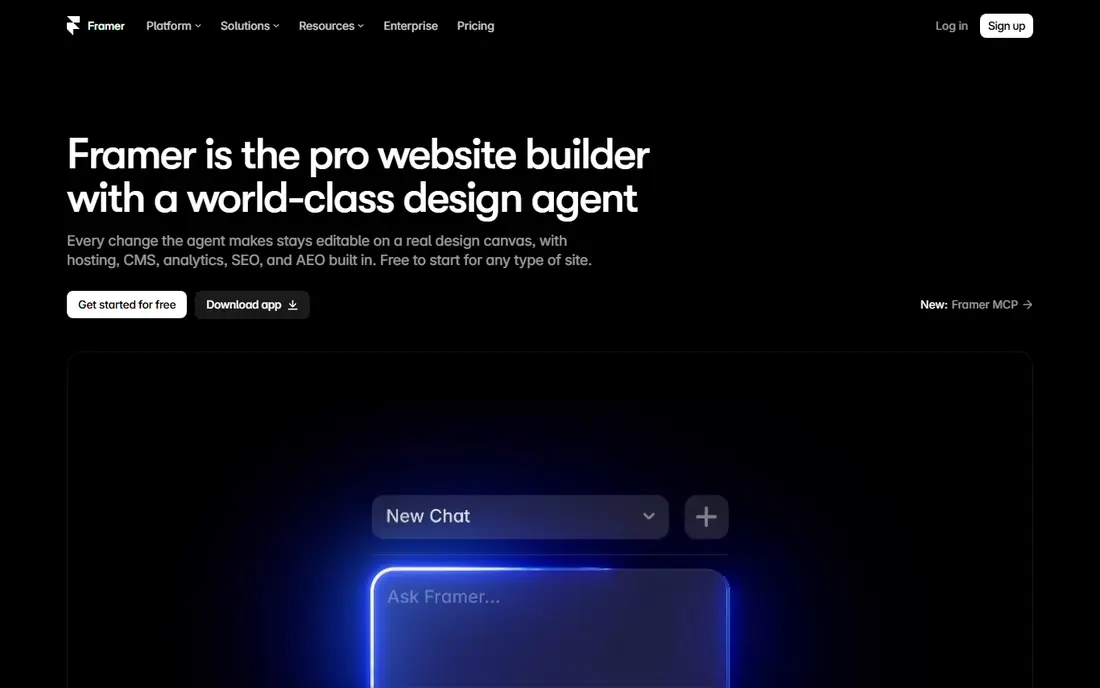
Framer is the design-led pick, and its sites look like they came from a studio.
Its AI builds pages and CMS content, and the canvas gives you fine control over layout and animation. It is less suited to a full online store, so ecommerce-heavy sites should look at Wix or Squarespace.
Before you choose it, test it on the exact job you do most often, and check how it handles errors, exports and support, since those details decide daily value. For Framer, the question to answer in that trial is whether its strengths, including excellent design control; smooth animations; free plan, outweigh its drawback, namely no native full store; ai credits can run out, for the team and budget you actually have.
- Excellent design control
- Smooth animations
- Free plan
- No native full store
- AI credits can run out
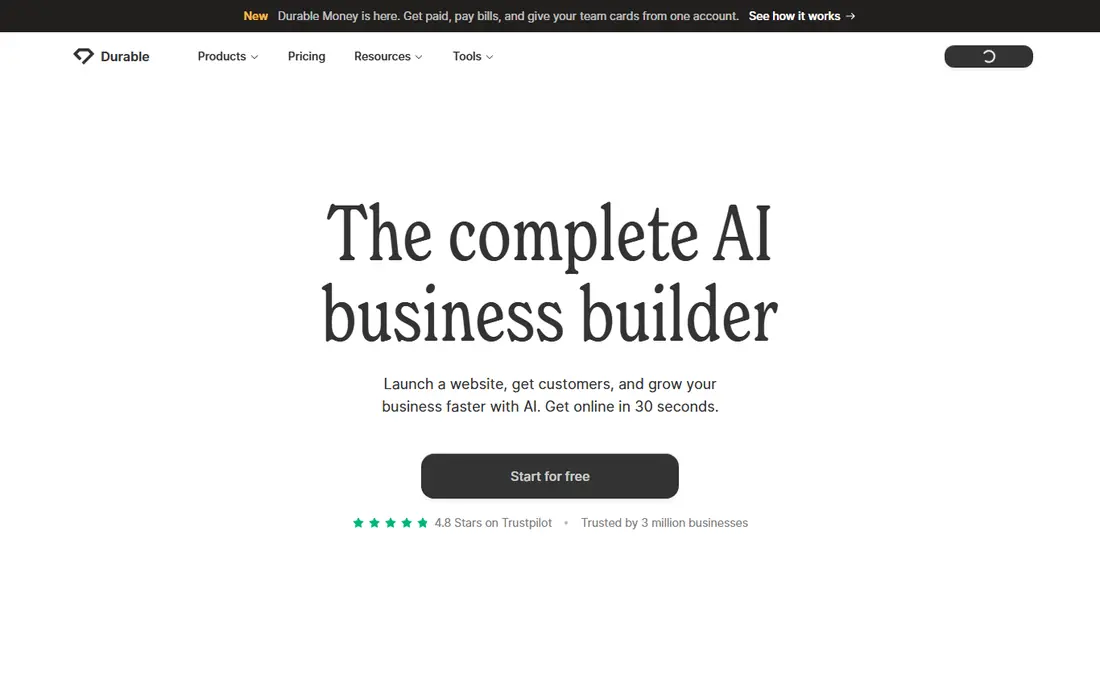
Durable is the fastest route online for a plumber, salon or consultancy that needs bookings fast.
Type your business details and get a site, CRM and invoicing in one place. Design control is narrower than Framer or Wix, but for a service business that trade is usually worth it.
Before you commit, trial it with your own data and check support response times, because a smooth demo can hide slow help when a live job fails. For Durable, the question to answer in that trial is whether its strengths, including site in about 30 seconds; built-in crm and invoicing; simple setup, outweigh its drawback, namely less design flexibility; thin for content-heavy sites, for the team and budget you actually have.
- Site in about 30 seconds
- Built-in CRM and invoicing
- Simple setup
- Less design flexibility
- Thin for content-heavy sites
10Web is the pick if you want AI speed plus a WordPress site you fully own.
It generates a real WordPress site from a prompt, URL or file, with managed hosting and Elementor editing. That ownership is a real advantage, though monthly billing and renewals cost more than the headline annual price.
Before you pay, run a real trial with your own records and confirm the limits on your plan, since headline features often sit on higher tiers. For 10Web, the question to answer in that trial is whether its strengths, including real wordpress output; managed hosting; elementor editing, outweigh its drawback, namely monthly billing costs more; renewal prices rise, for the team and budget you actually have.
- Real WordPress output
- Managed hosting
- Elementor editing
- Monthly billing costs more
- Renewal prices rise
Hostinger is the budget pick, because hosting, a domain and the AI builder come in one low bill.
Its AI builder creates copy, images and layout quickly, with extra AI tools for writing and logos. The catch is term length: the lowest prices need a multi-year commitment and renew at a higher rate.
Before you choose it, test it on the exact job you do most often, and check how it handles errors, exports and support, since those details decide daily value. For Hostinger, the question to answer in that trial is whether its strengths, including very low intro price; hosting and domain bundled; ai writer and logo tools, outweigh its drawback, namely best prices need long terms; renews higher, for the team and budget you actually have.
- Very low intro price
- Hosting and domain bundled
- AI writer and logo tools
- Best prices need long terms
- Renews higher
Squarespace suits brands where visual polish matters more than endless customisation.
Blueprint AI builds a multi-page site with strong templates, and commerce is built in. Editing is more guided than Wix, which keeps sites looking good but limits unusual layouts.
Before you commit, trial it with your own data and check support response times, because a smooth demo can hide slow help when a live job fails. For Squarespace, the question to answer in that trial is whether its strengths, including blueprint ai multi-page sites; polished templates; built-in commerce, outweigh its drawback, namely guided editing is less flexible; transaction fee on lower store plan, for the team and budget you actually have.
- Blueprint AI multi-page sites
- Polished templates
- Built-in commerce
- Guided editing is less flexible
- Transaction fee on lower store plan
Jimdo is a good first builder for someone who wants a simple site with minimal decisions.
Its AI assistant asks a few questions and builds a site you can publish quickly, with a free plan for testing. Larger or more complex sites will outgrow it, but for a basic presence it is hard to beat for simplicity.
Before you pay, run a real trial with your own records and confirm the limits on your plan, since headline features often sit on higher tiers. For Jimdo, the question to answer in that trial is whether its strengths, including very simple setup; ai assistant; free plan, outweigh its drawback, namely fewer advanced features; smaller app ecosystem, for the team and budget you actually have.
- Very simple setup
- AI assistant
- Free plan
- Fewer advanced features
- Smaller app ecosystem
Webflow fits agencies and design teams that want AI help without giving up professional control.
Its AI builder creates a starting site, and the design system and CMS give teams real control over the result. Beginners may find the learning curve steep, but design-led teams will value the freedom.
Before you choose it, test it on the exact job you do most often, and check how it handles errors, exports and support, since those details decide daily value. For Webflow, the question to answer in that trial is whether its strengths, including ai site builder; design system controls; strong cms, outweigh its drawback, namely steeper learning curve; higher cost for teams, for the team and budget you actually have.
- AI site builder
- Design system controls
- Strong CMS
- Steeper learning curve
- Higher cost for teams
How we picked these
We compared official feature pages, pricing pages, app store listings and public reviews for each product, and checked that each one is still offered and working in October 2026. We favoured tools that clearly fit the topic, publish usable pricing or trial information, and have a track record with the audience they claim to serve.
We did not claim hands-on testing we did not do. Instead, we weighed what each vendor documents against what reviewers and users report, and we noted the honest trade-offs, such as quote-based pricing, limited free plans or narrower integrations, so you can shortlist with fewer surprises.
We also checked for signs that a product had changed recently, such as rebrands, closed marketplaces or removed apps, and we left out tools that no longer fit the topic in October 2026. Where a price could not be verified on the vendor site, we wrote See website rather than repeating an old or third-party figure, so the prices you see here are the ones we could stand behind.
How to choose an AI website builder
Treat the AI draft as a starting point, not a finished site. The editor, hosting and business features around it matter just as much over the first year.
Check editing freedom
Some builders lock you into the AI layout, while others let you drag, rewrite and restyle everything. If you plan to change the site often, editing freedom beats a slightly better first draft.
Decide on ownership
WordPress-based builders let you export and move your site more easily. Closed builders are simpler, but leaving later usually means rebuilding.
Test on mobile first
Most visitors will arrive on a phone. Preview the AI draft on mobile during a trial, and check forms, menus and checkout before you publish.
Set a trial checklist
Write down three tasks your team does every week, then run each one in the trial before you pay. Note how long each task takes, where you get stuck, and what support says when you ask for help. A tool that passes those three tasks is far more likely to survive contact with real work than one that only looked good in a demo.
FAQ
What is the best ai tool for website design for beginners?
Wix and Hostinger are good beginner picks, because they guide you through setup and keep editing simple. Durable is even faster if you run a local service business and want a site in minutes.
Can AI website builders make an online store?
Yes, Wix, Squarespace and 10Web with WooCommerce all support stores, though selling features vary by plan. Check transaction fees and payment options before you build a large catalogue.
Are AI website builders good for SEO?
They cover the basics, such as titles, meta descriptions and mobile layouts, but rankings still depend on content and links. Look for editable SEO settings rather than relying on AI copy alone.
Do I own my website with these tools?
With WordPress-based tools you own the content and can move it more easily. With closed builders, you own the content but usually cannot export the full site design.
How much do AI website builders cost?
Entry prices range from free plans to about 17 dollars a month for Wix, with Hostinger cheaper on long terms. Renewal prices are often higher, so check the renewal rate, not just the intro price.