Best AI Tools for Stock Market Analysis in 2026: 7 Tools Compared
We compared the best ai tools for stock market analysis and best ai stock market analysis tools for research, screening, charts, and risk notes for buyers.

- Editor's choice
 TradingView
Charts and community research
Starts atSee websiteVisit tradingview.comFull review - Great alternative
 Stock Rover
Screening and portfolio research
Starts atSee websiteVisit stockrover.comFull review - Also consider
 TrendSpider
Automated chart analysis
Starts atSee websiteVisit trendspider.comFull review
TL;DR:
- No tool can predict stock prices. These tools help with research, screening, charts, and risk checks, but future prices remain uncertain.
- This is not financial advice. Trading carries risk, and you can lose money, so never invest based on a single tool score.
- TradingView and Stock Rover suit most research needs, while TrendSpider and Trade Ideas suit chart and pattern focused traders.
- Check data sources, update speed, and cost before you trust a screen or a signal.
Quick comparison
| Tool | Best for | Starts at | Free plan? | |
|---|---|---|---|---|
| TradingView | Charts and community research | See website | Yes | Visit |
| Stock Rover | Screening and portfolio research | See website | Free trial | Visit |
| TrendSpider | Automated chart analysis | See website | Free trial | Visit |
 Tickeron | AI pattern and signal research | See website | Free trial | Visit |
 Danelfin | AI stock scoring research | See website | Free trial | Visit |
 Trade Ideas | Real time scanning for traders | See website | Free trial | Visit |
 Composer | Rules based portfolio building | See website | Free trial | Visit |
The best AI tools for stock market analysis
We picked tools that help investors research stocks, screen for ideas, and review risk, with clear notes on what each tool does not do. No tool on this list can predict prices, and none of this article is financial advice.
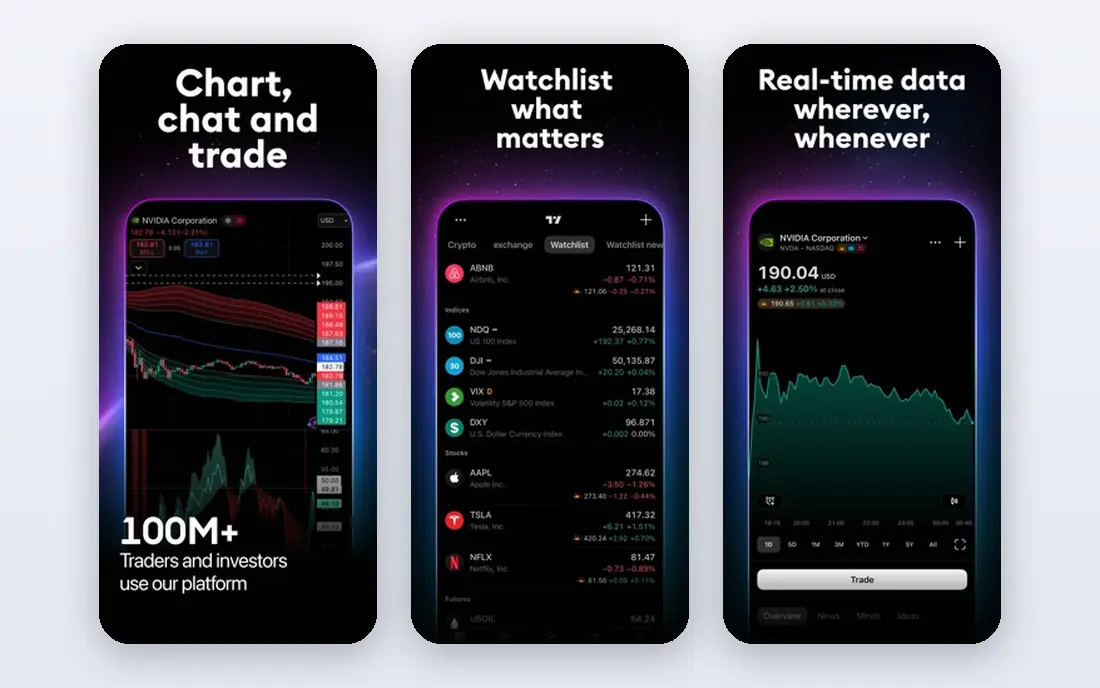
TradingView is our pick for most investors who want charts, screening, and research in one place. Its charting tools cover stocks, ETFs, and other markets, with indicators, drawing tools, and screeners that help you filter by valuation, growth, or technical patterns. The community adds ideas and scripts, which can spark research, but those ideas should be treated as starting points, not recommendations. A free plan lets a new investor learn charting before paying.
The honest catch is noise. Community ideas vary widely in quality, and a popular idea is not a good investment. Paid plans add more indicators, alerts, and data, so check which plan covers the markets and data speed you need. We would start here for general research, and use it alongside company filings and earnings reports, not as a replacement for them.
- Strong charting and screening tools
- Large community ideas and scripts
- Free plan for basic research
- Community ideas are not advice
- Advanced features need paid plans
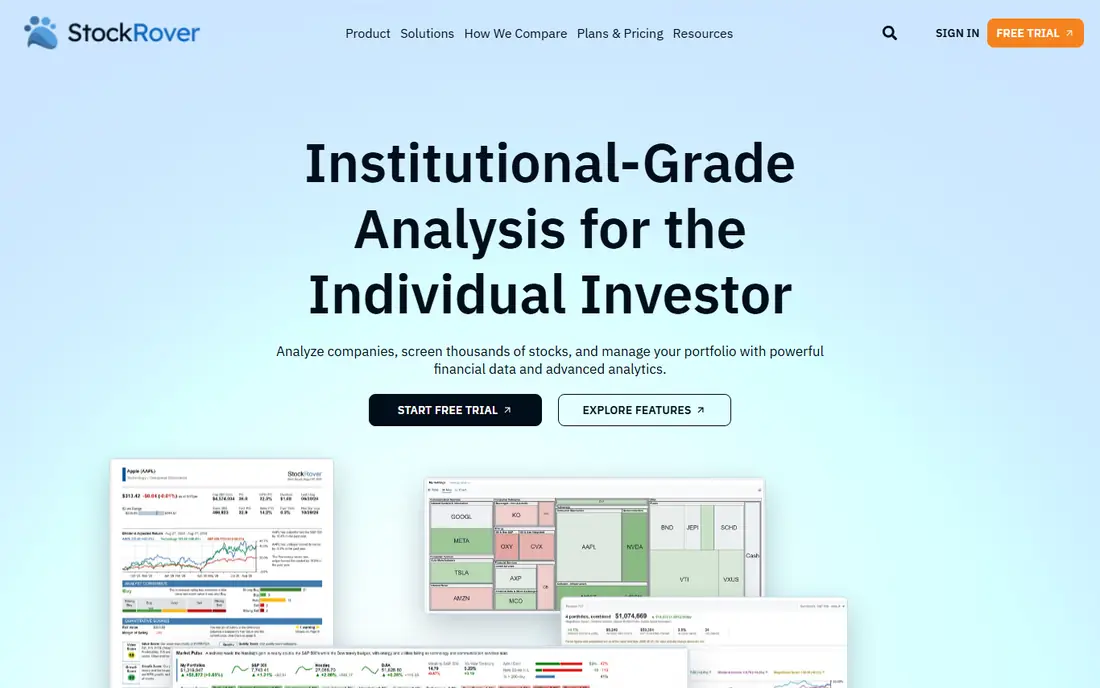
Stock Rover suits long term investors who want detailed screening and portfolio research. It offers screeners, portfolio analysis, research reports, and ratings data that help you compare companies on fundamentals, dividends, and valuation. That depth helps an investor build a watchlist based on criteria, such as earnings growth or dividend history, rather than on a single hot tip. Portfolio tools also show how holdings fit together, which helps with diversification checks.
The trade off is learning time. The interface is denser than TradingView, and new users may need time to learn the screener and portfolio views. Pricing varies by plan, so check which research data is included before subscribing. We would choose Stock Rover when fundamental research and portfolio review matter more than fast chart trading.
- Detailed screening and portfolio tools
- Research reports and ratings data
- Good for long term investors
- Interface is denser than TradingView
- Pricing varies by plan
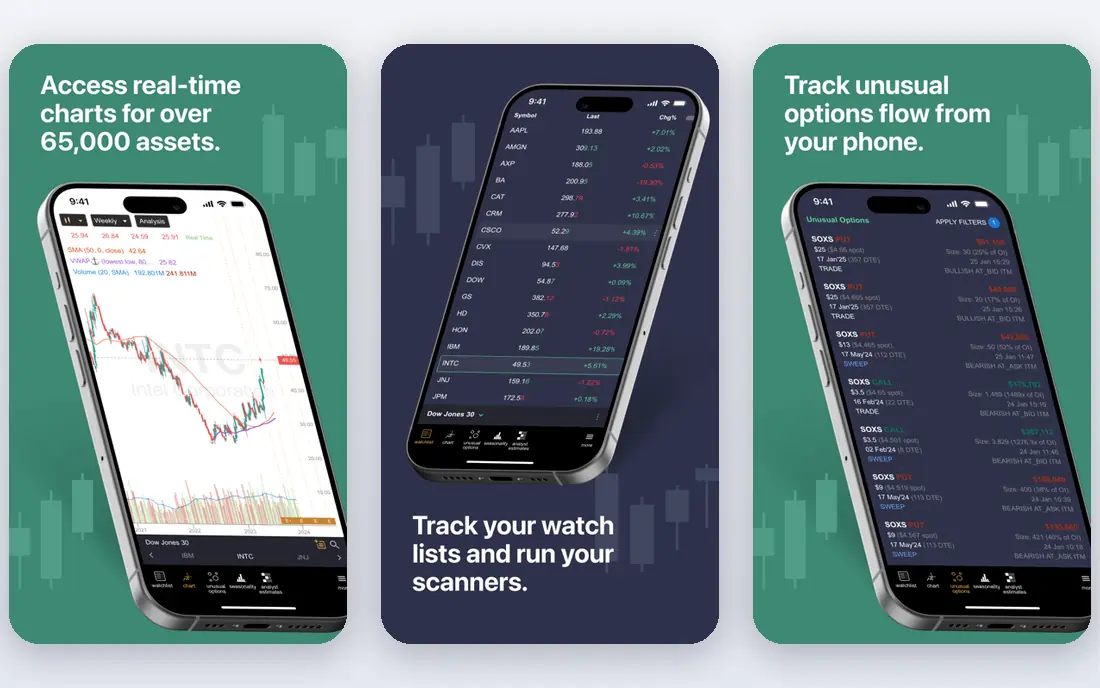
TrendSpider helps traders who spend a lot of time drawing trendlines and checking patterns. It automates trendline detection, candlestick patterns, and multi timeframe views, which saves manual chart work and makes analysis more consistent. Backtesting tools let you test a strategy on past data, which can reveal whether a pattern worked historically. That history is useful, but it does not prove the pattern will work next.
The key limit is prediction. A detected pattern is a description of past price action, not a forecast of future prices. Markets change, and a pattern that worked in one period can fail in another. We would use TrendSpider for chart research and discipline, with position sizing and risk limits, and never as a signal to bet heavily on one trade.
- Automated trendlines and pattern detection
- Multi timeframe analysis
- Backtesting tools
- Pattern signals are not predictions
- Higher plans needed for full automation
Tickeron uses AI pattern recognition to flag chart patterns, trends, and signal ideas across stocks and ETFs. For a trader who wants to scan many charts quickly, that automation can surface ideas that manual review would miss. The platform also includes educational material that explains patterns, which helps newer traders understand what a signal means before acting on it. That context matters, because a signal without context is easy to misuse.
The catch is the same as with all AI signals. A flagged pattern is not a prediction, and past patterns do not guarantee future returns. Subscription costs vary by feature, so check which signals and markets your plan covers. We would use Tickeron for idea generation and research, with independent checks on company fundamentals and risk, and never as a sole reason to buy or sell.
- AI pattern recognition and signal research
- Coverage across stocks and ETFs
- Educational material
- Signals are not guarantees
- Subscription costs vary by feature
Danelfin gives AI scores for stocks and ETFs, with explanations that help users see which factors drive a score. That plain language view is helpful for investors who want a quick research summary before reading deeper reports. Portfolio scoring also lets you check how a set of holdings scores together, which can prompt useful questions about concentration or quality. For research, a score can be a starting point for deeper work.
The limit is trust. Scores are model outputs based on past data, and they change as data and models change. A high score does not mean a stock will rise, and a low score does not mean it will fall. We would use Danelfin to prioritize research, then check filings, earnings, valuation, and your own risk tolerance before any decision. This is not financial advice, and a score should never replace your own judgment.
- AI scores for stocks and ETFs
- Plain language explanations
- Portfolio scoring tools
- Scores change with data and models
- Scores are not advice or predictions
Trade Ideas suits active traders who need real time scanning and alerts during market hours. Its scanner flags stocks moving on volume, price, or other criteria, and its AI assistant, Holly, generates trade ideas based on strategies and past data. Backtesting and simulated trading help traders practice a strategy before risking real money, which is a sensible step for anyone new to fast trading. For experienced traders, real time alerts can surface opportunities that a static screen would miss.
The risk is speed without discipline. Fast signals can tempt traders to overtrade, chase moves, or risk too much on one idea. Trade Ideas costs more than basic research tools, so it only makes sense if you trade actively and can use alerts with strict risk rules. We would choose it for experienced, active traders only, with clear position limits and a plan for losses.
- Real time scanning and alerts
- AI assisted trade ideas
- Backtesting and simulated trading
- Cost is higher than basic research tools
- Fast signals need experience to use safely
Composer helps investors build portfolios from rules, such as weighting by sector, momentum, or other factors, then backtest those rules and automate rebalancing where brokerage integration allows. That rules based approach can reduce emotional decisions, because trades follow a plan instead of a daily reaction to news. Backtesting shows how a rule set performed in the past, which helps you understand risk and drawdowns before committing money.
The catch is that backtested rules can still lose money, especially when market conditions change. A rule that worked in a rising market may fail in a falling one, and automated rebalancing does not remove market risk. Brokerage integration also varies, so check whether your broker is supported. We would use Composer for disciplined, rules based research, with an amount you can afford to lose and a clear exit plan.
- Rules based portfolio strategies
- Backtesting
- Automated rebalancing for linked accounts
- Rules based strategies can still lose money
- Brokerage integration limits apply
How we picked these
We compared official product pages, pricing pages, and public feature descriptions for stock analysis tools, and we favored tools still sold in 2026 with clear research, screening, or charting functions. We looked for data sources, screening depth, chart tools, backtesting, and cost, and we used See website where pricing varied by plan. We did not claim hands on trading results, and we did not treat any AI score, pattern, or signal as a prediction.
What to check before you pay for a stock analysis tool
Start with your investing style, not a tool score. A long term investor needs fundamental screening and portfolio tools, while an active trader needs real time data and alerts. Buying a fast trading tool for long term research, or a slow research tool for day trading, wastes money and creates bad habits.
Data, costs, and risk rules
Check data sources, update speed, and which markets are included in your plan. Set risk rules before you trade: position size, maximum loss per trade, and a review habit. A tool can help you research, but it cannot set your risk tolerance for you, and no tool can predict stock prices.
Independent checks
Always check company filings, earnings reports, and valuation yourself, or with a qualified adviser, before acting on a screen or a signal. If a tool score and a company filing disagree, trust the filing and your own analysis, and treat the score as a question to investigate, not an answer.
FAQ
What are the best ai stock market analysis tools for beginners?
TradingView is a good beginner starting point, because its free plan covers charts and screening. Stock Rover suits beginners who want fundamental research, while Danelfin can help prioritize research with plain language scores. Start free, learn the basics, and avoid paid signals until you understand risk.
Can AI predict stock prices?
No. AI tools can find patterns, score stocks, and screen for ideas based on past data, but they cannot predict future prices. Markets react to new information, earnings, rates, and events that no model can know in advance. Treat every AI output as research, not a forecast.
Is this article financial advice?
No. This article is not financial advice, and none of the tools listed here should be used as a sole reason to buy or sell a stock. Trading and investing carry risk, including loss of money. Consider speaking with a qualified financial adviser about your own situation.
How much do AI stock analysis tools cost?
Costs vary widely, from free plans to higher monthly subscriptions for real time data and advanced features. Most tools on this list use See website pricing because plans vary, so check the current plan that covers your markets and data needs before subscribing.
Should I trust an AI stock score?
Use a score as a research starting point, not a decision. Check what factors drive the score, how often it changes, and whether company filings support it. A score can help you prioritize reading, but it cannot replace your own judgment or professional advice.