Best AI Tools for Logo Design in 2026: 8 Tools Compared
Compare the best AI tools for logo design, with one-time prices, brand kits, file types and ownership terms, so a new business can pick a logo with confidence.
- Editor's choice
 Looka
Startups that want a full brand kit
Starts at$20 one-timeVisit looka.comFull review - Great alternative
 LogoAI
Founders who want fast variations
Starts at$29 one-timeVisit logoai.comFull review - Also consider
 Brandmark
Minimal modern logos on a budget
Starts at$25 one-timeVisit brandmark.ioFull review
TL;DR:
- Looka and LogoAI give the most complete paid logo files, including vector formats needed for print.
- Canva and Hatchful suit tight budgets, because a usable logo can be made without paying for a full brand kit.
- Check ownership and exclusivity before paying, since many AI logos are non-exclusive and may resemble other brands.
- Buy the premium package if the logo will be printed, because low-cost PNG files often lack transparency and scale.
Quick comparison
| Tool | Best for | Starts at | Free plan? | |
|---|---|---|---|---|
| Looka | Startups that want a full brand kit | $20 one-time | No | Visit |
| LogoAI | Founders who want fast variations | $29 one-time | No | Visit |
| Brandmark | Minimal modern logos on a budget | $25 one-time | No | Visit |
 Tailor Brands | Founders who also need business setup help | See website | No | Visit |
 Canva | Small teams that design everything themselves | Free | Yes | Visit |
 Wix Logo Maker | Wix website owners who want a matching logo | See website | No | Visit |
 Hatchful | Quick free logos for a new shop or side project | Free | Yes | Visit |
 Designhill Logo Maker | Budget logos with designer contest options | See website | No | Visit |
The best AI tools for logo design
We compared official pricing pages, feature lists, and public documentation for best ai tools for logo design, and we focused on what a regular buyer will actually use week to week. The list below mixes well-known leaders with strong smaller options, so you can match a tool to your budget and skill level, not just to brand fame.
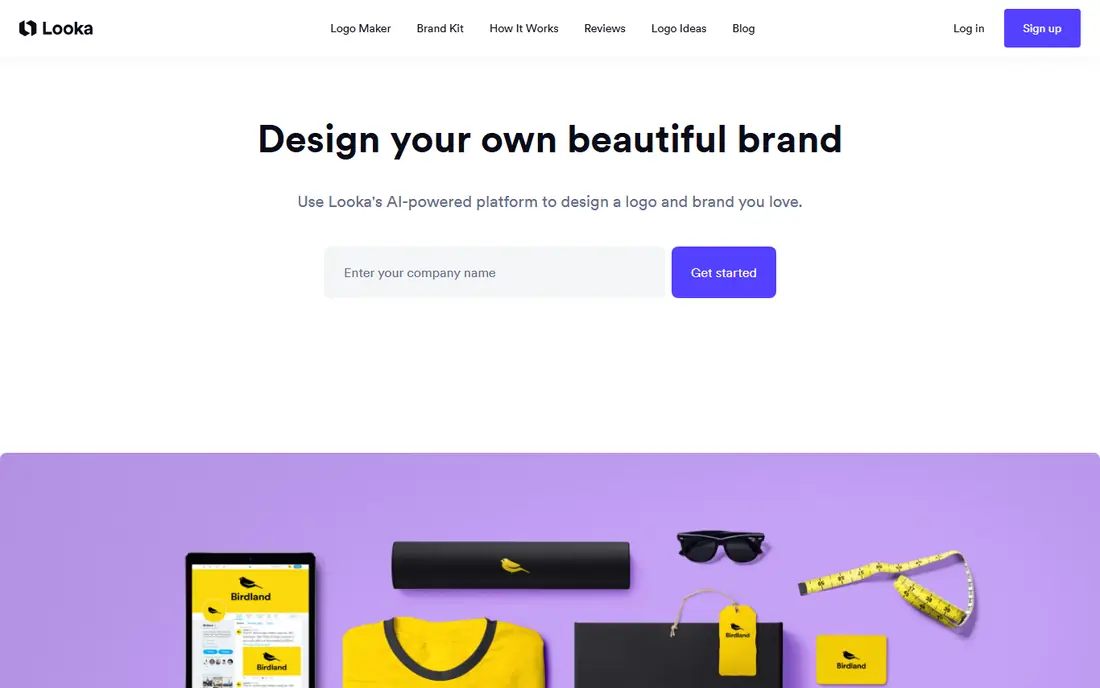
Looka is our pick for most new businesses that want a logo plus matching materials. Answer style questions, pick a direction, and the tool generates a set of options to refine.
The brand kit is where it earns its price. Social templates, business cards, and brand guidelines follow the same logo, so a small team looks consistent from day one.
The catch is the entry package. The low-cost option gives only a low-resolution PNG, so a business that plans to print should budget for Premium, which includes vector files.
- AI logo options with style controls
- Brand kit with social and print templates
- Vector files on Premium
- Basic package lacks vector files and transparency
- Subscriptions renew annually
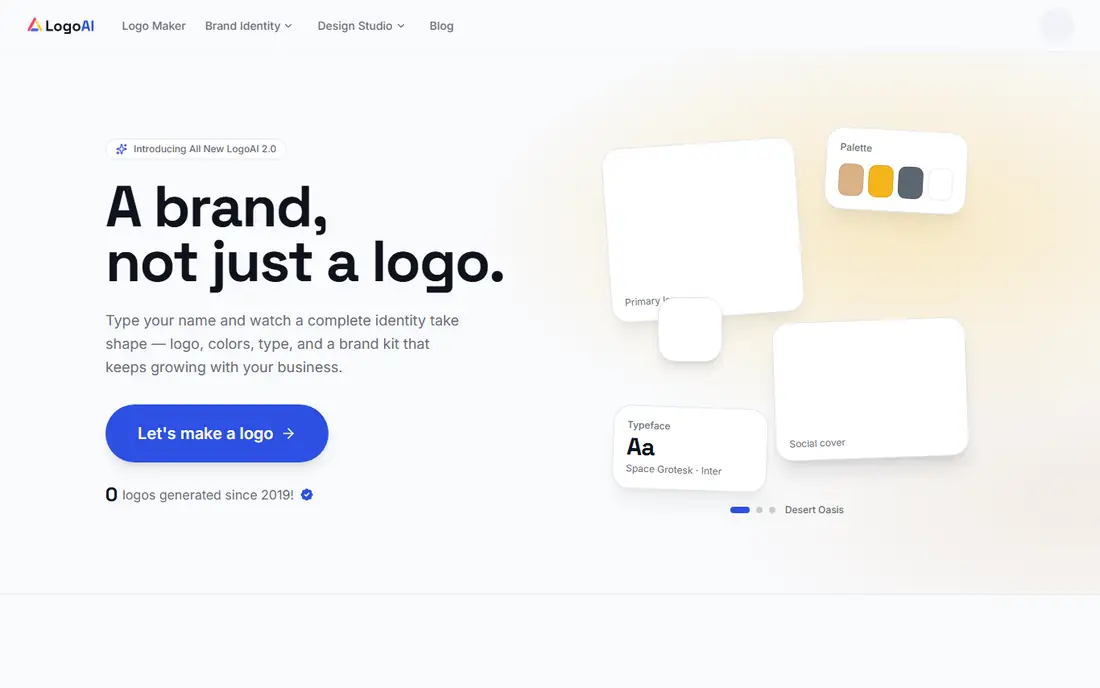
LogoAI is built for iteration. Enter a name, and it generates many directions quickly, which helps a founder who is still unsure about style.
Its brand kit and animated logo options extend the logo to social and video use, and paid plans include the vector files a printer needs.
The downside is sameness. After many regenerations, options can start to look alike, so a founder should stop, shortlist three, and refine one rather than generating endlessly.
- Fast logo generation from a brand name
- Brand kit and animated options
- SVG and PDF exports on paid plans
- Designs can feel similar after many variations
- Paid download needed for full files
Brandmark suits founders who like clean, minimal marks. Its generator leans toward simple icons and wordmarks, which read well on a website header and a social avatar.
One-time pricing is clear. Pay once for a package, get the files, and there is no subscription to cancel, which suits a business that only needs a logo.
The limit is control. Editing options are narrower than in Looka or Canva, so a founder with a very specific idea may need a design tool to finish the mark.
- Clean, minimal logo styles
- One-time pricing
- Brand kit options with colours and fonts
- Customisation is more limited than Looka
- No free full download
Tailor Brands is less a pure logo tool and more a business starter kit. A logo sits alongside LLC formation, domains, and business services, which suits a founder starting from zero.
For a new company, that bundling saves juggling vendors. The guided setup walks through name, style, and brand assets in one place.
The catch is price over time. The logo is tied to plans that renew, so a founder who only wants a logo file may pay more over a year than with a one-time tool.
- Logo plus LLC formation and business tools in one account
- Guided brand setup
- Social templates
- Logo cost is tied to broader plans
- Subscription model can cost more over time
Canva is the practical choice for a team that will design more than a logo. Templates, fonts, and social tools sit in one place, and the free plan is genuinely usable.
Editing is easy, even for a non-designer. A logo can be resized for a website, a post, and a flyer without learning a professional design app.
The limits are exclusivity and files. Templates can be used by many businesses, and SVG export needs Pro, so a brand that needs a unique, trademark-ready mark should look elsewhere.
- Free logo design with huge template library
- Easy editing and social export
- Pro adds brand kit and SVG
- Free plan lacks SVG export
- Logo templates are not exclusive to one business
Wix Logo Maker suits a business already building on Wix. The logo is designed with the site in mind, so colours and style carry across pages without extra work.
The guided flow is simple. Answer questions about style and industry, review options, and apply the chosen logo to the site in a few clicks.
The downside is lock-in. The best value comes inside a Wix site, and a business that later moves platforms may need to rebuild brand assets elsewhere.
- Logo designed to match a Wix site
- Guided style questions
- Social and website assets
- Best value inside Wix
- Standalone use is less flexible
Hatchful, from Shopify, is the fastest free option here. Pick an industry and style, and it generates a set of simple logos that can be downloaded without paying.
For a side project, a market stall, or a test shop, that speed is enough. A usable logo in minutes beats a perfect logo that never ships.
The catch is depth. Customisation is limited, and the files suit screens more than large print, so a growing business should plan to upgrade to a paid logo later.
- Free logo maker from Shopify
- Fast, simple templates
- No account cost to download basic files
- Limited customisation
- No vector files for detailed print work
Designhill offers two paths in one place. The AI maker gives a fast, low-cost logo, while a design contest can bring human designer ideas for a business that wants more choice.
That range helps a founder who is unsure whether AI alone will work. Start cheap, and if the results feel generic, run a contest for fresh directions.
The downside is variation. Template quality differs, and the best files and rights sit behind paid packages, so read the package details before checkout.
- AI logo maker plus human designer contests
- Wide template range
- Print-ready files on paid plans
- Quality varies by template
- Full rights and files need a paid package
How we picked these
We started with products that exist and work today, and that truly fit best ai tools for logo design. We checked each vendor official homepage, pricing page, and feature list, and we left out products that were discontinued, that only partly fit the topic, or that had no clear official home. Where we could not verify a price, we wrote See website rather than guessing.
We also weighed fit for different buyers. A tool can be excellent for one person and wrong for another, so we looked at ease of use, core features, free options, and honest limits. That is why the list includes free tools, mid-priced tools, and enterprise options, instead of only the most famous names.
How to choose an AI logo design tool
Start with the job, not the feature list
Write down the one job you need done most often, and the one job you need done second. A tool that does those two jobs well will serve you better than a tool with a long feature list that misses your main need. Test that job in a free plan or trial before paying, and bring a real example from your own work, not just a demo file.
Check total cost and limits before you commit
Look past the headline price. Check seat costs, per-secret or per-site charges, renewal prices, and what happens when you hit a limit. A free plan that caps your main job is not really free, and a low monthly price that renews much higher can surprise you in year two. Read the pricing page and the limits page together.
Test the everyday workflow, not just the demo
A demo can hide friction. Try the steps you will repeat, such as adding a new item, sharing with a teammate, or exporting a file. If those steps feel slow or confusing in a trial, they will feel worse after a year of daily use. Ask a teammate to try the same steps, since a second view often catches problems the first user missed.
Plan for growth and for leaving
Choose a tool that can grow with you, but also check how you can export your data if you leave. A tool that locks your work inside a closed format can cost more later than a slightly pricier tool with open export. Keep a copy of your key data outside the tool, and note the export steps before you build a large project in it.
FAQ
What is the best option for best ai tools for logo design?
There is no single best option for every buyer, because best ai tools for logo design covers different budgets and skill levels. For most people, the first product on this list is a safe starting point, while a specialist need may point to a later product. Start with your main job, test a free plan or trial, and compare total cost before you commit.
Is there a free option for best ai tools for logo design?
Yes, several products on this list offer a free plan or a free trial, and we note that in the comparison table. A free plan is often enough for a small project or a test, but it may limit features, storage, or team size. Check the free limits before you build a large project on a free tier.
How much should I expect to pay?
Prices range from free to quote-based enterprise plans, and the right price depends on team size, volume, and features. A solo user can often start free or at a low monthly price, while a team or a business with strict controls will pay more. Compare the total annual cost, including seats and add-ons, not just the monthly headline.
How do I avoid picking the wrong tool?
Define your main job, test it in a trial, and check export options before you commit. Read recent user reviews for problems that affect your use case, and avoid tools that hide pricing or lock your data. If a tool feels confusing in a trial, it will rarely feel simpler after you pay.
Can I switch tools later if I change my mind?
In most cases, yes, but switching takes time, especially if you have built a large project or a large collection. Check export formats and migration guides before you start, and keep a backup of your key data. A tool with clear export options is safer than one that makes leaving hard.