Best AI Tools for Customer Service Teams in 2026: 9 Tools Compared
Compare the best ai tools for customer service teams, from Fin to Zendesk AI and Freddy. We review 9 platforms, prices, automation, and limits in 2026.

- Editor's choice
 Intercom Fin
AI-first messenger teams
Starts at$29 per seat per monthVisit intercom.comFull review - Great alternative
 Zendesk AI
Large Zendesk teams
Starts at$55 per agent per monthVisit zendesk.comFull review - Also consider
 Freshworks Freddy AI
Freshdesk teams
Starts at$15 per agent per monthVisit freshworks.comFull review
TL;DR:
- Intercom Fin is our pick for AI-first teams that want pay-per-resolution pricing and strong messenger automation.
- Zendesk AI suits larger teams already on Zendesk, with Copilot for agents and AI agents for routine tickets.
- Freshworks Freddy suits Freshdesk teams that want Copilot help and AI agent sessions at a lower entry cost.
- AI tools save the most time on repetitive questions, order status, and password resets, not on complex or sensitive cases.
- Always check AI accuracy, handover quality, and data privacy terms, since a fast wrong answer costs more trust than a slower correct one.
Quick comparison
| Tool | Best for | Starts at | Free plan? | |
|---|---|---|---|---|
| Intercom Fin | AI-first messenger teams | $29 per seat per month | No | Visit |
| Zendesk AI | Large Zendesk teams | $55 per agent per month | No | Visit |
| Freshworks Freddy AI | Freshdesk teams | $15 per agent per month | No | Visit |
 Salesforce Einstein | Salesforce service teams | See website | No | Visit |
 HubSpot Breeze AI | HubSpot service teams | $20 per seat per month | Yes | Visit |
 Ada | Automated brand voice support | See website | No | Visit |
 Forethought | AI triage and workflow | See website | No | Visit |
 Tidio | Small business chat AI | $29 per month | No | Visit |
 Drift | B2B conversational AI | See website | No | Visit |
The best AI tools for customer service teams
AI tools for service teams now do three jobs: answer routine questions automatically, draft replies and summaries for human agents, and triage tickets so the right team sees them first. The best tool depends on your help desk, your channels, and whether you want per-resolution pricing or per-agent pricing. We compared the main AI service tools on automation quality, agent assistance, analytics, and total cost, including the AI fees that sit on top of base plans.
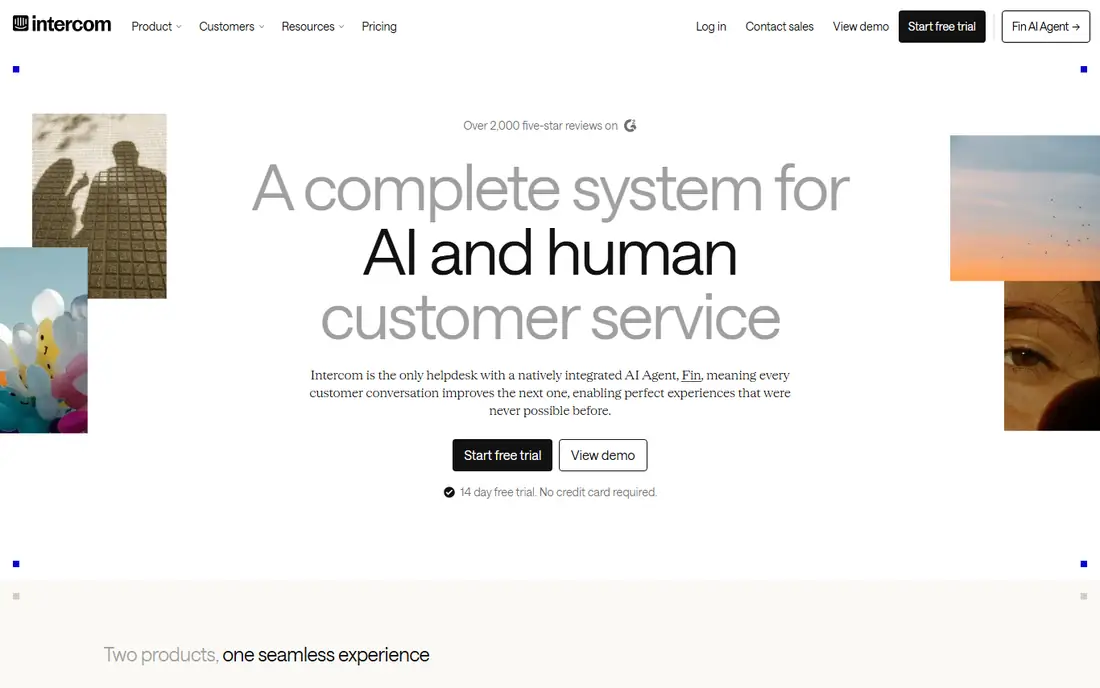
Intercom Fin is an AI agent built for messenger support, trained on your help centre, past conversations, and connected data sources. It answers routine questions in chat, hands over to a human with full context when it cannot resolve an issue, and charges 0.99 dollars per resolved conversation. That pay-per-resolution model makes value clear, since you pay when Fin actually solves a case, and its analytics show resolution rate, handover rate, and customer satisfaction for AI chats. Intercom seat plans start at 29 dollars per seat per month on annual billing.
At high volume, resolution fees can exceed seat costs, so forecast total cost from your monthly conversation volume, not just seat price. Fin also works best for messenger-first teams, while email-heavy operations may prefer Zendesk or Freshdesk AI. Fin is our pick for product-led companies whose support happens in an app or website and who want AI automation with clear per-resolution pricing.
- Fin AI resolves routine chats
- Pay per resolution
- Strong messenger analytics
- Per-resolution fees add up at volume
- Email-heavy teams may prefer a help desk
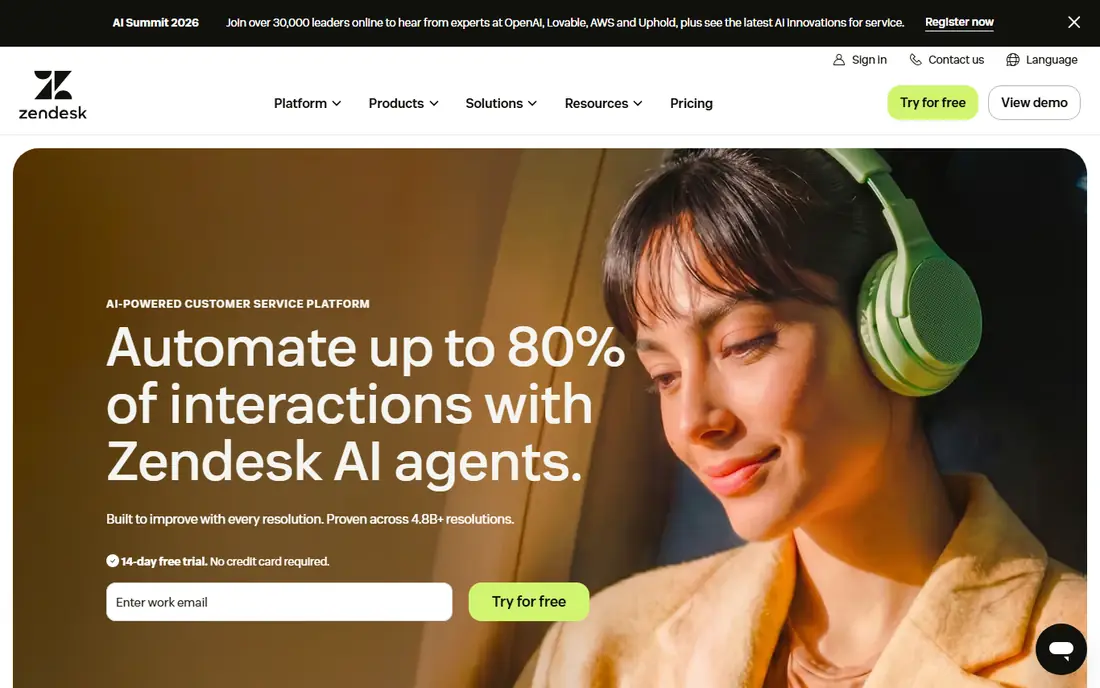
Zendesk AI combines Copilot, which drafts replies, summarises tickets, and suggests next steps for human agents, with AI agents that resolve routine tickets across email, chat, and voice. Suite plans start at 55 dollars per agent per month on annual billing, Copilot adds 50 dollars per agent per month, and AI agent resolutions are charged separately, at 1.20 to 1.50 dollars per verified resolution on committed plans or 2.00 dollars pay-as-you-go. That stack gives large teams both agent assistance and automation, with reporting that tracks AI resolution, handover, and satisfaction.
Total cost is the catch. A 20-agent team on Suite Professional with Copilot pays a large base bill before any resolution fees, so Zendesk AI suits larger teams that can use its breadth and reporting. Small teams may find Freshdesk Freddy or Tidio cheaper for similar routine automation. Zendesk AI is our pick for large Zendesk teams that need enterprise AI, agent assistance, and deep analytics together.
- Copilot for agents
- AI agents for routine tickets
- Deep reporting
- Copilot adds 50 dollars per agent
- AI resolutions charged separately
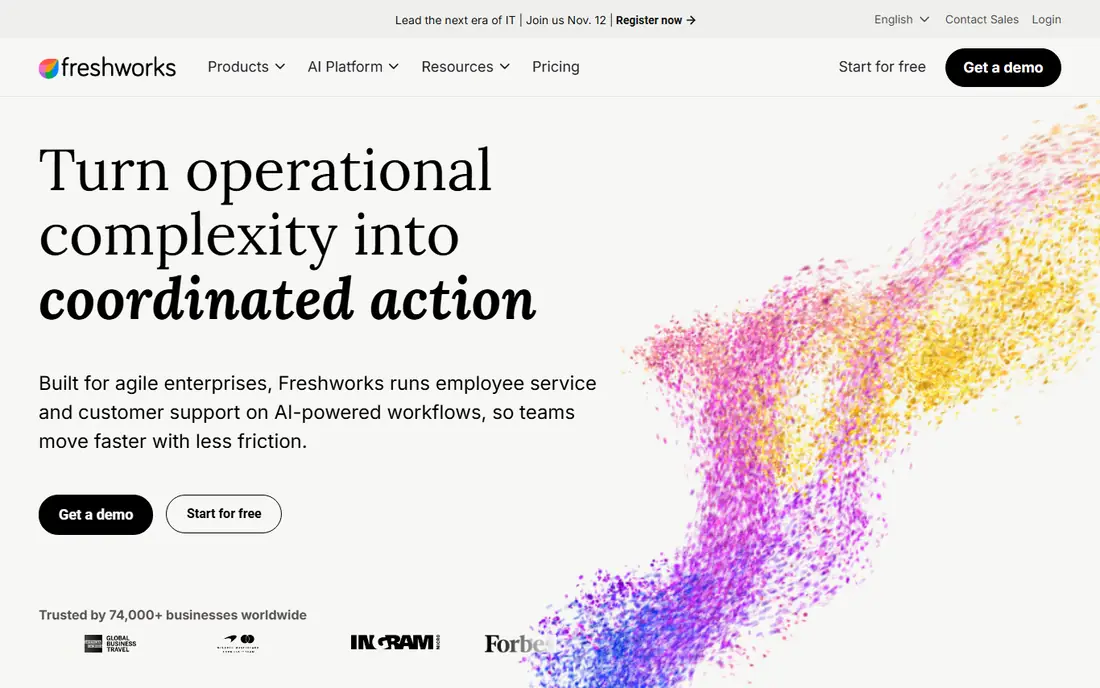
Freshworks Freddy AI offers Copilot for human agents, which drafts replies and summarises tickets, and an AI agent that resolves routine conversations in Freshdesk and Freshchat. Freshdesk Growth plans start at 15 dollars per agent per month, Freddy Copilot is a separate add-on, and AI agent sessions are charged in bundles after an initial free allowance. That lower base price makes Freddy attractive for small and mid-size teams that want AI help without Zendesk-level costs.
Session pricing needs care, since you pay for sessions whether or not the issue is fully resolved in some models, unlike Intercom per-resolution pricing. Check the current Freddy pricing page for your plan tier and session bundle before you forecast cost. Freddy suits Freshdesk teams that want agent assistance and routine automation at a lower entry price, with a clear handover to humans for complex cases.
- Freddy Copilot for agents
- AI agent sessions
- Lower entry price than Zendesk
- Copilot is a separate add-on
- Session pricing can confuse buyers
Salesforce Einstein brings AI to Service Cloud, with agent assistance, case summarisation, knowledge suggestions, and AI agents that resolve routine cases using CRM data. Because Einstein sits inside Salesforce, it can use account history, order data, and case context to personalise replies and route tickets accurately. That CRM link is a real advantage for companies already on Salesforce, since AI answers can reflect purchase history and prior cases rather than generic help articles.
Pricing is quote-based and setup needs Salesforce expertise, so Einstein suits larger Salesforce customers with admin support, not small teams looking for a quick plug-in. Teams outside Salesforce should choose an AI tool native to their own help desk instead. Einstein is our pick for Salesforce Service Cloud teams that want AI tied directly to customer records and workflows.
- Deep CRM-linked AI
- Einstein Copilot for agents
- Service Cloud integration
- Quote-based pricing
- Setup needs Salesforce expertise
HubSpot Breeze AI adds Copilot assistance, AI agents, and automation to Service Hub, using CRM data to draft replies, summarise conversations, and route tickets. Service Hub Starter starts at 20 dollars per seat per month, free tools cover up to two users, and advanced AI features use usage-based credits on higher tiers. That CRM link helps Breeze personalise replies with contact and deal history, and it keeps service, sales, and marketing data in one system for reporting.
Credit-based AI pricing can be hard to forecast, and advanced reporting sits in higher tiers, so check the credit model for your expected volume. HubSpot Breeze suits teams already on HubSpot who want AI assistance without switching help desks. Teams on Zendesk, Freshdesk, or Intercom will get better value from AI native to their own platform.
- Breeze Copilot and agents
- CRM-linked service data
- Free tools for small teams
- Advanced AI uses credits
- Reporting depth needs higher tiers
Ada is an AI customer service platform that automates routine conversations across chat, email, and voice, with controls for brand voice, tone, and escalation rules. It supports multiple languages and integrates with help desks such as Zendesk and Salesforce, so it can resolve cases automatically and hand over to humans with context when needed. Ada suits brands that want consistent automated replies at scale, especially in ecommerce and telecom, where routine questions dominate volume.
Pricing is quote-based and enterprise-oriented, and Ada works best when your help centre content is clear and current, since AI answers draw on that content. Companies with thin help content should build articles first, or AI accuracy will suffer. Ada is our pick for larger brands that want strong automated resolution with brand voice control and multilingual coverage.
- Strong automated resolution
- Brand voice controls
- Multilingual support
- Quote-based pricing
- Needs help centre content to work well
Forethought offers AI triage, which classifies tickets, routes them to the right team, and suggests responses, plus agent assist and workflow automation for Zendesk and Salesforce teams. Its strength is the middle layer of support work: sorting, prioritising, and drafting, rather than only answering routine chats. That triage value matters for teams with high ticket volume and many product areas, since misrouted tickets waste agent time and delay resolution.
Forethought is quote-based and works best as an add-on to an existing help desk, so total cost includes both the help desk and Forethought. Small teams with simple routing may not need it, since native triage in Zendesk or Freshdesk may be enough. Forethought suits mid-size and large teams with complex routing, high volume, and a need to cut time to first human response.
- AI triage and routing
- Agent assist
- Workflow automation
- Quote-based pricing
- Best as an add-on to an existing help desk
Tidio combines live chat, chatbots, and its Lyro AI agent in one tool for small businesses, with plans from 29 dollars per month. Lyro answers routine questions using your help content, hands over to live chat when needed, and tracks resolution and conversation data. That low entry price and simple setup make Tidio accessible for a small shop, restaurant, or online store that wants AI chat without enterprise cost or complexity.
Tidio is less deep than Zendesk, Intercom, or Salesforce AI for large, multi-channel operations, and AI conversation limits vary by plan, so check allowances before you commit. Tidio suits small teams whose support is mainly website chat and who want a quick AI win on FAQs, order questions, and opening hours. Larger teams should compare Intercom Fin or Freshdesk Freddy for scale.
- Low entry price
- Lyro AI agent
- Live chat and chatbot in one tool
- Less deep than enterprise platforms
- AI limits vary by plan
Drift offers conversational AI for B2B websites, with chatbots that qualify visitors, route leads, book meetings, and answer support questions. Its strength is the blend of sales and support: a visitor with a product question can be routed to sales, support, or a booking flow based on intent and account data. Drift integrates with Salesforce and other CRM tools, which helps B2B teams keep conversation and pipeline data together.
Drift pricing is quote-based, and its focus is sales-led conversation rather than pure ticket support, so support-heavy teams may prefer a help desk AI tool. Drift suits B2B companies that want website chat to handle both sales qualification and routine support, with clear routing to humans. For a support-only use case, Intercom Fin or Zendesk AI will usually fit better.
- B2B conversational AI
- Lead routing and meeting booking
- Salesforce integration
- Quote-based pricing
- Sales focus rather than pure support
How we picked these
We compared official pricing and product pages for AI service tools, focusing on automation type, agent assistance, handover quality, analytics, and total cost including per-resolution, per-session, and per-agent fees. We favoured tools that publish at least a starting price or clear pricing model, and we noted where pricing is quote-based. AI accuracy depends on help centre quality, so we also favoured tools with clear training and content controls.
How to roll out AI without harming trust
Start with a narrow set of routine questions, such as order status, delivery times, password resets, and return policies, where answers are factual and low risk. Train the AI on current help articles, test it with real customer phrasing, and set clear handover rules for billing disputes, cancellations, and sensitive cases. Measure resolution rate, handover rate, CSAT for AI chats, and reopen rate, and review a sample of AI conversations weekly for accuracy and tone.
Tell customers when they are talking to AI, and make it easy to reach a human without repeating their issue. Keep data privacy in mind: check what customer data the AI tool stores, how long it is kept, and whether it is used to train models. A transparent AI rollout that solves simple cases quickly and hands over complex cases smoothly builds trust, while a hidden AI that gives confident wrong answers destroys it fast.
FAQ
What is the best AI tool for customer service teams?
Intercom Fin is our pick for AI-first messenger teams, Zendesk AI suits large Zendesk teams, and Freshdesk Freddy suits smaller Freshdesk teams. The best choice depends on your help desk, channels, and volume, since AI native to your platform usually integrates and reports better than a separate tool.
How much does AI customer service software cost?
It varies by model. Seat plans start at 15 to 55 dollars per agent or seat per month, Copilot add-ons cost 29 to 50 dollars per agent, and AI resolutions cost 0.75 to 2.00 dollars per resolution or session depending on the vendor. Forecast total cost from seat count plus expected AI volume, not from seat price alone.
Will AI replace human support agents?
No, for most teams. AI handles routine, repetitive questions well, but complex, sensitive, and high-value cases still need humans. The best setup uses AI to resolve simple cases and draft help for agents, so humans can focus on cases where judgment, empathy, and product knowledge matter most.
How do I measure AI service quality?
Track AI resolution rate, handover rate, CSAT for AI-resolved cases, reopen rate, and time to human response after handover. Review a sample of AI conversations weekly for accuracy, tone, and compliance. A high resolution rate with low CSAT or high reopen rate is a warning sign, not a success.
Is customer data safe with AI service tools?
It depends on the vendor terms. Check data retention, whether customer data is used to train models, regional data hosting, and compliance certifications before you connect AI to live tickets. Avoid sending sensitive personal data to AI tools that do not offer clear privacy controls, and review terms with your security team.
Do I need a good help centre before using AI?
Yes. AI answers draw on your help articles, past conversations, and connected data, so thin or outdated content leads to weak answers. Audit your top 20 help articles, update return, shipping, and billing pages, and add missing FAQs before you launch AI. Good content is the cheapest way to improve AI accuracy.