Best AI Tools for Creating Videos in 2026: 8 Tools Compared
Compare the best AI tools for creating videos in 2026, from Runway and Google Veo to Synthesia, HeyGen, Pictory, InVideo, Fliki and Lumen5 for creators.
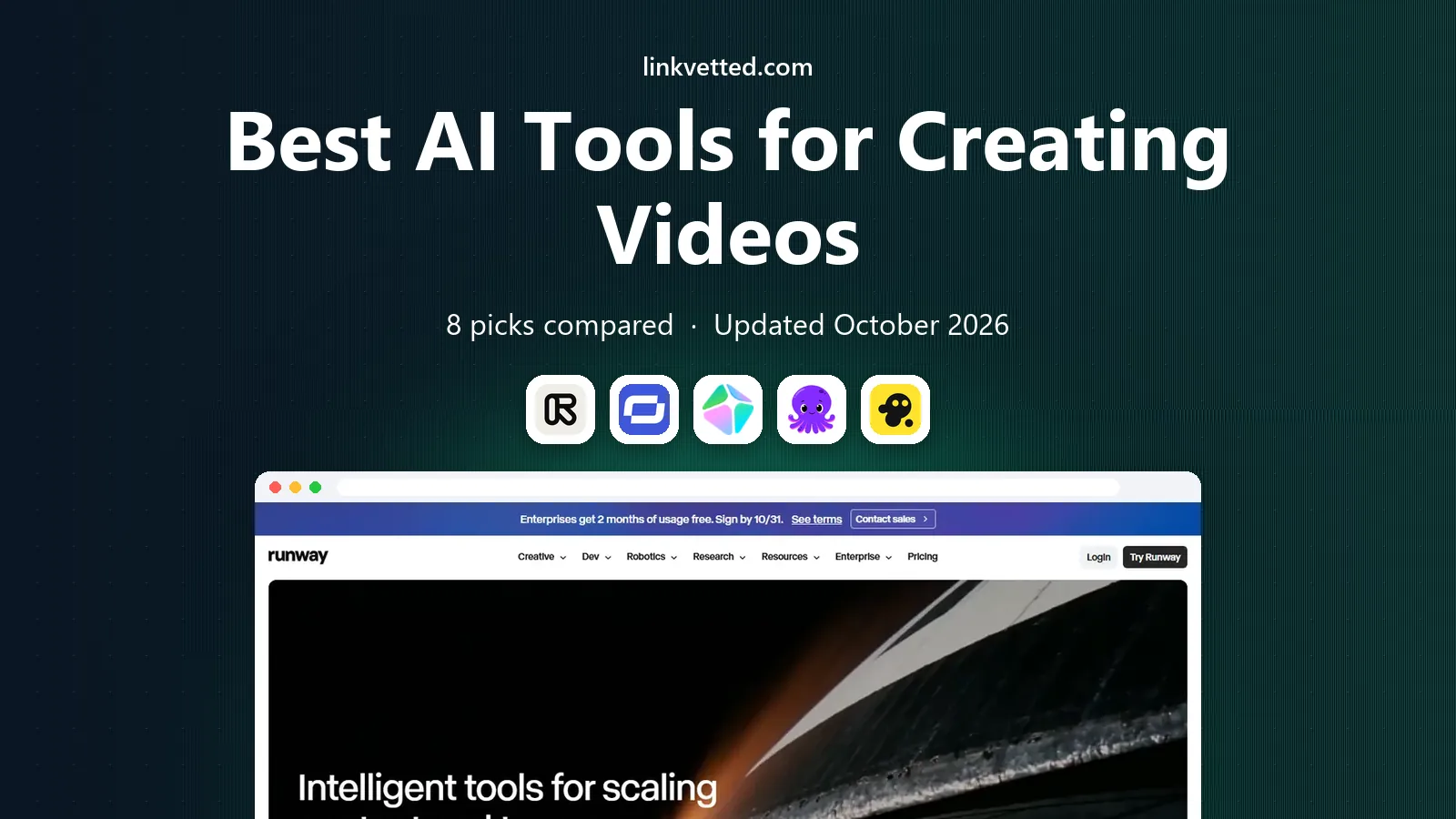
- Editor's choice
 Runway
Cinematic generated clips
Starts at$12 per monthVisit runwayml.comFull review - Great alternative
 Synthesia
Avatar training videos
Starts at$29 per monthVisit synthesia.ioFull review - Also consider
 HeyGen
Avatar marketing videos
Starts at$29 per monthVisit heygen.comFull review
TL;DR:
- Runway and Google Veo lead for fully generated cinematic clips, while Synthesia and HeyGen lead for avatar presenters.
- Pictory, InVideo, Fliki, and Lumen5 are better for turning scripts, blogs, and stock footage into finished videos fast.
- Most tools use credits, so check how many credits a minute of video or a single clip actually costs.
- Free plans usually add watermarks or cap resolution, so plan for a paid tier if you publish for work.
- AI video still needs human review for hands, text, likeness rights, and factual claims.
Quick comparison
| Tool | Best for | Starts at | Free plan? | |
|---|---|---|---|---|
| Runway | Cinematic generated clips | $12 per month | Yes | Visit |
| Synthesia | Avatar training videos | $29 per month | Yes | Visit |
| HeyGen | Avatar marketing videos | $29 per month | Yes | Visit |
 Pictory | Blog and script to video | See website | No | Visit |
 InVideo | Prompt to social video | See website | Yes | Visit |
 Fliki | Voiceover faceless videos | See website | Yes | Visit |
 Lumen5 | Blog to social video | See website | Yes | Visit |
 Google Veo | Realistic clips with sound | $19.99 per month | Yes | Visit |
The best AI tools for creating videos
AI video tools now fall into three groups: generators that create new footage from text, avatar tools that present a script with a digital person, and editors that turn a script or article into a video with stock clips and voiceover. Choosing the wrong group wastes credits, so start with the video style you need. Our pick for most creators is Runway for generated clips, with Synthesia as the best avatar option for training and explainers.

Runway is the tool many filmmakers and social creators reach for when they want original footage rather than stock clips. You can generate a scene from text, animate a still image, and then refine it with editing tools for background removal, inpainting, and motion tracking. The Standard plan, around $12 per month billed annually, gives a set credit allowance for generations.
The learning curve is real. Good results need clear prompts, reference images, and patience with failed generations, and longer videos are built by stitching short clips together. Check current credit rates before a large project, since model choice and resolution change the cost per clip. For a single hero clip or a short ad, Runway is often worth it. For bulk daily posts, a script-to-video tool may be cheaper.
- Strong text and image to video quality
- Broad editing tools
- Active model updates
- Credit costs add up with heavy use
- Learning curve for prompts and camera controls
- Short clips need stitching
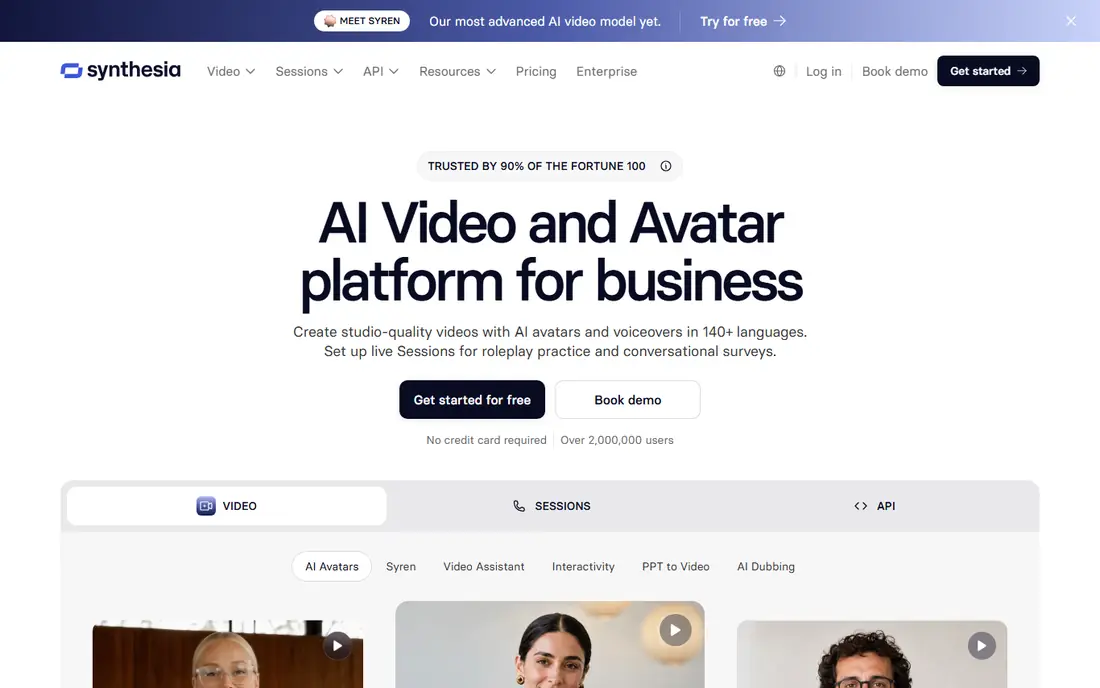
Synthesia is built for training, onboarding, and explainer videos at scale. You type a script, pick an avatar, choose a voice and language, and export a presenter-led video without filming. That workflow suits teams that update training often, translate content into many languages, or need a consistent presenter across dozens of videos.
The trade-off is warmth. Avatars handle clear, factual delivery well, but they struggle with humor, empathy, and high-energy sales pitches. Paid plans start around $29 per month, with minute allowances and branding options that vary by tier. A free plan or demo lets you test voice quality and lip sync before you commit to a full library of videos.
- Large avatar and language library
- Easy script to video workflow
- Brand and collaboration tools
- Avatar delivery can feel flat for emotional topics
- Monthly minute limits apply
- Higher tiers needed for scale

HeyGen suits marketers and creators who want a digital version of themselves to present short videos. You can record once to create a personal avatar, then generate new scripts in your voice and face without filming again. The platform also offers stock avatars, translation, and templates for ads, product demos, and social posts.
Quality depends on the source. A clean, well-lit recording with clear audio gives a much better avatar than a noisy phone clip, and you should only clone your own face and voice, or a face you have clear rights to use. Paid plans start around $29 per month, with free credits for short test videos. Check minute limits and commercial use terms for your plan before publishing client work.
- Personal avatar cloning from a short recording
- Wide language support
- Fast short-form output
- Free plan is limited to short videos
- Avatar quality depends on your source recording
- Credit limits apply
Pictory is a repurposing tool first. Paste a blog post or script, and it builds a video with stock footage, captions, and a voiceover, which you can then edit scene by scene. It can also cut long recordings into short clips for social channels. That makes it useful for bloggers, course creators, and small teams with a backlog of written content.
The result will only be as good as your edit. Stock clips can feel generic if you accept every auto suggestion, so swap in your own footage, brand colors, and a real voice where it matters. Pictory offers a trial, with paid plans starting in the $19 to $25 per month range depending on billing and current offers, so check the official pricing page for the current entry price.
- Turns articles and long videos into short clips
- Auto captions and voiceovers
- Simple editing timeline
- No free plan, only a trial in many cases
- Stock footage can feel generic
- Pricing varies by billing term
InVideo aims to be an all-in-one workspace for social and marketing video. You describe the video you want, and it drafts a script, selects clips, adds voiceover, and builds an editable timeline. The platform also gives access to many generative models, which is useful if you want to compare styles without opening several tools.
Credit math is the catch. Different models, resolutions, and lengths consume credits at different rates, and unused credits usually do not roll over. A free plan lets you test the workflow, with paid plans adding more credits and export options. Always review captions, on-screen text, and factual claims before publishing, since AI drafts can invent details.
- Prompt-based video creation
- Large stock library
- Many AI models in one workspace
- Credit use varies a lot by model
- Free exports carry limits
- Results need manual review and editing
Fliki is a good fit for faceless channels and narration-led videos. You paste a script, pick a voice, and it builds a video with stock visuals, captions, and background music. That speed suits news summaries, explainers, and list videos where the voice carries the content and the visuals support it rather than leading it.
The limit is originality. Stock visuals can repeat across channels, so add your own clips, charts, or screen recordings for topics where visuals matter. The free plan offers limited minutes and lower resolution, with paid plans adding more minutes, voices, and export quality. Check current pricing on the Fliki site, since plans change with voice and minute allowances.
- Strong text to speech voices
- Fast faceless video workflow
- Good for YouTube and social narration
- Visuals rely heavily on stock media
- Voice quality varies by voice
- Premium voices need paid plans
Lumen5 turns written content into social videos with a template-driven editor. Paste a post or script, and it suggests scenes, text overlays, and stock clips, which you can rearrange and brand. Social resizing makes it easy to export the same video for different platforms without rebuilding it each time.
Lumen5 is less suited to fully generated cinematic footage, and its strength is speed and consistency for marketing teams. The free plan lets you test the workflow, with paid plans adding brand kits, higher resolution, and more stock access. For a team that publishes several blog-based videos per week, that consistency can matter more than the newest generation.
- Simple blog to video workflow
- Brand kits and templates
- Social format resizing
- Less generative video than Runway
- Free plan has branding limits
- Stock-first visuals
Google Veo, from Google DeepMind, generates video clips from text and image prompts, with sound in supported workflows. It is known for realistic motion, lighting, and scene coherence, which suits short ads, social clips, and concept work. Access is tied to Google AI plans, with Google AI Pro starting around $19.99 per month and offering limited Veo access alongside other Google AI tools.
As with other generators, clips are short, and longer stories need stitching and editing. Check current Veo limits, watermark rules, and commercial terms for your plan, since they change as Google updates its AI tiers. Veo is a strong choice if you already use Google tools and want realistic generated clips without learning a separate production platform.
- Realistic motion with audio in many clips
- Strong prompt understanding
- Google ecosystem access
- Access and limits depend on Google AI plans
- Short clips
- Output review still needed
How we picked these
We compared official pricing pages, feature pages, and public reviews for AI video tools that are live in the United States in October 2026. We favored tools with working exports, clear credit or minute limits, and a real use case, and we mixed generators, avatar tools, and script-to-video editors so readers can match the tool to the video style. We left out tools that only offer a demo with no usable export.
How to keep AI video costs down
Write a tight script before you generate anything, and test with short, low-resolution drafts before you pay for final renders. Reuse avatars, templates, and brand assets across videos, and batch similar videos in one session so you learn the credit cost pattern. For client work, add a review step for likeness rights, music licenses, and factual claims in captions and voiceovers.
Rights and disclosure notes
Only clone faces and voices you own or have written permission to use, and check platform rules for AI-generated content before you publish. Many platforms now ask for disclosure of realistic AI media, and viewers trust creators more when AI use is stated clearly. Keep source files and licenses for stock, music, and voices so you can prove usage if a client asks.
FAQ
What is the best AI app for creating videos?
Runway is best for generated cinematic clips, Synthesia is best for avatar training videos, and Pictory is best for turning blogs into videos. The best app depends on whether you need new footage, a presenter, or a fast edit of existing content.
What is the best AI tool for creating videos from text?
Pictory, InVideo, and Fliki all turn text into video, with Pictory strongest for blog repurposing and Fliki strongest for voiceover-led videos. Runway and Veo are better when the text should generate new footage rather than assemble stock clips.
Which AI platform is best for creating videos for YouTube?
For faceless YouTube videos, Fliki and Pictory are fast and affordable. For presenter-led channels, HeyGen and Synthesia save filming time. For cinematic shorts, Runway and Veo give more original visuals, but at a higher credit cost per minute.
Are AI video tools free?
Most offer a free plan or trial, but free exports often carry watermarks, resolution caps, or minute limits. Paid plans start around $12 to $29 per month for the tools here, with credit or minute allowances that vary by tier.
Do AI videos look realistic in 2026?
Short clips can look very realistic, especially from Runway and Veo, but hands, text, and complex motion still show errors. Review every clip at full size, fix or cut problem shots, and avoid using AI video for claims that need documentary proof.
Can I use AI video for commercial work?
Yes, in most cases, but check the license for your plan, the model, and any stock or music included. Avatar cloning needs consent, and some plans limit commercial use on free tiers, so confirm terms before you sell or publish client videos.