Best AI Tools for Business Productivity in 2026: 9 Tools Compared
Compare the best ai tools for business productivity in 2026, with writing, meetings, tasks, scheduling, and office assistants for small business teams.
- Editor's choice
 Notion AI
Notes and docs in Notion
Starts atSee websiteVisit notion.soFull review - Great alternative
 Microsoft 365 Copilot
Office apps and email
Starts at$30 per user per monthVisit microsoft.comFull review - Also consider
 Gemini for Workspace
Google Docs and Gmail
Starts atSee websiteVisit workspace.google.comFull review
TL;DR:
- Start with the assistant inside the office suite you already pay for, since Gemini and Copilot cost less as an add-on than a separate platform.
- Notion AI and ClickUp AI suit teams that already plan work in those apps, while ChatGPT and Claude suit general drafting and research.
- Meeting tools such as Otter.ai and Fireflies.ai save the most visible time, because notes, summaries, and action items arrive without manual work.
- Check data handling and admin controls before rolling AI out to a whole team, especially for client and financial material.
Quick comparison
| Tool | Best for | Starts at | Free plan? | |
|---|---|---|---|---|
| Notion AI | Notes and docs in Notion | See website | Free trial | Visit |
| Microsoft 365 Copilot | Office apps and email | $30 per user per month | Free trial | Visit |
| Gemini for Workspace | Google Docs and Gmail | See website | Free trial | Visit |
 ChatGPT | General drafting and research | $20 per month | Yes | Visit |
 Grammarly | Writing polish and tone | $12 per month | Yes | Visit |
 Motion | AI scheduling and tasks | See website | Free trial | Visit |
 Otter.ai | Meeting transcription | See website | Yes | Visit |
 Fireflies.ai | Meeting notes and search | See website | Yes | Visit |
 ClickUp AI | Tasks and docs in ClickUp | See website | Free trial | Visit |
The best AI tools for business productivity
These tools help small and midsize teams draft faster, run meetings better, and keep tasks moving, without adding a separate app for every job.
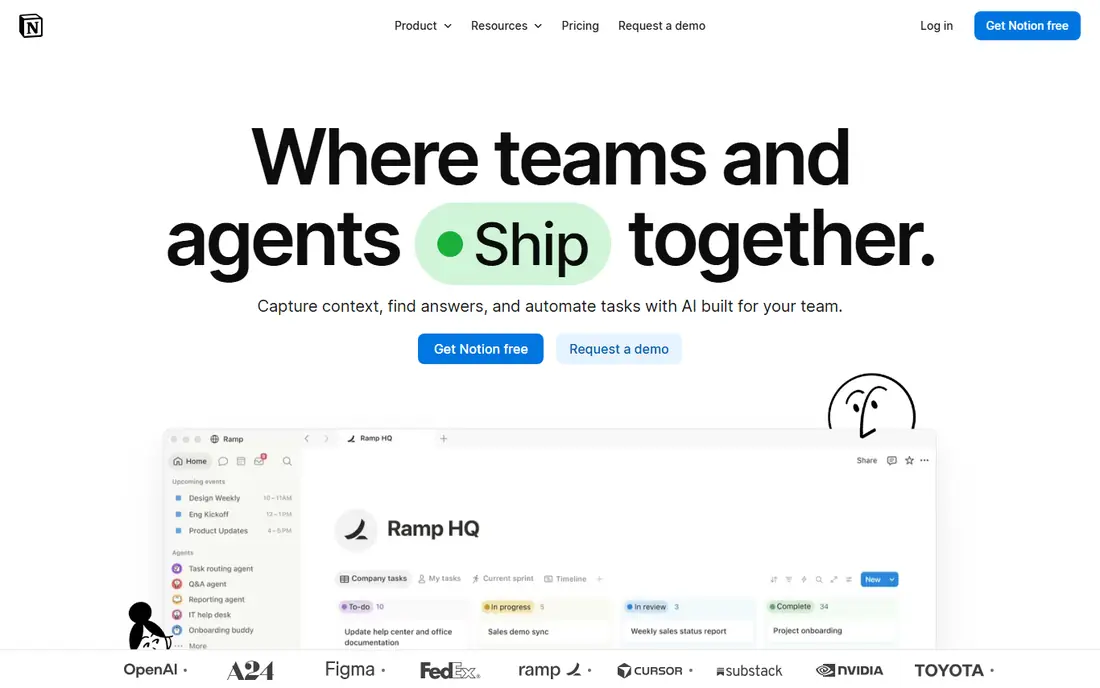
Notion AI adds drafting, summarizing, and question answering inside Notion pages, so teams can turn meeting notes into action items, draft docs from a brief, and search their own workspace in plain language. It suits teams that already plan projects, keep wikis, and write specs in Notion, because the AI works where the work already lives. Business pricing for Notion itself starts at about $20 per user per month when billed annually, with AI as an add-on or bundled option depending on plan.
If your team does not use Notion, buying it only for AI is a harder case. Output still needs human review, especially for numbers, dates, and client commitments. For Notion teams, though, AI removes a lot of blank-page and summary work, and it keeps knowledge searchable instead of buried in long pages.
- AI inside pages, docs, and databases
- Good summaries and drafting
- Strong for team knowledge bases
- Best value only if your team already uses Notion
- AI pricing varies by plan
- Output needs fact checks
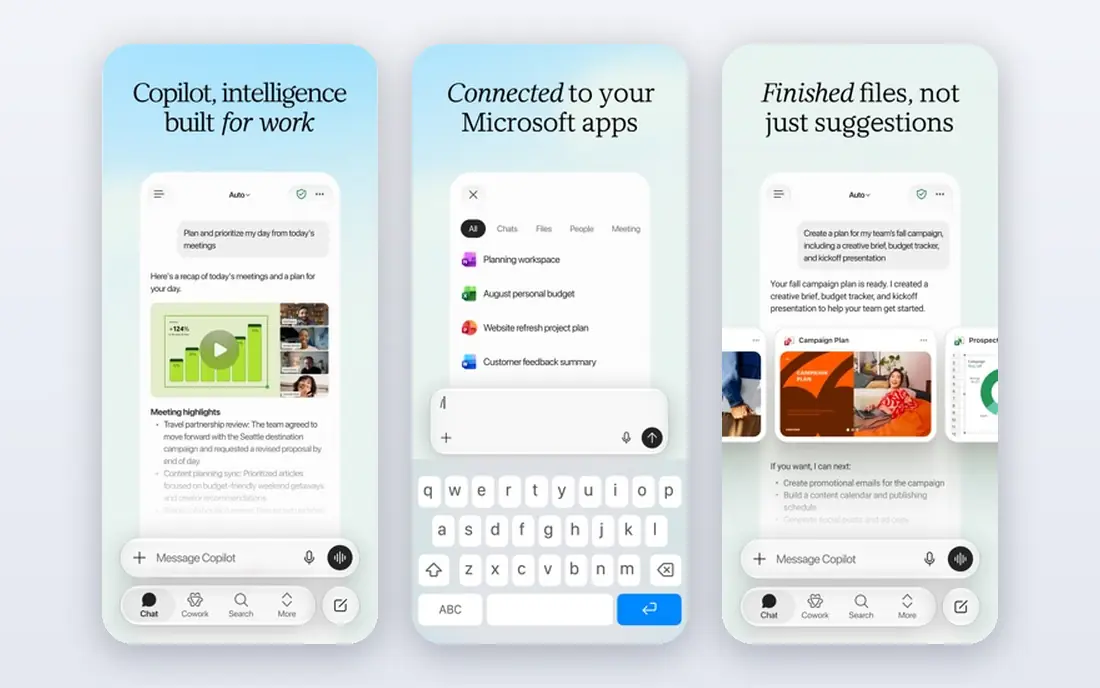
Microsoft 365 Copilot brings AI into Word, Excel, PowerPoint, Outlook, and Teams, drafting emails, summarizing meetings, building presentations from docs, and analyzing spreadsheets. Enterprise Copilot is listed at $30 per user per month on an annual term, on top of a qualifying Microsoft 365 plan, while Copilot Business pricing for smaller teams has been promoted at lower rates. The value is highest for teams whose files, mail, and meetings already live in Microsoft 365.
The total cost is the catch, since Copilot sits on top of the base suite price. Teams that mainly use Google Workspace or standalone tools will get less from it. For Microsoft-centered businesses, Copilot is the most direct way to add AI to daily office work without changing apps.
- AI inside Word, Excel, Outlook, and Teams
- Good for Microsoft shops
- Enterprise controls available
- Add-on cost on top of Microsoft 365
- Small-business pricing varies
- Needs data in Microsoft apps to shine
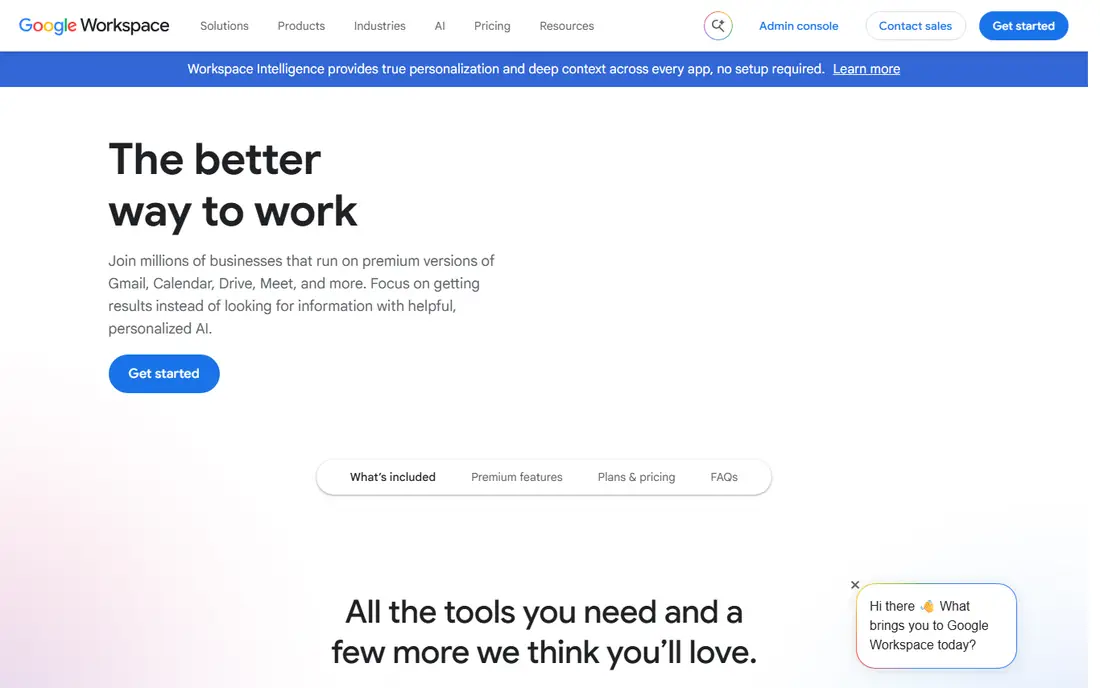
Gemini for Google Workspace puts Google's AI inside Gmail, Docs, Sheets, Drive, and Meet, helping teams draft emails, summarize documents, analyze sheets, and recap meetings. Paid Workspace plans now include Gemini, with Business Starter at about $7 per user per month, Standard at $14, and Plus at $22 when billed annually. That bundling makes Gemini the cheapest first AI step for teams already on Google Workspace.
Starter gives Gemini in Gmail and the Gemini app, but not the full in-app experience in Docs or Meet, so check the edition before you buy. As with all AI drafting, facts and figures need checking. For Google teams, Gemini is the natural productivity pick because it requires no new app and no separate AI subscription.
- Gemini included in paid Workspace plans
- AI in Gmail, Docs, Sheets, and Meet
- Simple pricing for Google teams
- Cheapest tier has fewer in-app AI features
- Admin controls vary by edition
- Output needs review
ChatGPT remains the most versatile AI productivity tool for general business work. It drafts emails, reports, and marketing copy, summarizes long documents, analyzes data pasted in, and helps plan projects. Plus starts at $20 per month for individuals, with a free plan that has limits, and Business and Enterprise plans add admin controls, data protections, and shared workspaces.
The main risk is accuracy. ChatGPT can produce confident-sounding text with wrong facts, dates, or figures, so every business output needs a human check. It also works best when prompts include context, goals, and source material. For teams that need one flexible AI assistant across many jobs, ChatGPT is the safest general pick.
- Versatile drafting, research, and analysis
- Good for solo and team use
- Business plans add controls
- Output can contain errors
- Business pricing is by quote for larger teams
- Needs clear prompts
Grammarly focuses on making business writing clearer, more correct, and more consistent, rather than generating long drafts from scratch. It checks grammar, spelling, clarity, and tone in email, docs, and browsers, and Pro adds style guides and AI writing help. Pro starts at about $12 per month when billed annually, with a free plan for basic checks.
It will not plan a project or analyze a spreadsheet, so teams that need general AI should pair it with ChatGPT or a suite assistant. For teams where client emails, proposals, and reports carry the brand, Grammarly's polish is a daily benefit. It is also one of the easiest AI tools to adopt, since it works inside the apps teams already use.
- Strong grammar, clarity, and tone checks
- Works across browsers and apps
- Good team style guides
- Not a full drafting tool
- Pro pricing is annual
- AI suggestions still need judgment
Motion uses AI to schedule tasks, projects, and meetings around your calendar, so work gets a time slot instead of sitting on a list. It combines task management, project tracking, and calendar scheduling, and it re-plans automatically when meetings move or deadlines change. That auto-scheduling is the feature that sets it apart from a standard to-do list.
Pricing is by quote or plan on the vendor site, so check current rates before budgeting. Teams that resist letting software move their tasks may find the auto-planner intrusive at first, and it takes a week or two to tune priorities. For busy managers and small teams juggling many deadlines, Motion can turn a chaotic list into a workable day.
- Auto-schedules tasks around meetings
- Good calendar and project views
- Reduces planning time
- Pricing is not as transparent as simpler task apps
- Learning curve for auto-scheduling rules
Otter.ai transcribes meetings in real time, produces searchable transcripts, and summarizes key points and action items. It works with Zoom, Google Meet, and Microsoft Teams, and it can join meetings automatically to take notes for the team. A free plan covers limited monthly transcription minutes, with paid plans adding more minutes, team features, and integrations.
Accuracy is good for clear, single-speaker audio, but crosstalk, accents, and poor microphones still cause errors, so important decisions should be confirmed in writing. For teams drowning in meetings, Otter.ai saves the most visible time on this list, because no one has to write notes while also trying to contribute.
- Accurate live transcription
- Good summaries and action items
- Strong for recurring meetings
- Free plan has monthly minutes limits
- Accuracy drops with accents and crosstalk
- Needs meeting access
Fireflies.ai records, transcribes, and summarizes meetings, then stores them in a searchable library so teams can find what was decided weeks later. It integrates with Zoom, Google Meet, Teams, and CRMs, and it can track action items, questions, and topics across meetings. A free plan covers basic transcription with limits, while paid plans add storage, analytics, and team features.
Teams should set norms for bot attendance, since some participants dislike a recording bot joining without warning. Tell attendees in advance and check consent rules for your region. For sales, support, and project teams that need to search past conversations, Fireflies.ai turns meetings from lost time into a usable record.
- Searchable meeting library
- Good summaries and action tracking
- Wide integration list
- Free plan limits storage and features
- Bot joining meetings needs consent norms
- Summary quality varies
ClickUp AI adds drafting, summarizing, and task creation inside ClickUp, so teams can turn a brief into tasks, summarize long docs, and generate project updates without leaving their workspace. It suits teams that already manage work in ClickUp, because the AI can use task context, docs, and comments to produce relevant output. ClickUp itself offers a free plan, with AI available as an add-on or on higher plans.
Teams that do not use ClickUp should not buy it only for AI, since general tools cover drafting more cheaply. Output also needs review for dates, owners, and priorities. For ClickUp teams, AI cuts the busywork of writing updates and breaking large goals into tasks, which is where many projects stall.
- AI inside tasks, docs, and projects
- Good summaries and drafting
- Strong for teams already on ClickUp
- Best value only for ClickUp teams
- AI features vary by plan
- Setup takes time
How we picked these
We compared official pricing pages, feature lists, and public reviews for AI tools that are actively sold in 2026 and that fit daily business work. We favored tools with clear productivity jobs, such as drafting, scheduling, transcription, and task management, rather than general chatbots alone. Prices are starting prices where published, and quote-based or bundled tools are marked as See website.
What to check before you buy AI productivity tools
Start with one workflow, not a whole suite. Pick a repeated job, such as meeting notes, weekly reports, or email drafting, and measure how much time the tool saves over two weeks. That test tells you more than a feature list, and it helps you decide whether to roll the tool out to the whole team.
Data, accuracy, and adoption
Check what data the tool stores, who can access it, and whether business plans offer admin controls and data protections. Set a rule that AI output is a draft, not a final answer, especially for client, legal, and financial material. Train the team on good prompts and on checking facts, since adoption fails when people trust output they have not read.
FAQ
What are the best AI productivity tools for business?
For most teams, start with Gemini or Copilot inside your existing office suite, add ChatGPT for general work, and add Otter.ai or Fireflies.ai for meetings. Notion AI and ClickUp AI are best if your team already plans work in those apps.
How much do AI business tools cost?
ChatGPT Plus starts at $20 per month, Grammarly Pro at about $12 per month, and Microsoft 365 Copilot at $30 per user per month on top of Microsoft 365. Gemini is bundled into paid Google Workspace plans from about $7 per user per month. Meeting and scheduling tools vary by plan.
Is AI safe for business documents?
Business plans from major vendors offer stronger data controls than free plans, but you should still avoid pasting highly sensitive client or financial data into a tool without checking its policy. Treat AI output as a draft and review facts before sending or publishing.
Will AI replace project managers?
No, it handles drafting, scheduling, and summaries, but it does not replace judgment about priorities, people, and trade-offs. The best use is to remove busywork so managers can spend more time on decisions and coaching.
Which AI tool saves the most time?
Meeting transcription tools often save the most visible time, because they remove manual note-taking and produce searchable summaries. Drafting tools save time too, but only when teams review output and reuse good prompts.