Best AI Tools for Business Automation in 2026: 8 Tools Compared
Find the best ai tools for business automation, with Zapier, Make, n8n, and Power Automate compared on price, AI features, ease of setup, limits, and value.

- Editor's choice
 Zapier
Widest app library for beginners
Starts at$19.99 per monthVisit zapier.comFull review - Great alternative
 Make
Visual workflows at lower cost
Starts at$9 per monthVisit make.comFull review - Also consider
 n8n
Self-hosted and developer friendly
Starts atSee websiteVisit n8n.ioFull review
TL;DR:
- Zapier has the widest app library, while Make is often cheaper at the same volume, and n8n suits teams that want to self-host.
- Per-task pricing punishes high-volume workflows, so check the billing unit, task, operation, execution, or seat, before choosing.
- AI steps can add a second bill, since many tools charge for the workflow and the model provider charges for model use.
- Small businesses should start with one painful workflow, measure time saved, and only then expand to more apps.
Quick comparison
| Tool | Best for | Starts at | Free plan? | |
|---|---|---|---|---|
| Zapier | Widest app library for beginners | $19.99 per month | Yes | Visit |
| Make | Visual workflows at lower cost | $9 per month | Yes | Visit |
| n8n | Self-hosted and developer friendly | See website | Yes | Visit |
 Microsoft Power Automate | Microsoft 365 teams | $15 per user per month | Yes | Visit |
 UiPath | Enterprise robotic automation | See website | Free trial | Visit |
 Workato | Enterprise app integration | See website | No | Visit |
 Bardeen | Browser automation for individuals | $10 per month | Yes | Visit |
 Relay.app | Human in the loop workflows | $19 per month | Yes | Visit |
The best AI tools for business automation
We compared these tools on official feature pages, pricing, and public reviews, and we picked a mix of leaders and smaller options that fit the topic well. Start with the product that fits your main need, then check price and free limits before you build a workflow around it.
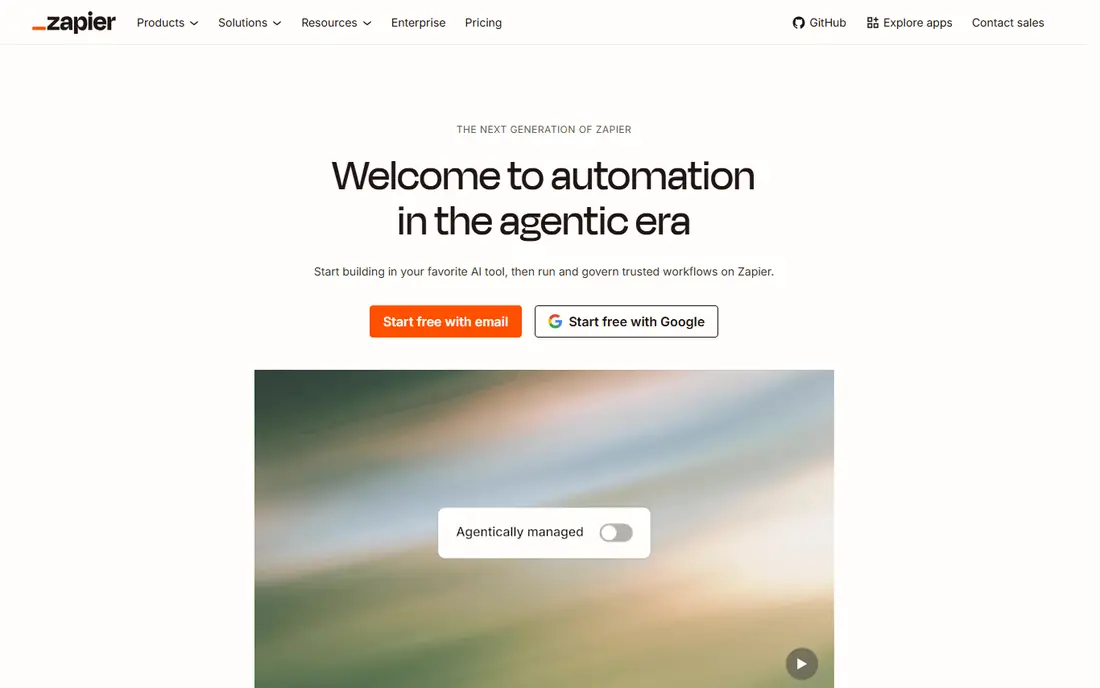
For teams that want a clear plan in one place, this is a strong place to start. Small businesses that want to connect common apps with little setup will find Zapier the easiest starting point, since its catalog covers most everyday tools.
The breadth is the main strength, because a workflow for leads, invoices, or support can often be built from ready templates without code or a long learning period.
The catch is cost at volume, since each action step counts as a task, and a busy workflow can move a team to a higher plan sooner than expected.
- Thousands of app connections
- Simple builder
- AI agents and tables
- Per-task pricing grows fast
- Branching is limited on lower plans

If clarity matters more than a long feature list, this option deserves a close look. Teams that want visual control and lower cost at moderate volume will like Make, since scenarios show each step, filter, and branch on one canvas.
The visual builder is the standout, because it makes it easier to see where data changes, where a branch splits, and where a workflow might fail.
The downside is catalog size, since some niche apps may need a generic web request instead of a ready connection, which adds setup time for rare tools.
- Visual scenario builder
- Strong branching
- Generous operation limits
- Smaller catalog than Zapier
- Setup takes more care for complex flows
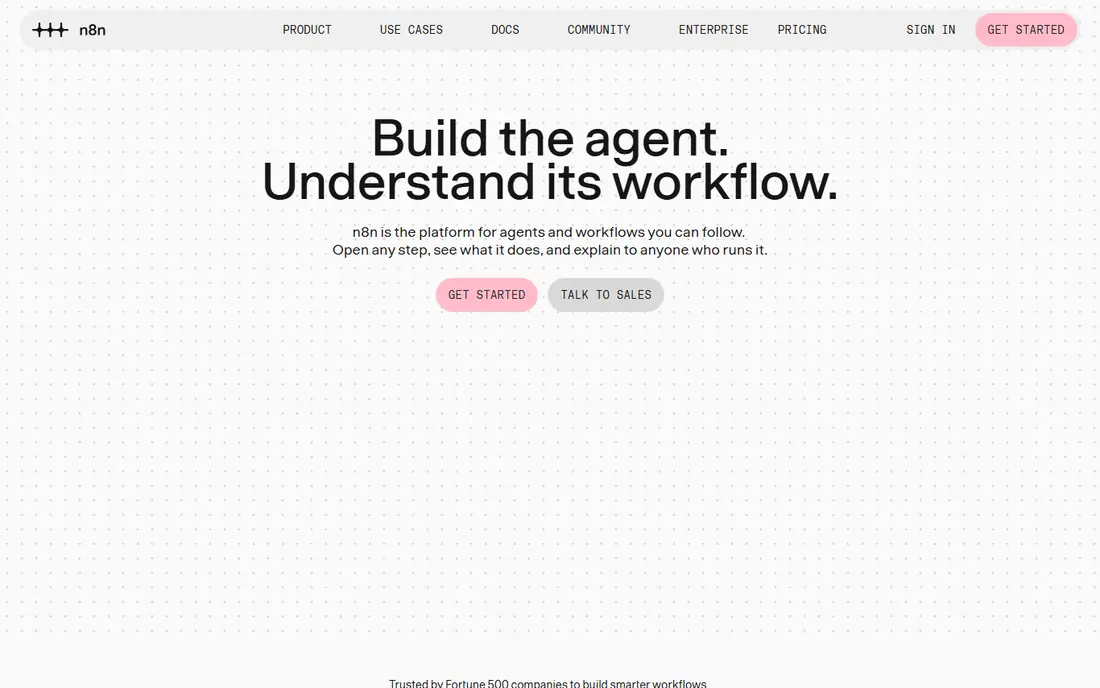
This one suits people who want structure without a long setup process. Technical teams that care about data control and custom logic will find n8n a strong fit, since self-hosting keeps workflow data on their own servers.
The flexibility is the draw, because code nodes, webhooks, and AI model nodes let teams build logic that simple trigger and action tools cannot express well.
The trade-off is upkeep, since self-hosting needs updates, backups, and monitoring, and cloud plans charge per execution, so high-volume flows need a cost check.
- Self-hosted Community Edition
- Code nodes
- Native AI model nodes
- Self-hosting needs maintenance
- Cloud pricing is per execution
A practical choice for busy teams, this tool keeps the important work visible. Companies already paying for Microsoft 365 will get the most from Power Automate, since flows can start in Outlook, Teams, SharePoint, or Excel with little extra setup.
The Microsoft link is the strength, because approvals, document handling, and desktop automation can sit beside the apps a team already uses every day.
The weakness is licensing, since premium connectors and unattended desktop flows can add cost, and the plan that fits one team may not fit another.
- Deep Microsoft 365 links
- Desktop RPA
- AI Builder and Copilot features
- Premium connectors add cost
- Licensing can be confusing
When a team is growing past spreadsheets, this is often the next sensible step. Large companies with repetitive desktop work, legacy apps, and compliance needs will find UiPath a serious option, since it is built for robotic process automation at scale.
The desktop automation depth is the point, because bots can work inside apps that lack an API, which matters for older systems that cannot be replaced quickly.
The catch is scale, since pricing and implementation suit larger budgets, and a small team with simple app-to-app flows will likely find a lighter tool faster.
- Mature RPA for desktop apps
- AI document handling
- Enterprise controls
- Enterprise pricing and setup
- More than most small teams need
This option works well for people who value a clean view over extra controls. Enterprises that need governed automation across many systems will value Workato, since recipes, roles, and audit controls suit larger operations teams.
The governance is the strength, because access, versioning, and monitoring matter when automations touch finance, HR, or customer data across departments.
The downside is cost and complexity, since pricing is custom and smaller teams may find the setup heavier than a simple Zapier or Make workflow.
- Recipe-based automation
- Strong governance
- Many enterprise connectors
- Custom pricing
- Implementation help is often needed
For smaller teams on a tight budget, this choice keeps costs and complexity down. Individuals and small teams that repeat browser tasks, such as copying leads or updating sheets, will like Bardeen, since it works where they already work.
The browser focus is the appeal, because playbooks can scrape, fill, and move data between web apps without a separate integration project.
The limit is scope, since back-end system automation is not its main strength, and credit limits mean heavy users should check the plan before relying on it daily.
- Browser-based automations
- AI agent actions
- Simple playbooks
- Credit limits on lower plans
- Best for browser work, not back-end flows
If you need a tool that others can read at a glance, this one makes that easy. Teams that want a person to approve key steps, such as refunds or content, will find Relay.app useful, since human review is built into the workflow design.
The approval step is the standout, because it keeps automation fast for routine work while leaving judgment calls to a person at the right moment.
The weakness is catalog breadth, since some apps may need workarounds, and per-step pricing means teams should test a real month of volume before committing.
- Clear human approval steps
- AI steps
- Simple team sharing
- Smaller app catalog
- Per-step pricing needs a volume check
How we picked these
When we compared automation tools, we reviewed official pricing pages, feature pages, and app listings, plus public reviews that describe setup and billing. We favored tools with clear AI features, reliable app connections, and honest limits on free plans, and we noted where a second model bill or a premium connector changes the total cost. We did not claim hands-on testing. We also checked that each product is still offered in October 2026 and that its official site matches the product name, and we left out tools with unclear pricing, weak safety controls, or a poor fit for the topic.
How to pick an automation tool without paying for tasks you do not need
Start with one workflow that already costs time, such as lead routing, invoice chasing, or status updates, and write down the steps before choosing a tool. A clear workflow makes it easier to compare task limits, since a tool that looks cheap on a demo can become costly when each step is billed.
Next, check error handling, since failed runs are where automation tools earn their keep. Look for retry options, clear run history, alerts, and a simple way to replay a failed run without duplicating records in the target app.
Watch the AI bill separately
Many tools charge for the workflow, while the AI model provider charges for tokens or calls, so budget for both. Start with small AI steps, such as drafting or classifying, and keep a human check on outputs that reach customers or change records.
Keep data and permissions tight
Automation tools can read a lot of data, so limit each connection to the apps and records it truly needs. Review permissions when a workflow changes, and avoid storing passwords or sensitive customer data inside a workflow step.
Before you commit, run a short trial with real data, real users, and a real deadline, since a demo with sample data hides the limits that matter most. Note what feels slow, what needs support, and what the free plan leaves out, then compare that note with the price for your actual team size.
A good choice should feel clear after a week of real use, not only after a sales call. If setup feels heavy, if pricing is hard to explain, or if safety controls are hard to find, keep looking, since those problems tend to grow once more people rely on the tool every day. Keep a short note of what you tested, so the final choice rests on evidence, not on a first impression.
FAQ
What is the best AI automation tool for a small business?
Zapier is the easiest start for most small businesses, while Make is often cheaper at higher volume. Teams that want self-hosting should look at n8n, and Microsoft 365 teams should check Power Automate first.
Do AI automation tools replace staff?
They replace repetitive steps, not judgment, since approvals, customer care, and complex decisions still need people. The best use is to remove copy work so staff can spend time on work that needs context.
How much does business automation cost?
Entry paid plans range from about $9 per month for Make to $19.99 per month for Zapier, with enterprise tools priced by quote. High-volume flows, premium connectors, and AI model use can raise the total.
Can I automate without code?
Yes, most tools on this list offer visual builders and templates for common tasks. Code helps for custom logic, but a small business can start with templates and add code only when a workflow needs it.
Is n8n really free?
The Community Edition is free to self-host, but the team still pays for a server and maintenance time. Cloud plans are paid, so free self-hosting is best for teams with technical help.